How to Delete a Viber Contact on Android
Open the Viber app on your Android.. Tap the CONTACTS tab.. Select VIBER at the top of your contacts list.
Steps
1
Open the Viber app on your Android.
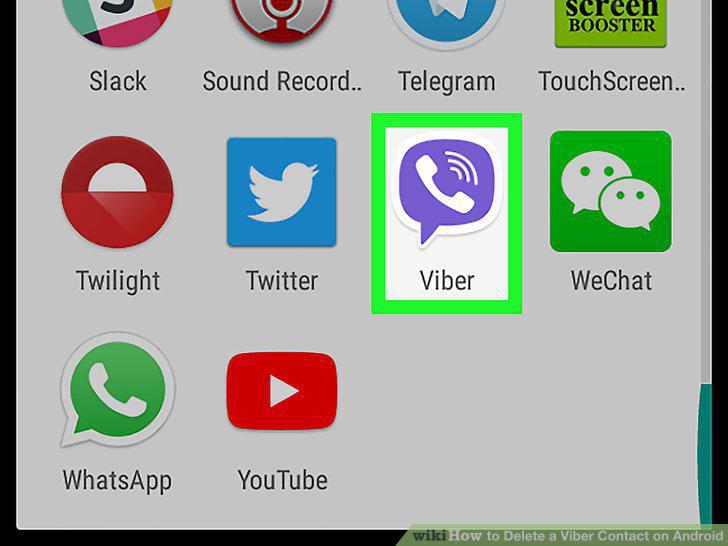
Open the Viber app on your Android.
2
Tap the CONTACTS tab.
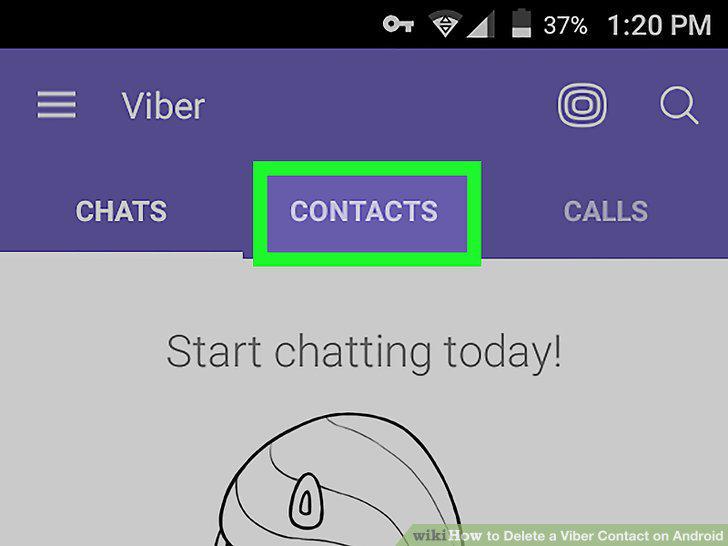
Tap the CONTACTS tab.
3
Select VIBER at the top of your contacts list.
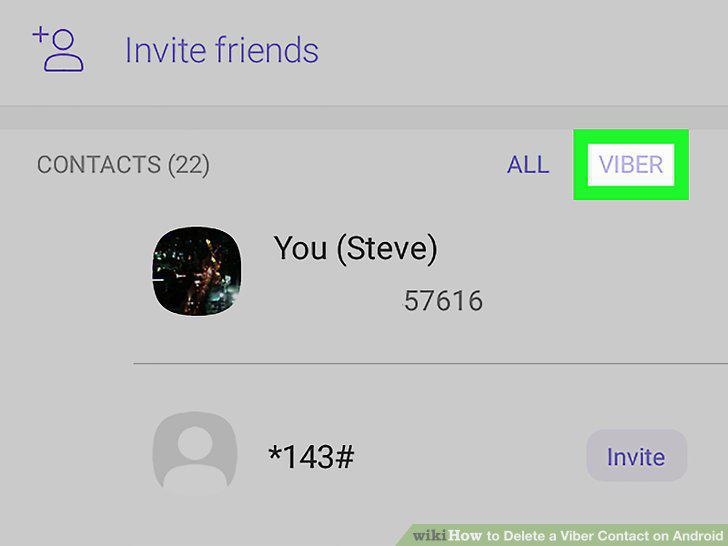
Select VIBER at the top of your contacts list.
4
Tap and hold the contact you want to delete.
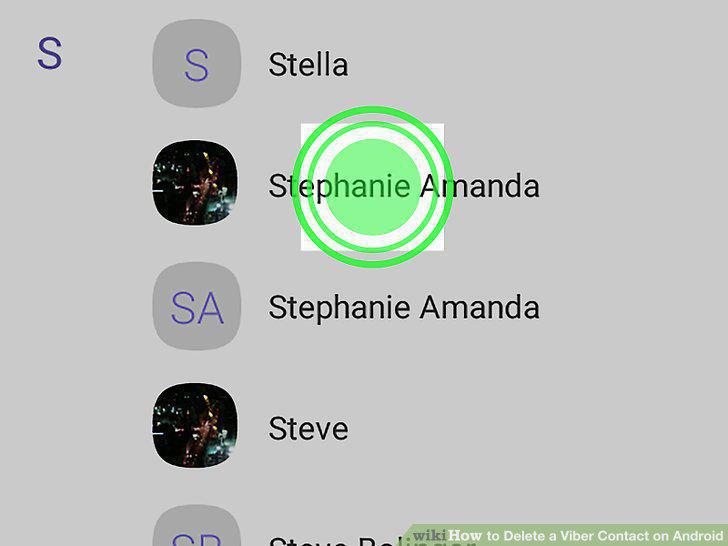
Tap and hold the contact you want to delete.
5
Tap Delete on the pop-up menu.
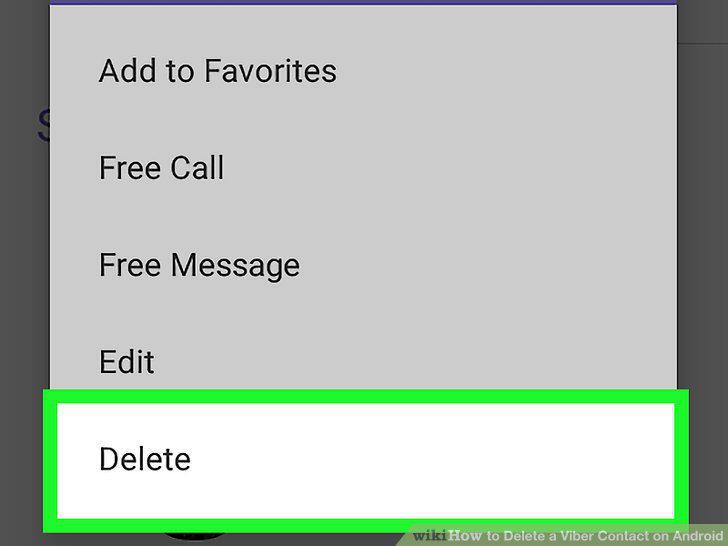
Tap Delete on the pop-up menu.
6
Tap DELETE in the confirmation pop-up.
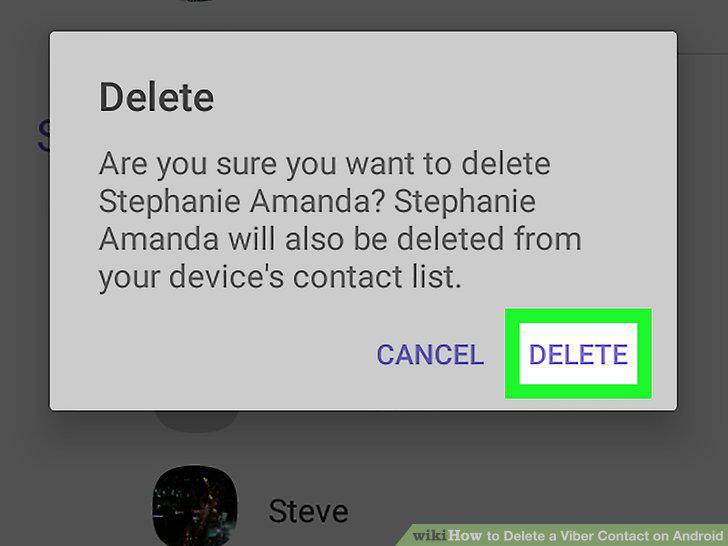
Tap DELETE in the confirmation pop-up.
Comments (0)
No comments yet. Be the first to share your thoughts!