How to Sync WordPress and Facebook
Go to WordPress.. Locate the dashboard menu on the left side of the page.. Find the box that says Publicize.
Steps
1
Go to WordPress.
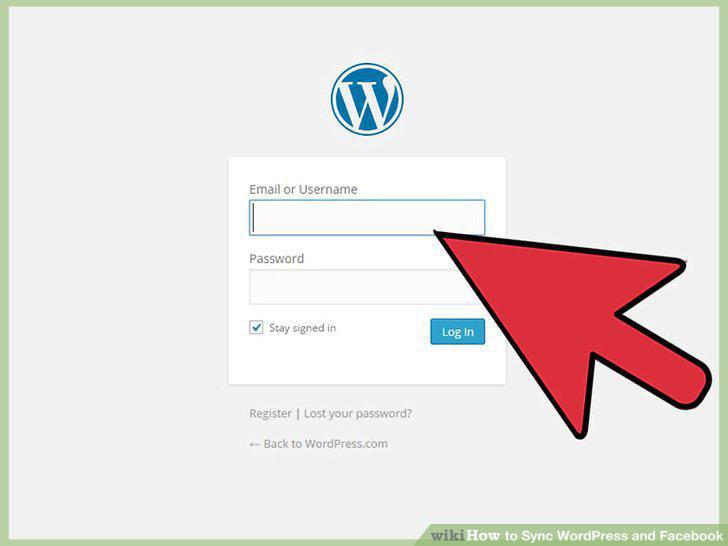
Go to WordPress.
2
Locate the dashboard menu on the left side of the page.
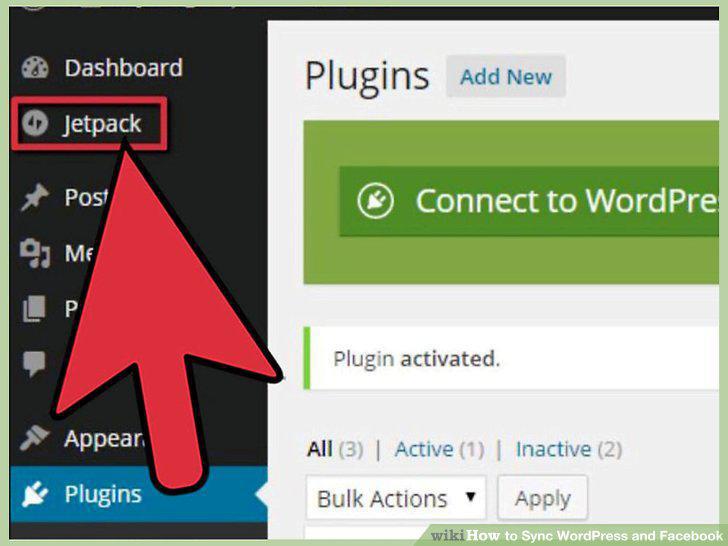
Locate the dashboard menu on the left side of the page.
3
Find the box that says Publicize.
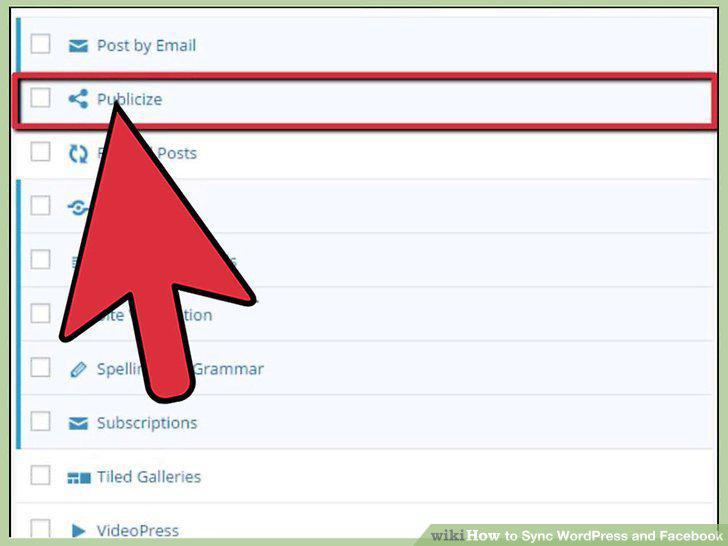
Find the box that says Publicize.
4
Click the Connect button next to Facebook.
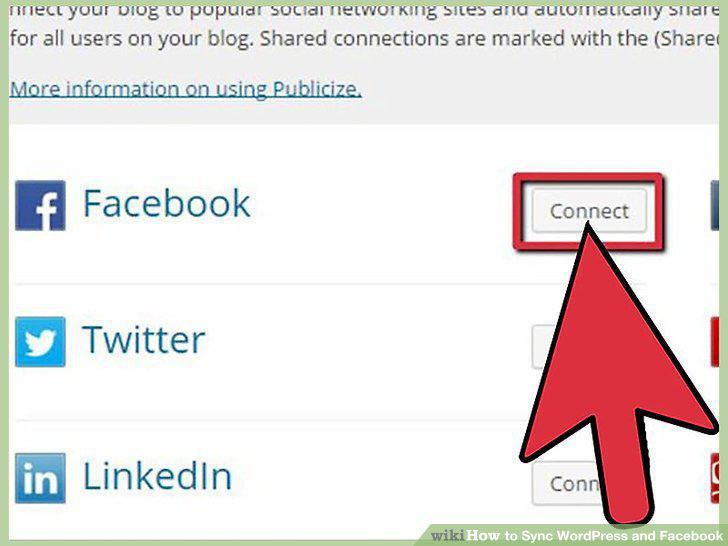
Click the Connect button next to Facebook.
5
Select the appropriate page or profile.
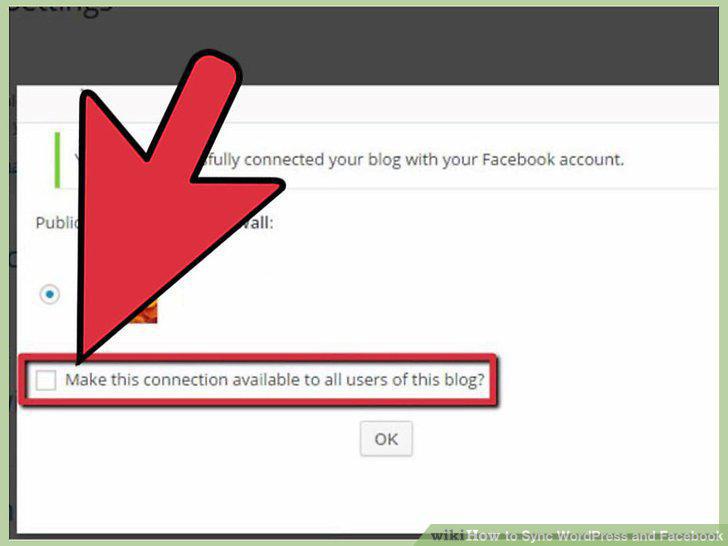
Select the appropriate page or profile.
6
Log into your WordPress dashboard.
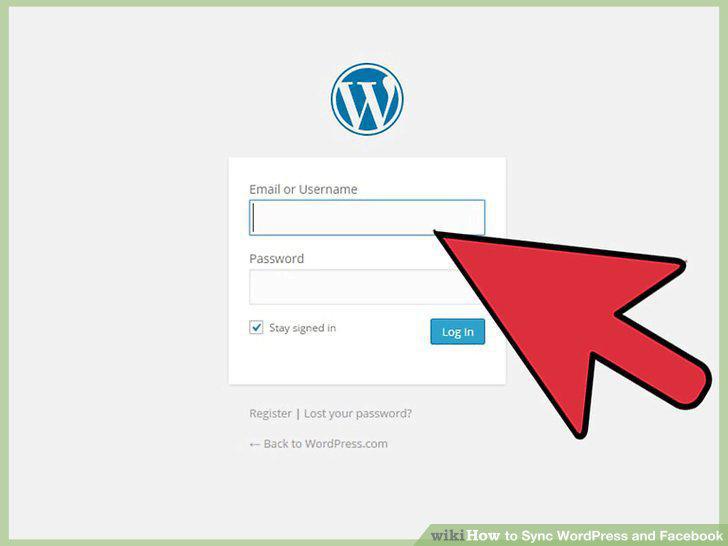
Log into your WordPress dashboard.
7
Hover over Plugins.
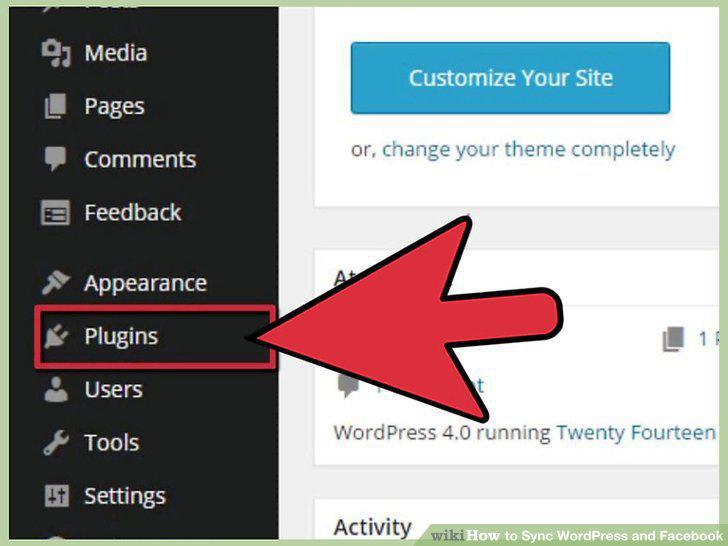
Hover over Plugins.
8
Type "Social" in the search box.
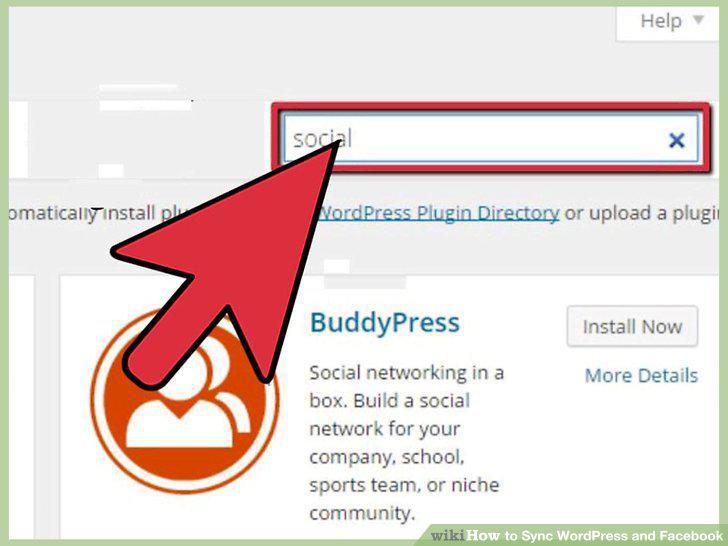
Type "Social" in the search box.
9
Click "Install Now.
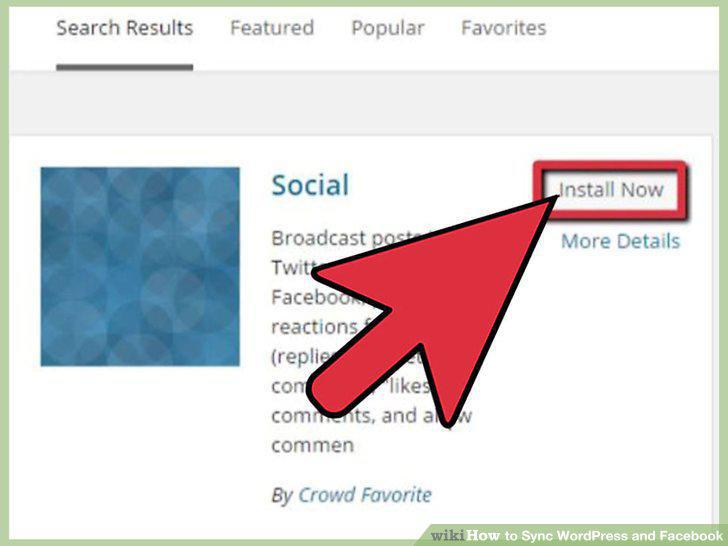
Click "Install Now.
10
Click "Activate Plugin.
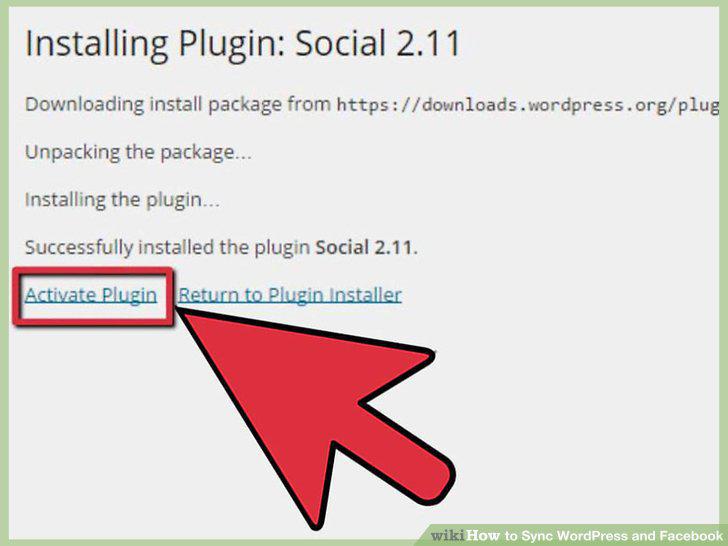
Click "Activate Plugin.
11
Hover over "Settings.
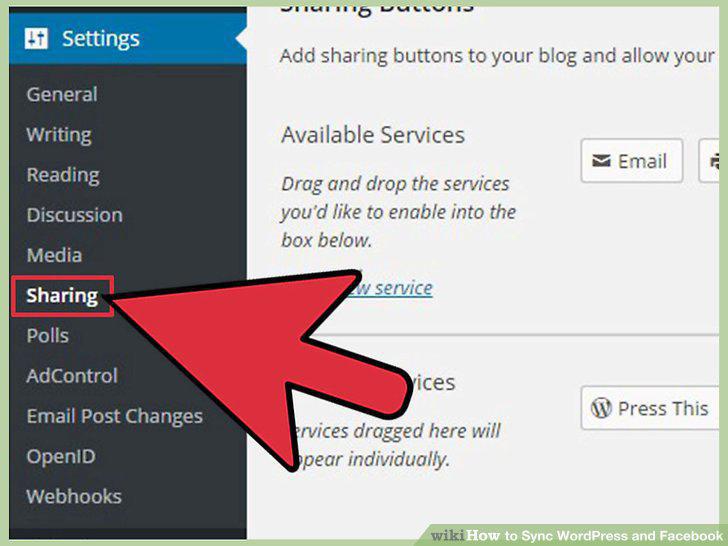
Hover over "Settings.
12
Click the "Sign in with Facebook" button.
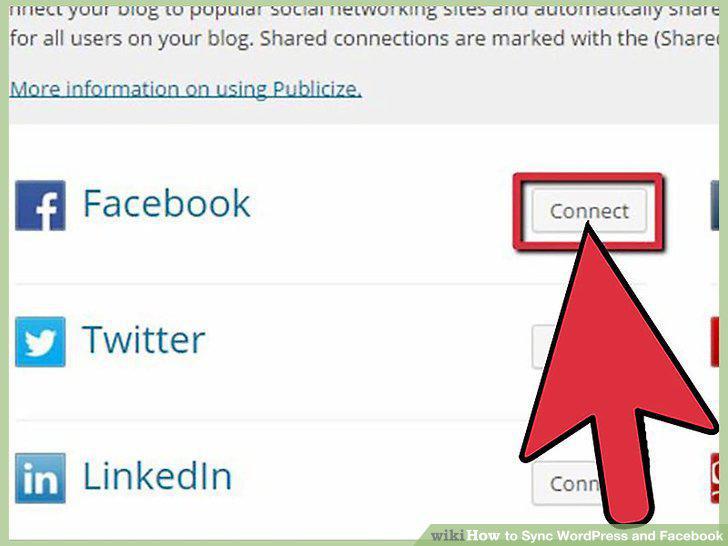
Click the "Sign in with Facebook" button.
13
Broadcast your new articles.
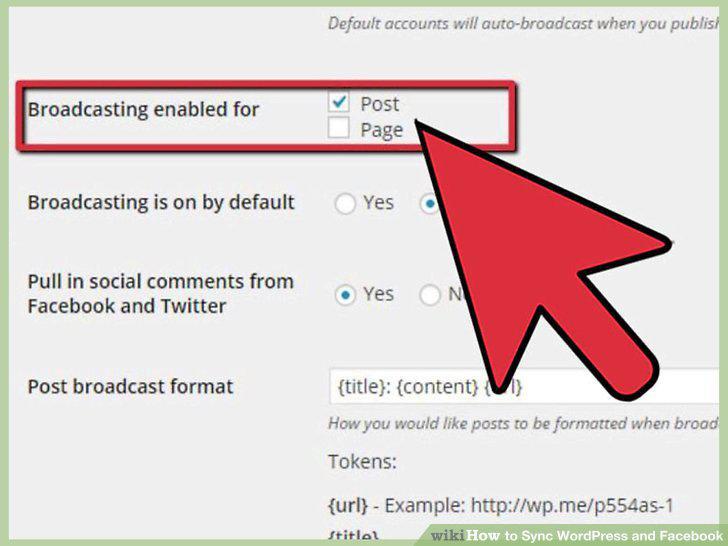
Broadcast your new articles.
14
Save your settings.
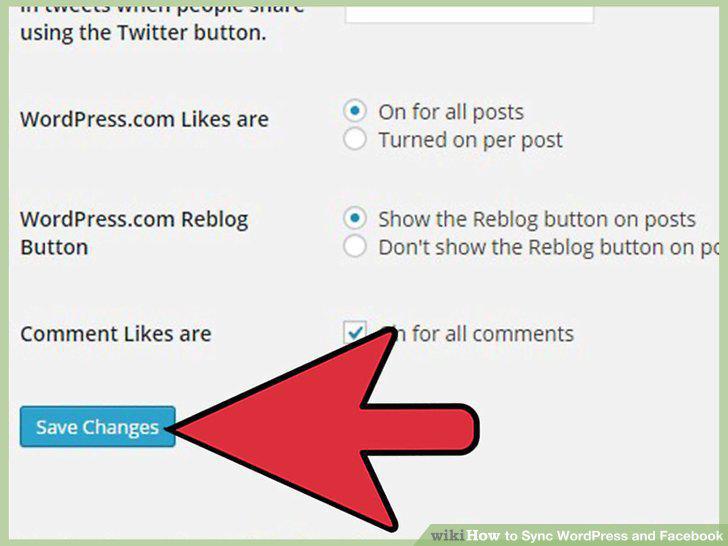
Save your settings.
Comments (0)
No comments yet. Be the first to share your thoughts!