How to Add Your Birthday on Twitter on iPhone or iPad
Open Twitter.. Tap Me.. Tap Edit Profile.
Steps
1
Open Twitter.
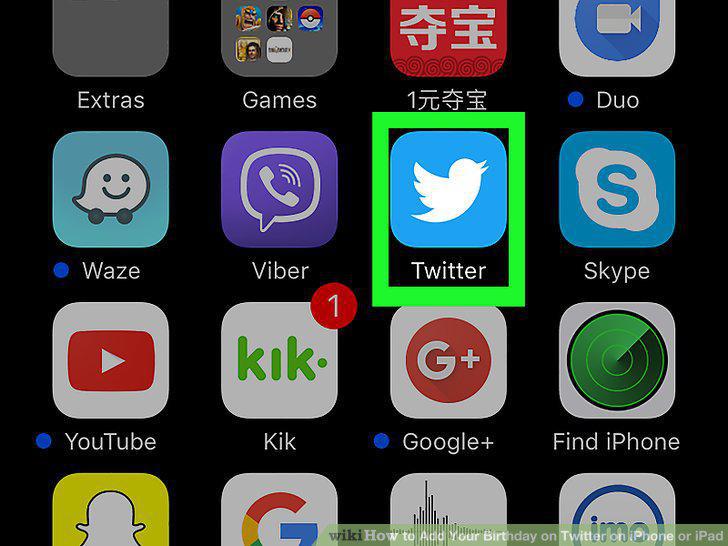
Open Twitter.
2
Tap Me.

Tap Me.
3
Tap Edit Profile.
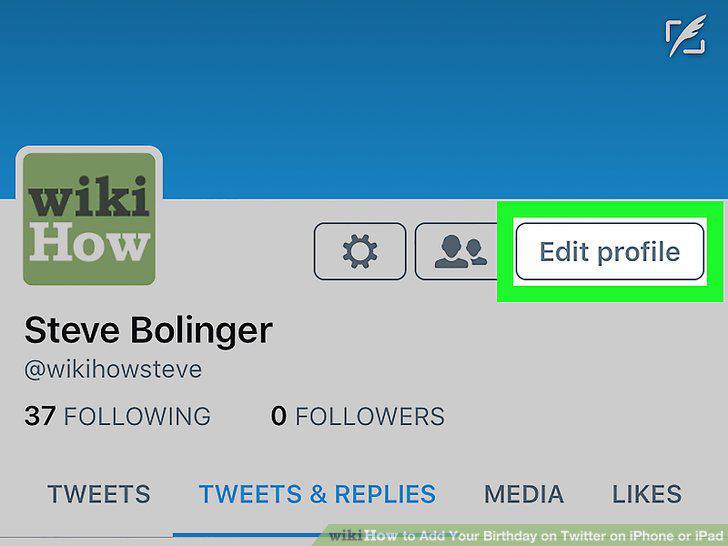
Tap Edit Profile.
4
Tap Add your birthday.
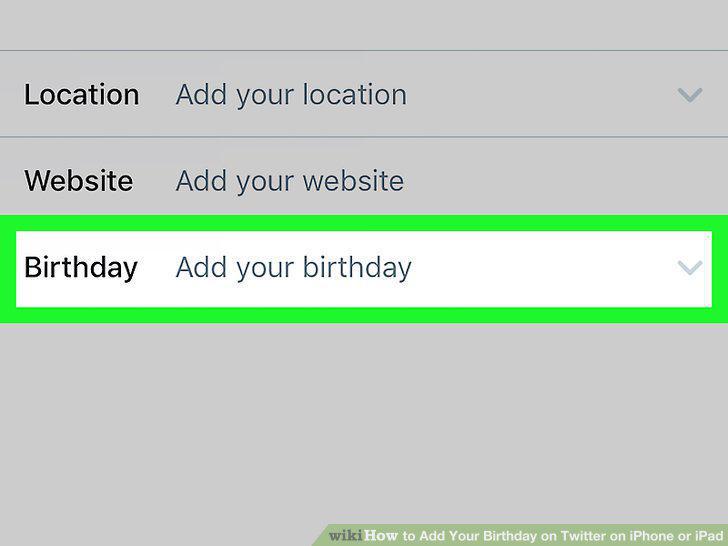
Tap Add your birthday.
5
Select the month, day, and year of your birthday.
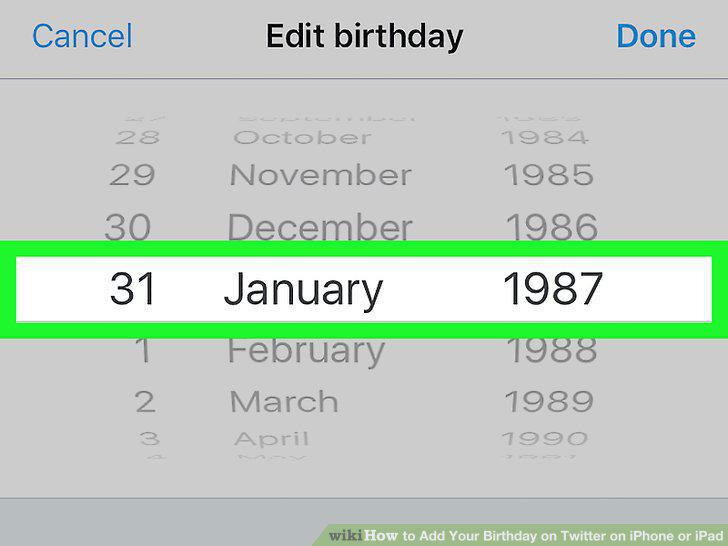
Select the month, day, and year of your birthday.
6
Control who can see your birthday.
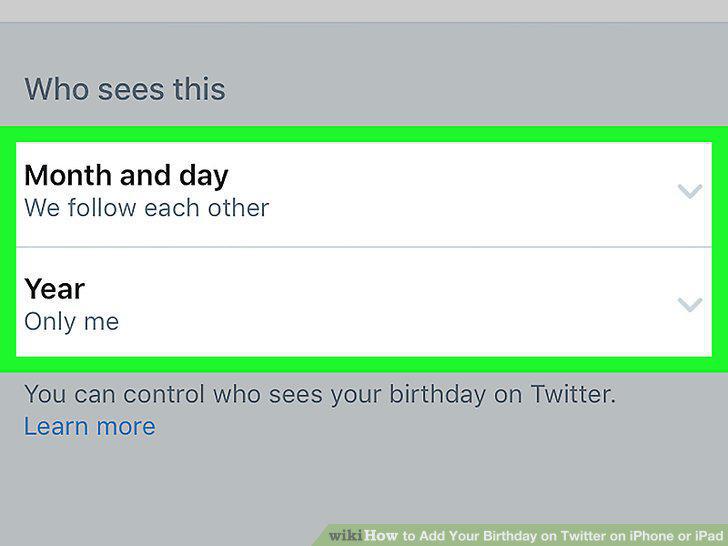
Control who can see your birthday.
7
Tap Done.
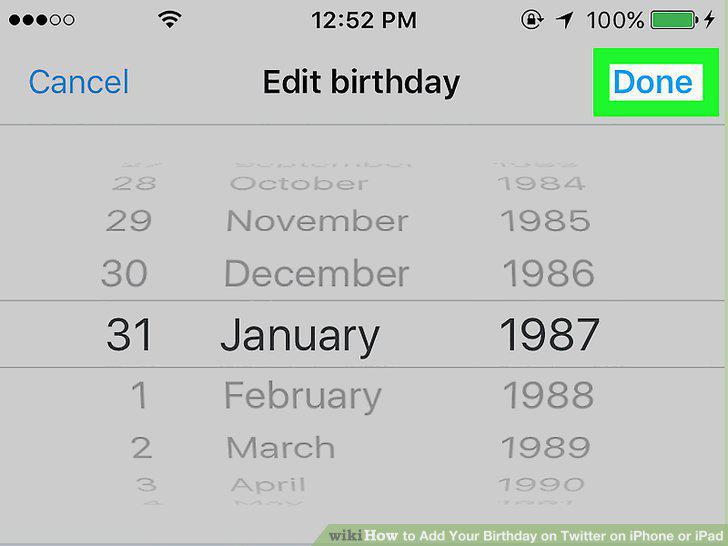
Tap Done.
Comments (0)
No comments yet. Be the first to share your thoughts!