How to Find Your WeChat ID on Android

Beginner 1 hour 5 steps 41599 views Rating: 3.6/5 Published: 2026-01-17

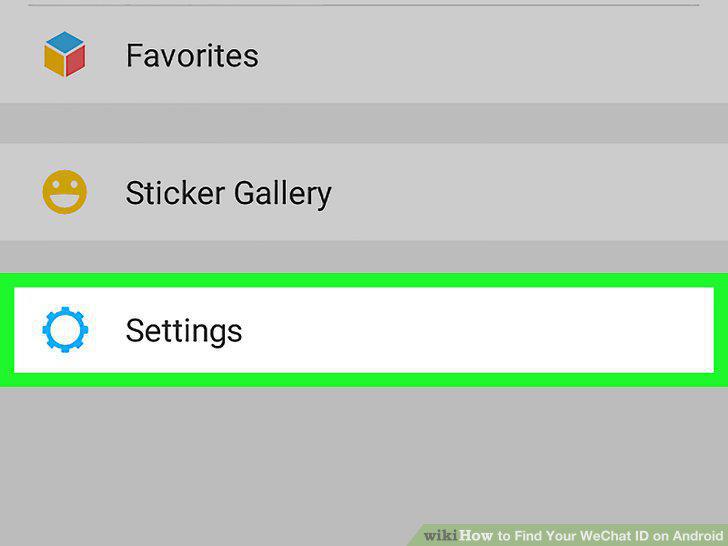
Open WeChat.. Tap Me.. Tap Settings.

Start Playback
E
Author

Steps

1

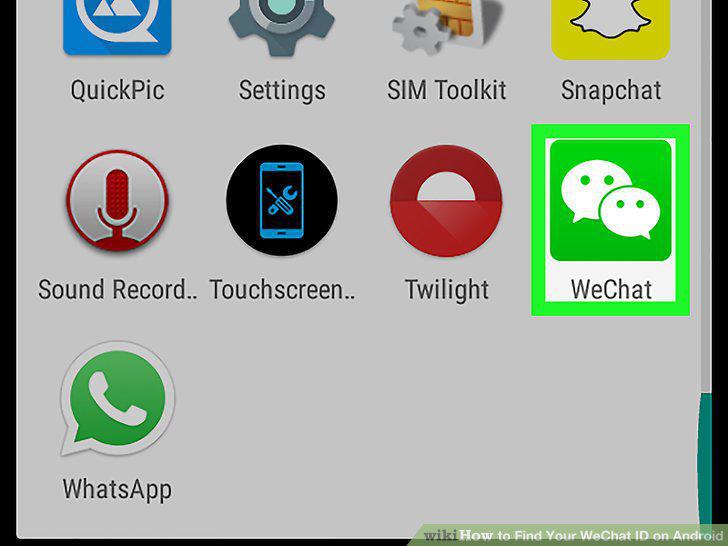
Open WeChat.
Step 1

Open WeChat.

2

Tap Me.

Step 2

Tap Me.

3

Tap Settings.

Step 3

Tap Settings.

4

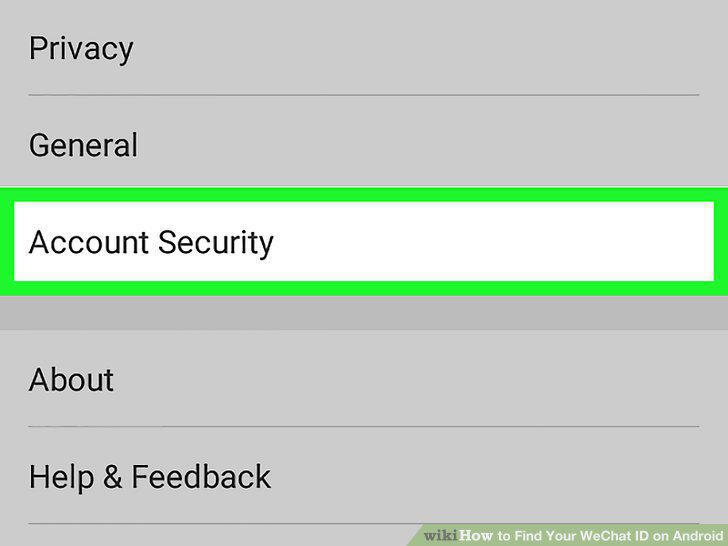
Tap Account Security.
Step 4

Tap Account Security.

5

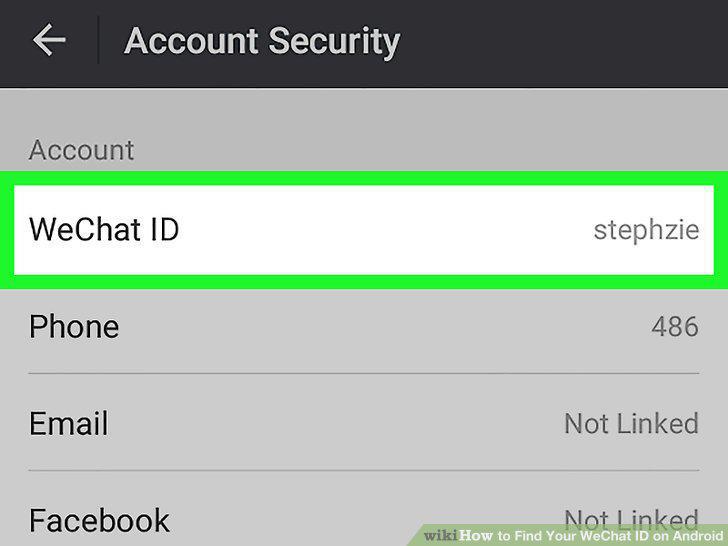
Find your username next to "WeChat ID.
Step 5

Find your username next to "WeChat ID.

View as Slideshow

Rate This Guide

★ ★ ★ ☆ ☆ 3.6/5
3

Comments (0)

No comments yet. Be the first to share your thoughts!