How to Turn Off Link Previews on Slack
Open Slack.. Click your workspace name.. Click Preferences.
Steps
1
Open Slack.
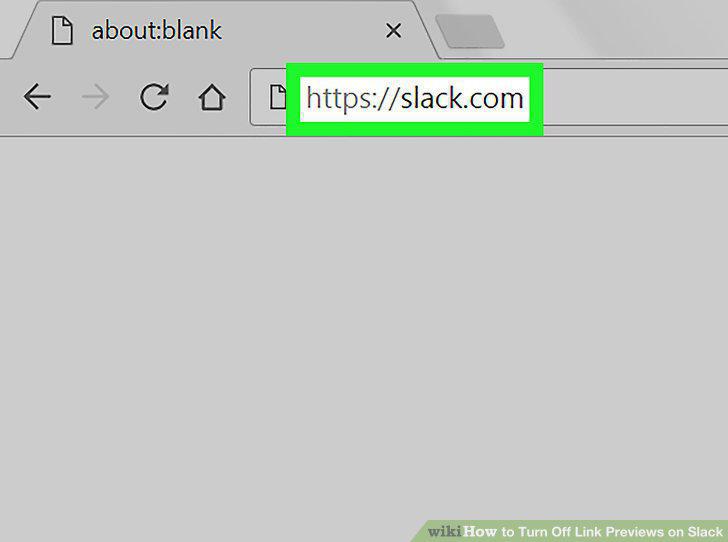
Open Slack.
2
Click your workspace name.
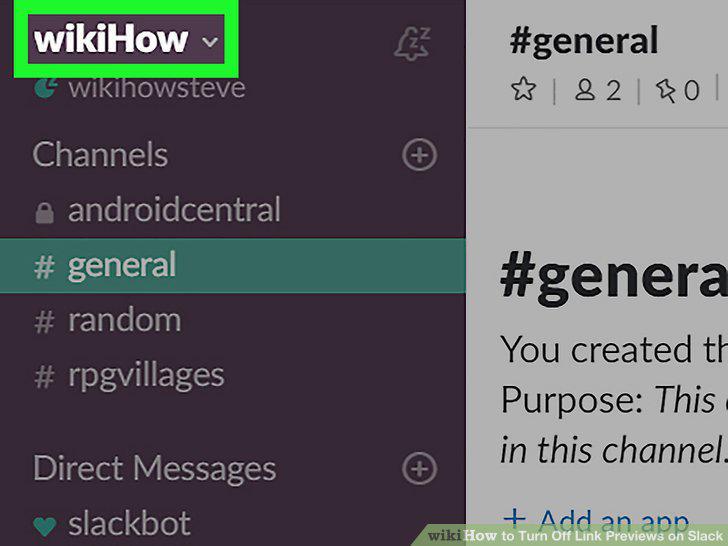
Click your workspace name.
3
Click Preferences.
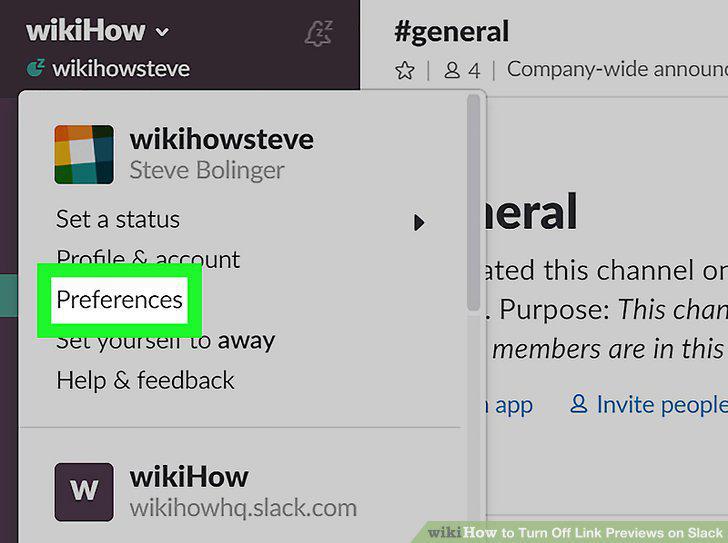
Click Preferences.
4
Click Messages & Media.
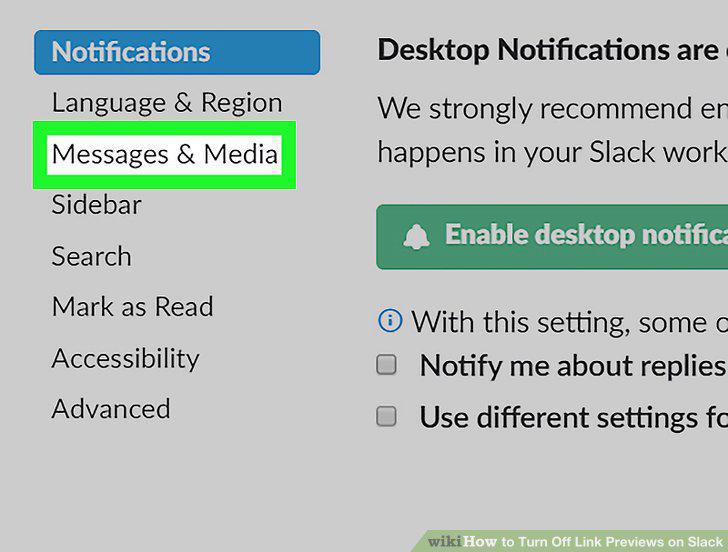
Click Messages & Media.
5
Uncheck the box next to "Show text previews of linked websites.
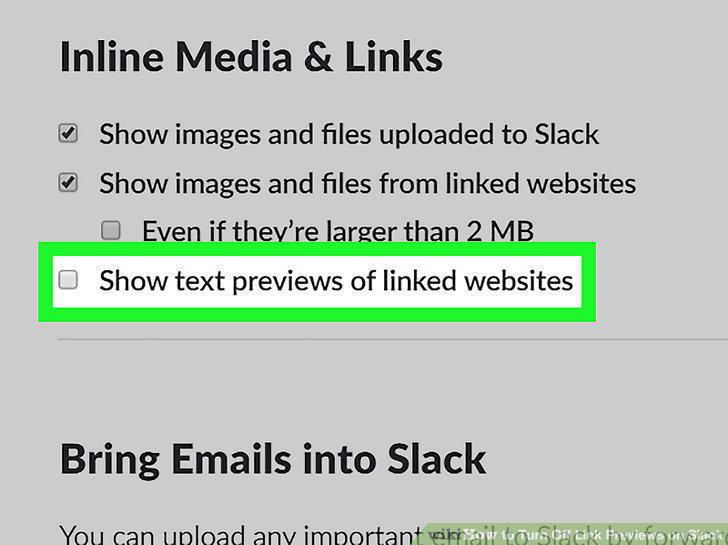
Uncheck the box next to "Show text previews of linked websites.
Comments (0)
No comments yet. Be the first to share your thoughts!