How to Link Twitch with Steam on Android
Open your mobile web browser.. Navigate to twitch.tv/settings/connections.. Enter your twitch username and password and tap Log In.
Steps
1
Open your mobile web browser.
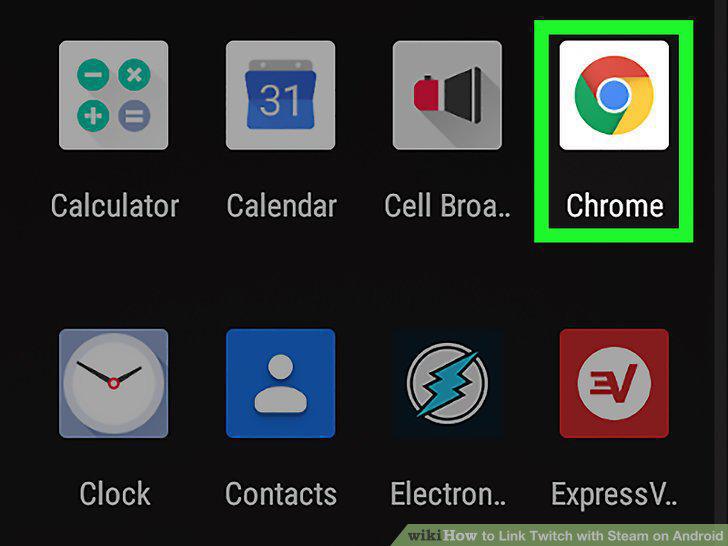
Open your mobile web browser.
2
Navigate to twitch.tv/settings/connections.
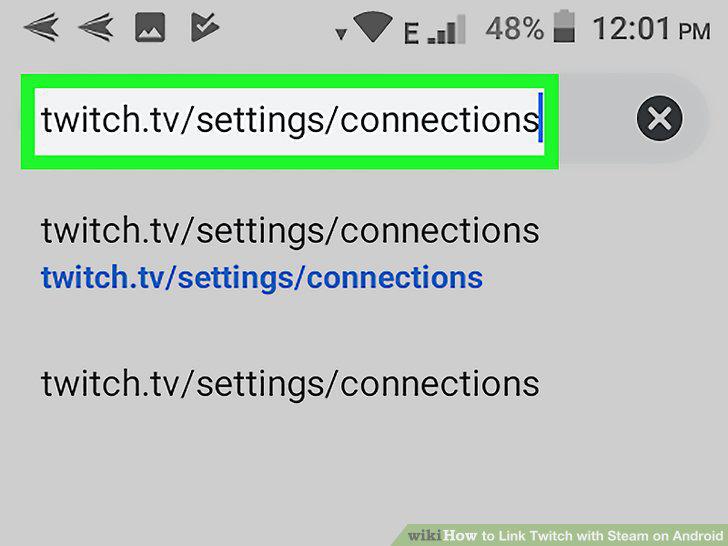
Navigate to twitch.tv/settings/connections.
3
Enter your twitch username and password and tap Log In.
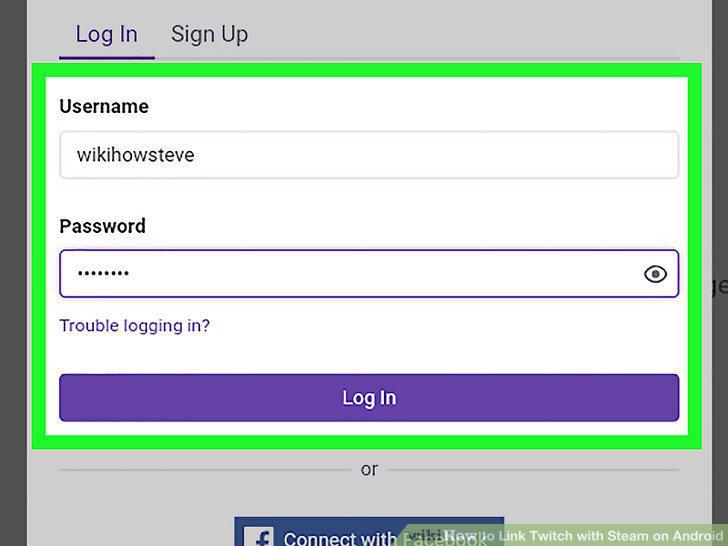
Enter your twitch username and password and tap Log In.
4
Find "Steam" about midway down your screen and tap Connect.
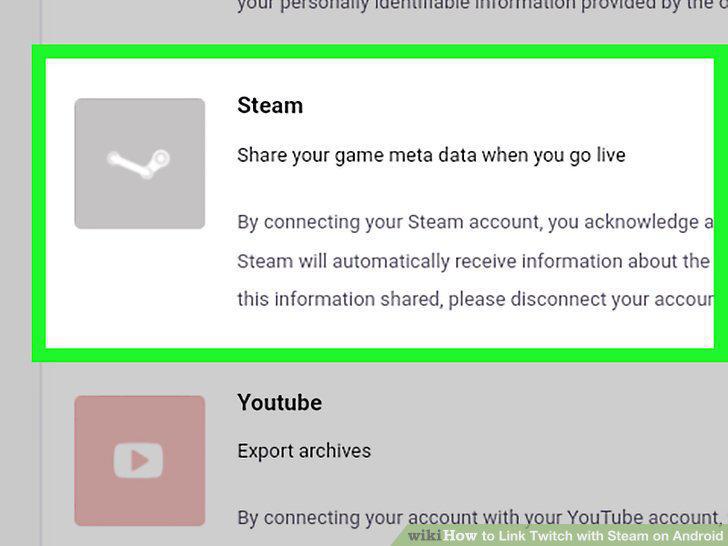
Find "Steam" about midway down your screen and tap Connect.
5
Enter your Steam username and password and tap Sign In.
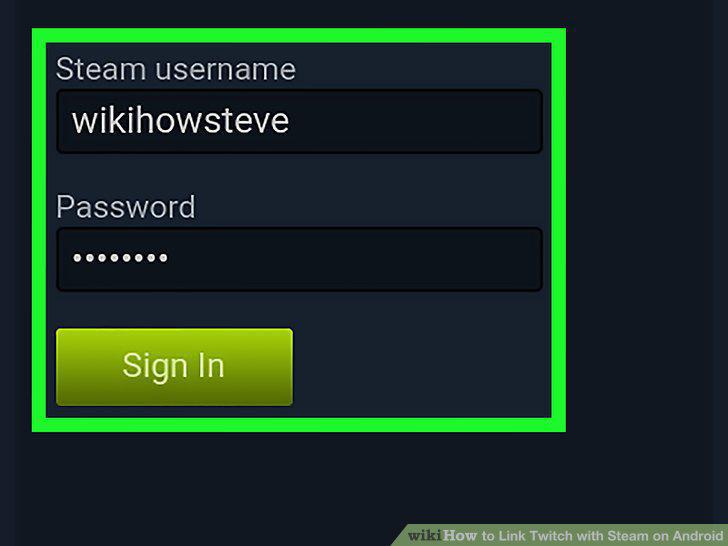
Enter your Steam username and password and tap Sign In.
6
Check your email for the code from Steam and enter it in the dialog box.
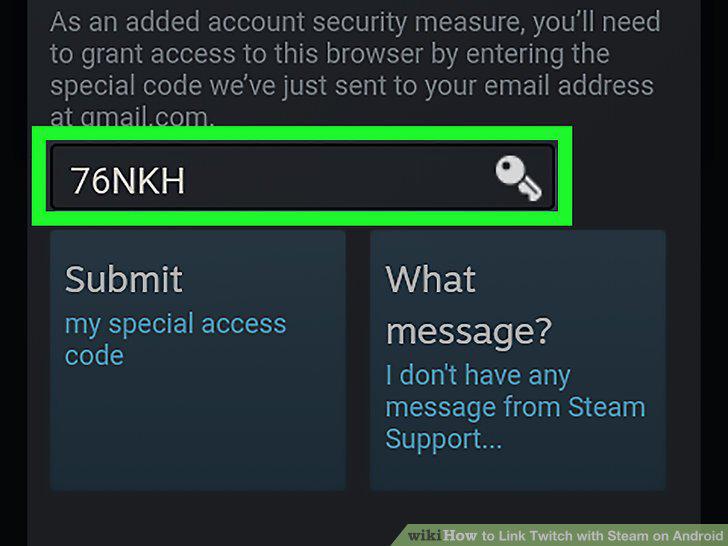
Check your email for the code from Steam and enter it in the dialog box.
7
Tap Submit and your accounts will be linked.
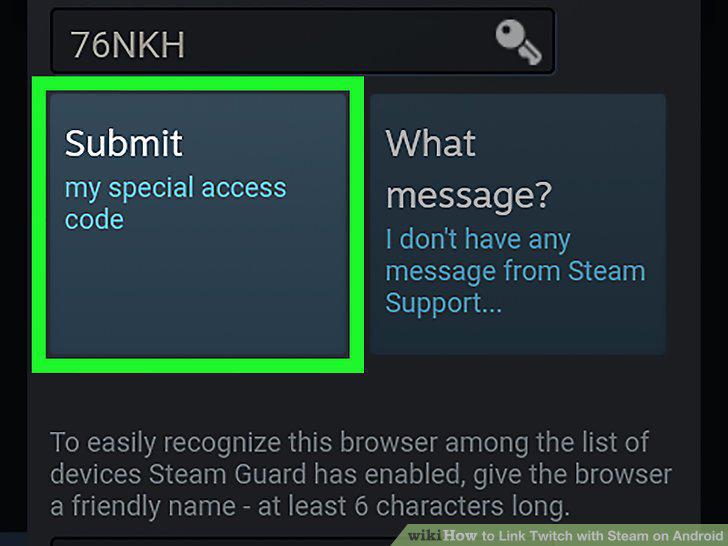
Tap Submit and your accounts will be linked.
Comments (0)
No comments yet. Be the first to share your thoughts!