How to Check Junk Mail on Gmail on PC or Mac
Open Gmail in your internet browser.. Sign into your account.. Click More on the left navigation menu.
Steps
1
Open Gmail in your internet browser.
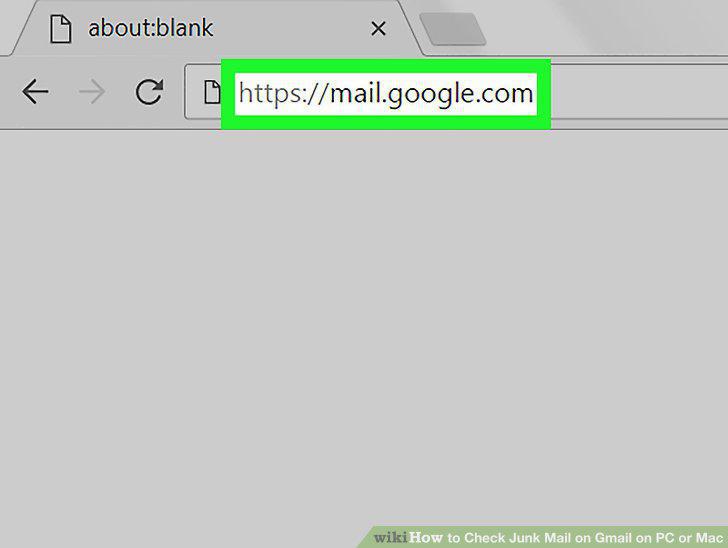
Open Gmail in your internet browser.
2
Sign into your account.
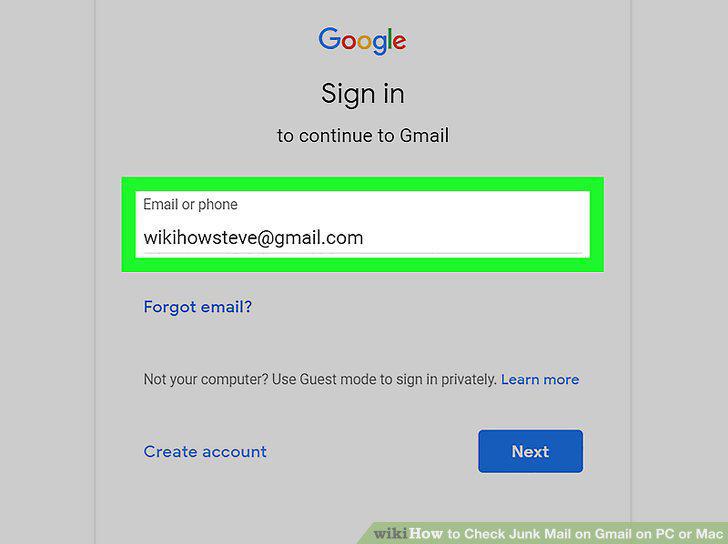
Sign into your account.
3
Click More on the left navigation menu.
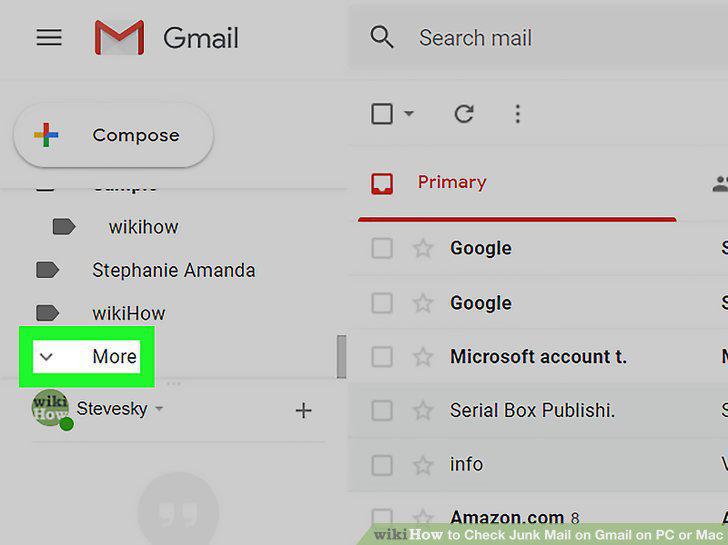
Click More on the left navigation menu.
4
Click Spam on the left menu.
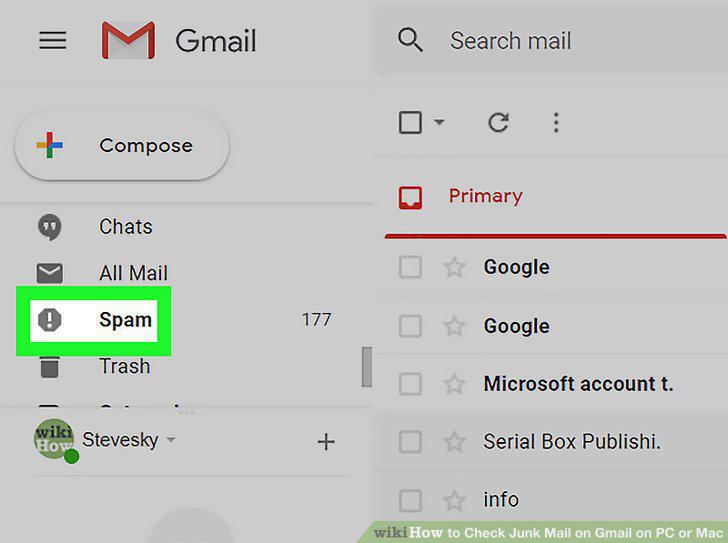
Click Spam on the left menu.
5
Click a spam email to open it.
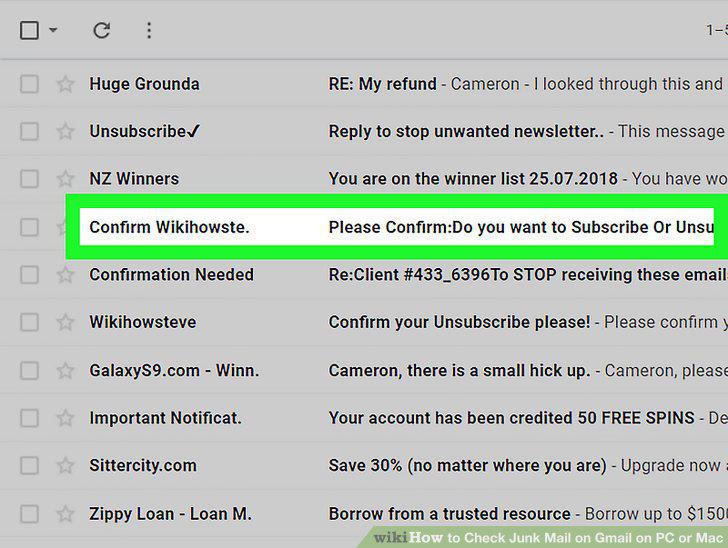
Click a spam email to open it.
6
Click Display images below at the top of the email.
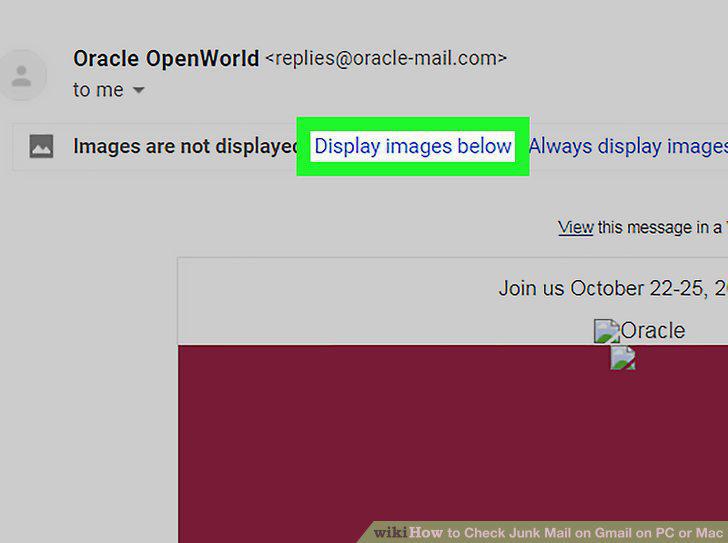
Click Display images below at the top of the email.
Comments (0)
No comments yet. Be the first to share your thoughts!