How to Watch Disney Plus on Android
Open the Disney+ app.. Tap START FREE TRIAL if you haven't signed up.. Enter your email address.
Steps
1
Open the Disney+ app.
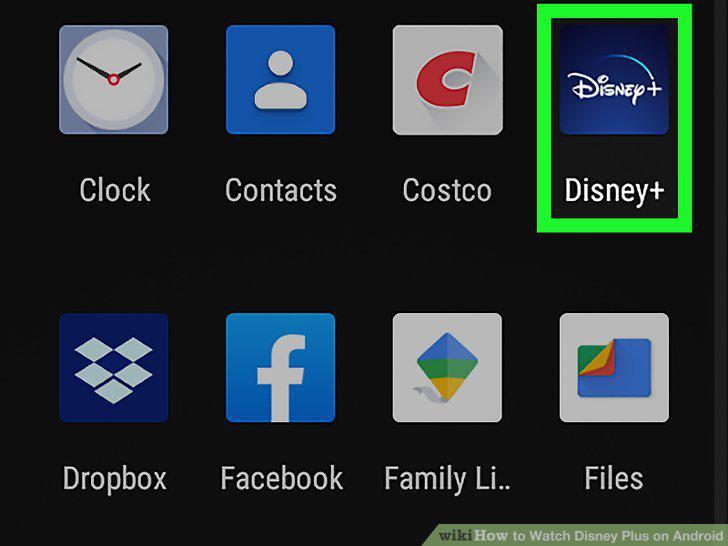
Open the Disney+ app.
2
Tap START FREE TRIAL if you haven't signed up.

Tap START FREE TRIAL if you haven't signed up.
3
Enter your email address.
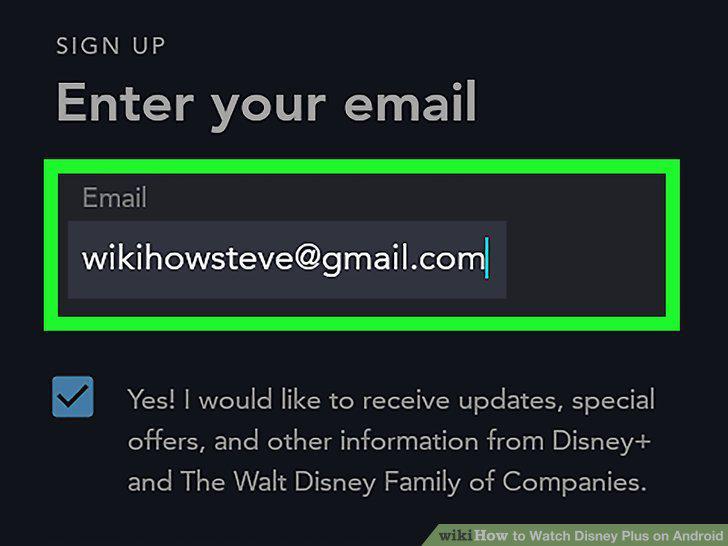
Enter your email address.
4
Review the terms and tap AGREE & CONTINUE.
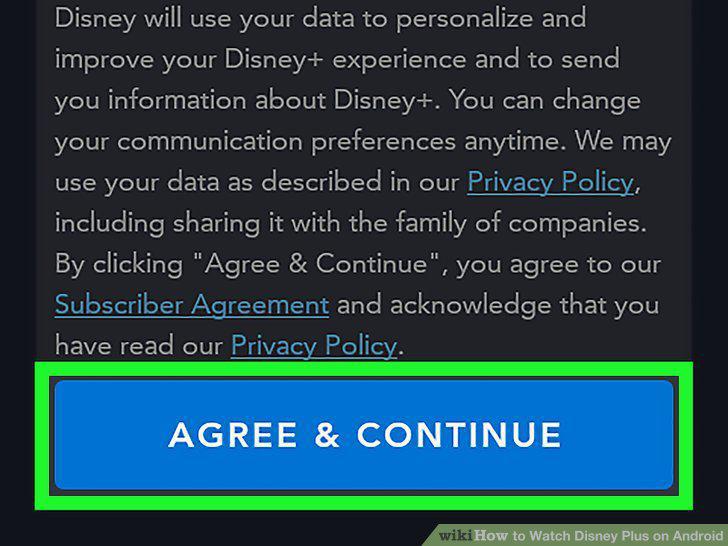
Review the terms and tap AGREE & CONTINUE.
5
Create a password.
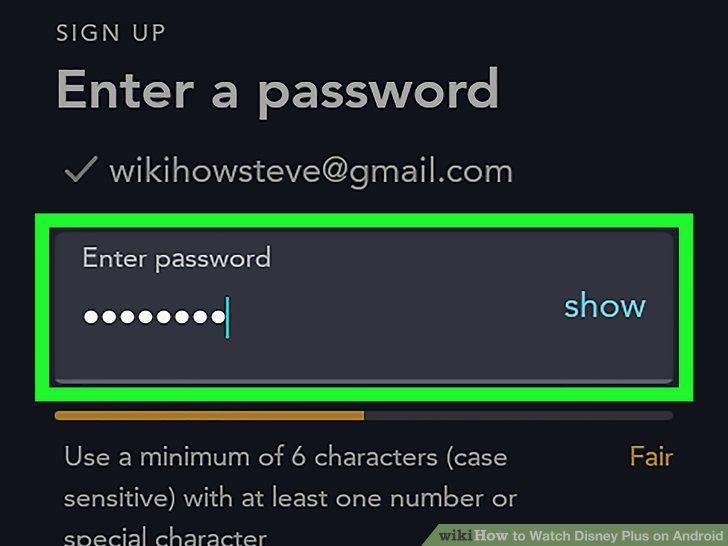
Create a password.
6
Select a billing option.
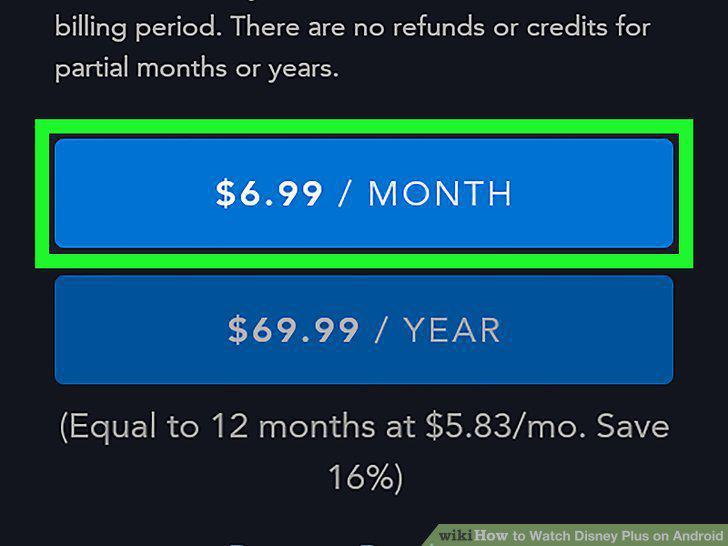
Select a billing option.
7
Follow the on-screen instructions to confirm.
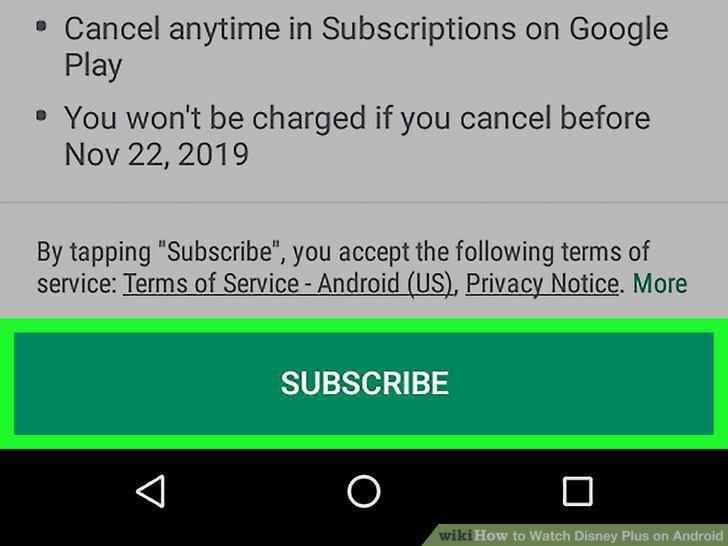
Follow the on-screen instructions to confirm.
8
Find something to watch.
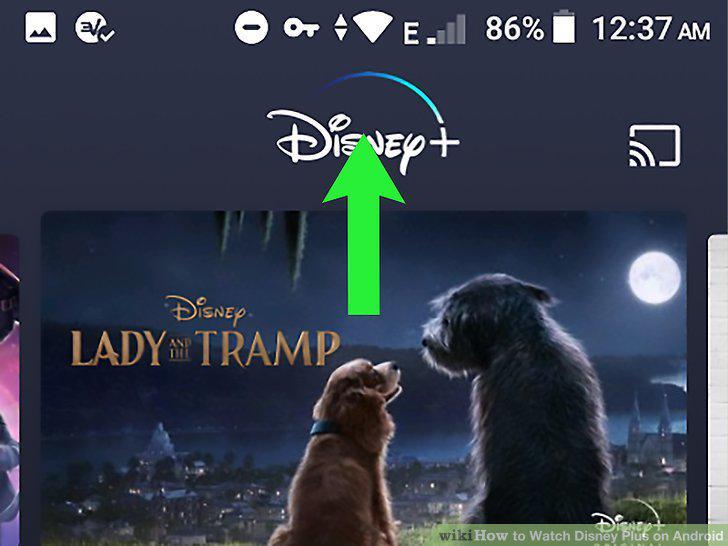
Find something to watch.
9
Tap a show or movie.
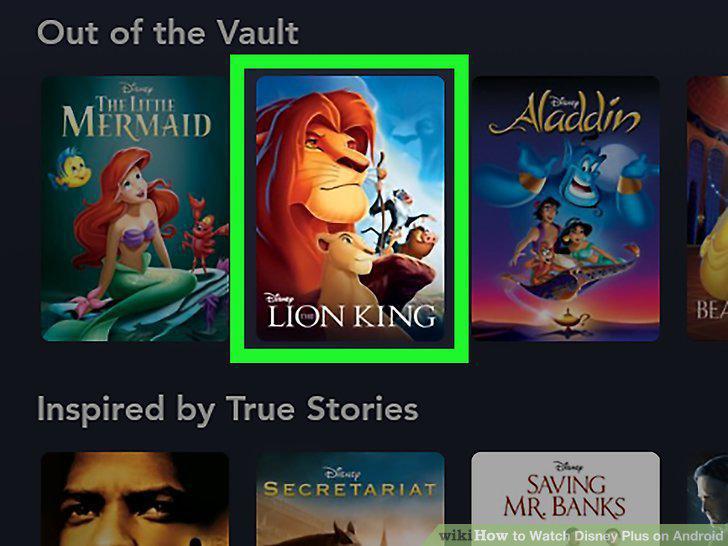
Tap a show or movie.
10
Tap Play.
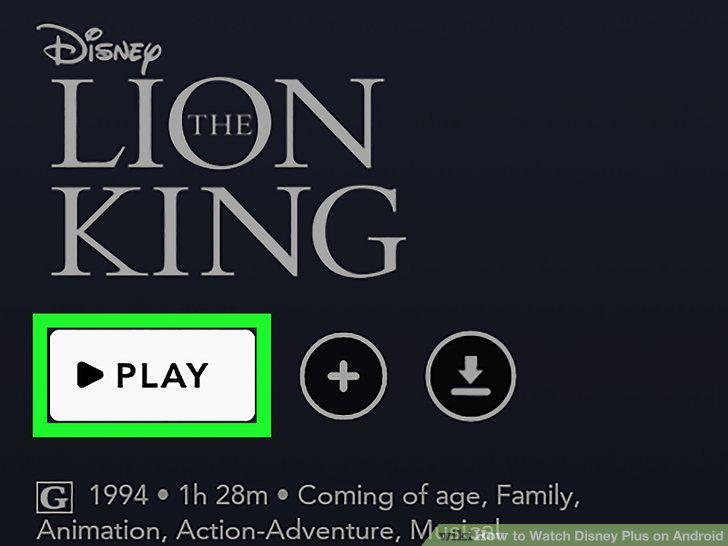
Tap Play.
Comments (0)
No comments yet. Be the first to share your thoughts!