How to Upload Twitter Videos on PC or Mac
Open Twitter in your internet browser.. Click the Home button.. Click What's happening at the top of your Home feed.
Steps
1
Open Twitter in your internet browser.

Open Twitter in your internet browser.
2
Click the Home button.
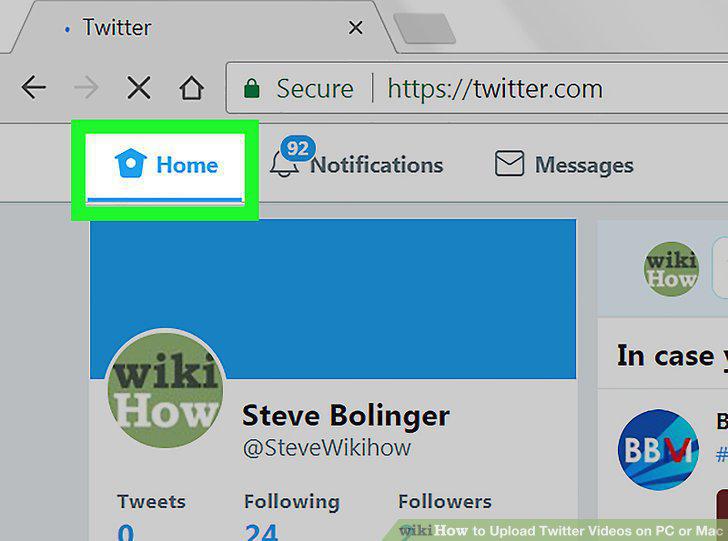
Click the Home button.
3
Click What's happening at the top of your Home feed.

Click What's happening at the top of your Home feed.
4
Click the image icon.
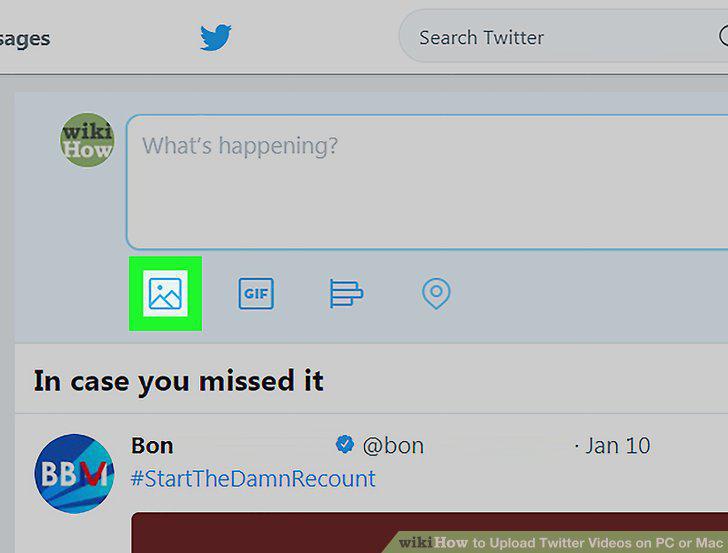
Click the image icon.
5
Select the video you want to upload.
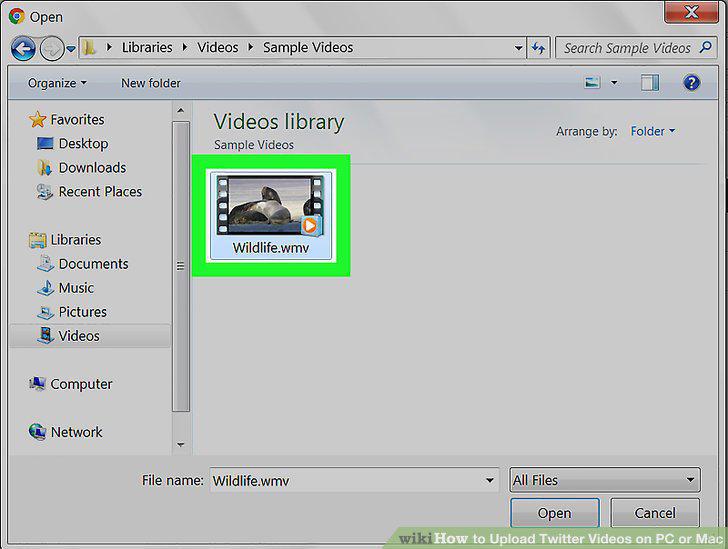
Select the video you want to upload.
6
Click Open in the upload window.
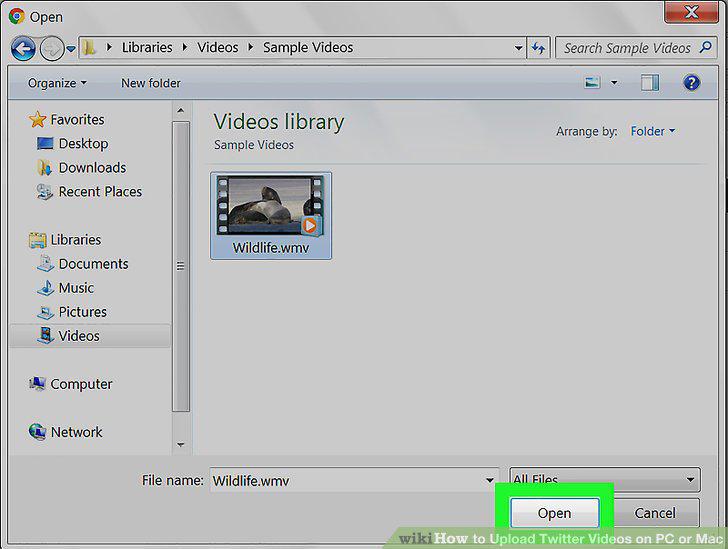
Click Open in the upload window.
7
Trim your video upload.
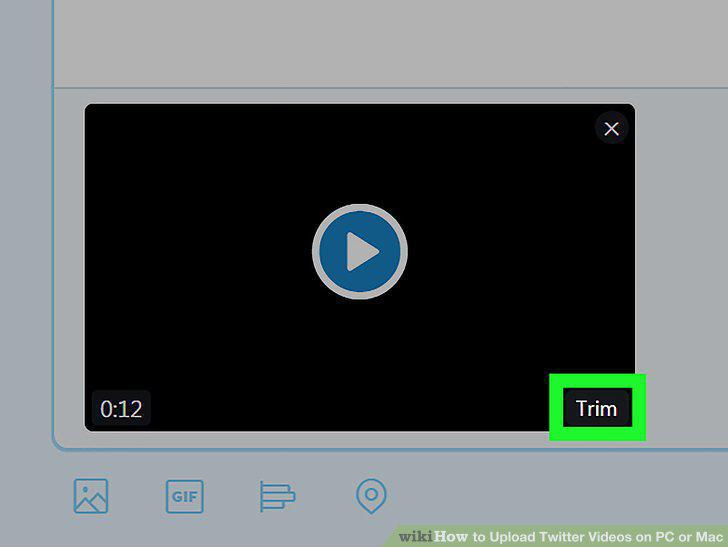
Trim your video upload.
8
Click the Done button.
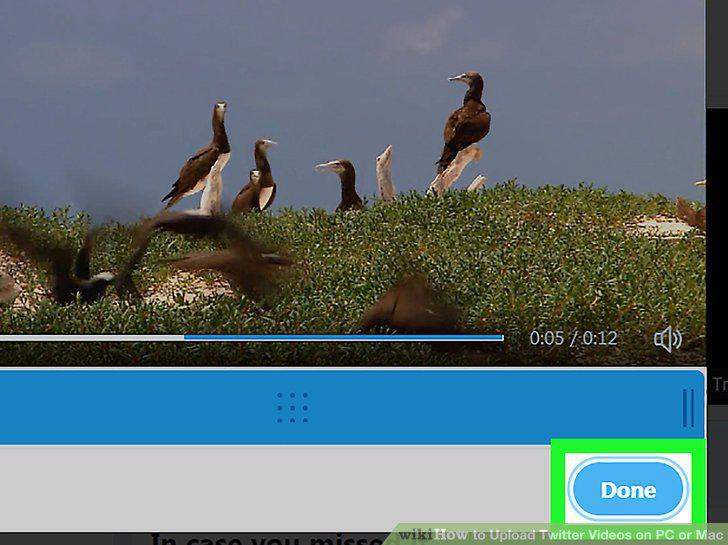
Click the Done button.
9
Click the Tweet button.
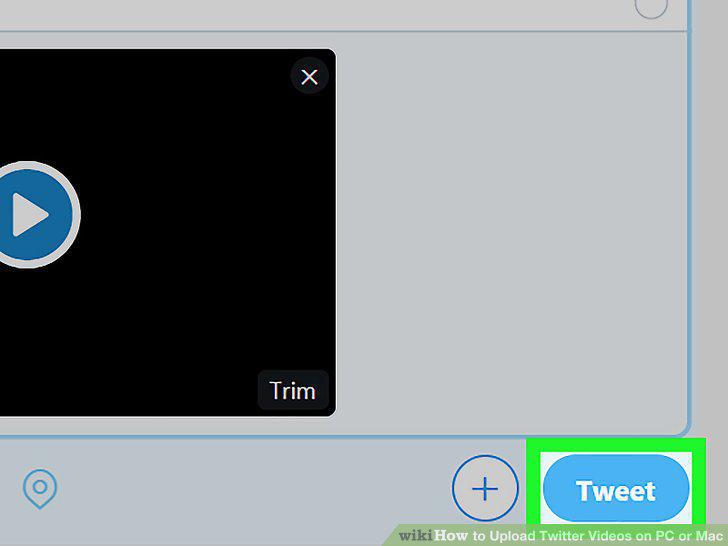
Click the Tweet button.
Comments (0)
No comments yet. Be the first to share your thoughts!