How to Change Locations on the Monkey App
Open your iPhone or iPad's Settings .. Scroll down and tap Monkey.. Tap Location.
Steps
1
Open your iPhone or iPad's Settings .
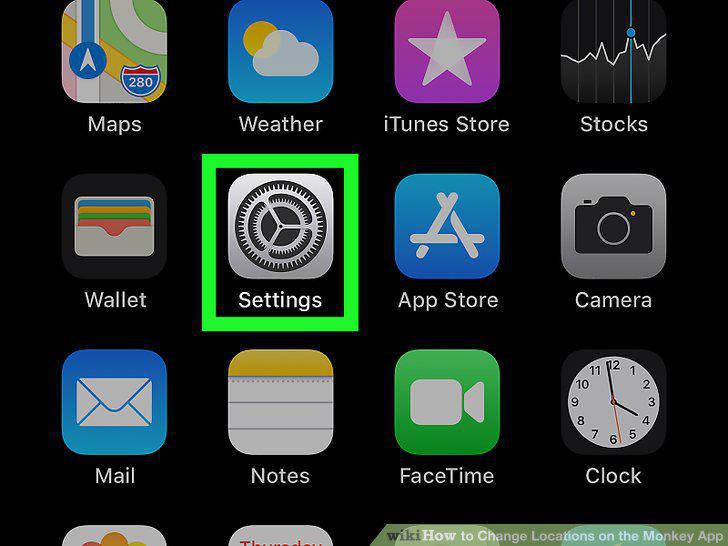
Open your iPhone or iPad's Settings .
2
Scroll down and tap Monkey.
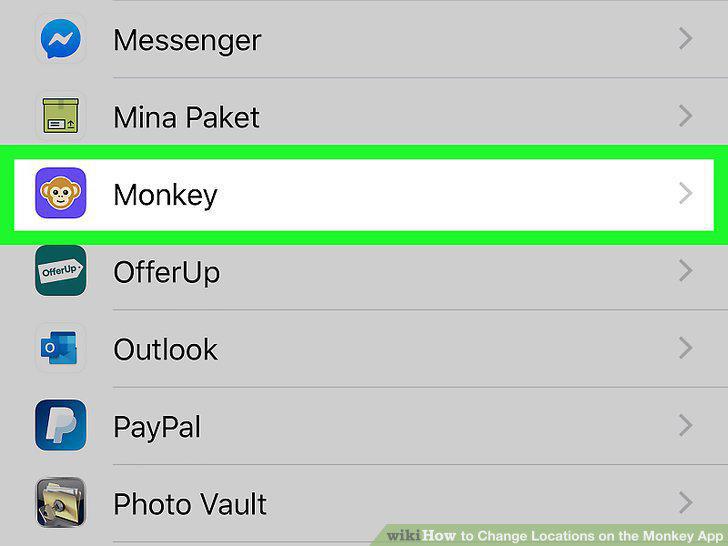
Scroll down and tap Monkey.
3
Tap Location.
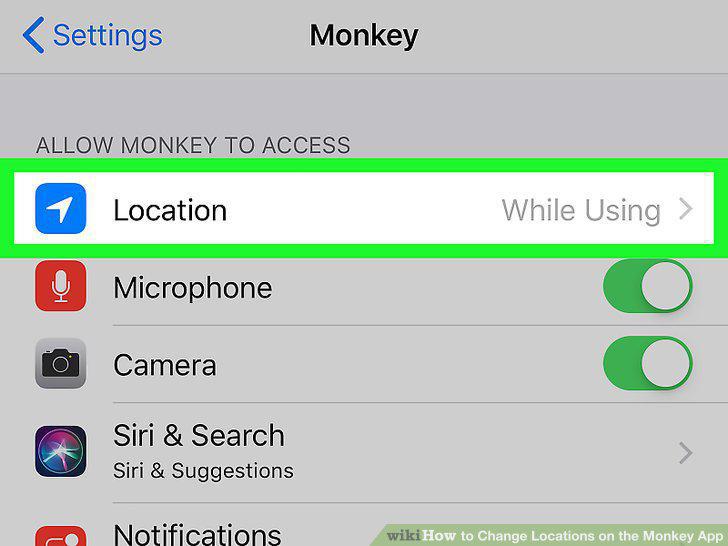
Tap Location.
4
Tap Never.
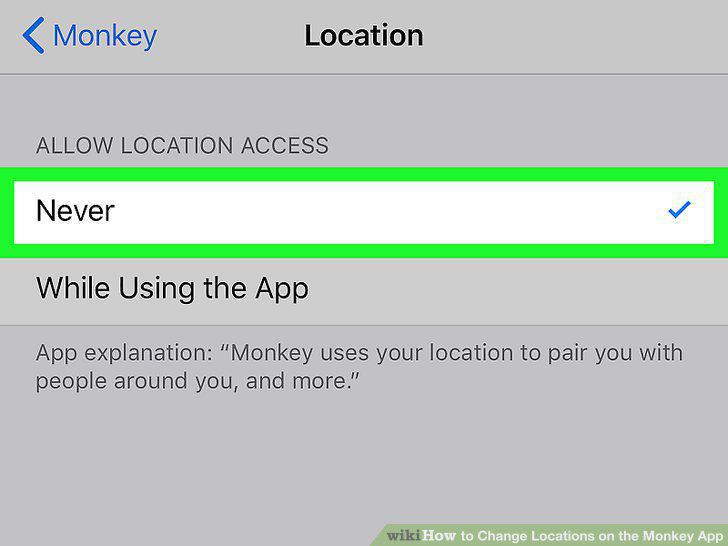
Tap Never.
5
Add a different city to your Monkey bio (optional).
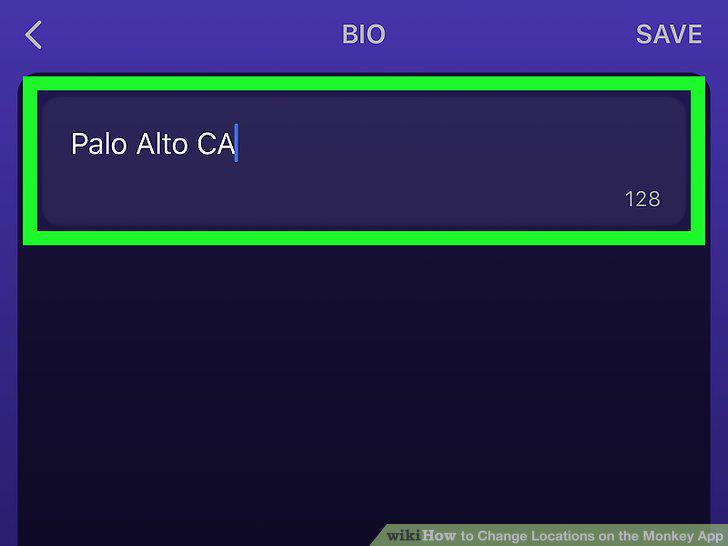
Add a different city to your Monkey bio (optional).
6
Open your Android's Settings .
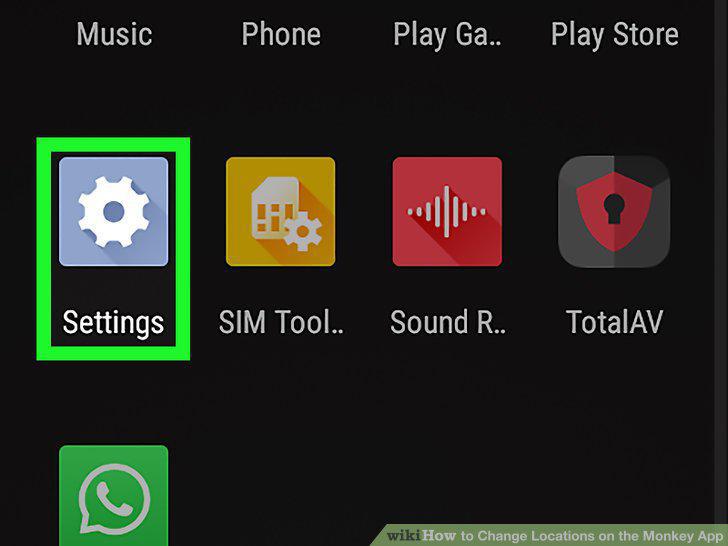
Open your Android's Settings .
7
Tap the Apps menu.
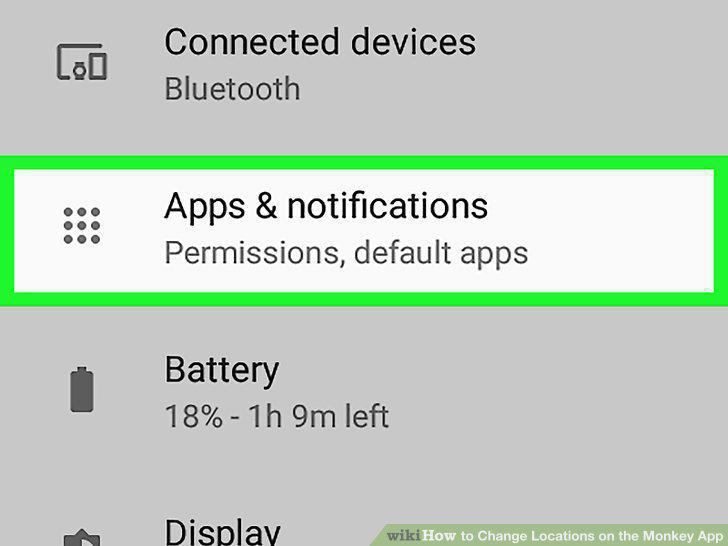
Tap the Apps menu.
8
Open the App Permissions menu.
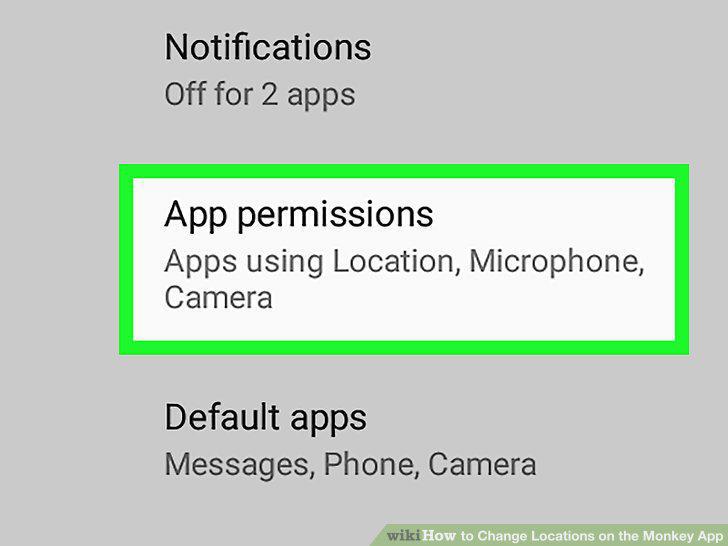
Open the App Permissions menu.
9
Tap Location or Your Location.
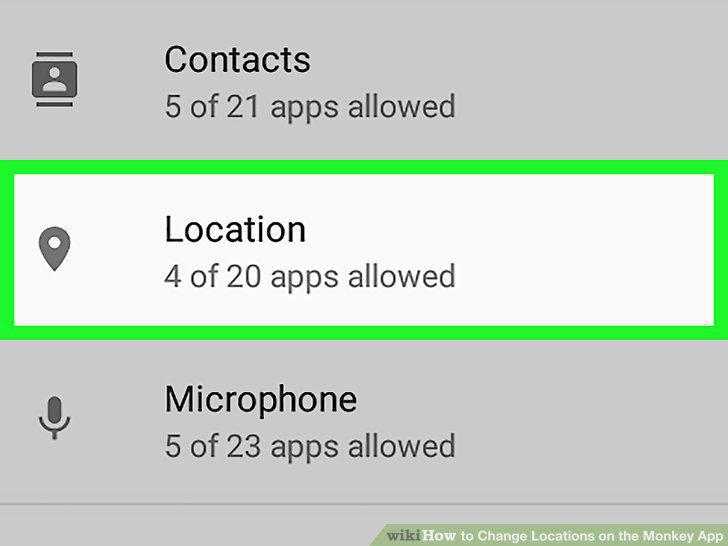
Tap Location or Your Location.
10
Disable Location access for Monkey.
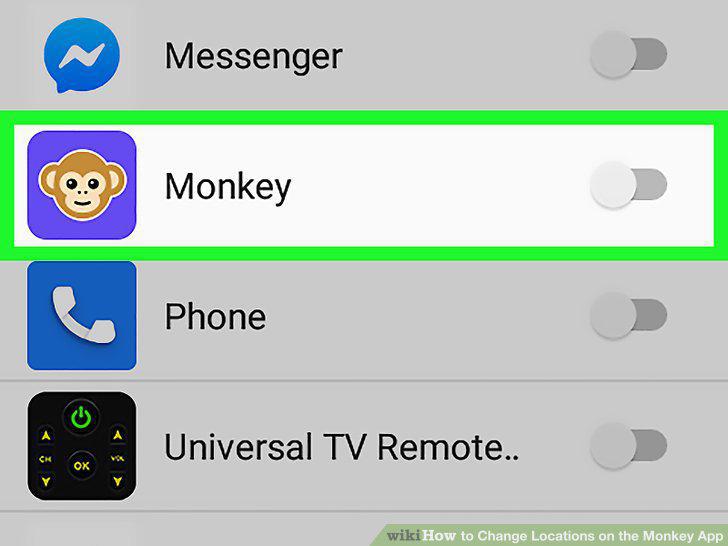
Disable Location access for Monkey.
11
Add a different city to your Monkey bio (optional).
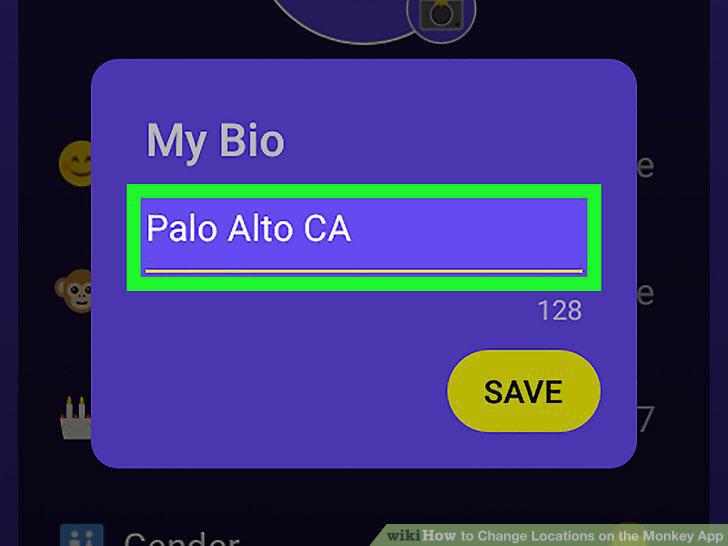
Add a different city to your Monkey bio (optional).
Comments (0)
No comments yet. Be the first to share your thoughts!