How to Make a Scrolling Marquee in HTML
If you're on a Mac, download the latest version of webkit.. If you're using Windows, download the developer toolset.. Add a CSS reference to your HTML file.
Steps
1
If you're on a Mac, download the latest version of webkit.

If you're on a Mac, download the latest version of webkit.
2
If you're using Windows, download the developer toolset.
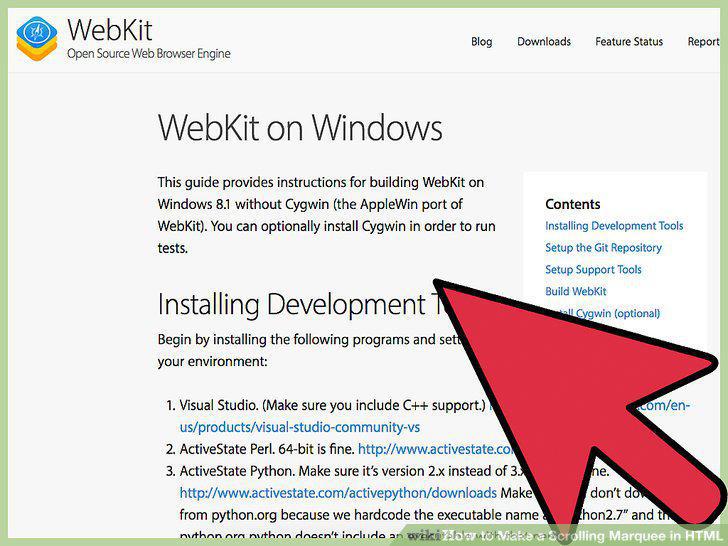
If you're using Windows, download the developer toolset.
3
Add a CSS reference to your HTML file.
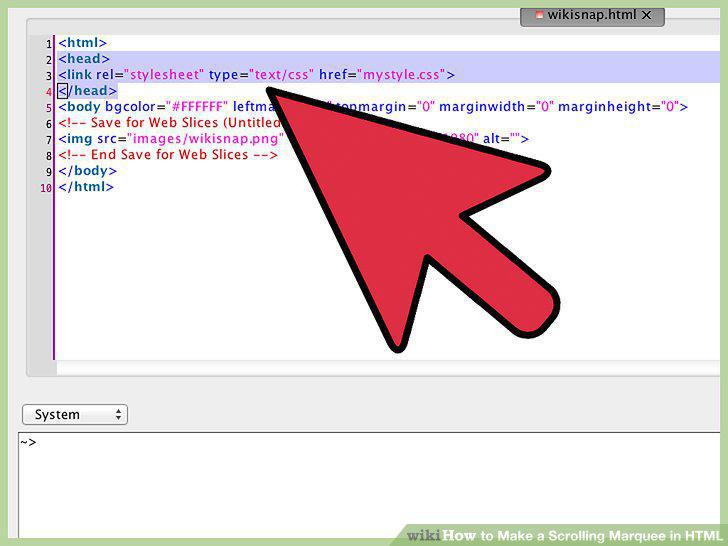
Add a CSS reference to your HTML file.
4
Create a "div" line in your HTML file.
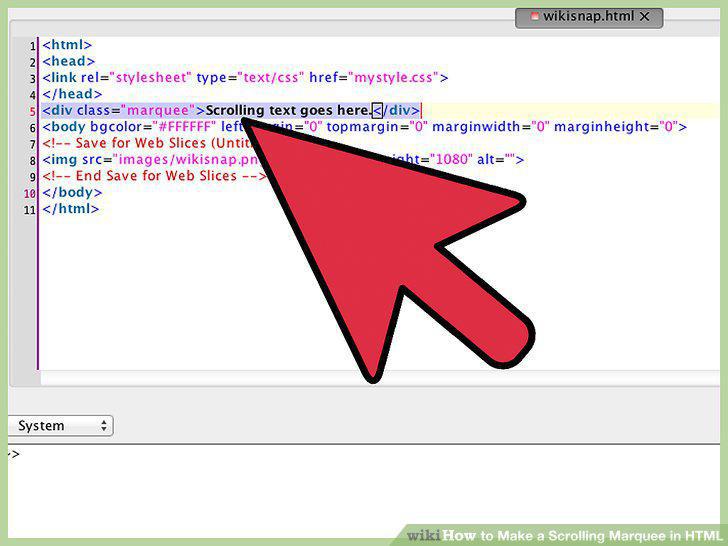
Create a "div" line in your HTML file.
5
Save your HTML file.
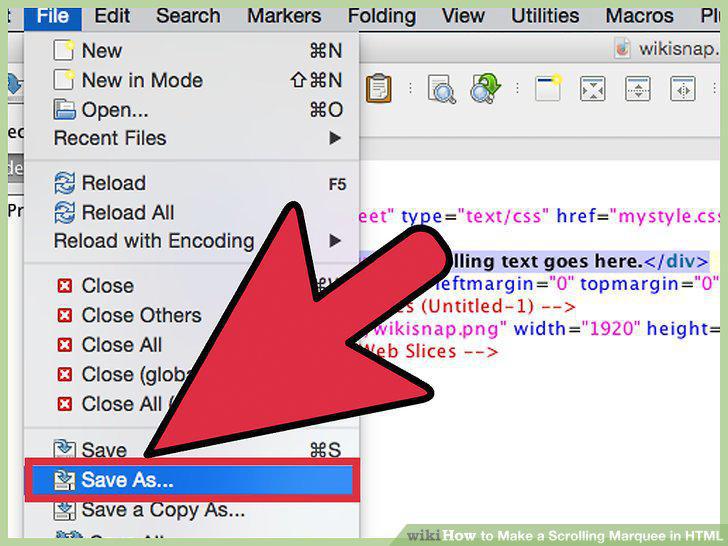
Save your HTML file.
6
Open a separate text document for your CSS style sheet.
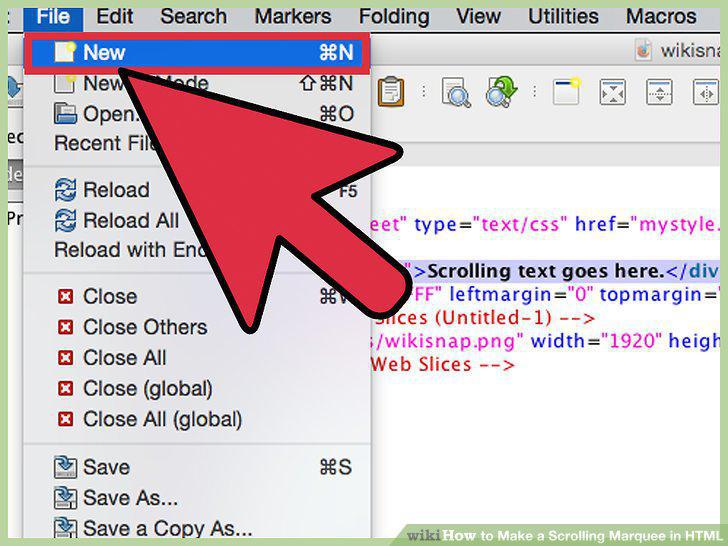
Open a separate text document for your CSS style sheet.
7
Set values to define the marquee.
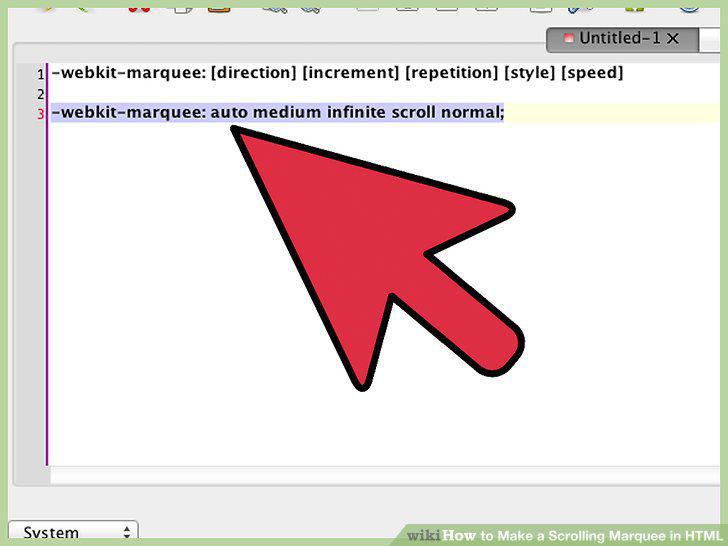
Set values to define the marquee.
8
Set an 'overflow' on a new line.
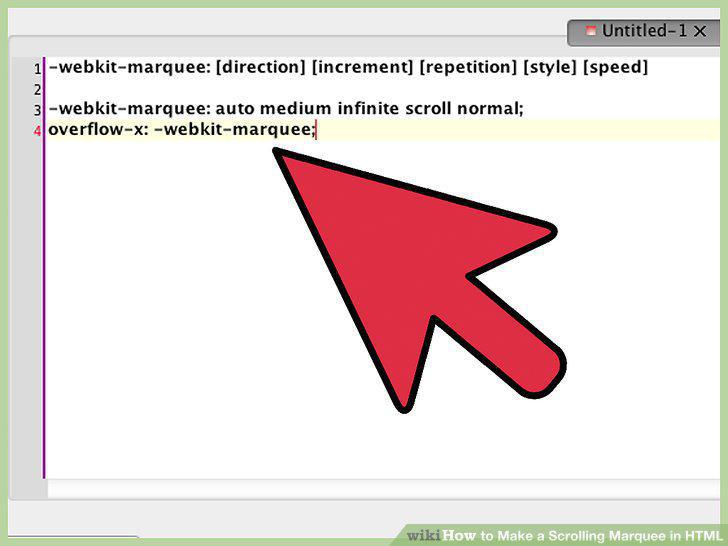
Set an 'overflow' on a new line.
9
Save your CSS file.
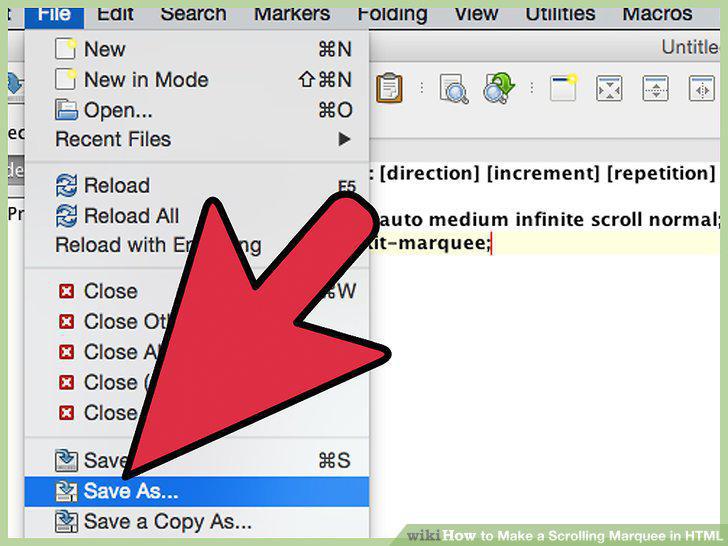
Save your CSS file.
10
Open your HTML file with your browser.
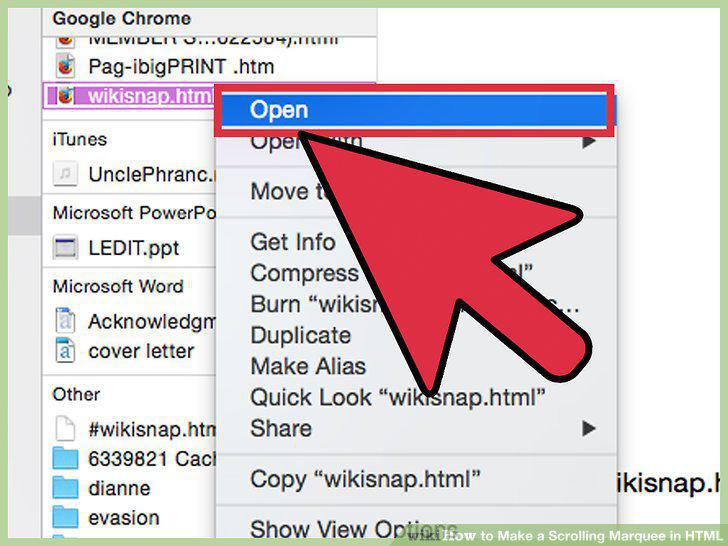
Open your HTML file with your browser.
11
Open your HTML document.
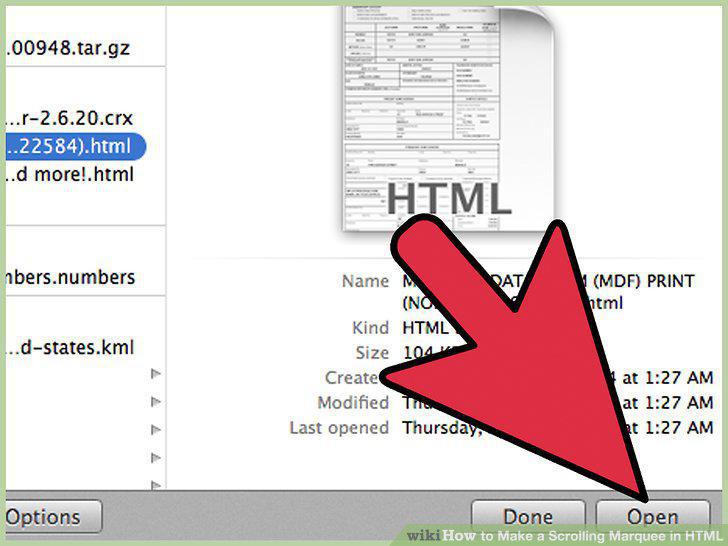
Open your HTML document.
12
Set a background color.
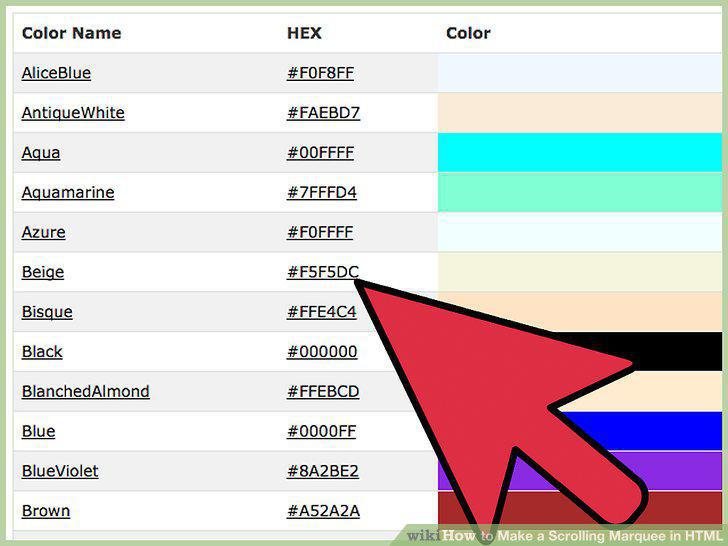
Set a background color.
13
Set a scrolling direction.
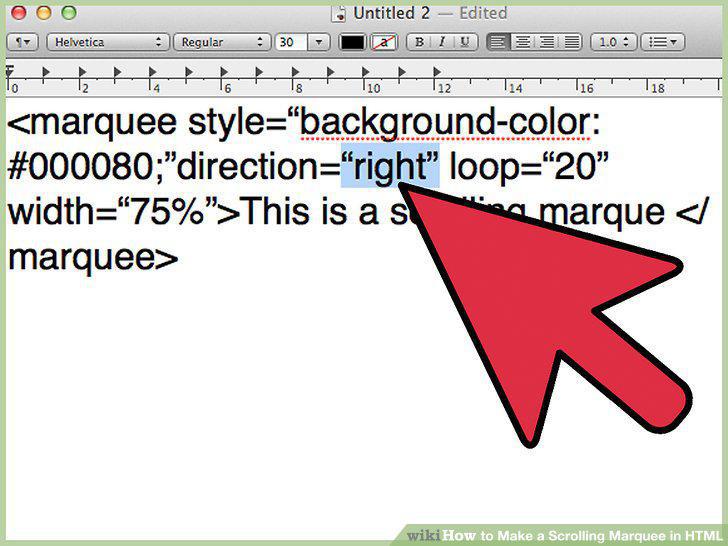
Set a scrolling direction.
14
Specify the number of loops for your marquee.
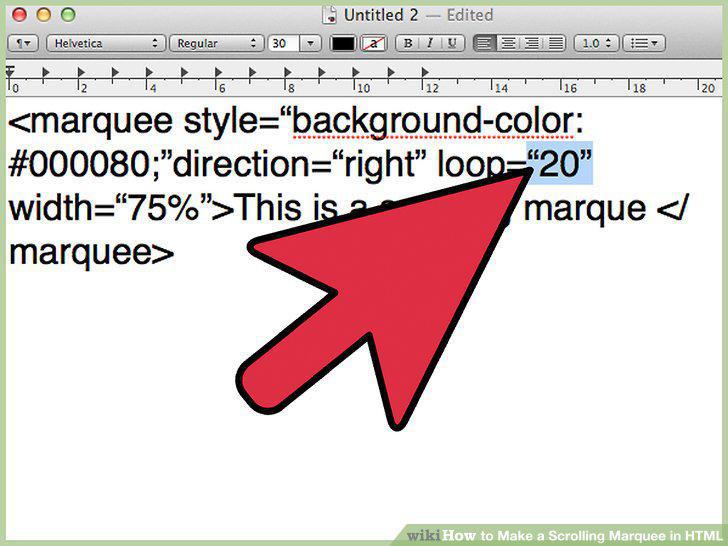
Specify the number of loops for your marquee.
15
Specify the marquee text.
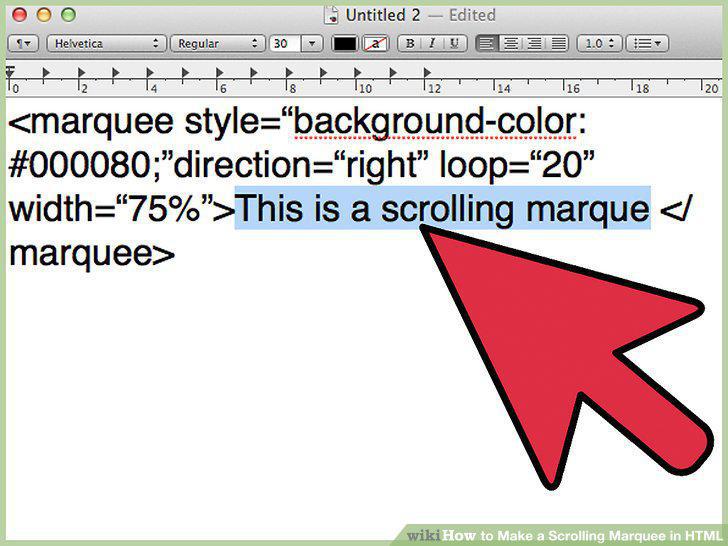
Specify the marquee text.
16
Load your HTML file.
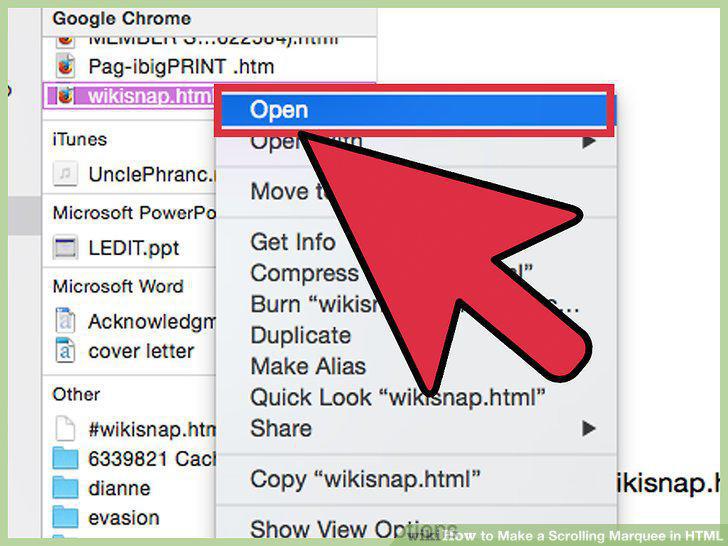
Load your HTML file.
Comments (0)
No comments yet. Be the first to share your thoughts!