How to Download iTunes on Windows
Open the iTunes download page in an internet browser.. Click the blue Download Now button.. Open the iTunes setup file on your computer.
Steps
1
Open the iTunes download page in an internet browser.
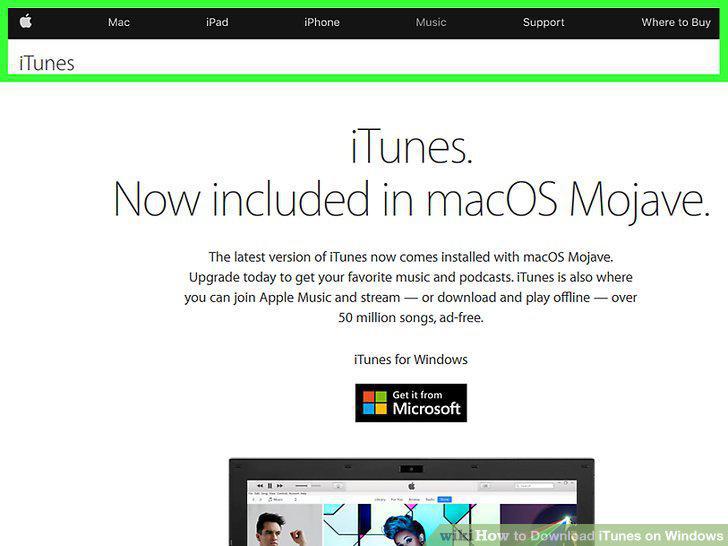
Open the iTunes download page in an internet browser.
2
Click the blue Download Now button.
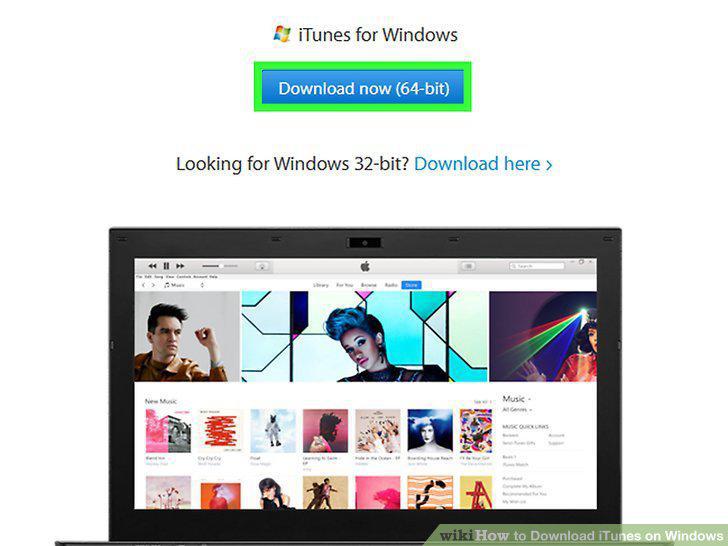
Click the blue Download Now button.
3
Open the iTunes setup file on your computer.
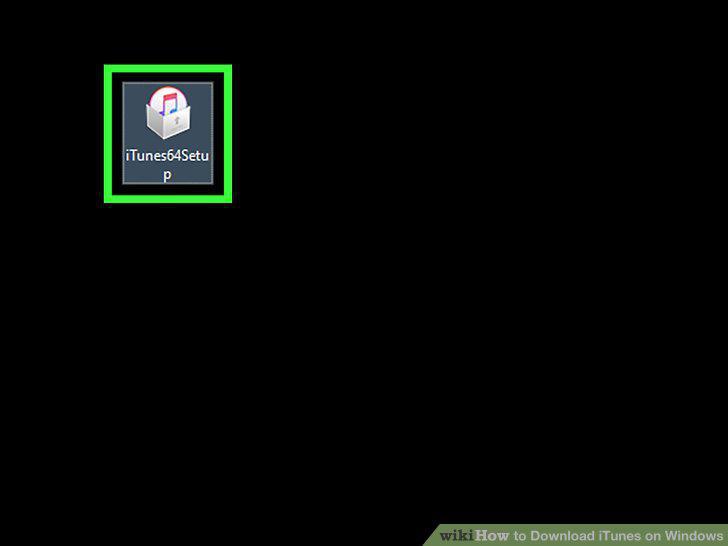
Open the iTunes setup file on your computer.
4
Click Next in the setup window.
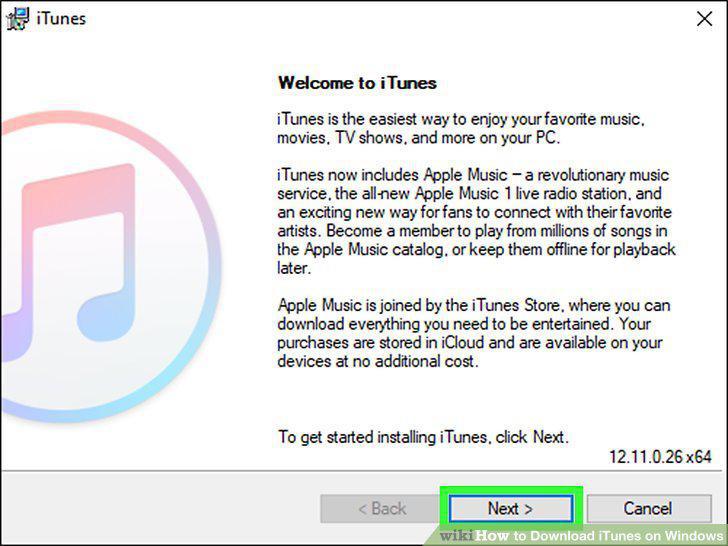
Click Next in the setup window.
5
Select a destination folder for iTunes.
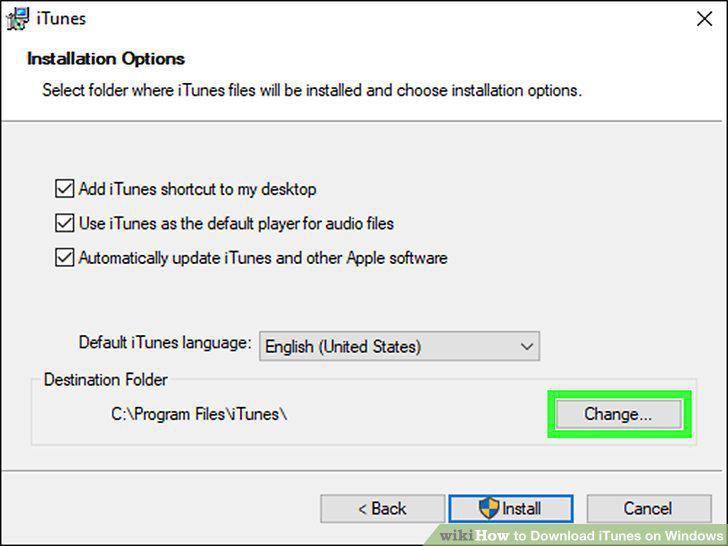
Select a destination folder for iTunes.
6
Click the Install button.
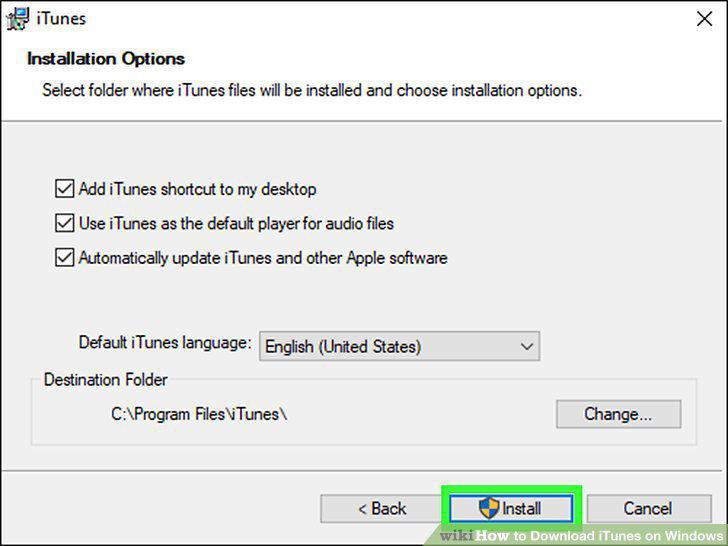
Click the Install button.
7
Click the Finish button.
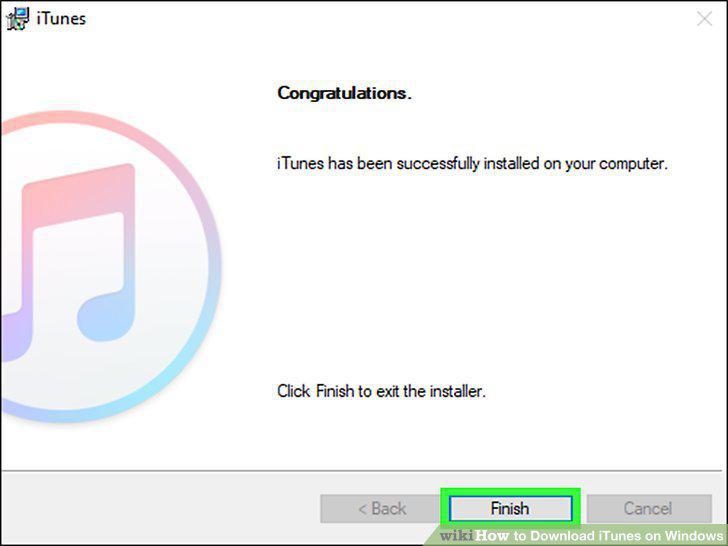
Click the Finish button.
8
Open the Microsoft Store.
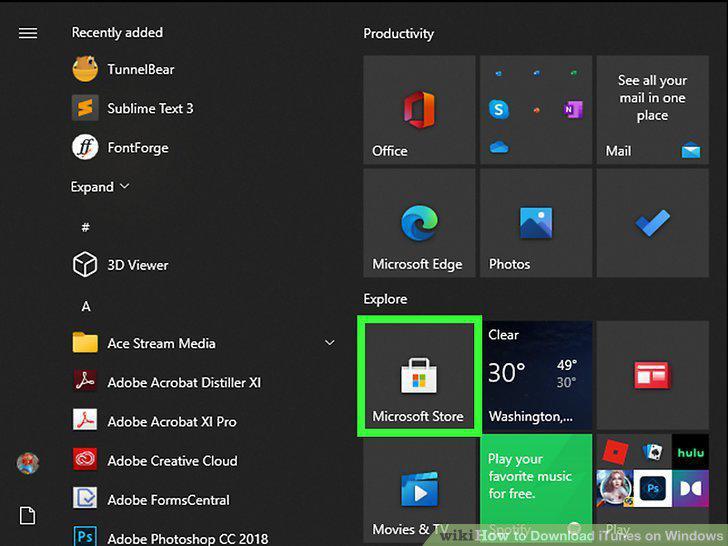
Open the Microsoft Store.
9
Search for "iTunes".
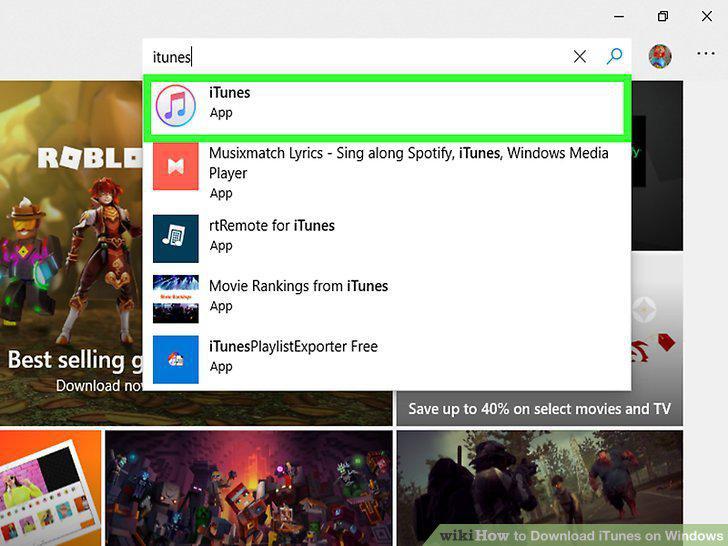
Search for "iTunes".
10
Choose "Get" or "Install".
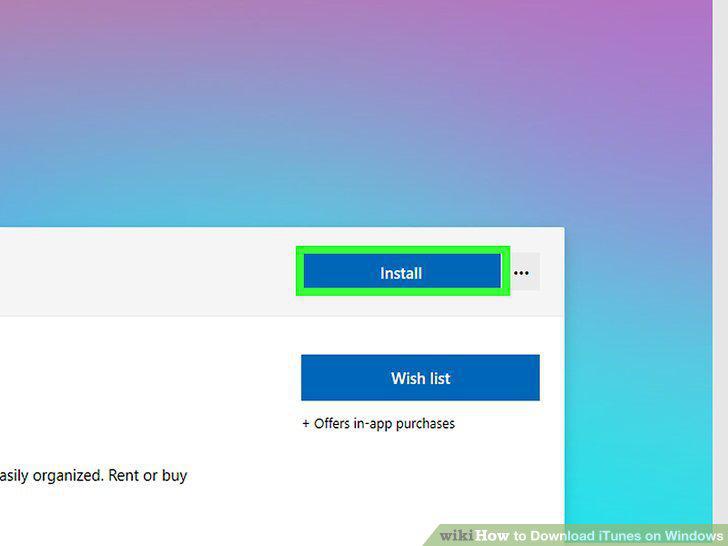
Choose "Get" or "Install".
11
Migrate and uninstall the desktop version of iTunes.
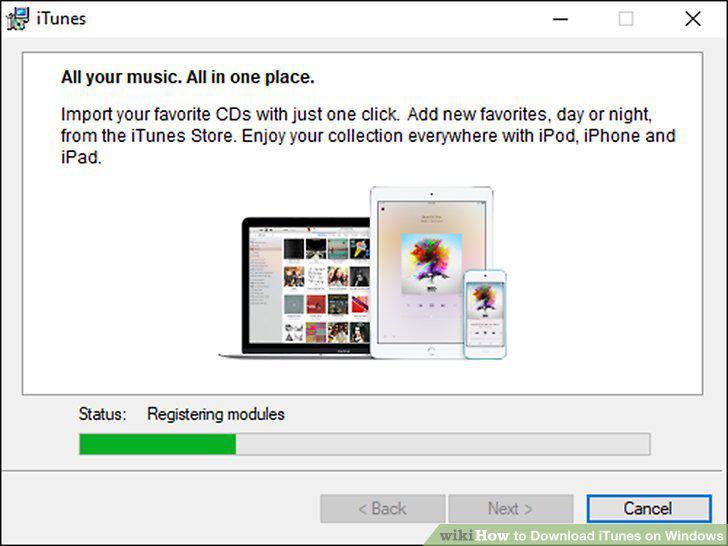
Migrate and uninstall the desktop version of iTunes.
12
Click on "I agree".
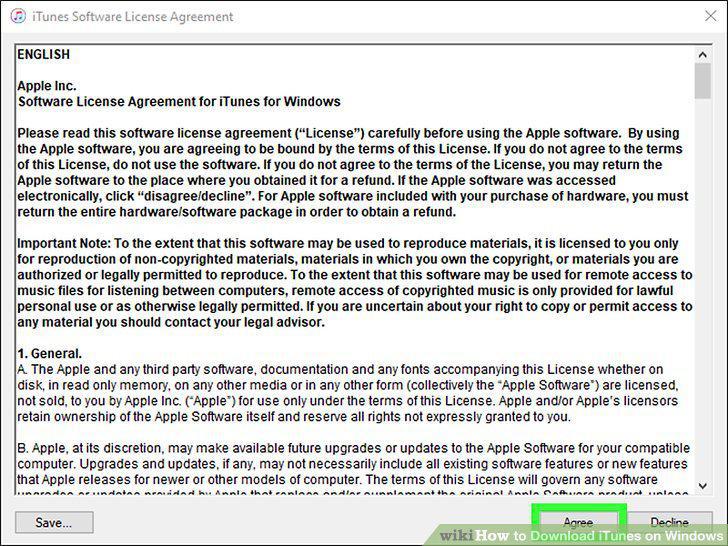
Click on "I agree".
Comments (0)
No comments yet. Be the first to share your thoughts!