How to Livestream on TikTok on iPhone or iPad
Open TikTok on your iPhone or iPad.. Tap the icon on the bottom-right.. Sign in to your account.
Steps
1
Open TikTok on your iPhone or iPad.
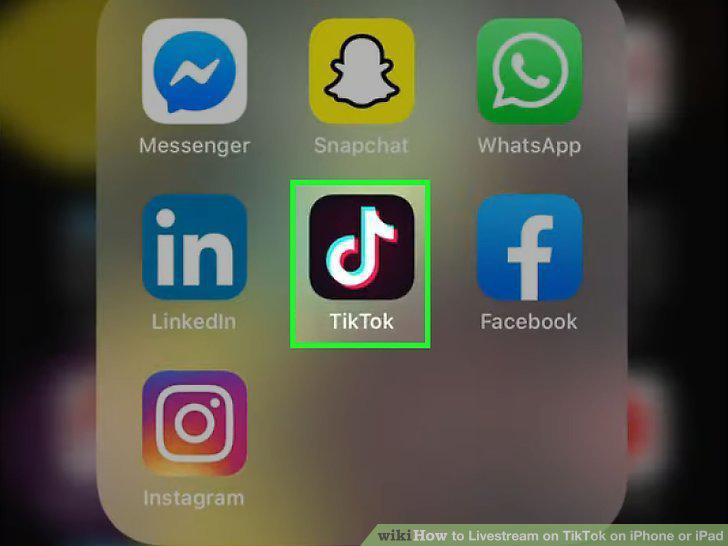
Open TikTok on your iPhone or iPad.
2
Tap the icon on the bottom-right.

Tap the icon on the bottom-right.
3
Sign in to your account.
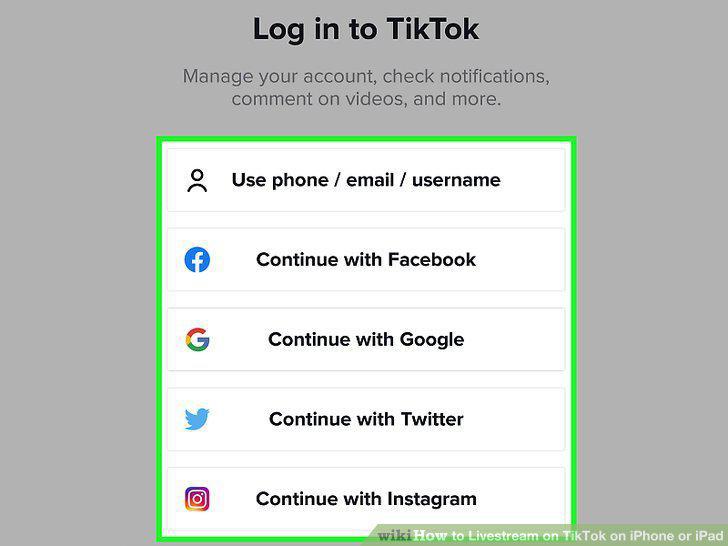
Sign in to your account.
4
Tap the + button at the bottom.
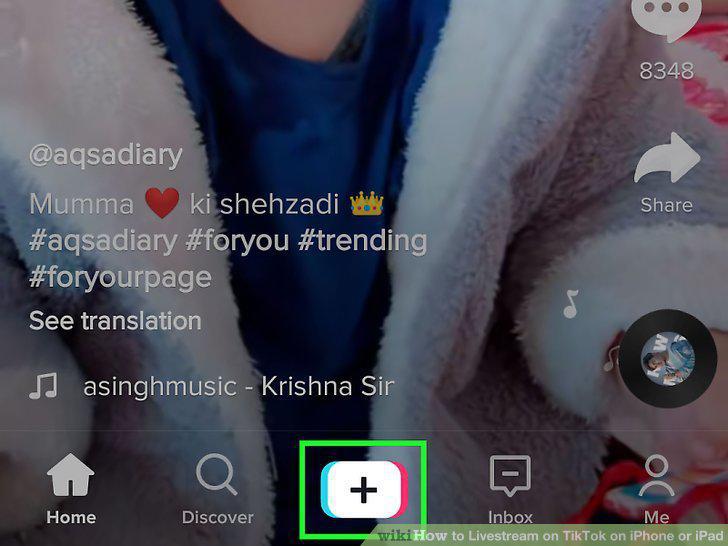
Tap the + button at the bottom.
5
Tap the LIVE option at the bottom.
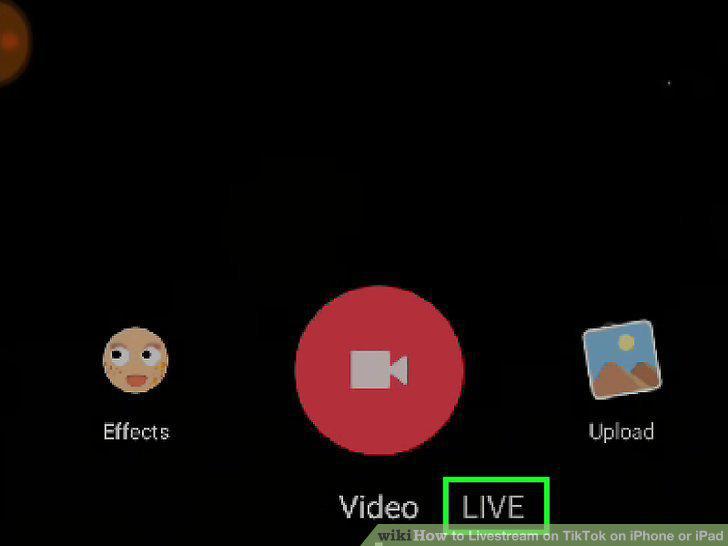
Tap the LIVE option at the bottom.
6
Enter a title for your stream.
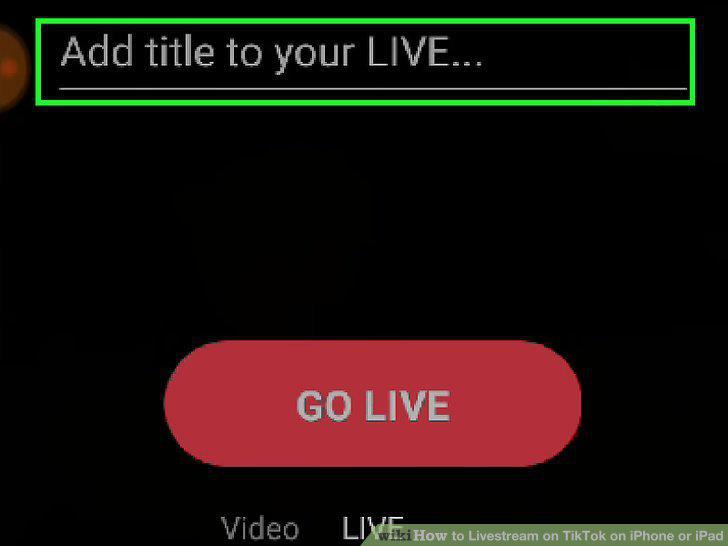
Enter a title for your stream.
7
Tap the GO LIVE button.
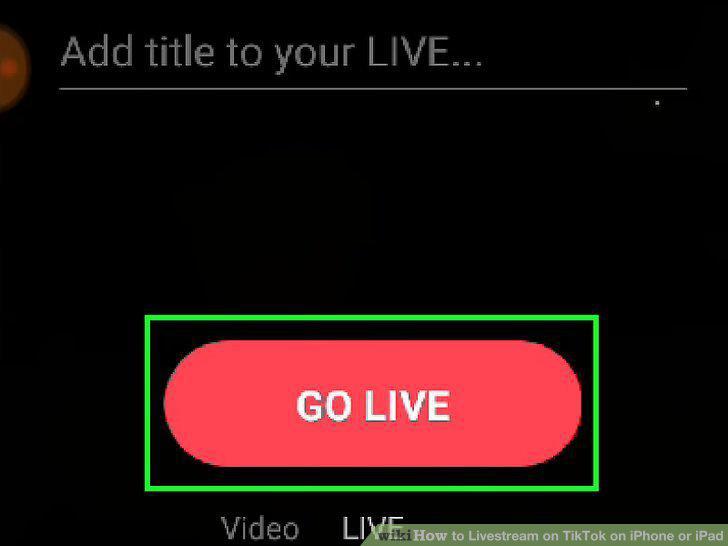
Tap the GO LIVE button.
8
Swipe left on the camera screen for filters (optional).
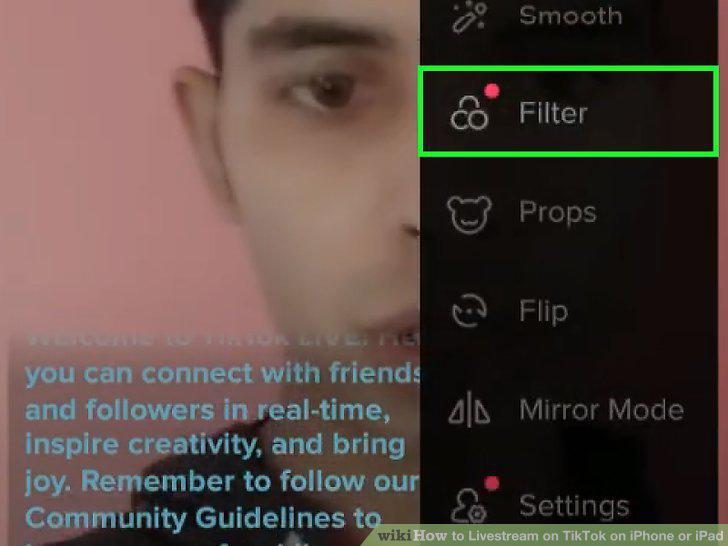
Swipe left on the camera screen for filters (optional).
9
Tap the speech balloon icon on the bottom-left (optional).
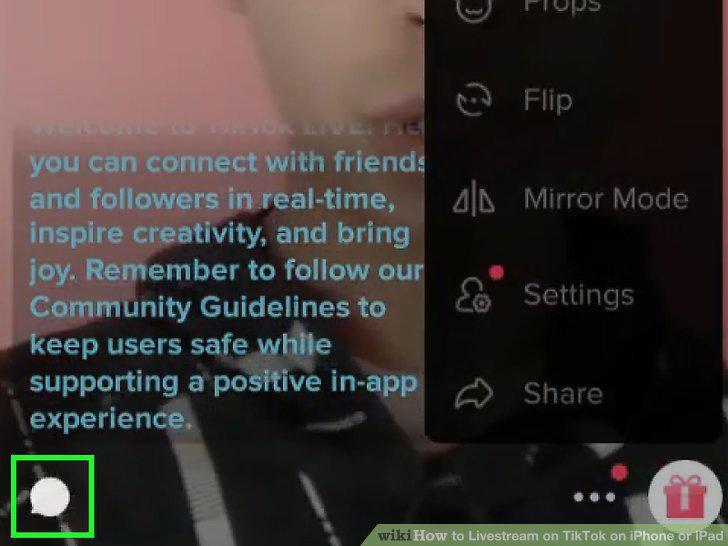
Tap the speech balloon icon on the bottom-left (optional).
10
Tap the X button to stop streaming.
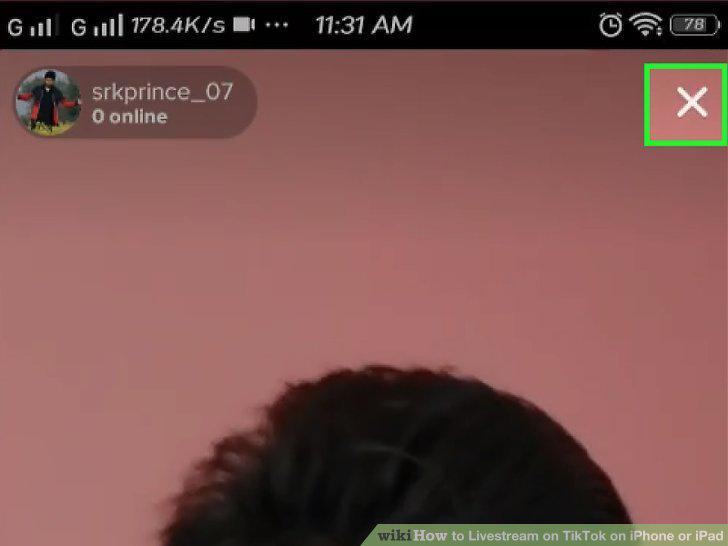
Tap the X button to stop streaming.
Comments (0)
No comments yet. Be the first to share your thoughts!