How to Recover a Samsung Account
Go to https://account.samsung.com/ on a browser.. Select Sign in.. Select Find ID or Reset password?.
Steps
1
Go to https://account.samsung.com/ on a browser.
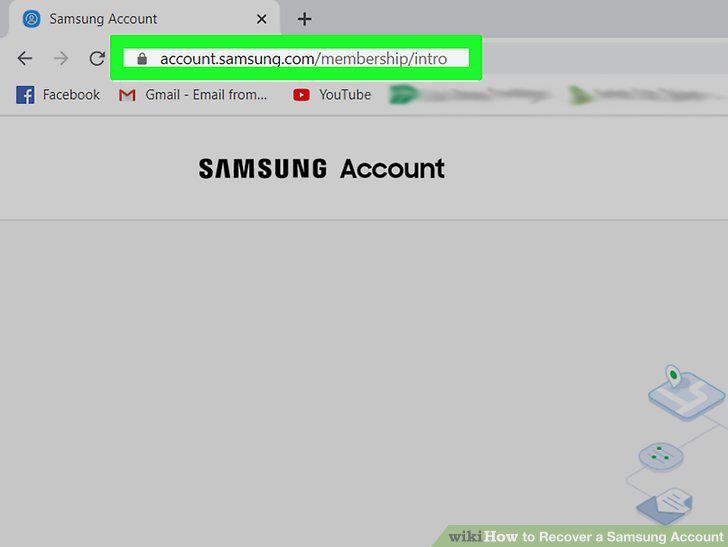
Go to https://account.samsung.com/ on a browser.
2
Select Sign in.
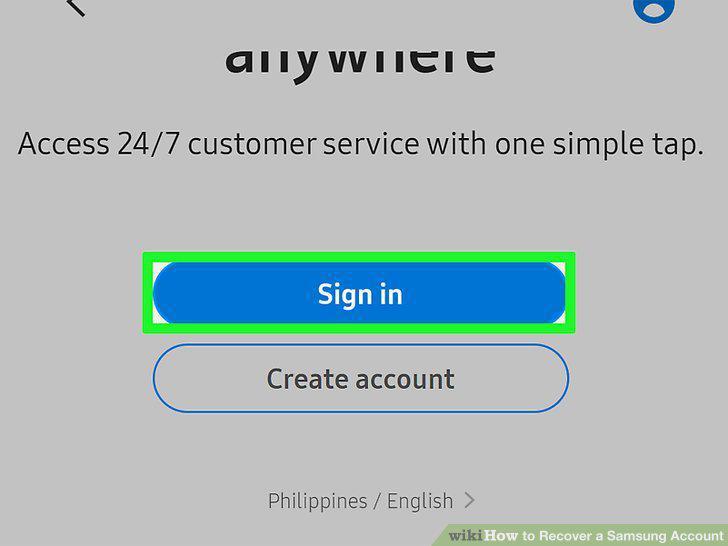
Select Sign in.
3
Select Find ID or Reset password?.
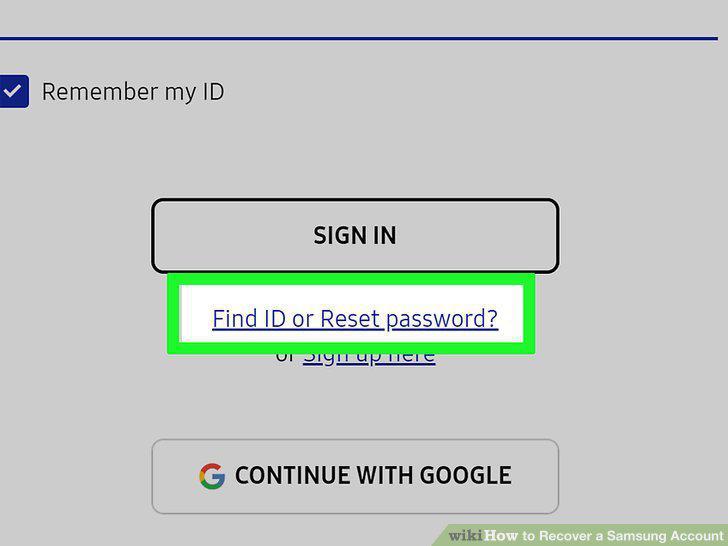
Select Find ID or Reset password?.
4
Fill in your details and select Find my ID.
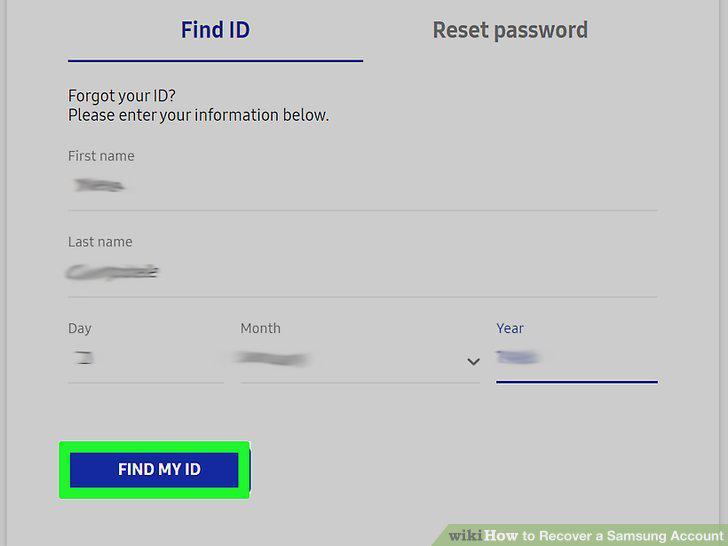
Fill in your details and select Find my ID.
5
Check the email ID listed.
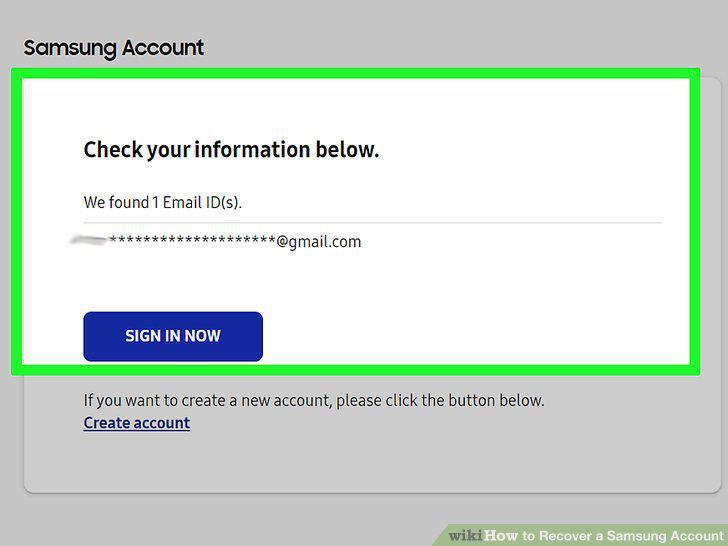
Check the email ID listed.
6
Go to https://account.samsung.com/ on a browser.
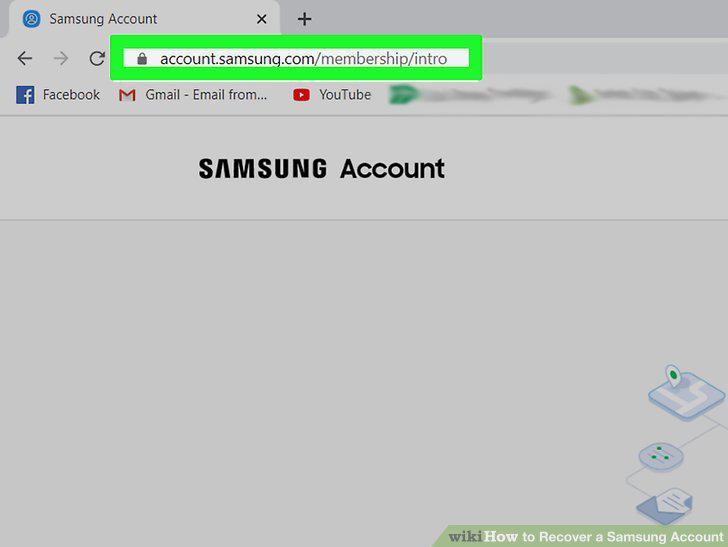
Go to https://account.samsung.com/ on a browser.
7
Select Sign in.
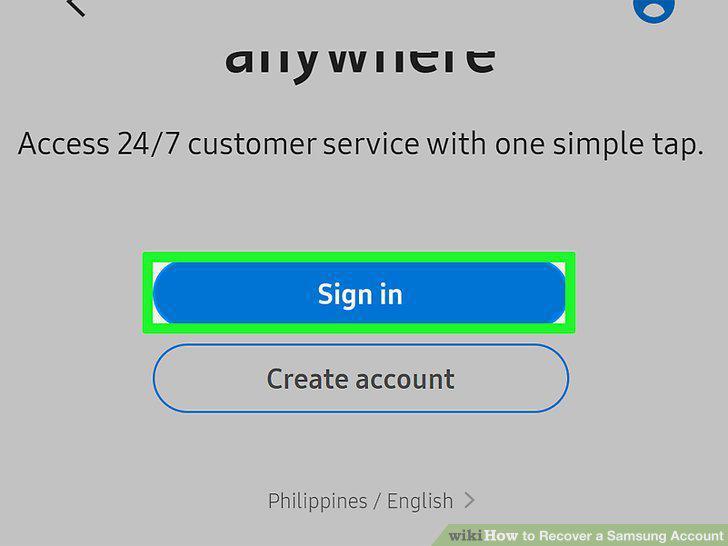
Select Sign in.
8
Select Find ID or Reset password?.
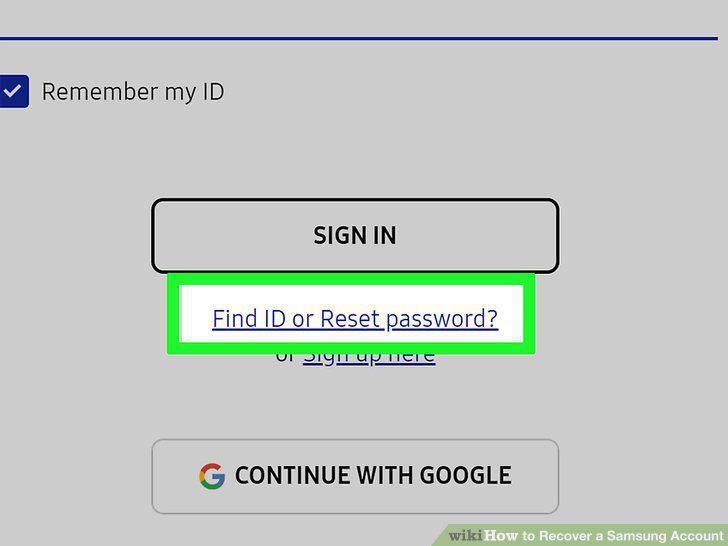
Select Find ID or Reset password?.
9
Select Reset password.
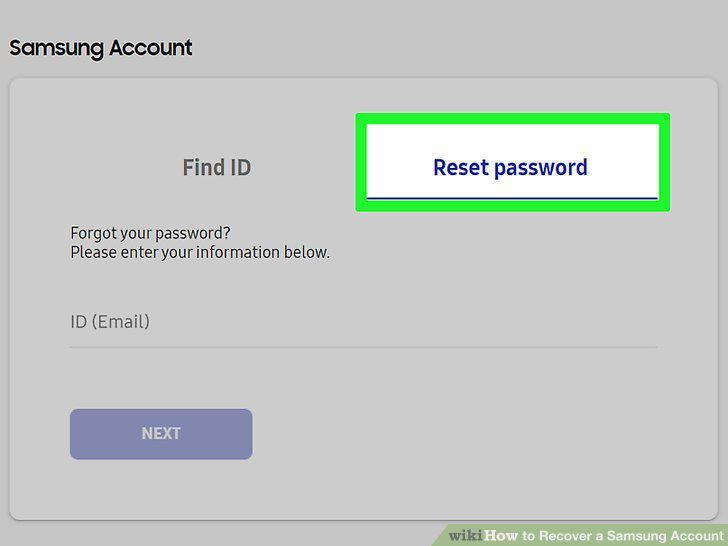
Select Reset password.
10
Type in your email ID.
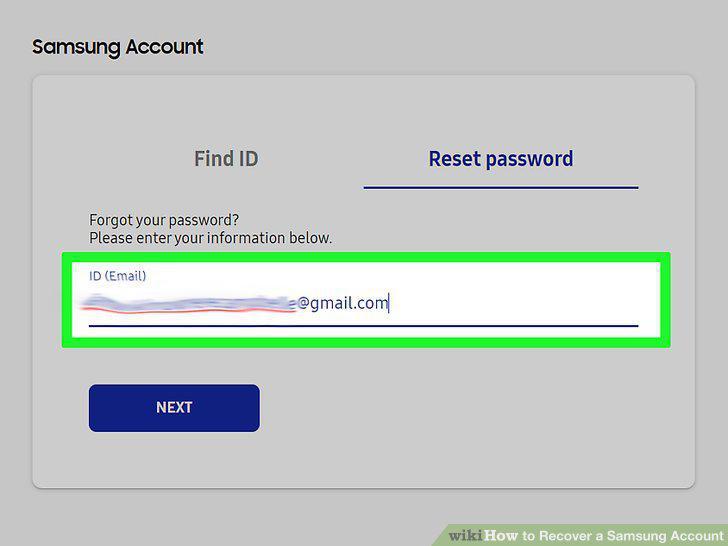
Type in your email ID.
11
Select Next.
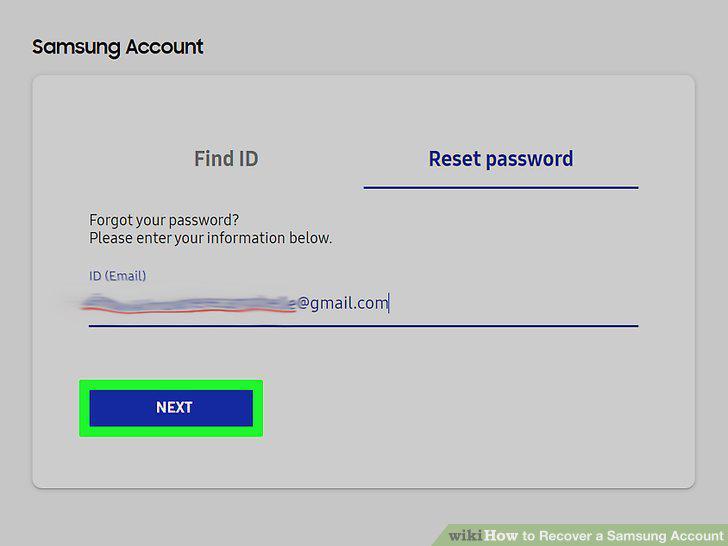
Select Next.
12
Check your email.
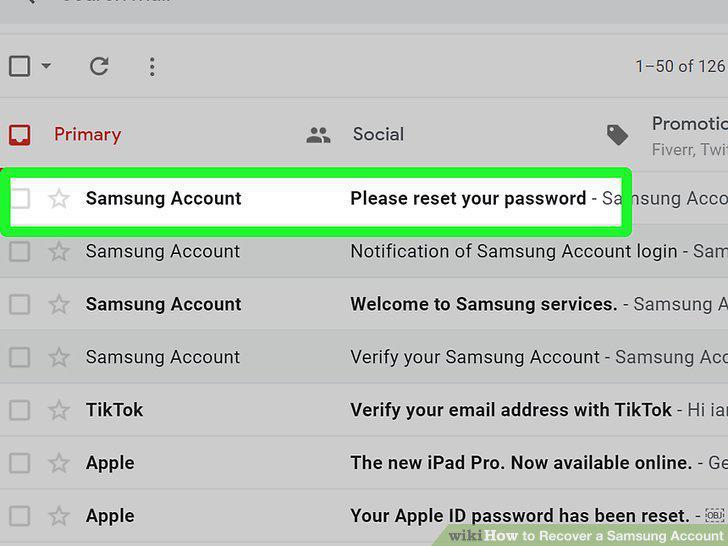
Check your email.
13
Select Reset Password.
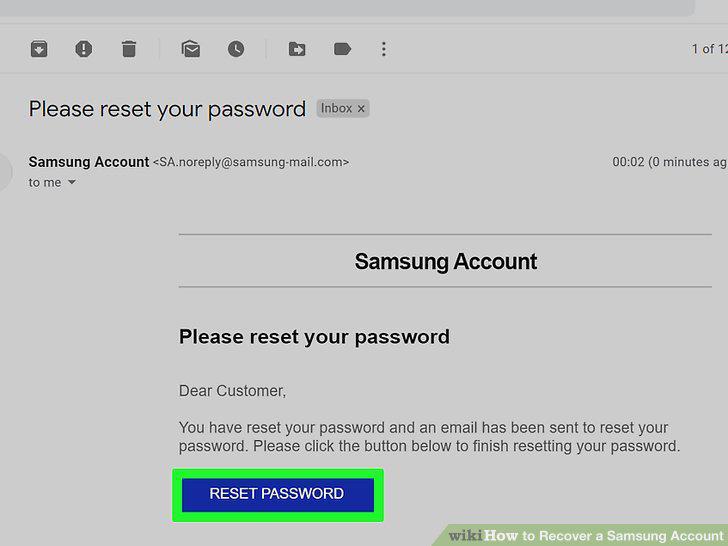
Select Reset Password.
14
Enter in your new password twice and select Reset Password.
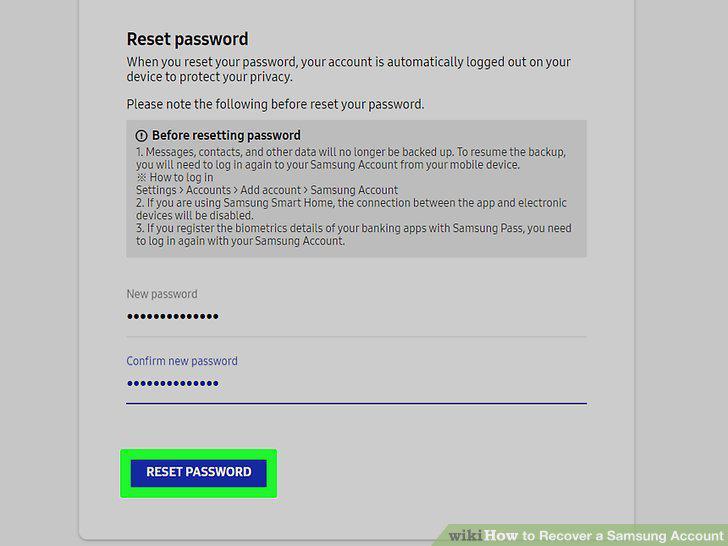
Enter in your new password twice and select Reset Password.
Comments (0)
No comments yet. Be the first to share your thoughts!