How to Turn Off the Snap Map on Snapchat on Android
Open Snapchat on your Android.. Pinch in on the camera screen with two fingers.. Tap the white gear icon.
Steps
1
Open Snapchat on your Android.
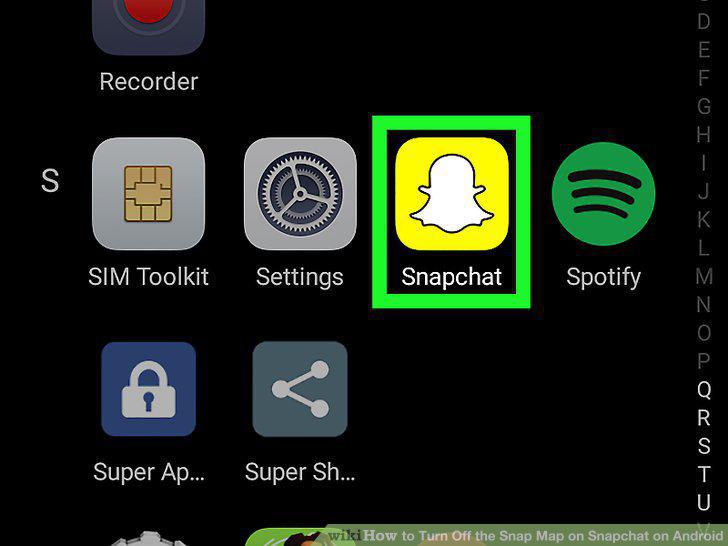
Open Snapchat on your Android.
2
Pinch in on the camera screen with two fingers.
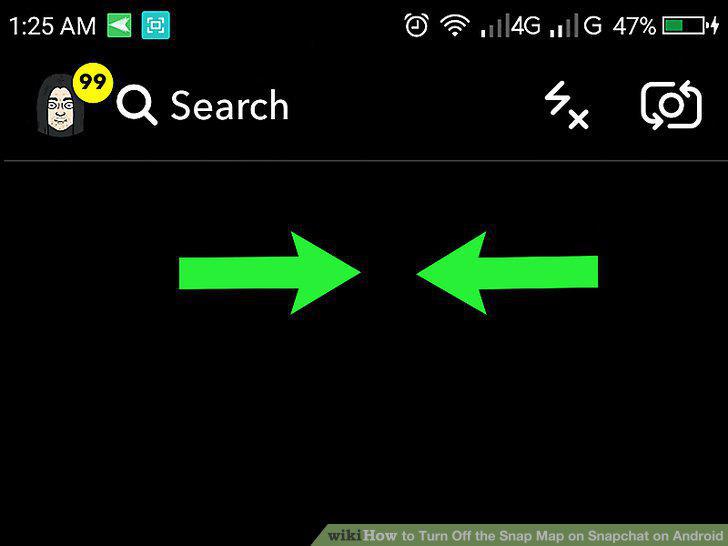
Pinch in on the camera screen with two fingers.
3
Tap the white gear icon.
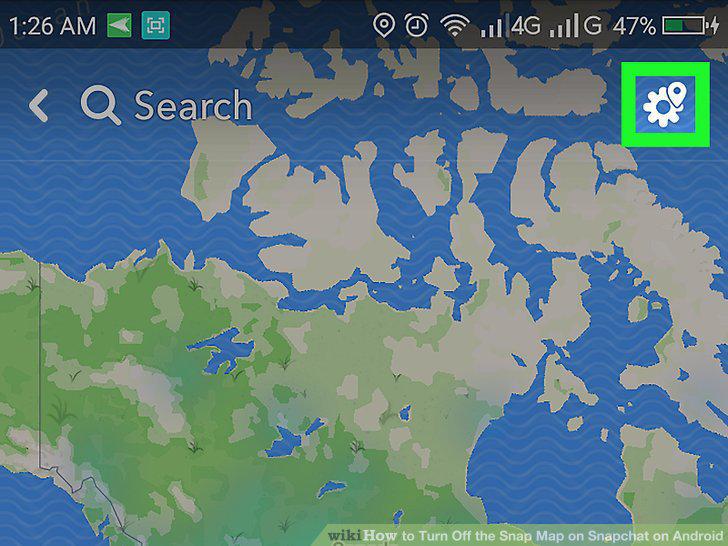
Tap the white gear icon.
4
Tap and check the Ghost Mode box.
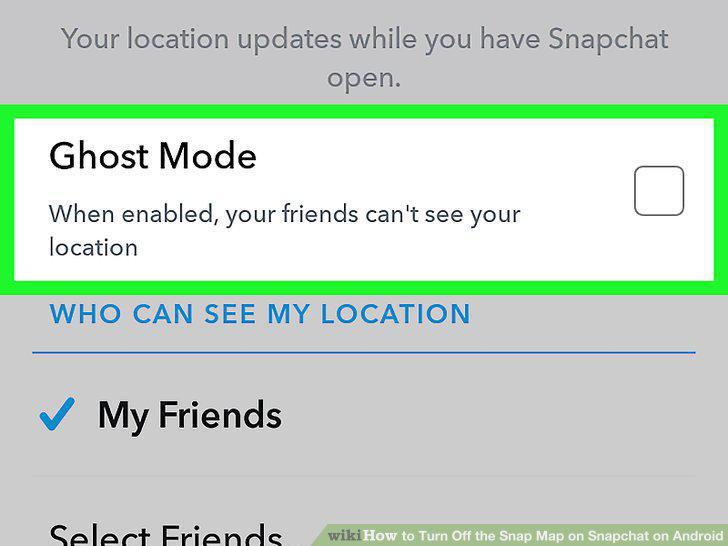
Tap and check the Ghost Mode box.
5
Select a duration for Ghost Mode.
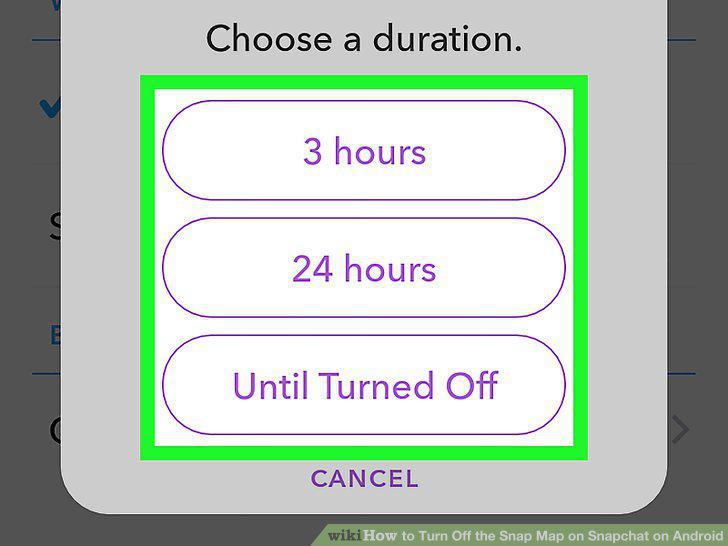
Select a duration for Ghost Mode.
Comments (0)
No comments yet. Be the first to share your thoughts!