How to Activate WhatsApp on iPhone or iPad
Open WhatsApp Messenger on your iPhone or iPad.. Tap Agree & Continue.. Enter your mobile phone number.
Steps
1
Open WhatsApp Messenger on your iPhone or iPad.
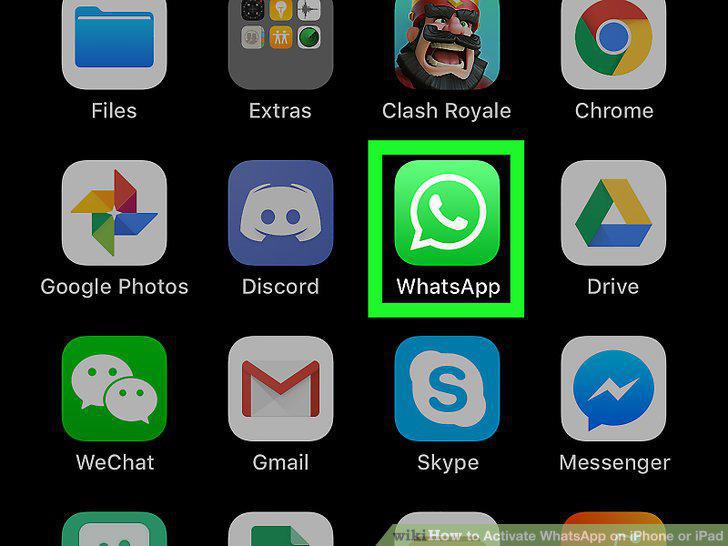
Open WhatsApp Messenger on your iPhone or iPad.
2
Tap Agree & Continue.

Tap Agree & Continue.
3
Enter your mobile phone number.
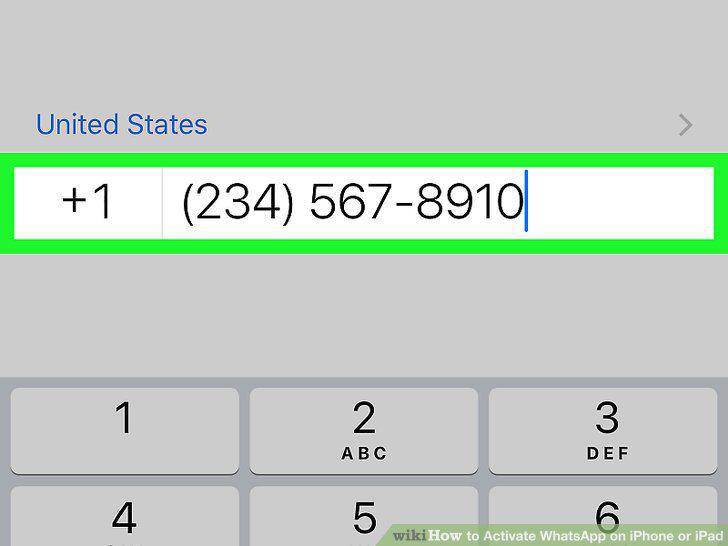
Enter your mobile phone number.
4
Tap Done.
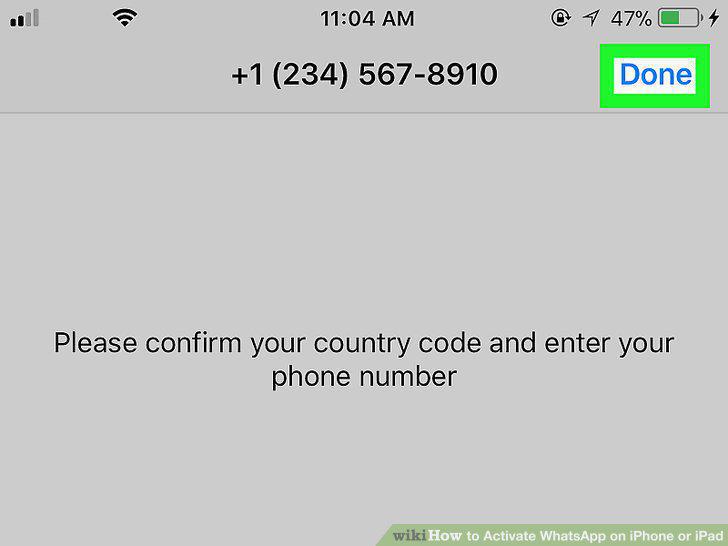
Tap Done.
5
Tap Yes in the confirmation pop-up.
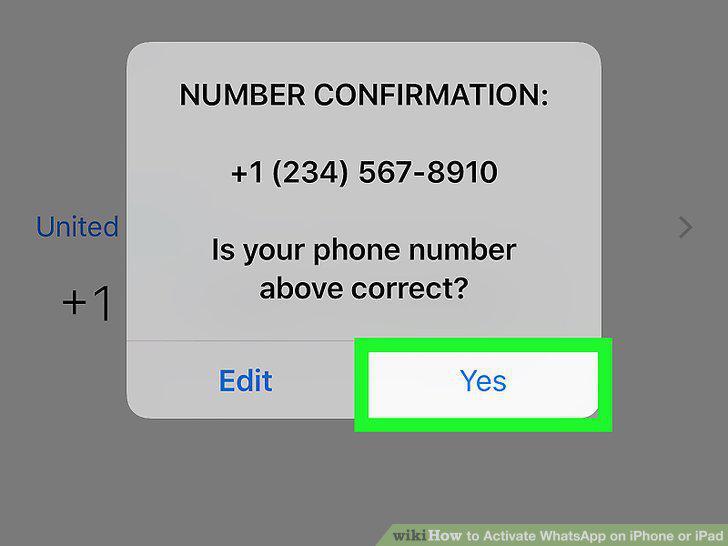
Tap Yes in the confirmation pop-up.
6
Enter your 6-digit verification code.
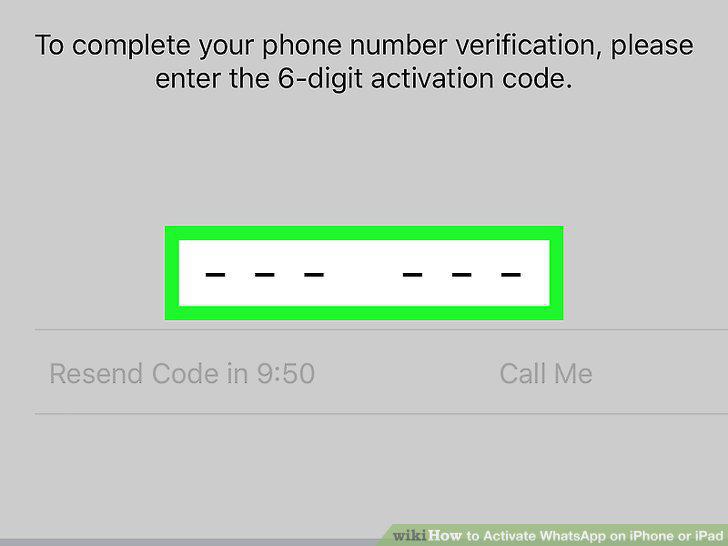
Enter your 6-digit verification code.
7
Enter a profile name.
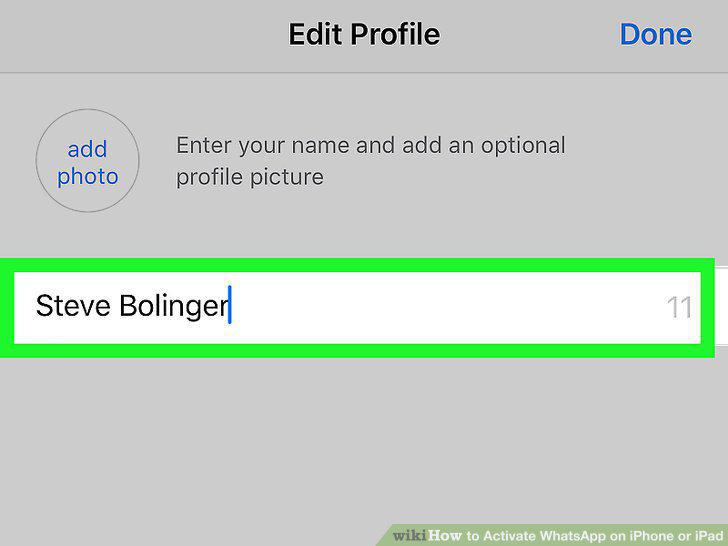
Enter a profile name.
8
Tap the blue Done button.
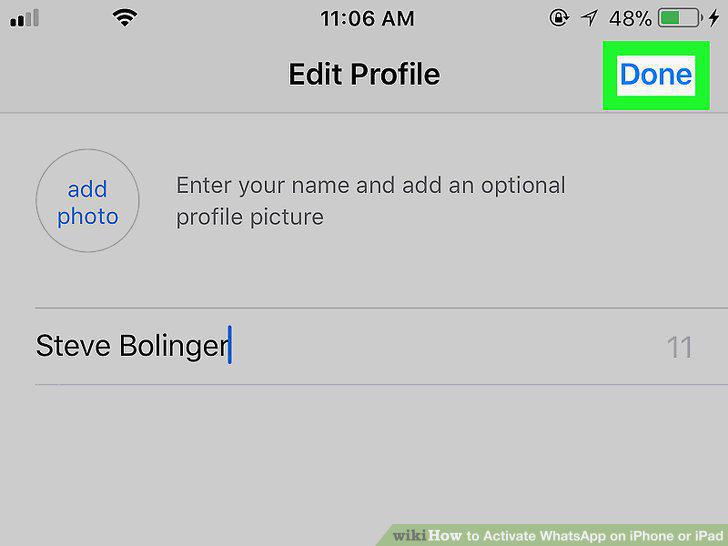
Tap the blue Done button.
Comments (0)
No comments yet. Be the first to share your thoughts!