How to Create Two Accounts in Clash of Clans on One Android Device
Open Clash of Clans if you haven't already.. Tap the settings icon.. Tap the Connected button to the right of "Supercell ID.
Steps
Open Clash of Clans if you haven't already.
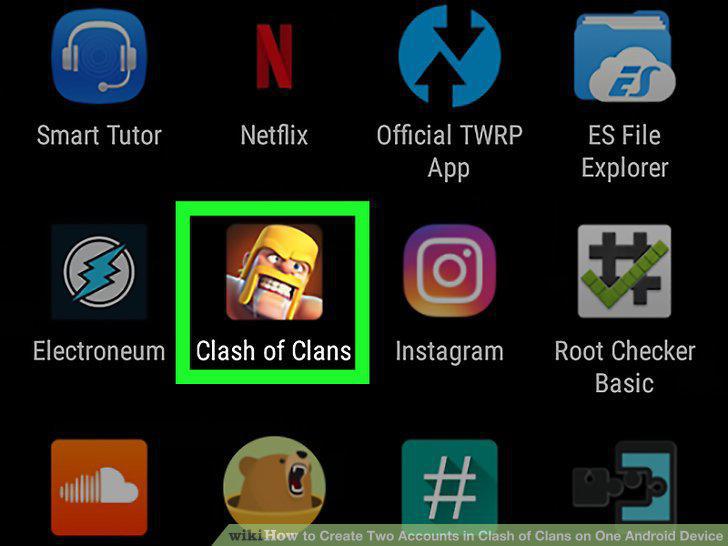
Open Clash of Clans if you haven't already.
Tap the settings icon.

Tap the settings icon.
Tap the Connected button to the right of "Supercell ID.
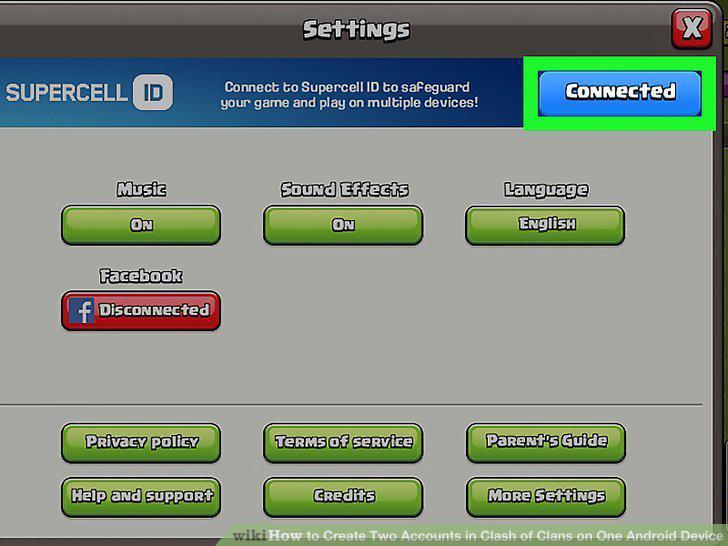
Tap the Connected button to the right of "Supercell ID.
Tap the settings button in the Supercell ID screen.
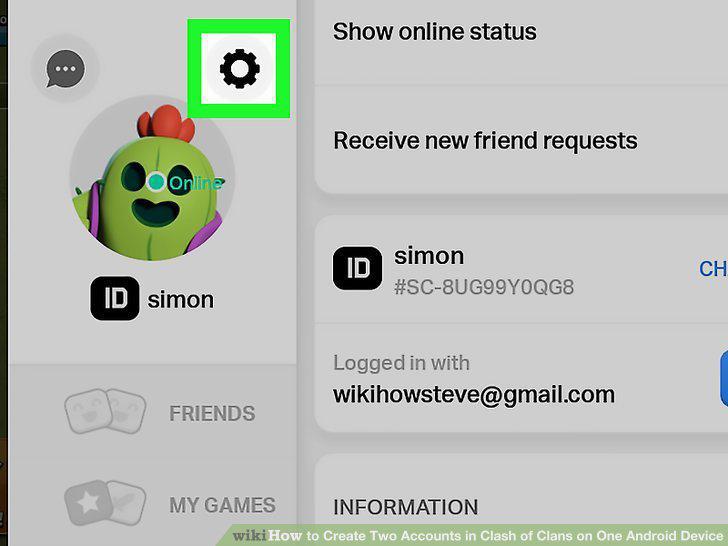
Tap the settings button in the Supercell ID screen.
Tap Log Out in the settings menu and tap Confirm.
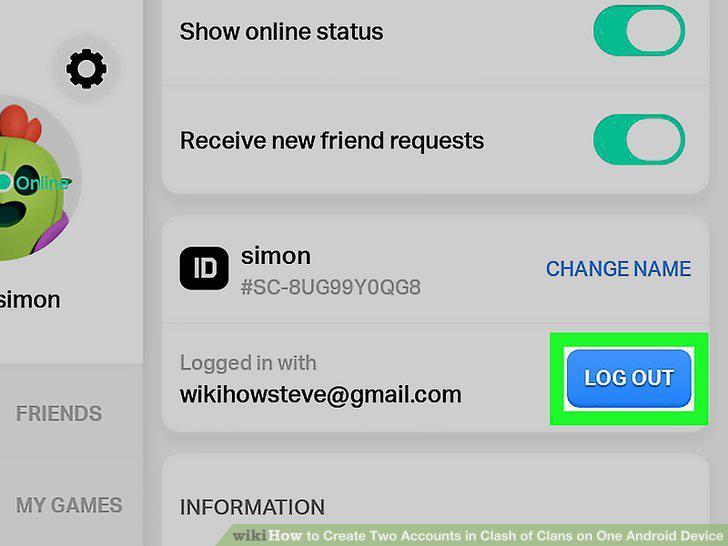
Tap Log Out in the settings menu and tap Confirm.
Open Clash of Clans if you haven't already.
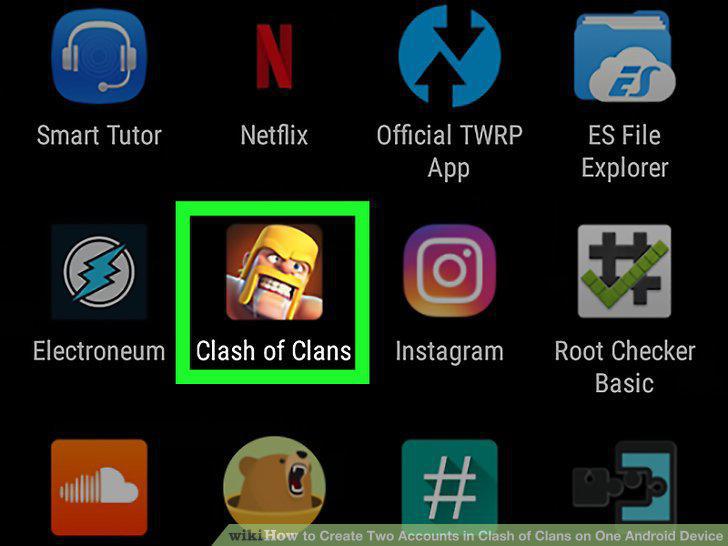
Open Clash of Clans if you haven't already.
On the title screen, tap the faded "Play without Supercell ID" button.
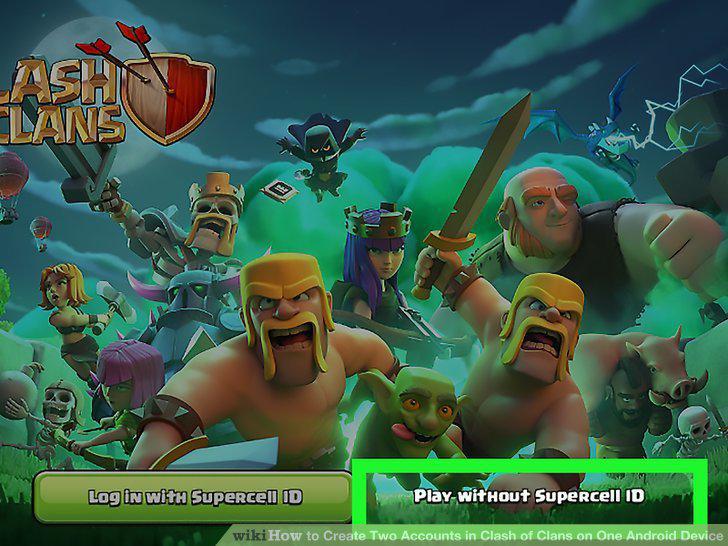
On the title screen, tap the faded "Play without Supercell ID" button.
You will be presented with the Clash of Clans tutorial.
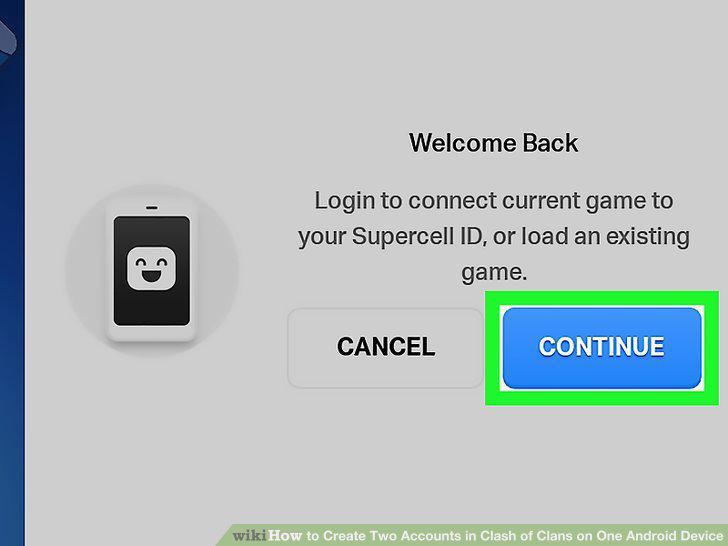
You will be presented with the Clash of Clans tutorial.
Open Clash of Clans if you haven't already.
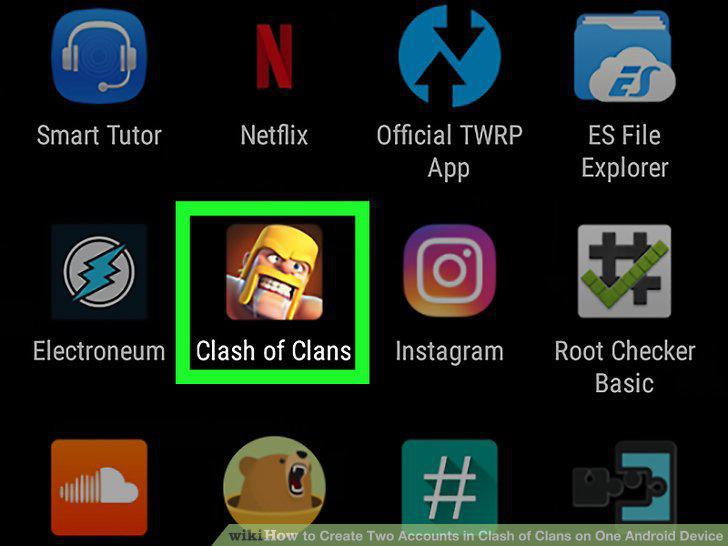
Open Clash of Clans if you haven't already.
Tap the settings icon.

Tap the settings icon.
Tap the Disconnected button next to "Supercell ID.
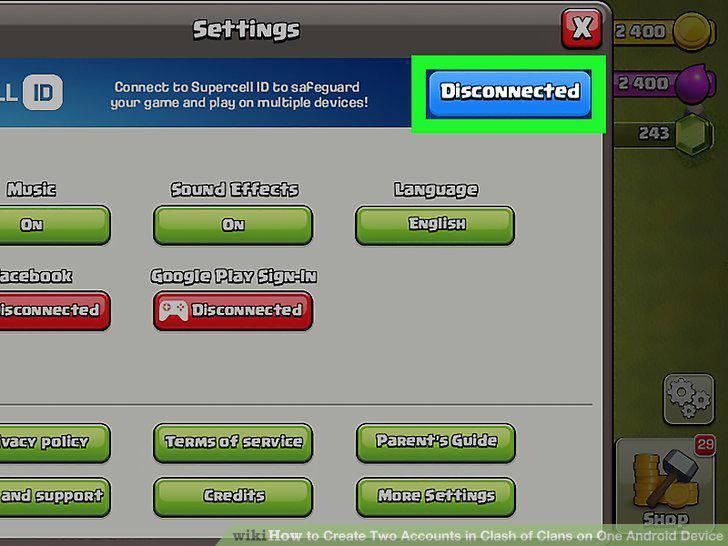
Tap the Disconnected button next to "Supercell ID.
Tap the blue Register Now link, then tap Continue on the next screen.
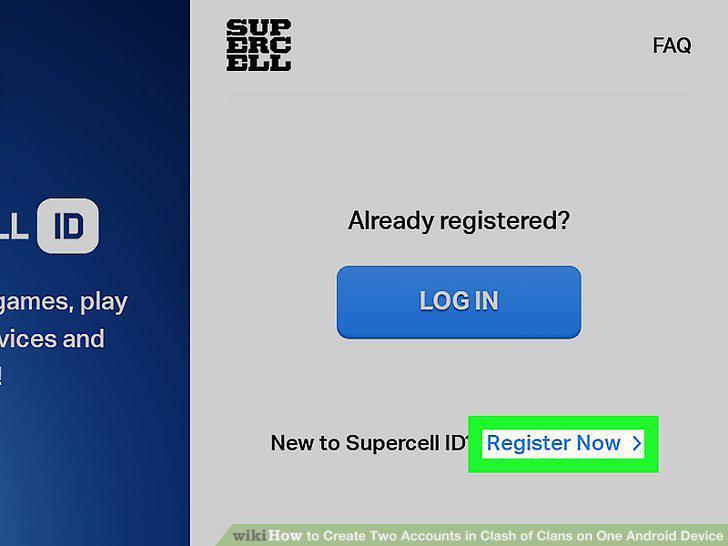
Tap the blue Register Now link, then tap Continue on the next screen.
Type in your Email address in both boxes presented and click Register.
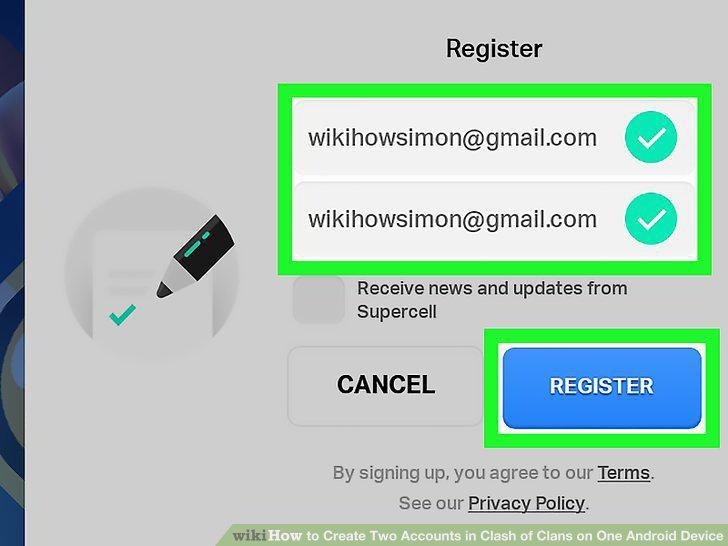
Type in your Email address in both boxes presented and click Register.
A message will be sent to your Email address, type in the code presented in the
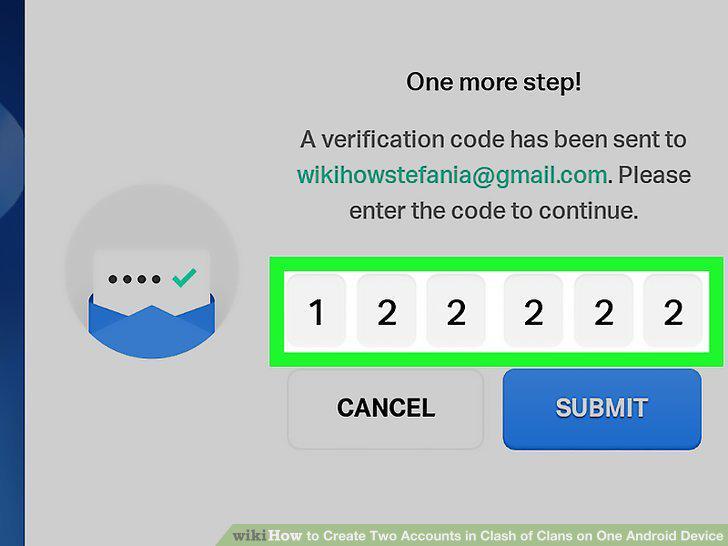
A message will be sent to your Email address, type in the code presented in the message in the code box and press Submit.
Click the Okay option to exit the creation process.
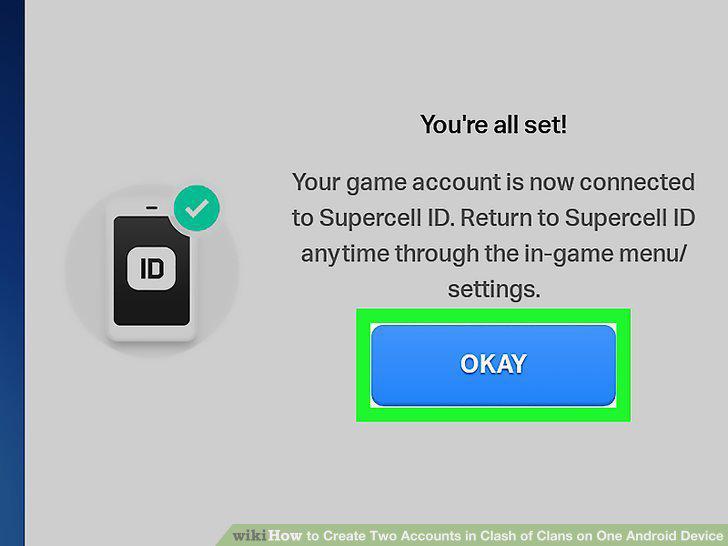
Click the Okay option to exit the creation process.
Open Clash of Clans if you haven't already.
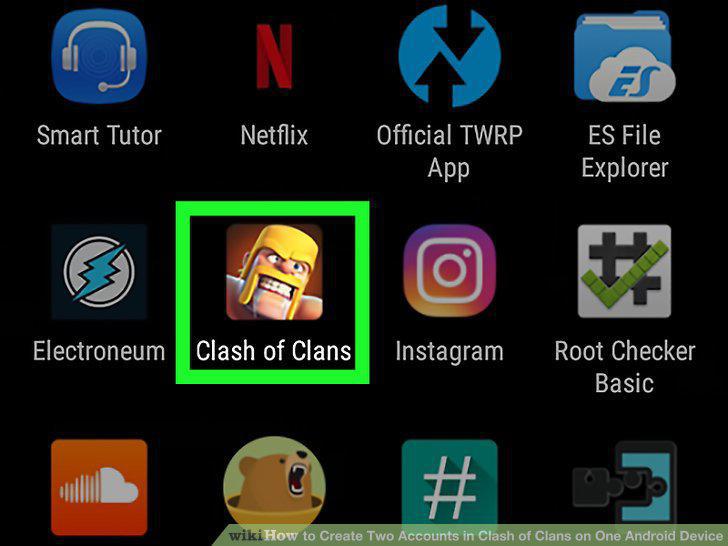
Open Clash of Clans if you haven't already.
Tap the settings icon.

Tap the settings icon.
Tap the blue button next to "Connected" which looks like two arrows curving into
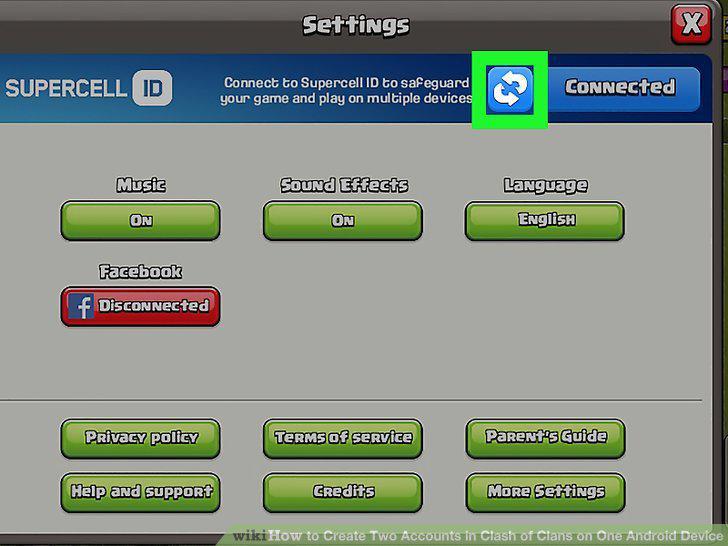
Tap the blue button next to "Connected" which looks like two arrows curving into each other.
If the title screen is shown, tap the "Log in with Supercell ID" button.
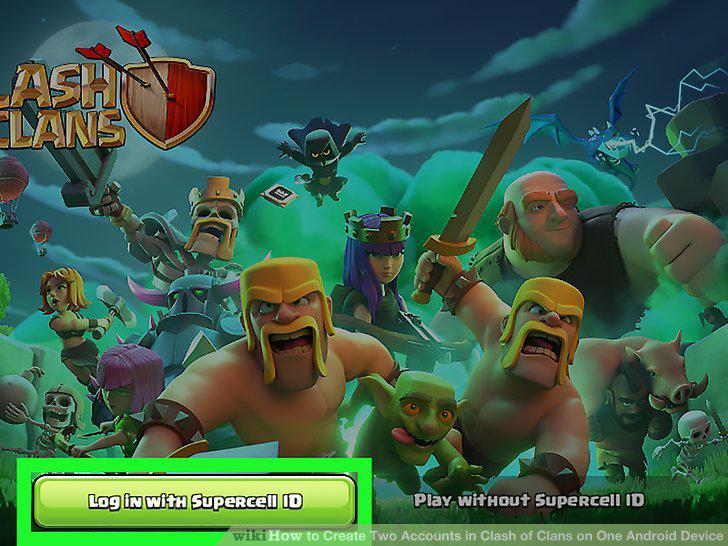
If the title screen is shown, tap the "Log in with Supercell ID" button.
A list of linked accounts will appear, tap the correct account you want to switc
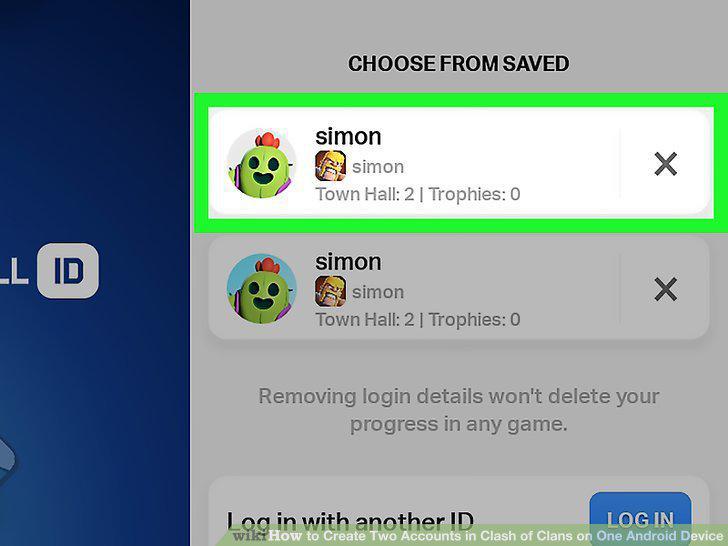
A list of linked accounts will appear, tap the correct account you want to switch into.
Comments (0)
No comments yet. Be the first to share your thoughts!