How to Make a Polls on the Line App on iPhone or iPad
Open LINE on your iPhone or iPad.. Open the Chats screen.. Select the group you want to poll.
Steps
1
Open LINE on your iPhone or iPad.
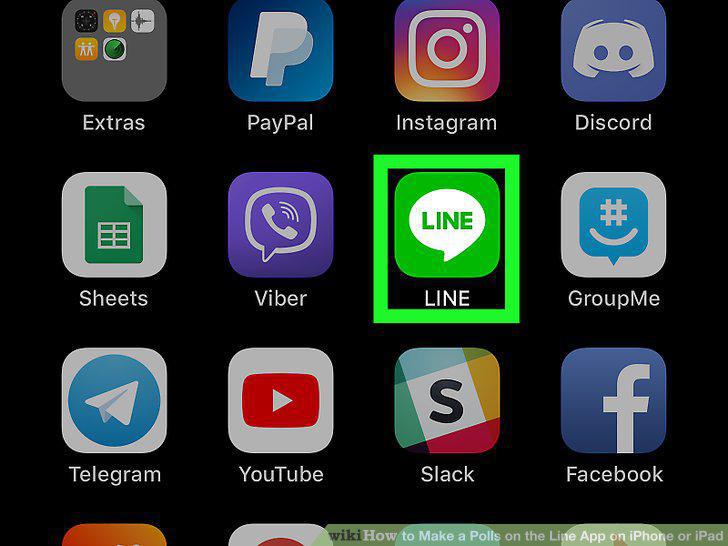
Open LINE on your iPhone or iPad.
2
Open the Chats screen.

Open the Chats screen.
3
Select the group you want to poll.
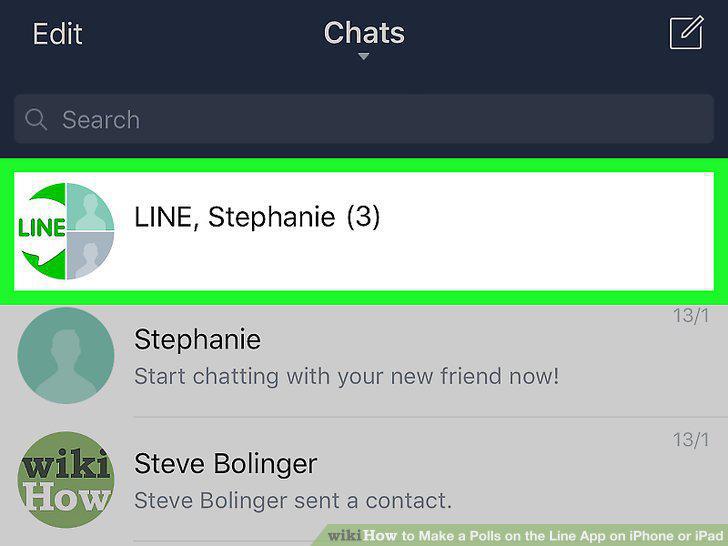
Select the group you want to poll.
4
Tap +.

Tap +.
5
Tap Poll.
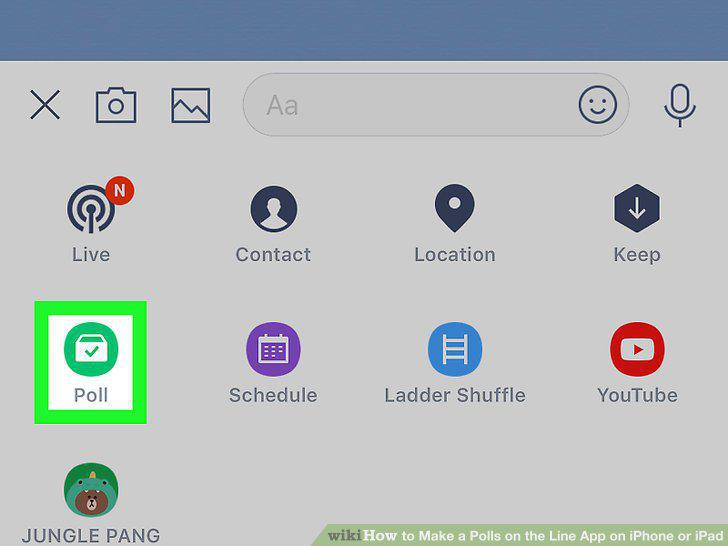
Tap Poll.
6
Select a poll type.
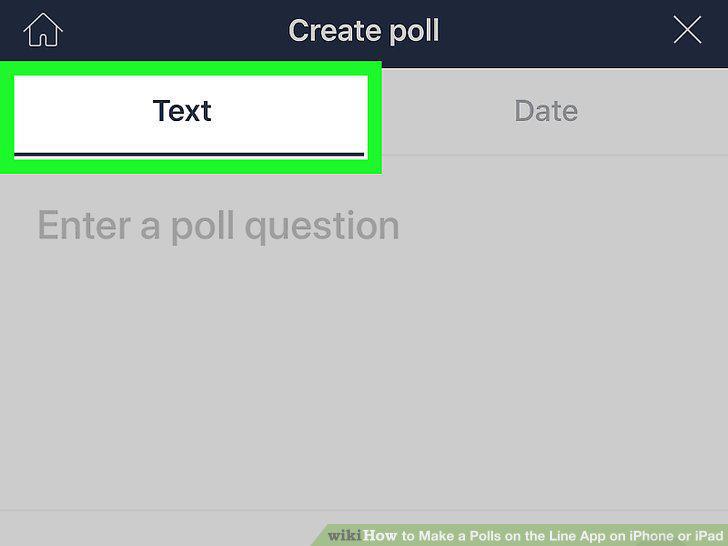
Select a poll type.
7
Type the poll question.
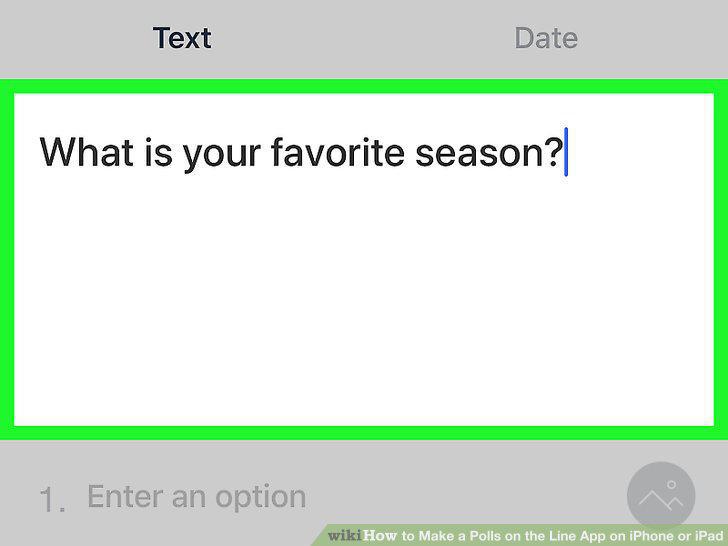
Type the poll question.
8
Enter possible answers.
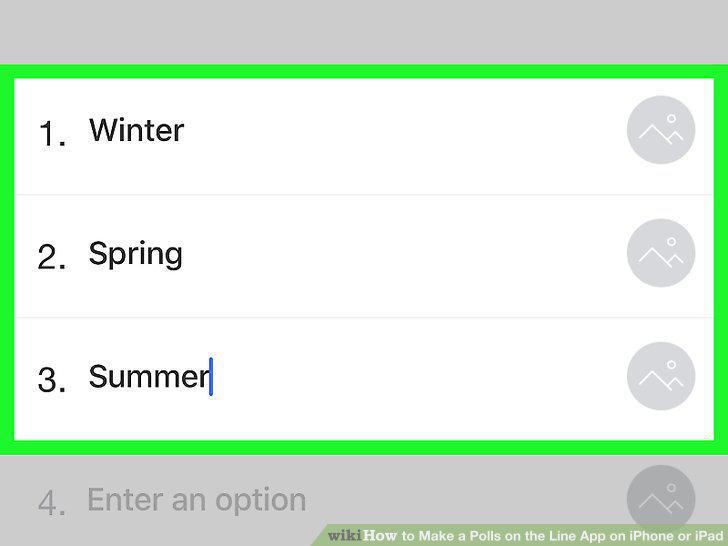
Enter possible answers.
9
Set optional poll settings.
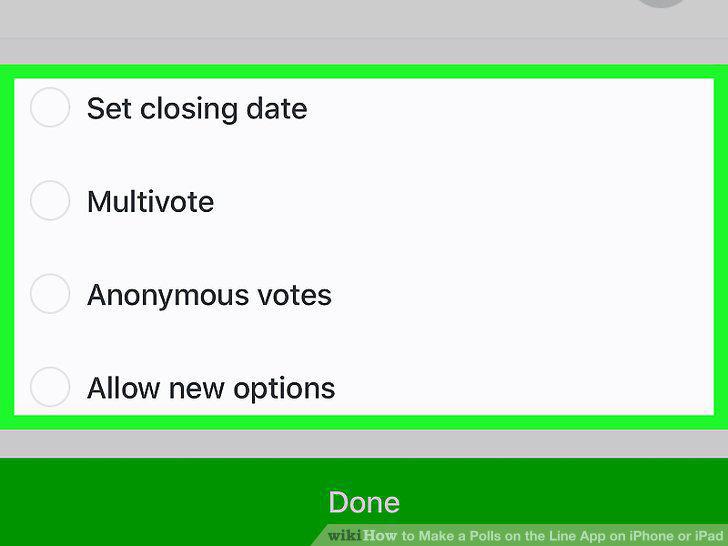
Set optional poll settings.
10
Tap Done.
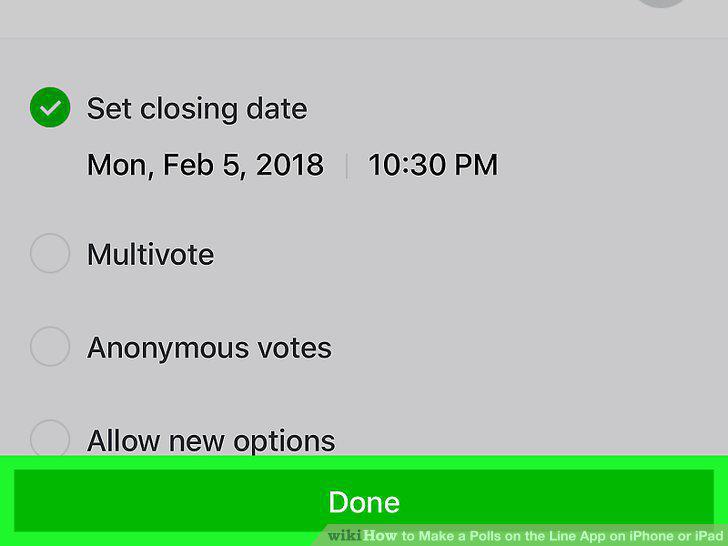
Tap Done.
Comments (0)
No comments yet. Be the first to share your thoughts!