How to Watch Itv Abroad
Go to https://www.itv.com/hub/plus for a free trial.. Click or tap Start your free trial.. Click or tap Sign up now.
Steps
1
Go to https://www.itv.com/hub/plus for a free trial.
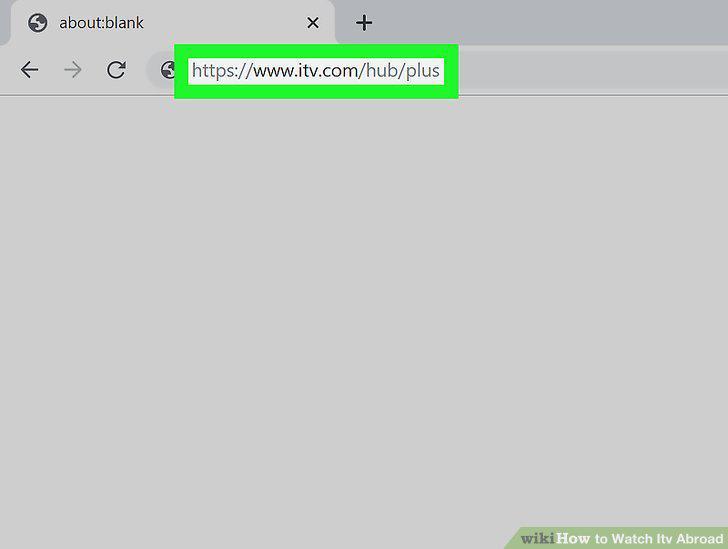
Go to https://www.itv.com/hub/plus for a free trial.
2
Click or tap Start your free trial.
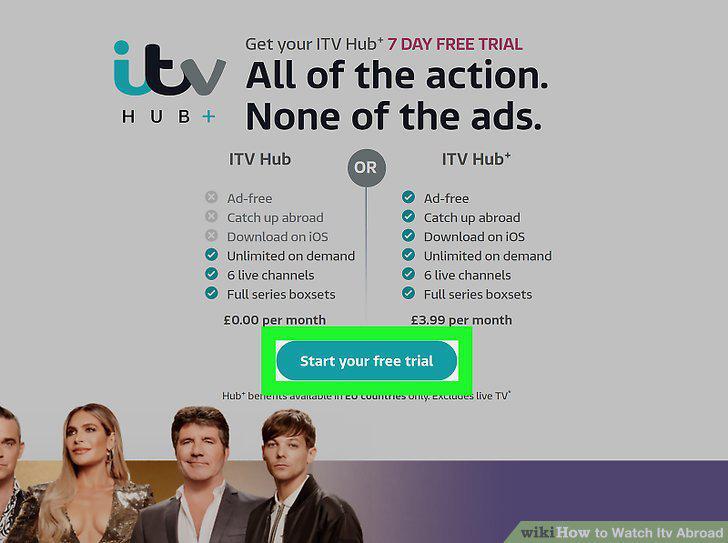
Click or tap Start your free trial.
3
Click or tap Sign up now.
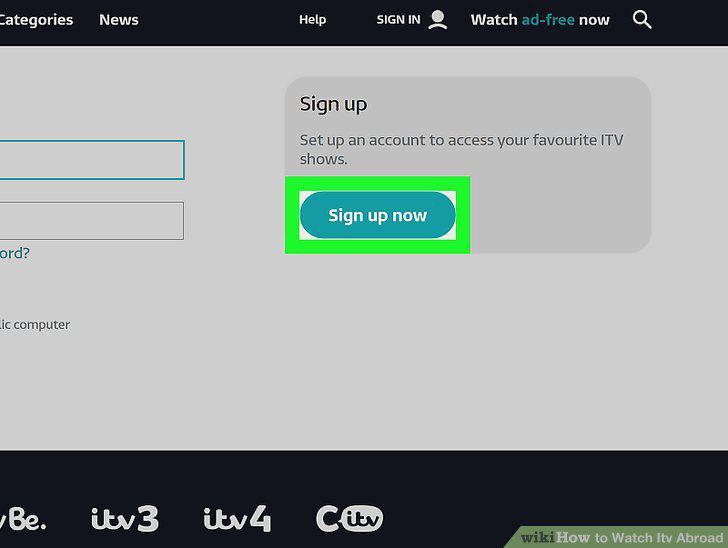
Click or tap Sign up now.
4
Enter your personal information to sign up.
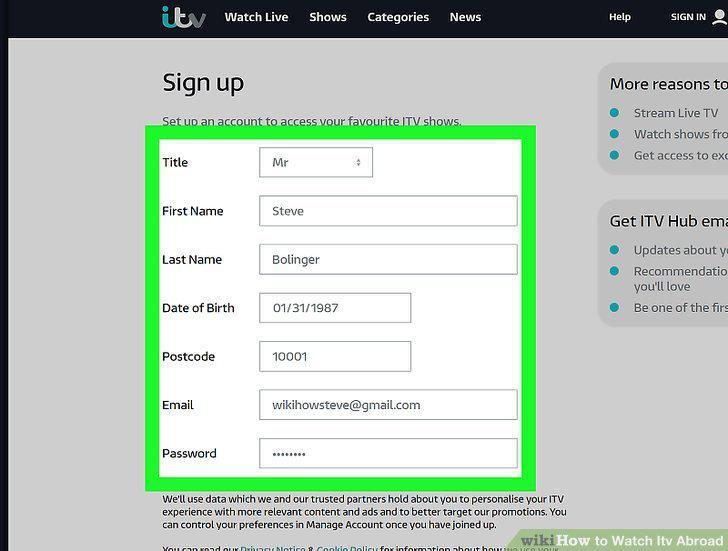
Enter your personal information to sign up.
5
Click or tap Submit.
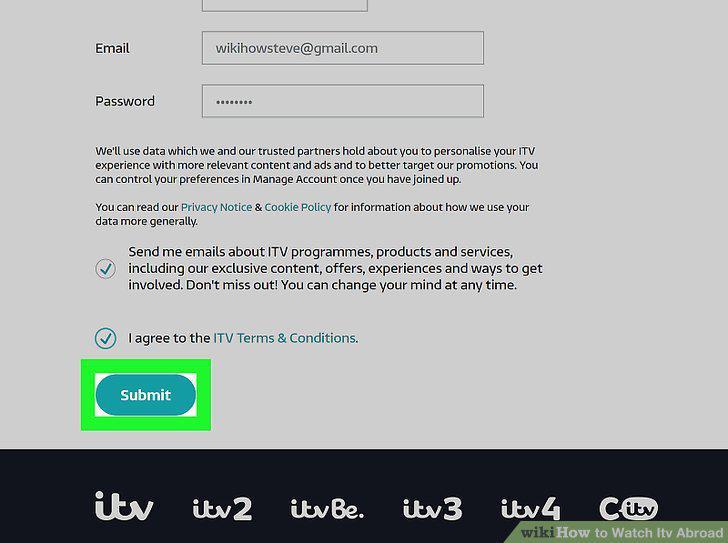
Click or tap Submit.
6
Click to choose to pay monthly or annually.
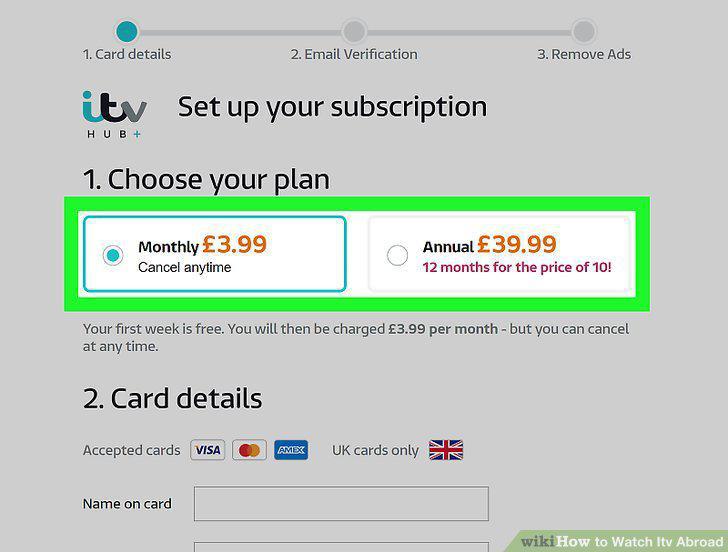
Click to choose to pay monthly or annually.
7
Enter your payment information.
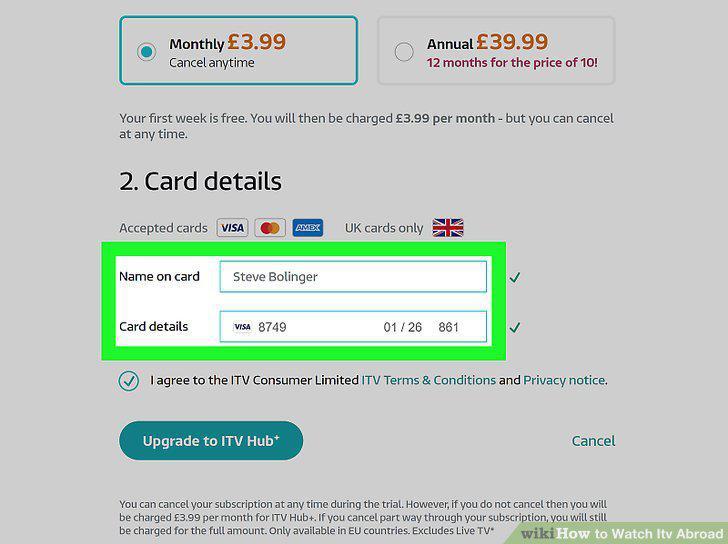
Enter your payment information.
8
Click or tap Upgrade to ITV Hub+.
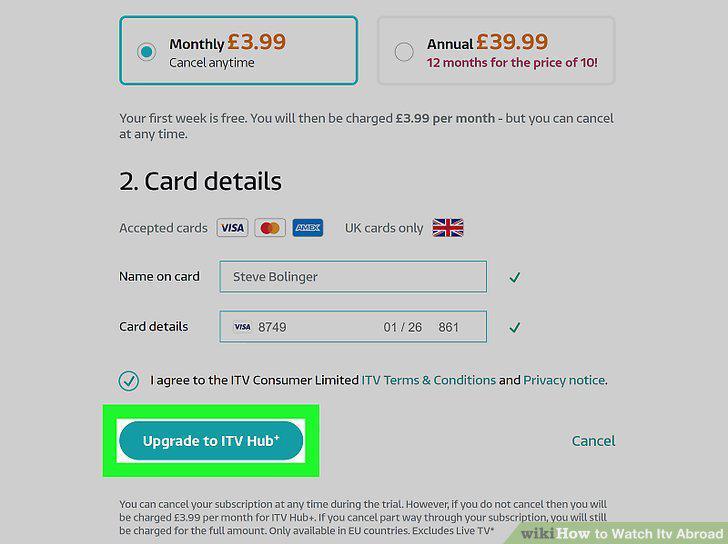
Click or tap Upgrade to ITV Hub+.
9
Navigate to a show and click on it.
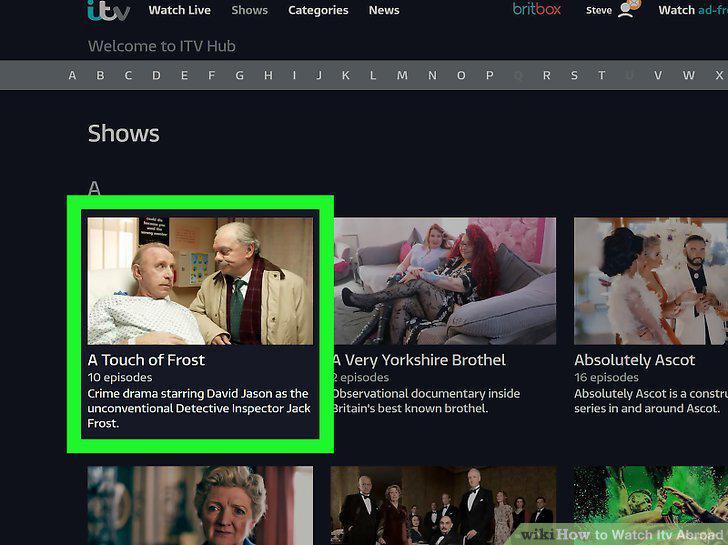
Navigate to a show and click on it.
10
Click the play icon to begin playback.
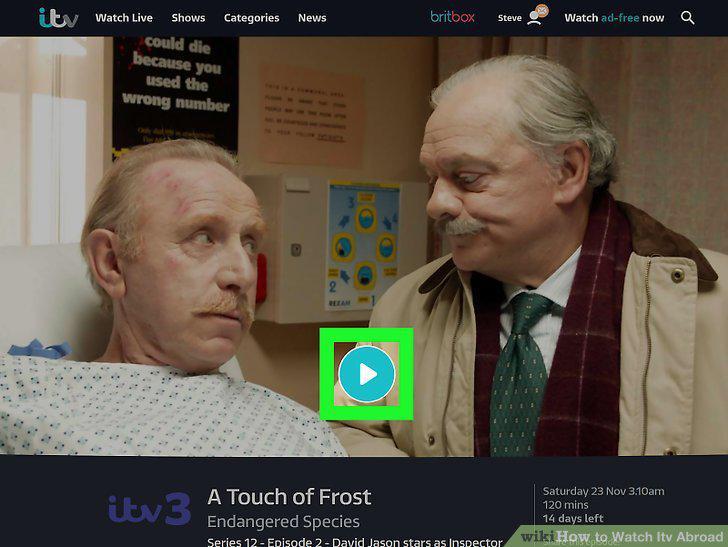
Click the play icon to begin playback.
11
Get a VPN subscription.
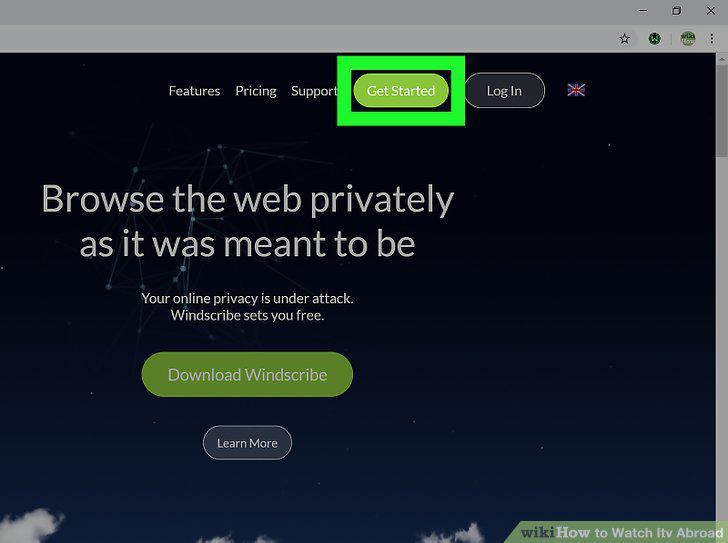
Get a VPN subscription.
12
Login to your VPN.
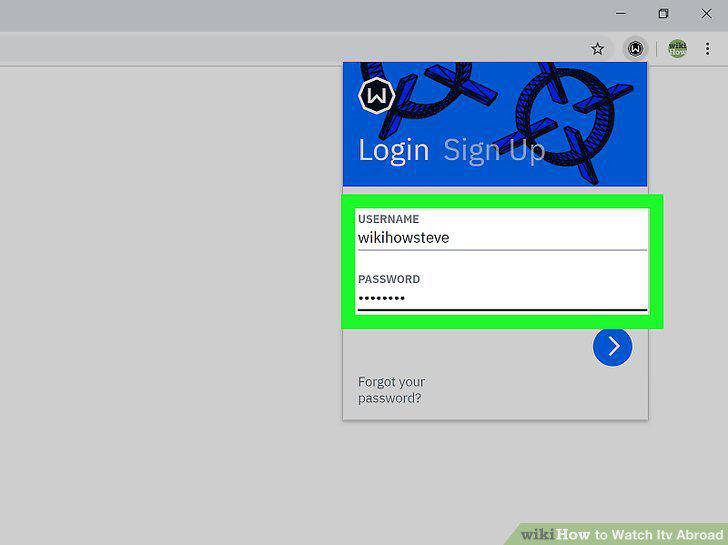
Login to your VPN.
13
Choose a server in the UK.
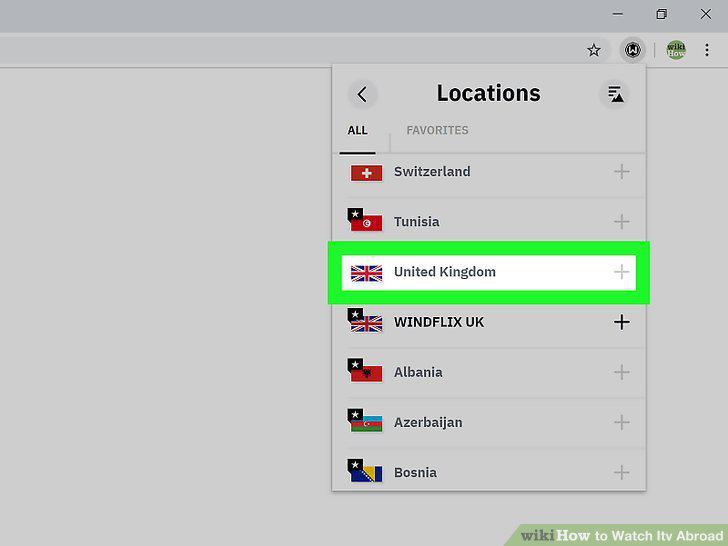
Choose a server in the UK.
14
Go to https://www.itv.com in a web browser.
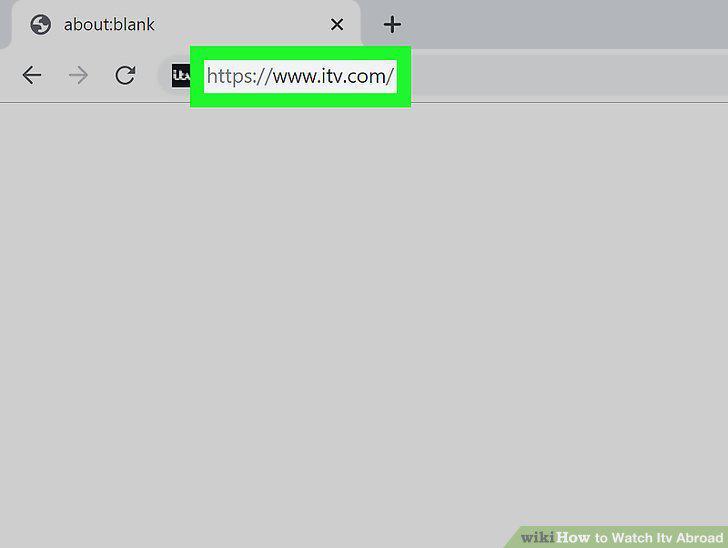
Go to https://www.itv.com in a web browser.
15
Navigate to a show and click on it.
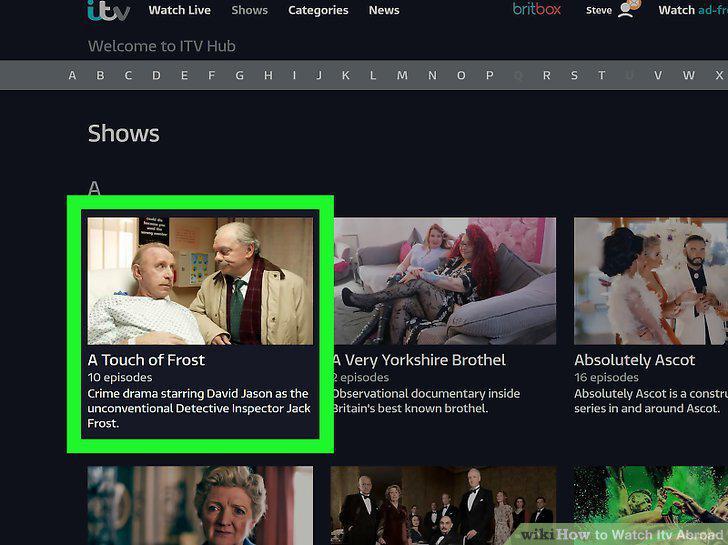
Navigate to a show and click on it.
16
Click the play icon to begin playback.
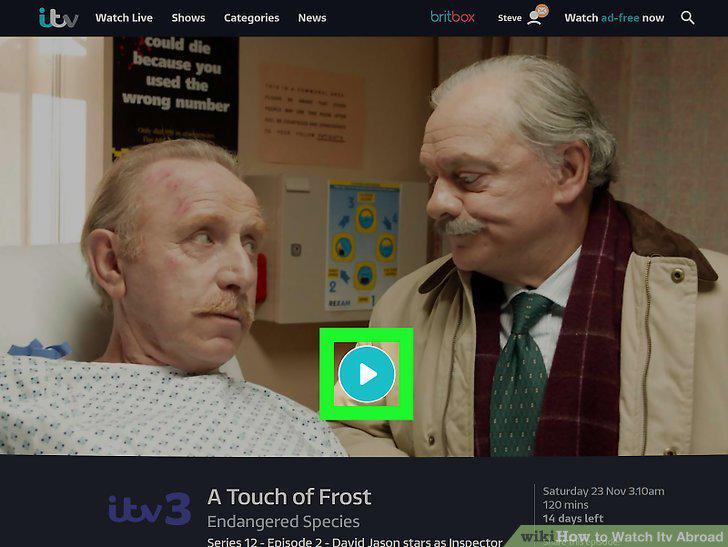
Click the play icon to begin playback.
Comments (0)
No comments yet. Be the first to share your thoughts!