How to Use Stickies on Mac
Open Finder .. Click the Applications folder.. Double-click Stickies.
Steps
1
Open Finder .
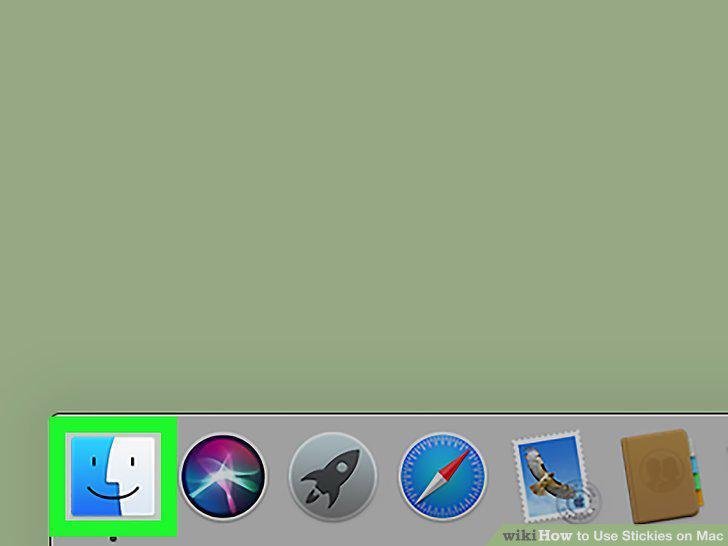
Open Finder .
2
Click the Applications folder.
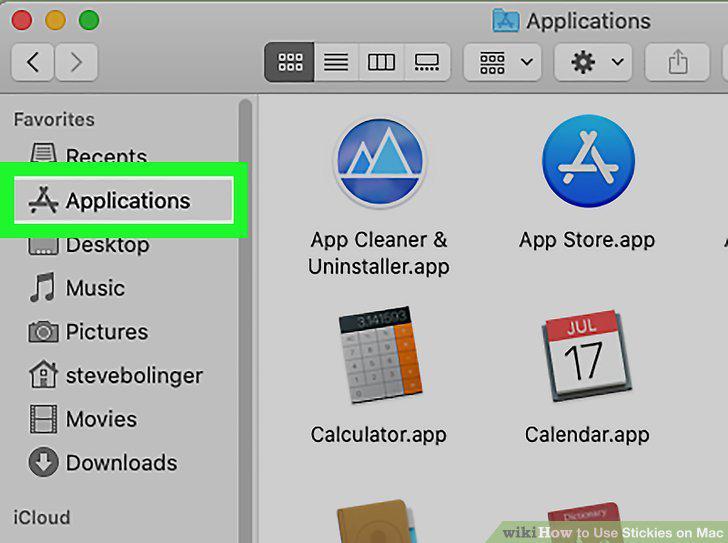
Click the Applications folder.
3
Double-click Stickies.
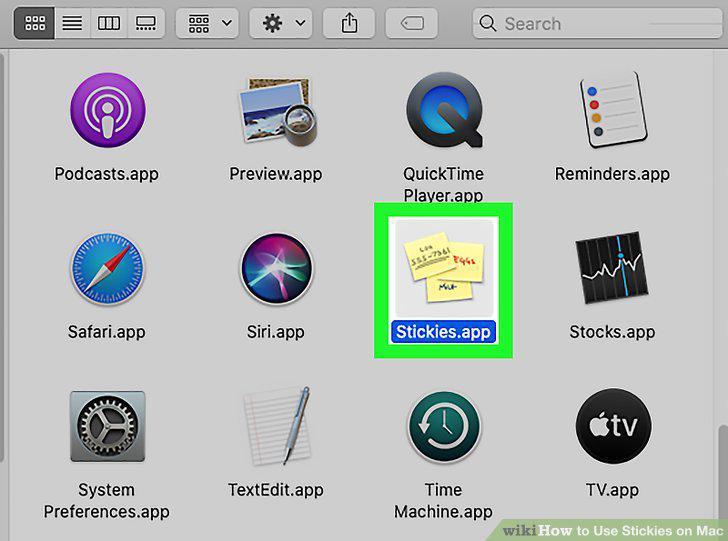
Double-click Stickies.
4
Drag Stickies to your Dock (optional).
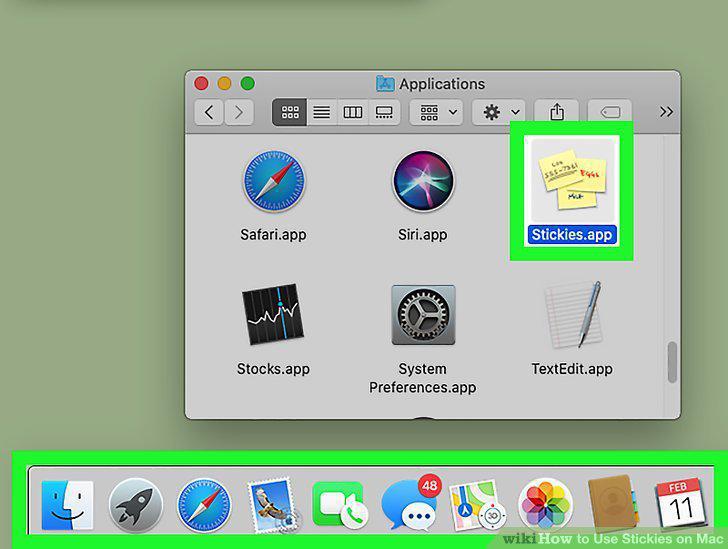
Drag Stickies to your Dock (optional).
5
Click the File menu.
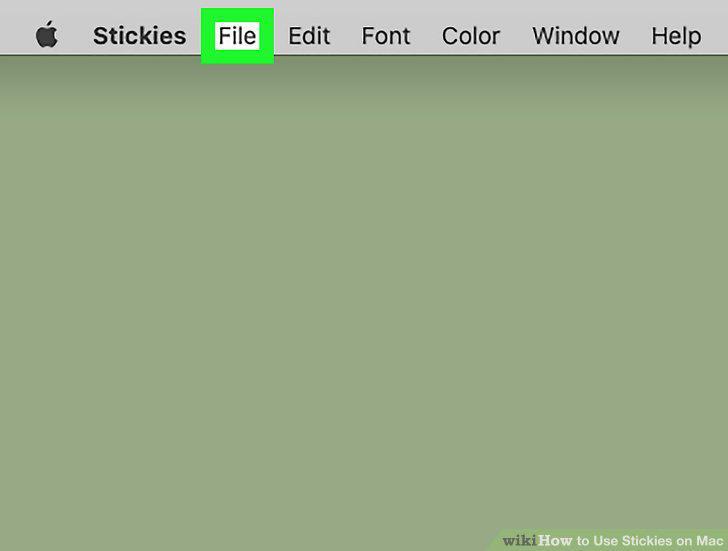
Click the File menu.
6
Click New note on the menu.
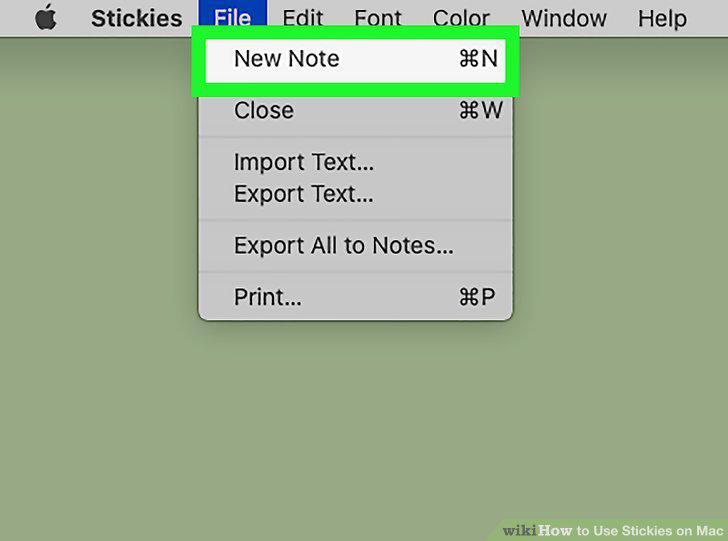
Click New note on the menu.
7
Change the color of the note.
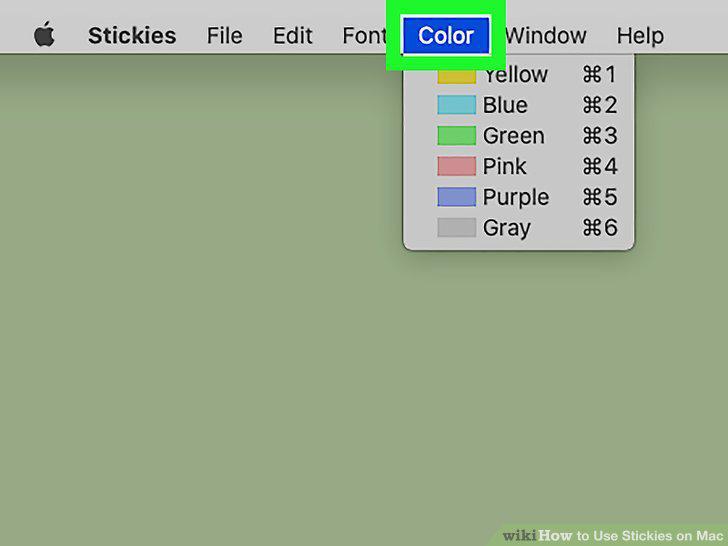
Change the color of the note.
8
Use a different font in your sticky note.
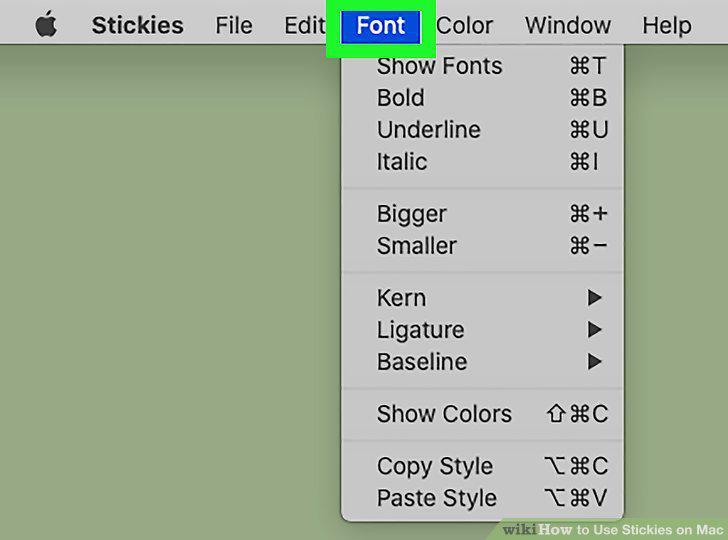
Use a different font in your sticky note.
9
Make a sticky note float on top of other windows.
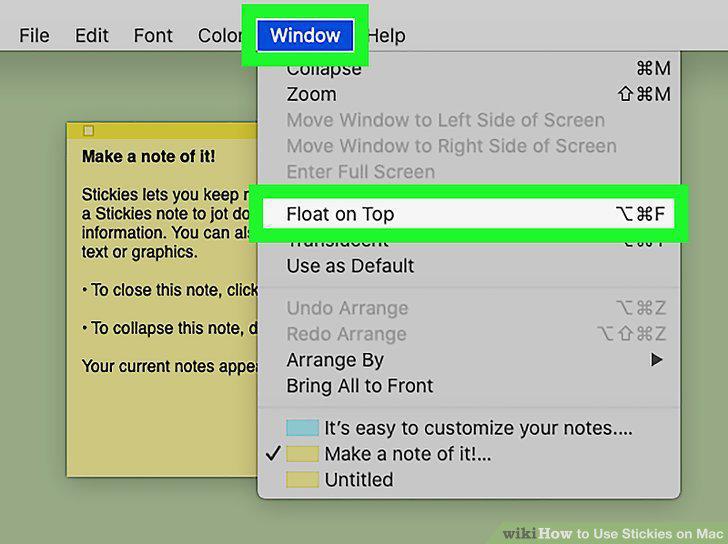
Make a sticky note float on top of other windows.
10
Collapse a note.
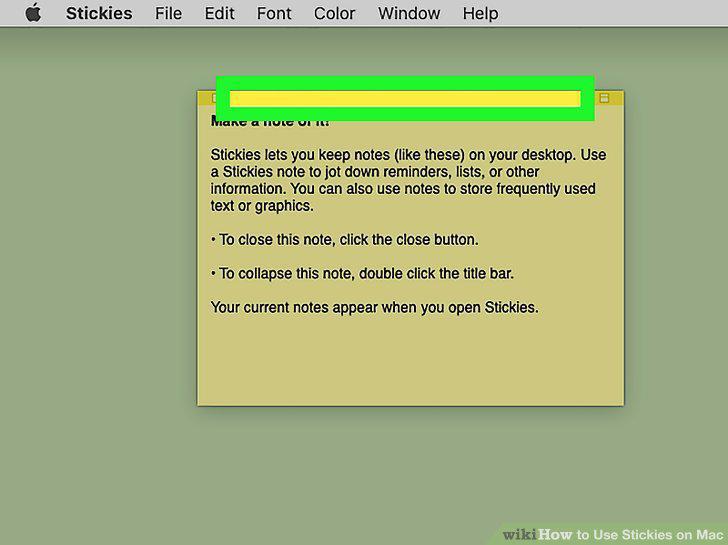
Collapse a note.
11
Create a list in your sticky note.
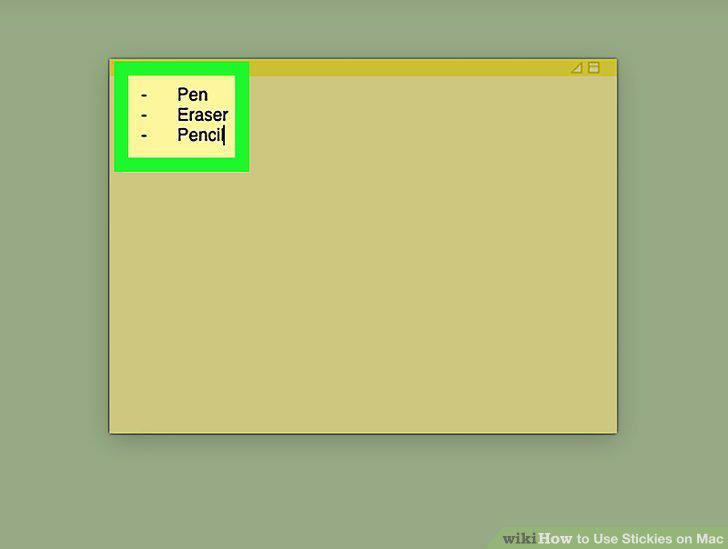
Create a list in your sticky note.
12
Delete a sticky note.
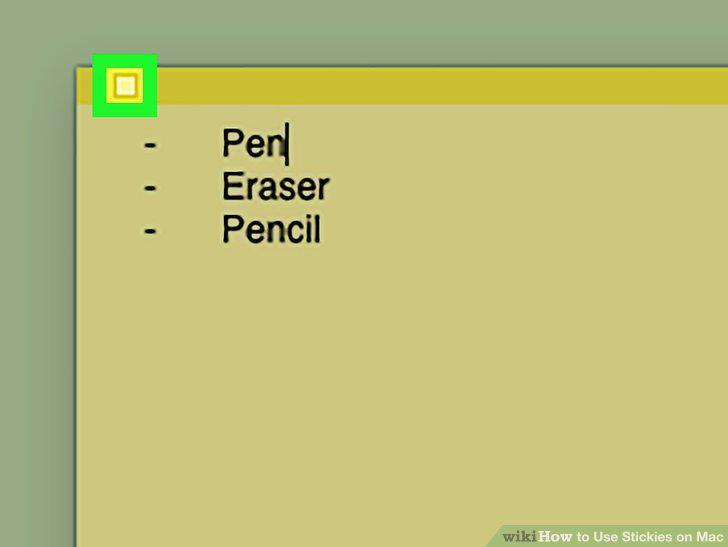
Delete a sticky note.
Comments (0)
No comments yet. Be the first to share your thoughts!