How to Delete a Wooplus Account
Open WooPlus on your phone or tablet.. Tap the circular profile icon.. Tap Help & Feedback.
Steps
1
Open WooPlus on your phone or tablet.
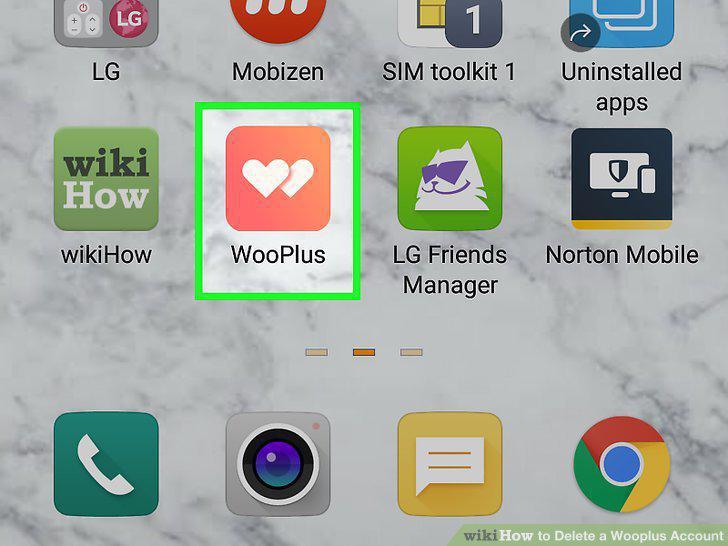
Open WooPlus on your phone or tablet.
2
Tap the circular profile icon.
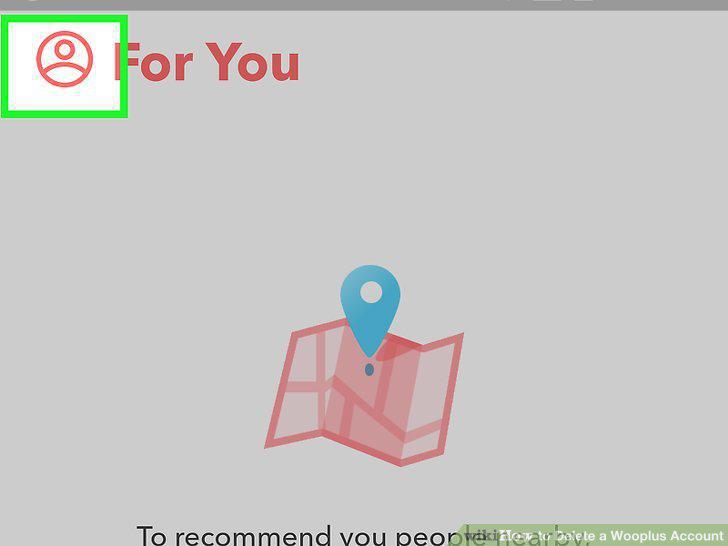
Tap the circular profile icon.
3
Tap Help & Feedback.
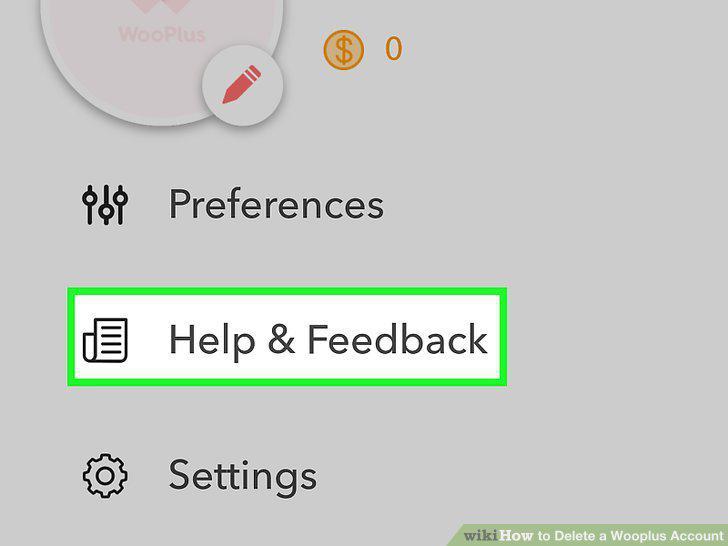
Tap Help & Feedback.
4
Tap How can I delete my account?.
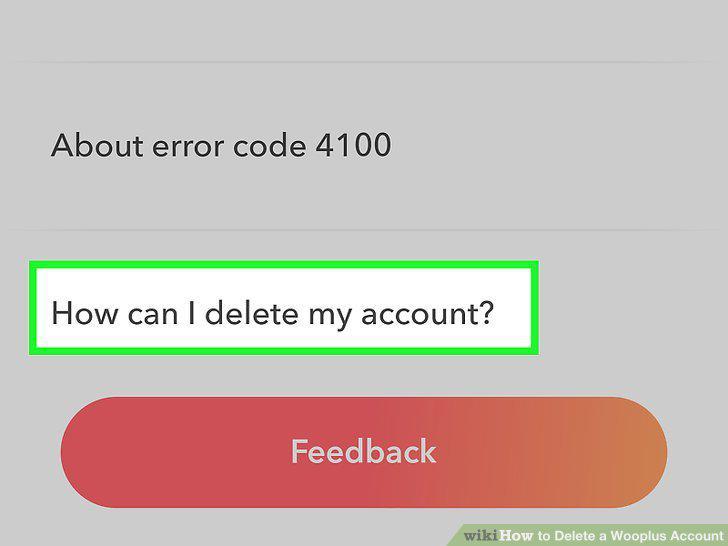
Tap How can I delete my account?.
5
Tap Delete.
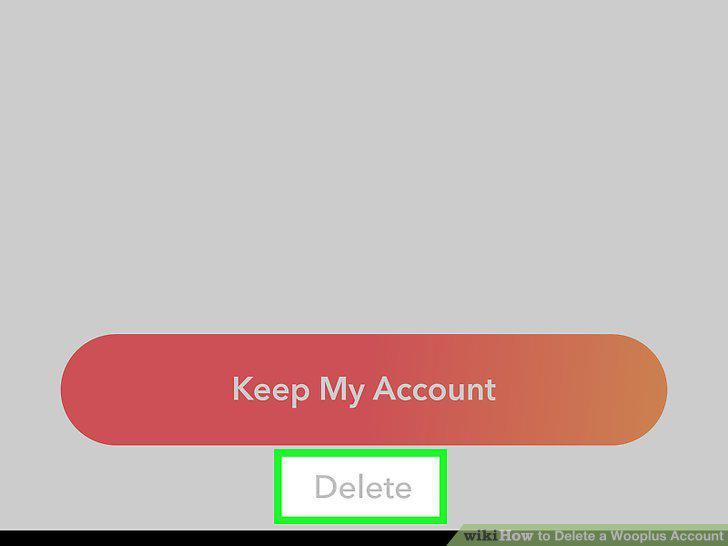
Tap Delete.
6
Tap a reason for deleting.
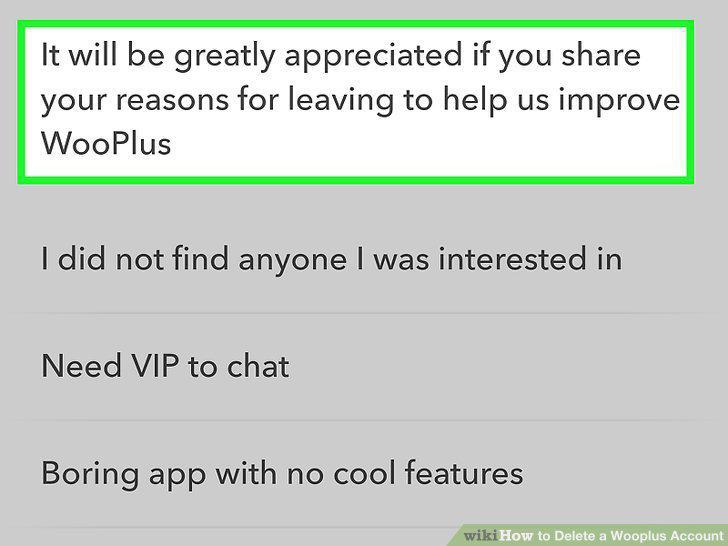
Tap a reason for deleting.
7
Tap Delete.
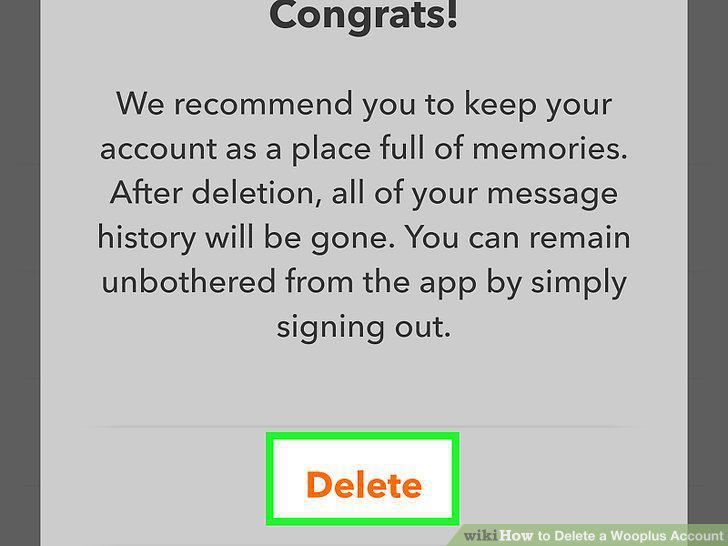
Tap Delete.
Comments (0)
No comments yet. Be the first to share your thoughts!