How to Contact Samsung Customer Service
Call 1-800-SAMSUNG for general customer support.. Dial 1-855-726-8721 if you have an issue with an order.. Contact 1-855-795-0509 with questions about your Samsung account.
Steps
Call 1-800-SAMSUNG for general customer support.
Call 1-800-SAMSUNG for general customer support.
Dial 1-855-726-8721 if you have an issue with an order.
Dial 1-855-726-8721 if you have an issue with an order.
Contact 1-855-795-0509 with questions about your Samsung account.
Contact 1-855-795-0509 with questions about your Samsung account.
Reach out to 1-866-371-9501 for help with Samsung Care+.
Reach out to 1-866-371-9501 for help with Samsung Care+.
Text HELP to 62913 when you'd rather text Samsung your problem.
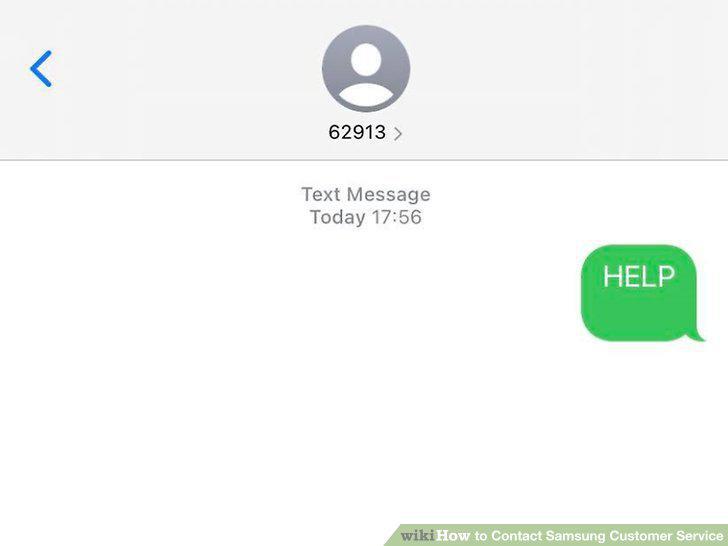
Text HELP to 62913 when you'd rather text Samsung your problem.
Click "Message Us" from the Contact menu on the bottom of the support page.
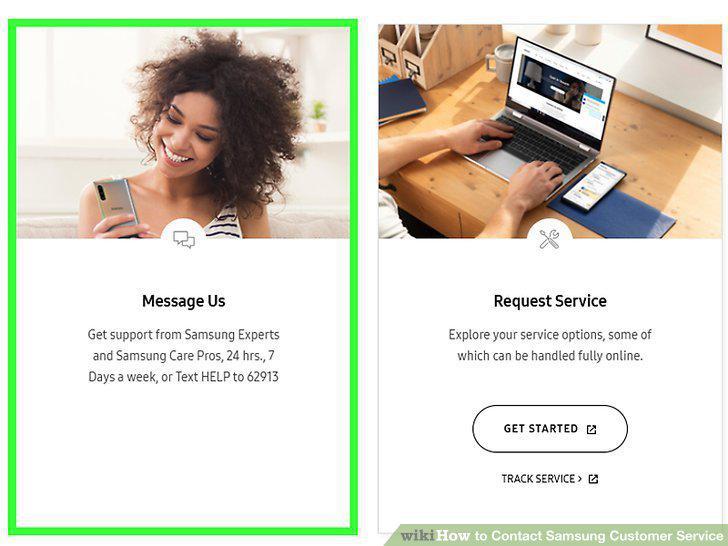
Click "Message Us" from the Contact menu on the bottom of the support page.
Choose the topic that best fits your issue from the options that appear.
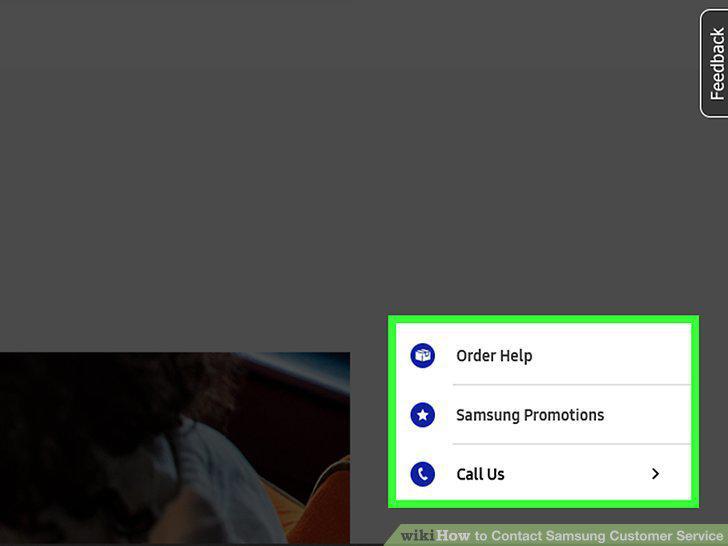
Choose the topic that best fits your issue from the options that appear.
Click through the prompts that match your problem.
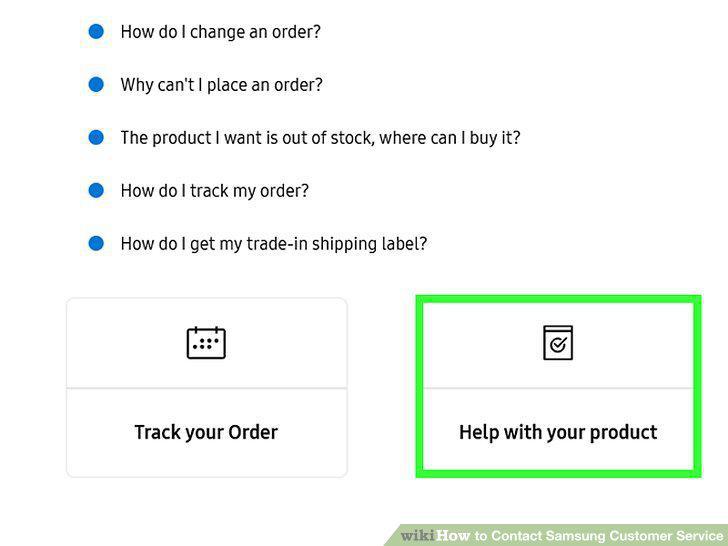
Click through the prompts that match your problem.
Select "Connect to a person" if you haven't resolved your issue.
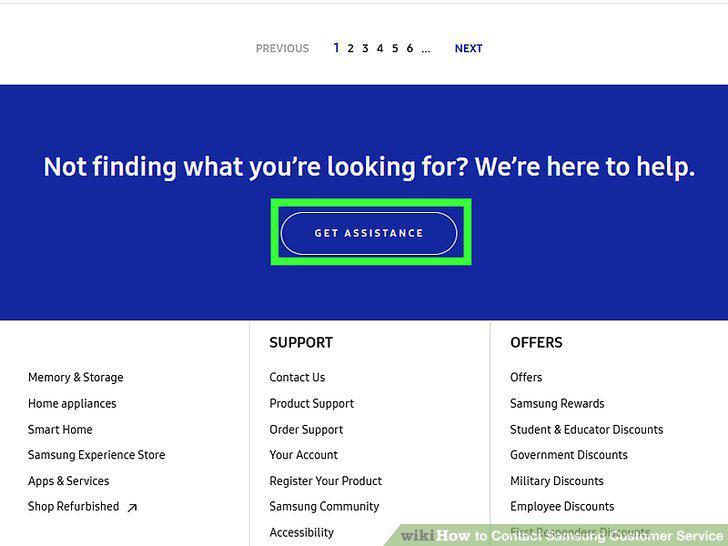
Select "Connect to a person" if you haven't resolved your issue.
Select the service you have an issue with from the form's dropdown menu.
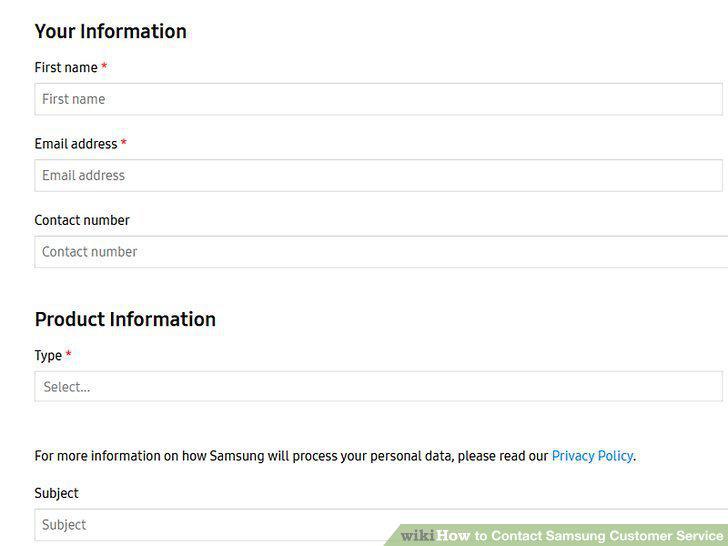
Select the service you have an issue with from the form's dropdown menu.
Enter your email address.
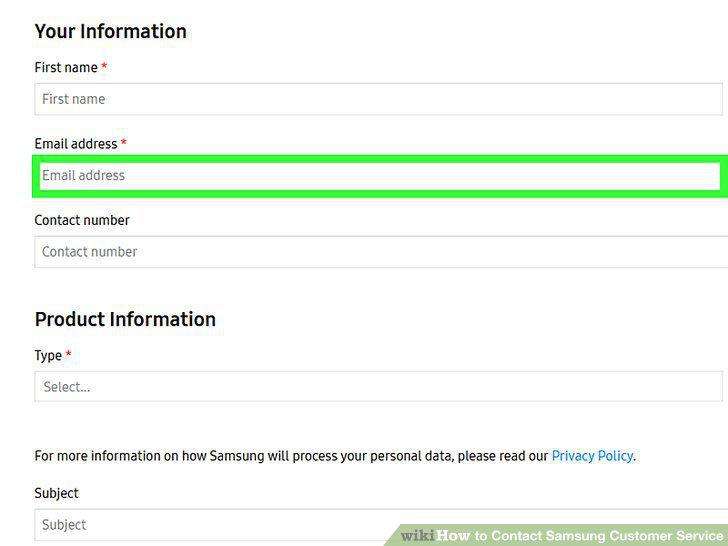
Enter your email address.
Type in your device's model number.
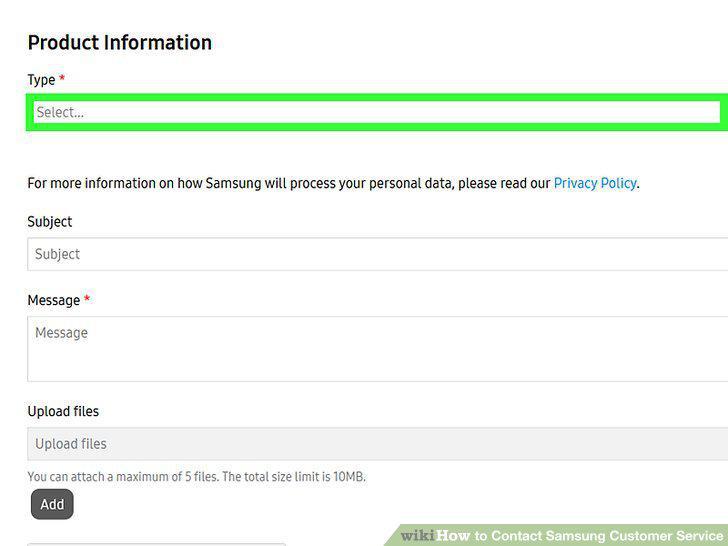
Type in your device's model number.
Choose the type of comment you're making in the Inquiry Type menu.
Choose the type of comment you're making in the Inquiry Type menu.
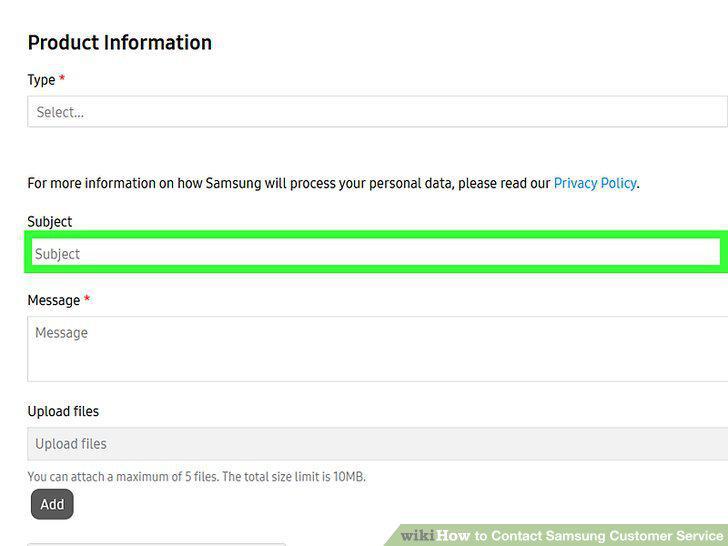
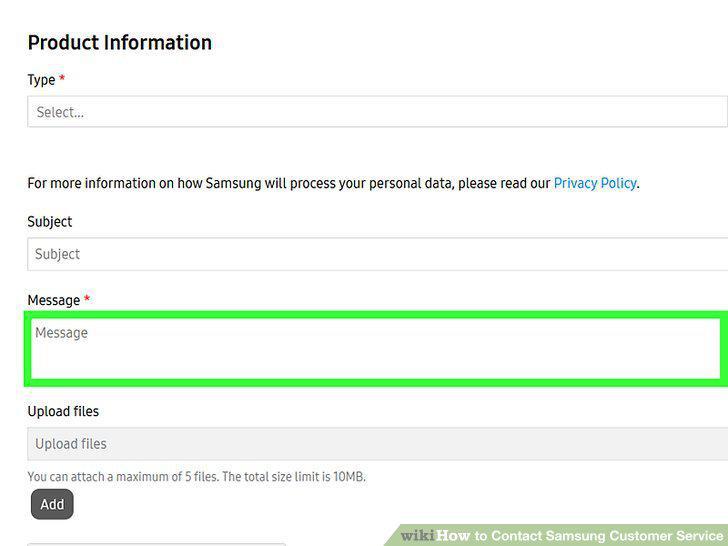
Explain your issue in the Subject and Details boxes.
Explain your issue in the Subject and Details boxes.
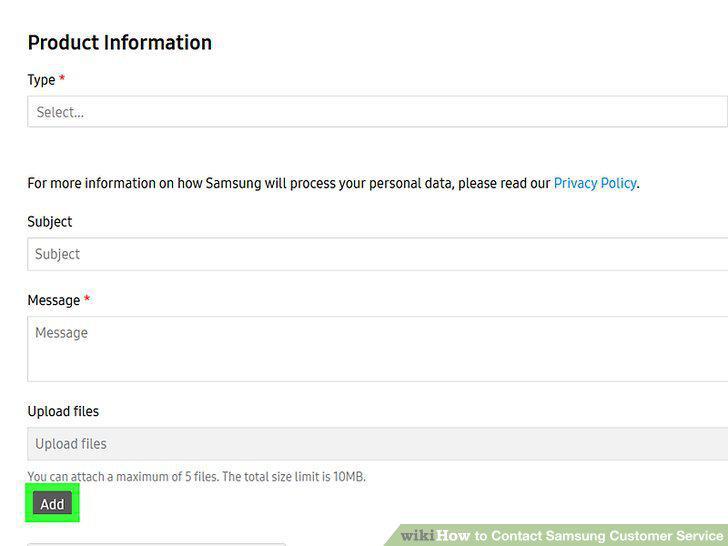
Add images to your email to show the issue to Samsung Support.
Add images to your email to show the issue to Samsung Support.
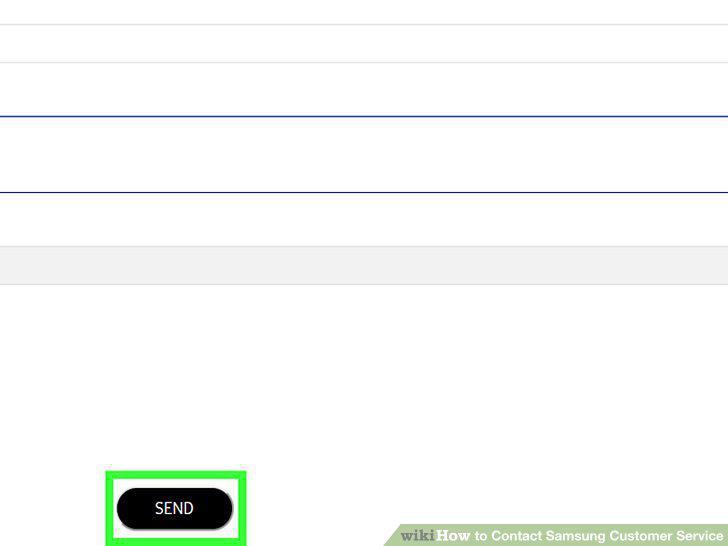
Click Submit and wait for a reply from Samsung.
Click Submit and wait for a reply from Samsung.
Comments (0)
No comments yet. Be the first to share your thoughts!