How to Separate Threads in iPhone Mail App
Open your iPhone's Settings.. Tap Mail.. Slide the "Organize by Thread" switch to the "off" position.
Steps
1
Open your iPhone's Settings.
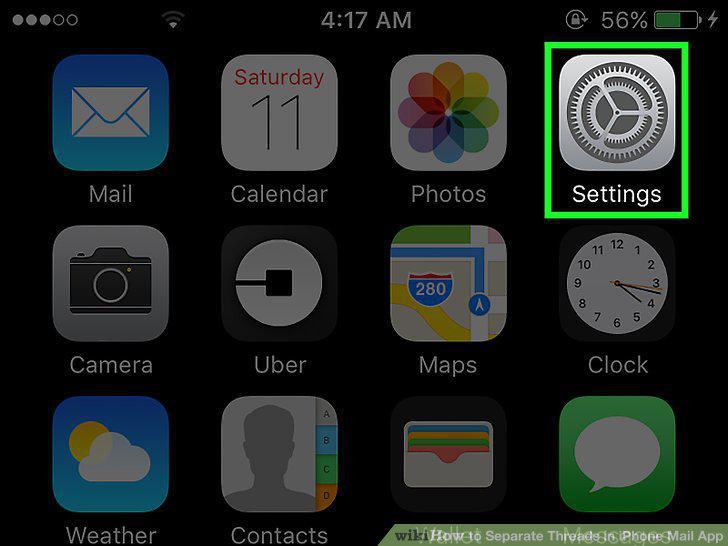
Open your iPhone's Settings.
2
Tap Mail.
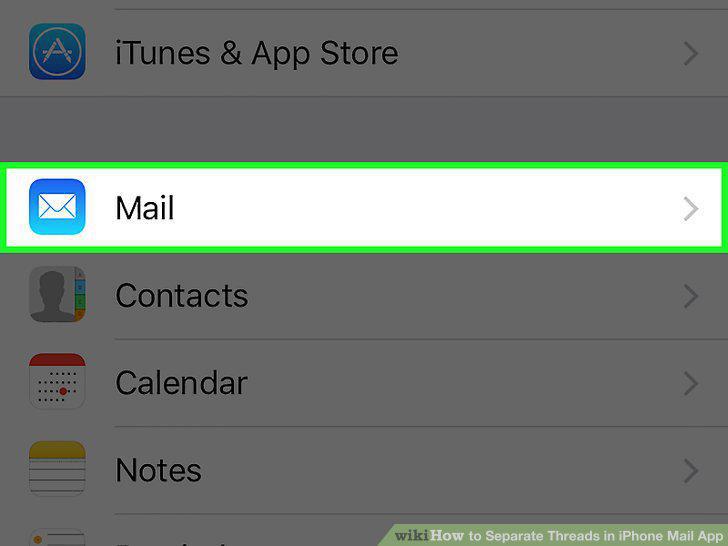
Tap Mail.
3
Slide the "Organize by Thread" switch to the "off" position.
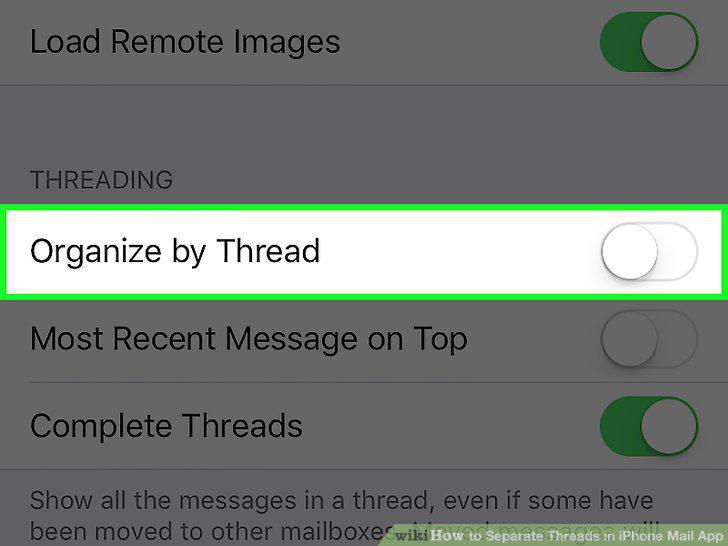
Slide the "Organize by Thread" switch to the "off" position.
Comments (0)
No comments yet. Be the first to share your thoughts!