How to Send an Invitation on LinkedIn
Open a web browser.. Head for the LinkedIn website.. Log into your LinkedIn account.
Steps
1
Open a web browser.

Open a web browser.
2
Head for the LinkedIn website.

Head for the LinkedIn website.
3
Log into your LinkedIn account.
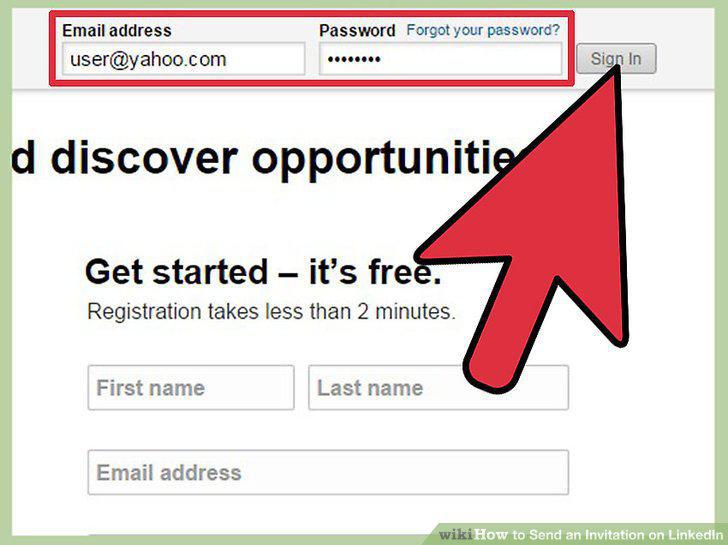
Log into your LinkedIn account.
4
Find the person you want to add as a connection.
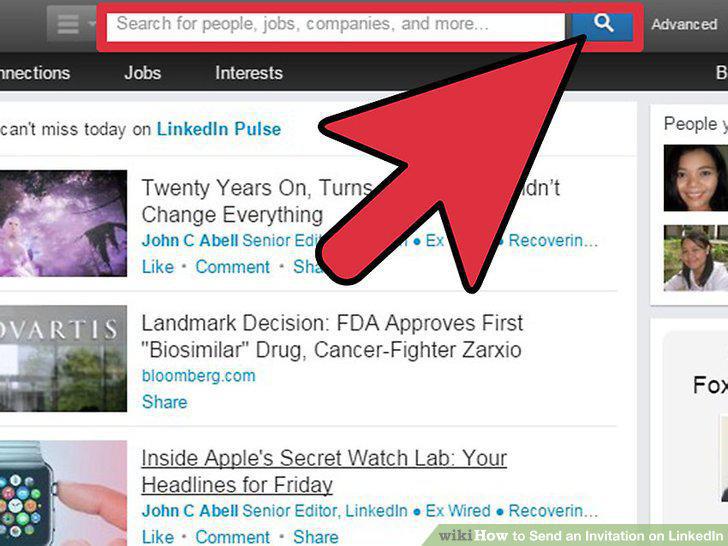
Find the person you want to add as a connection.
5
Click "Connect.
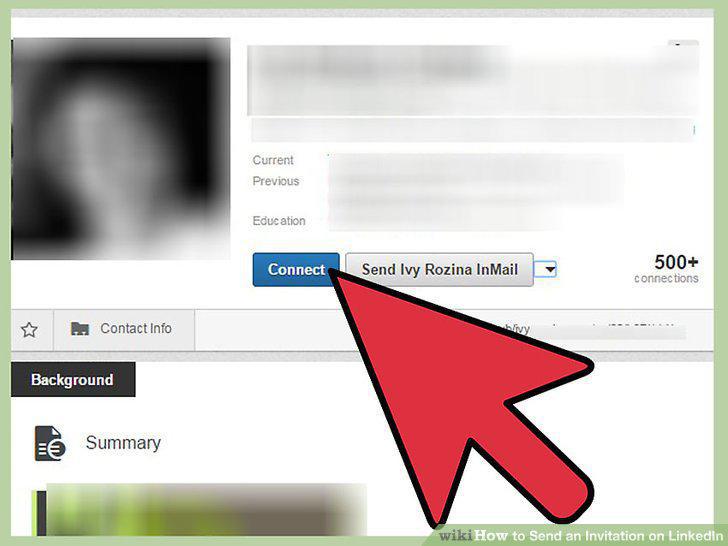
Click "Connect.
6
Verify that you truly know this person.
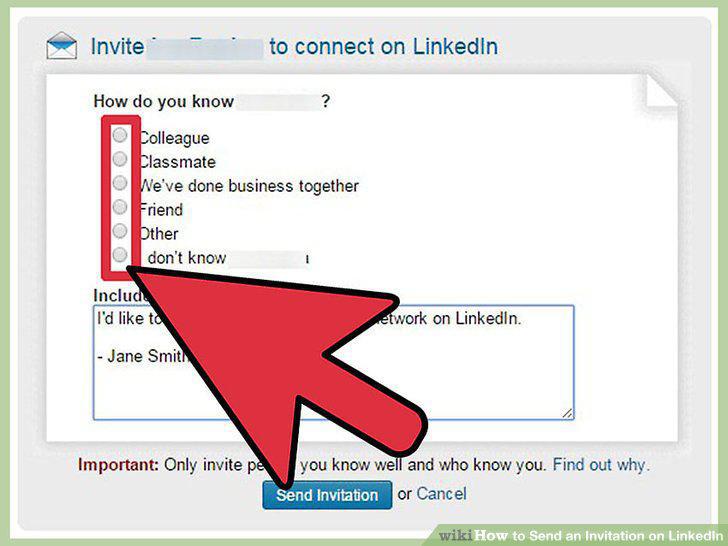
Verify that you truly know this person.
7
Add a message.
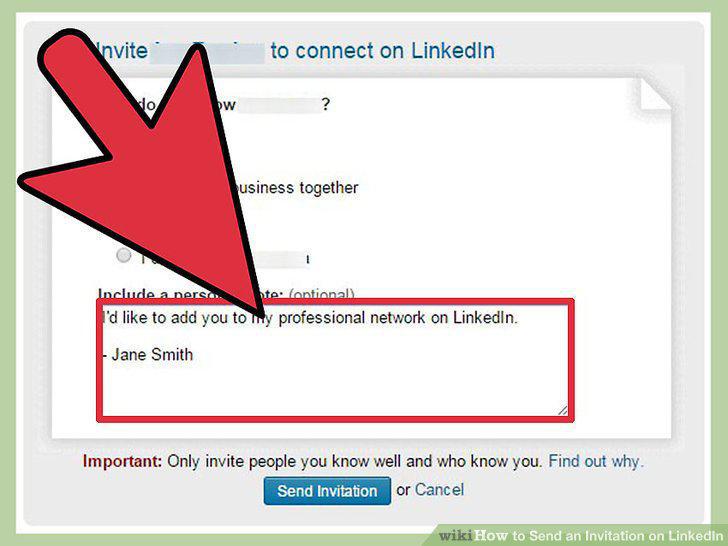
Add a message.
8
Send the invitation.
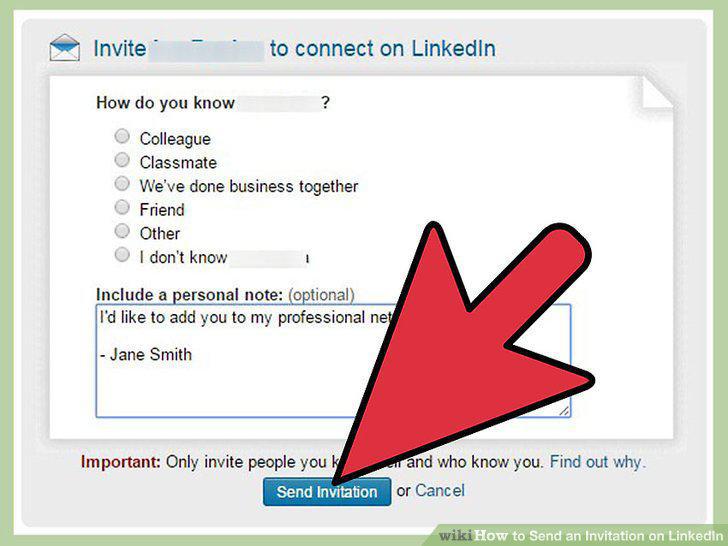
Send the invitation.
9
Launch the LinkedIn app.
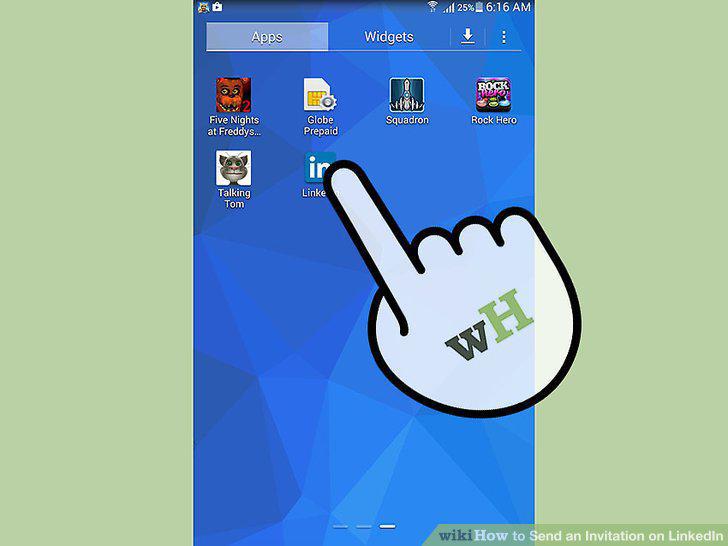
Launch the LinkedIn app.
10
Log into your account.
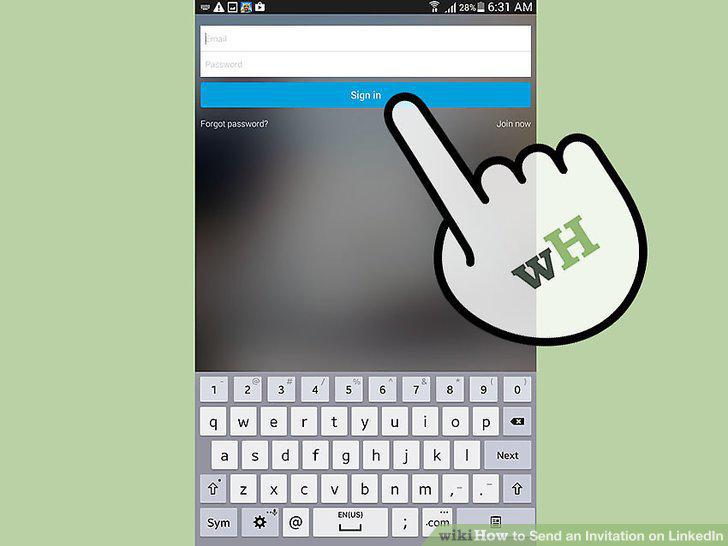
Log into your account.
11
Find the person or company you want to connect with.
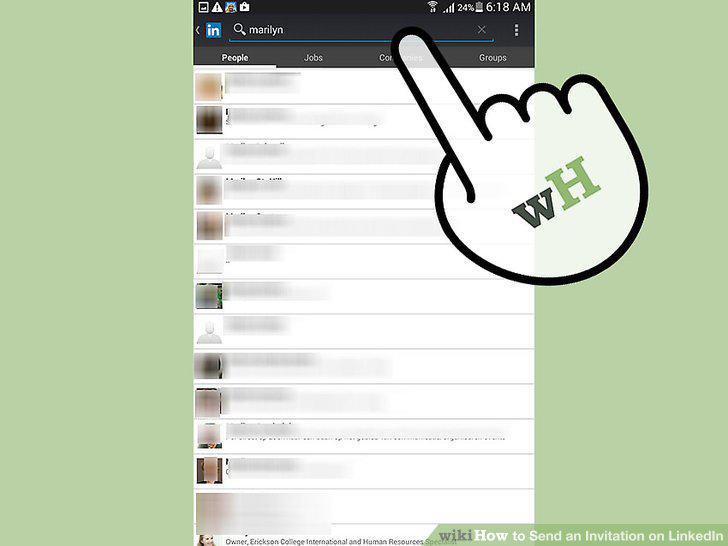
Find the person or company you want to connect with.
12
Send a connection invitation.
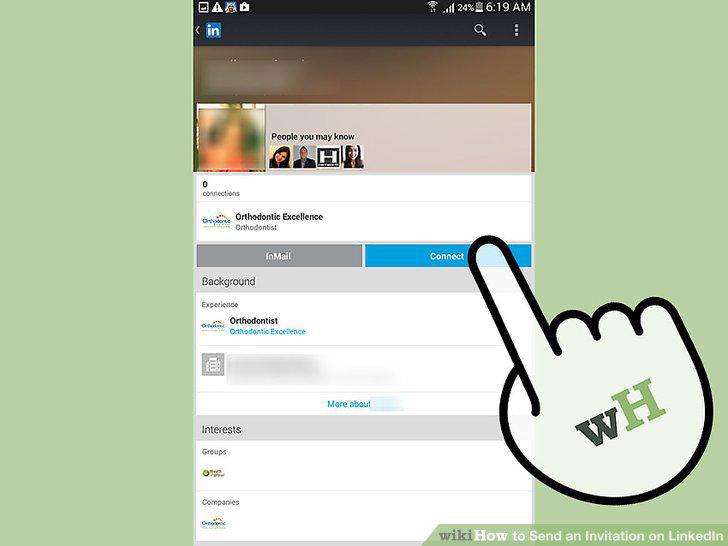
Send a connection invitation.
Comments (0)
No comments yet. Be the first to share your thoughts!