How to Import Music from iTunes to iPhone
Connect your iPhone to your computer using the charging cable.. Give your computer access to your phone.. Launch iTunes on your computer.
Steps
1
Connect your iPhone to your computer using the charging cable.
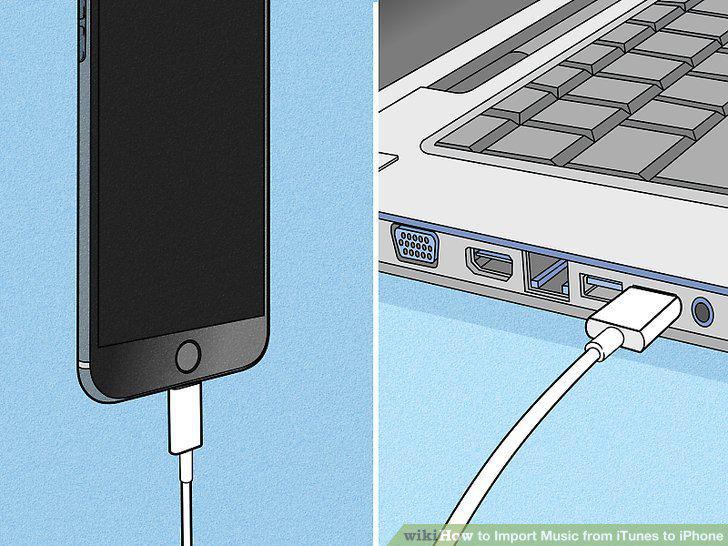
Connect your iPhone to your computer using the charging cable.
2
Give your computer access to your phone.
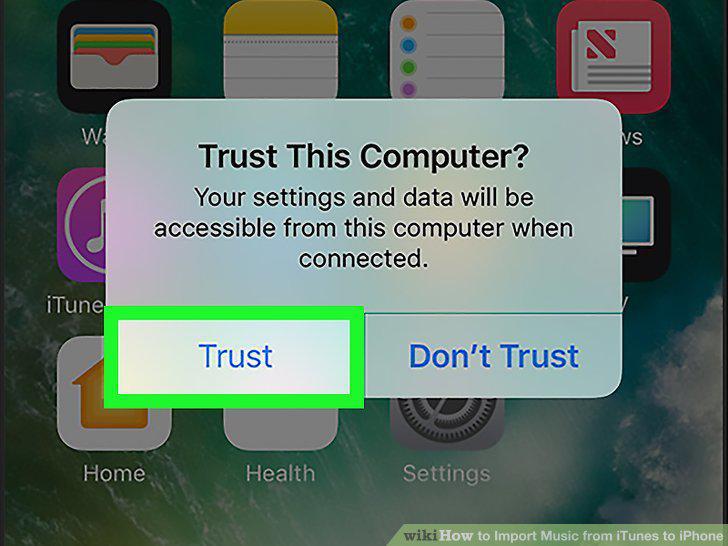
Give your computer access to your phone.
3
Launch iTunes on your computer.
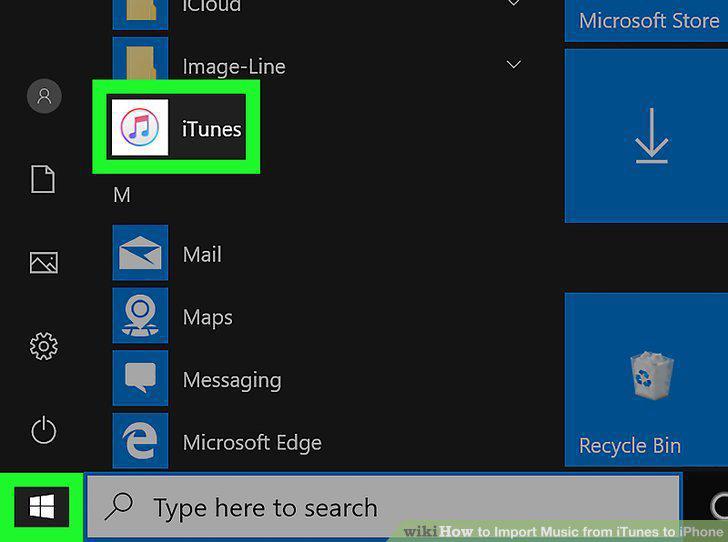
Launch iTunes on your computer.
4
Click on the icon that looks like an iPhone.
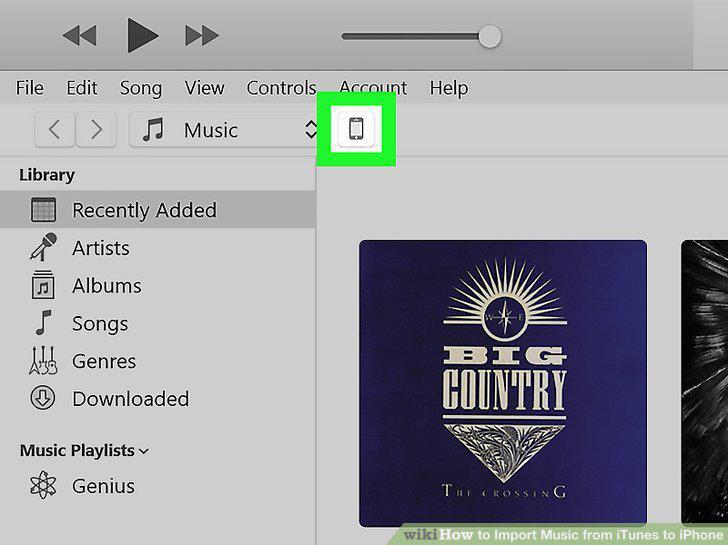
Click on the icon that looks like an iPhone.
5
Click on Music.
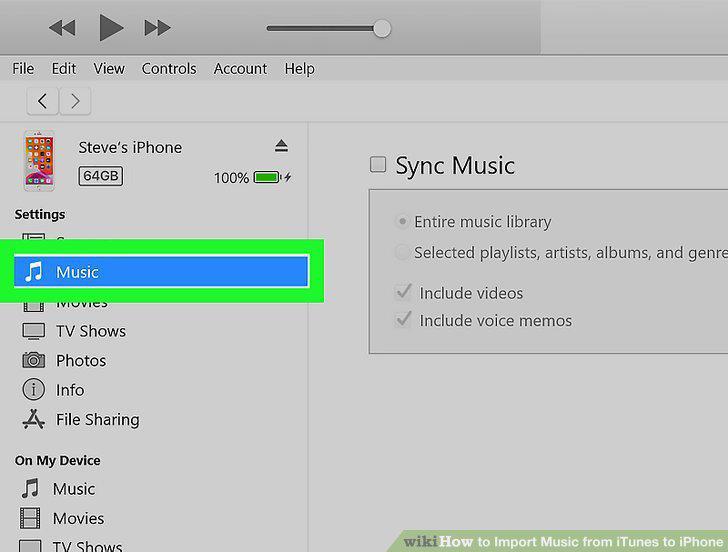
Click on Music.
6
Tick the box next to "Sync Music.
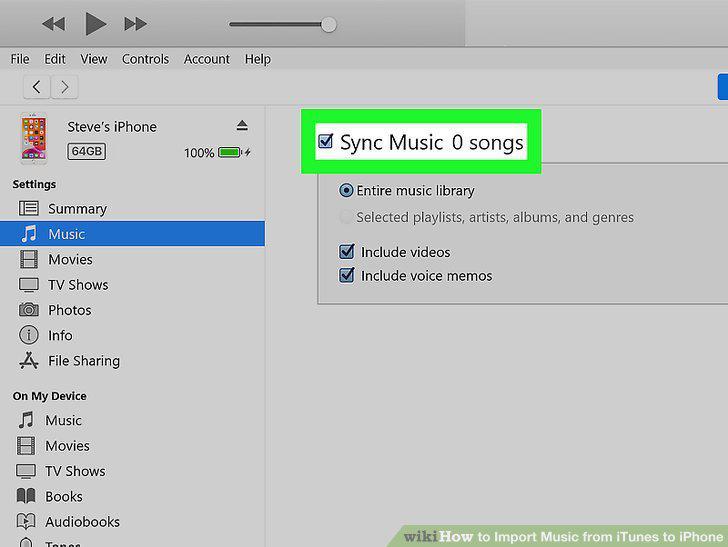
Tick the box next to "Sync Music.
7
Click Apply in the bottom right.

Click Apply in the bottom right.
Comments (0)
No comments yet. Be the first to share your thoughts!