How to Share a Facebook Page on iPhone or iPad
Open the Facebook app on your iPhone or iPad.. Go to the page you want to share.. Tap the Share icon below the page's profile picture.
Steps
1
Open the Facebook app on your iPhone or iPad.
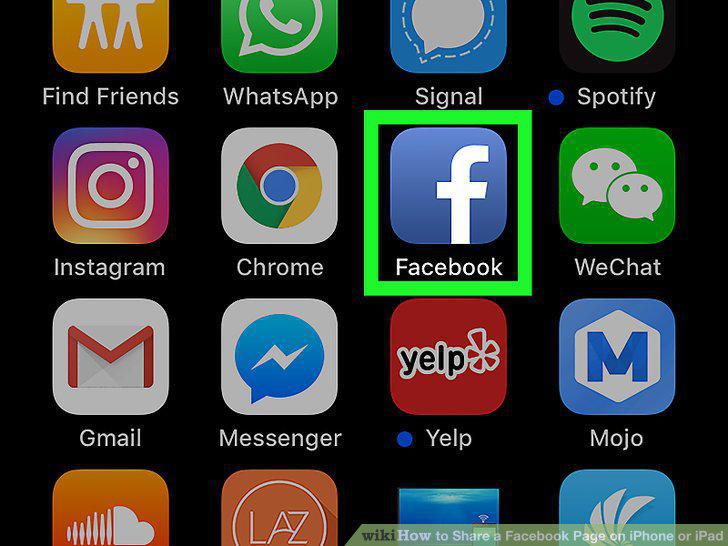
Open the Facebook app on your iPhone or iPad.
2
Go to the page you want to share.
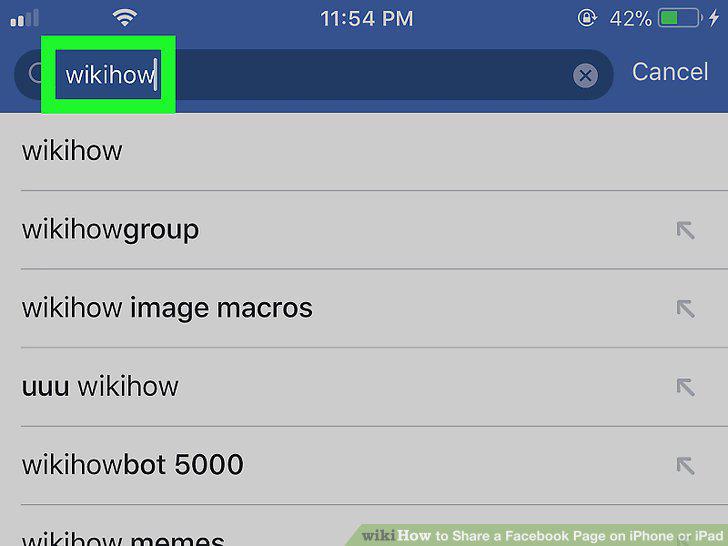
Go to the page you want to share.
3
Tap the Share icon below the page's profile picture.
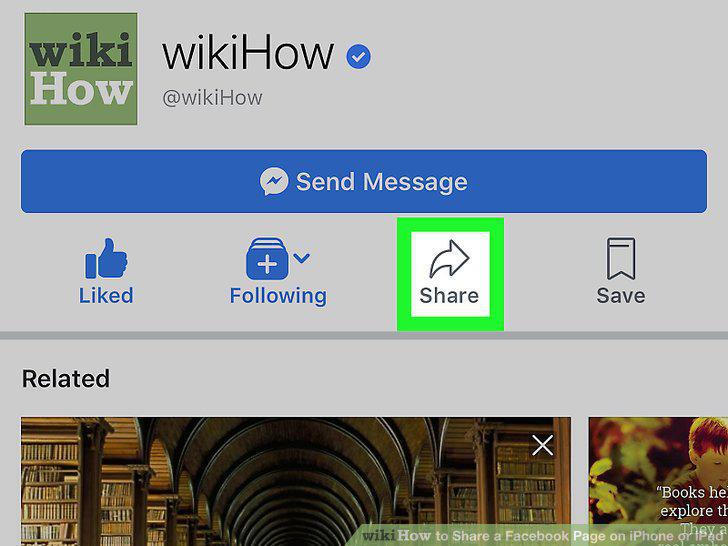
Tap the Share icon below the page's profile picture.
4
Add your comments, questions, or concerns to the post.
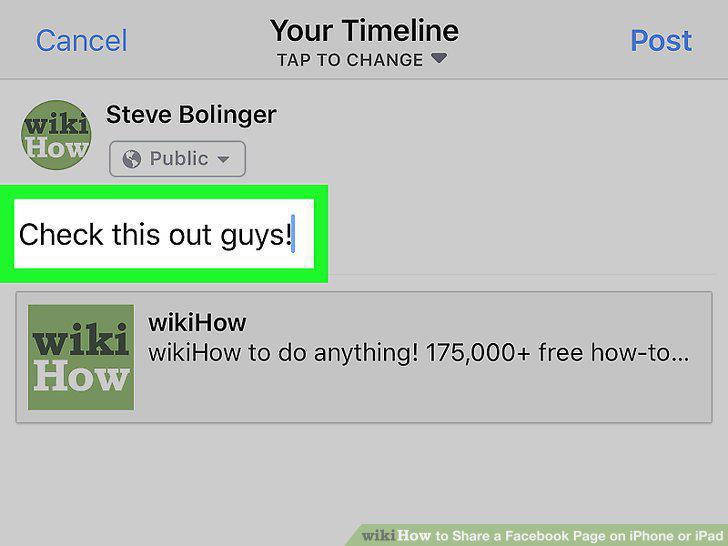
Add your comments, questions, or concerns to the post.
5
Tap the Post button.
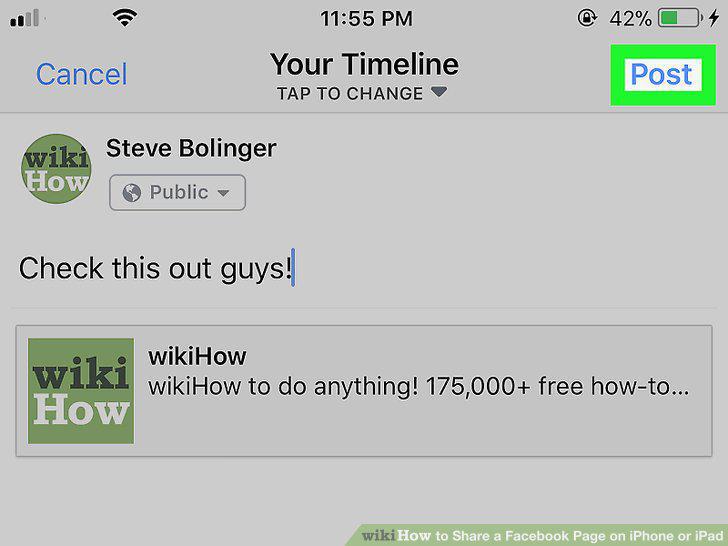
Tap the Post button.
Comments (0)
No comments yet. Be the first to share your thoughts!