How to Sort on Google Sheets on PC or Mac
Go to https://sheets.google.com in a web browser.. Click the sheet you want to edit.. Click the letter above the column you want to sort.
Steps
1
Go to https://sheets.google.com in a web browser.
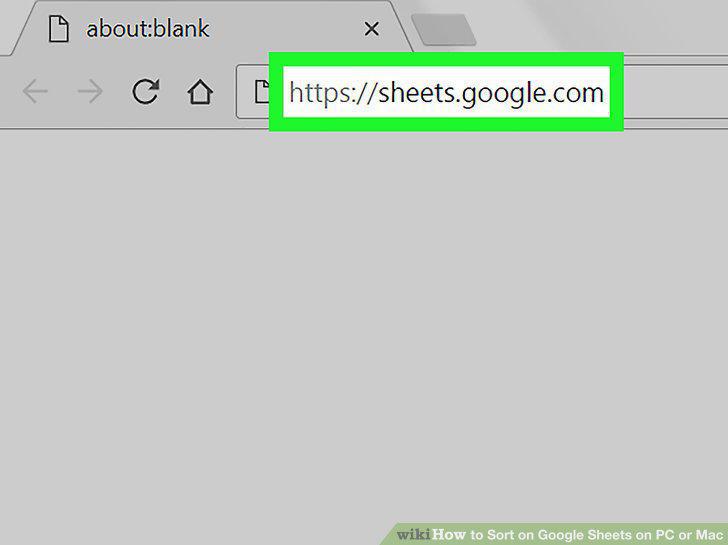
Go to https://sheets.google.com in a web browser.
2
Click the sheet you want to edit.
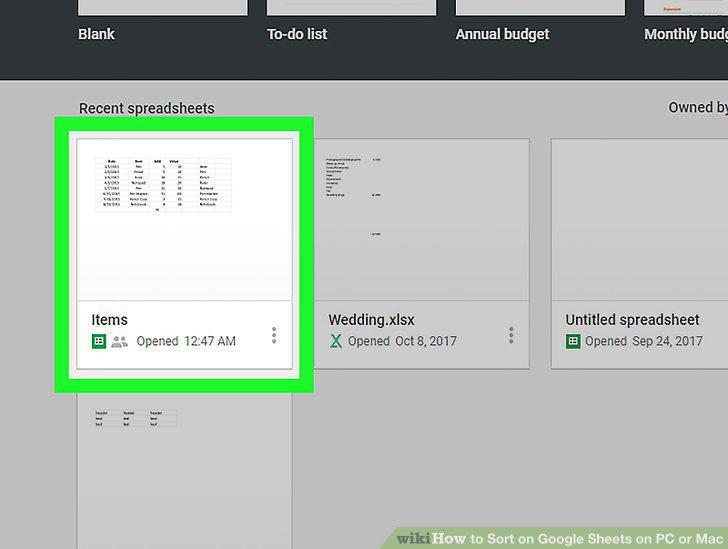
Click the sheet you want to edit.
3
Click the letter above the column you want to sort.
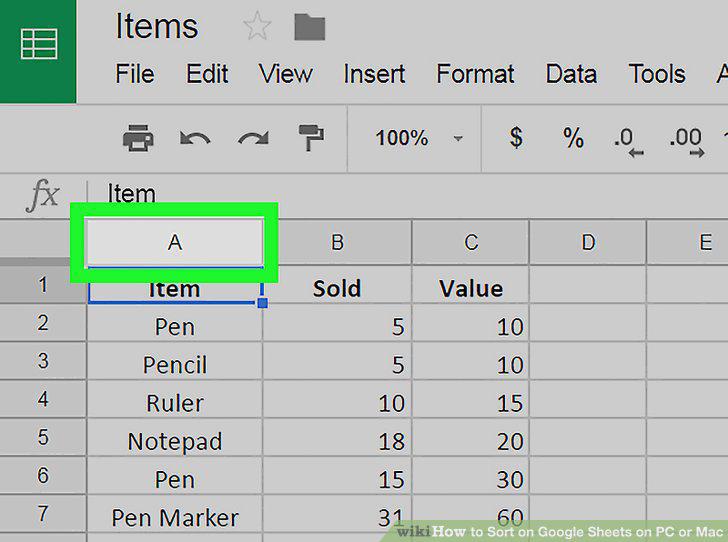
Click the letter above the column you want to sort.
4
Click the Data menu.
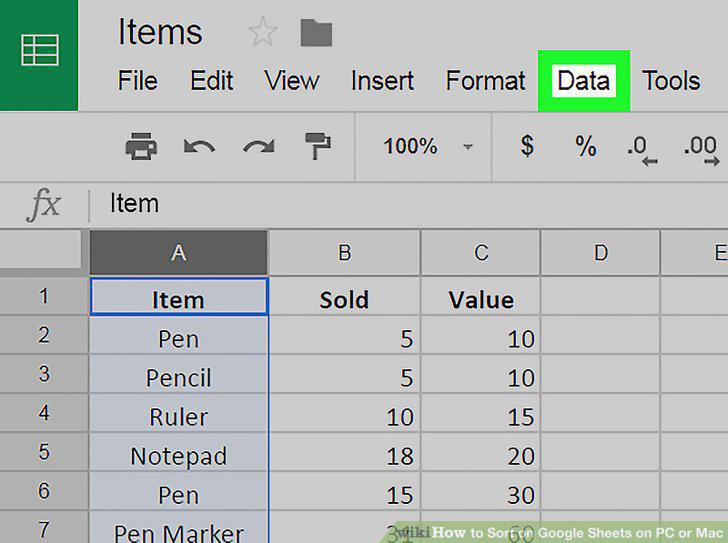
Click the Data menu.
5
Sort the selected column's data without affecting other rows.
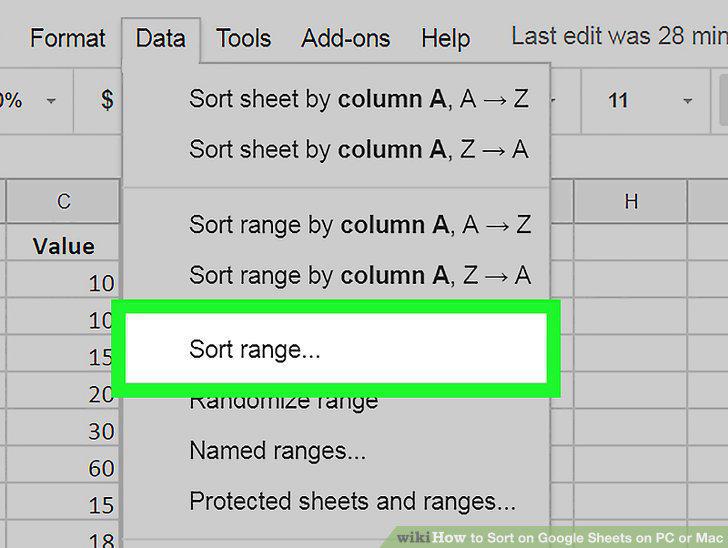
Sort the selected column's data without affecting other rows.
6
Sort the entire sheet in alphabetical or numerical order.
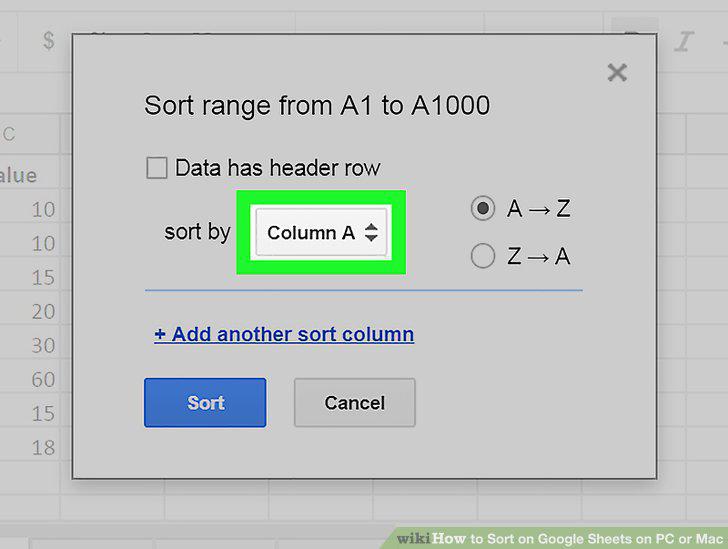
Sort the entire sheet in alphabetical or numerical order.
Comments (0)
No comments yet. Be the first to share your thoughts!