How to Update Emoji on an iPhone
Plug your iPhone into a charger.. Connect to a wireless network.. Open your iPhone's Settings.
Steps
1
Plug your iPhone into a charger.
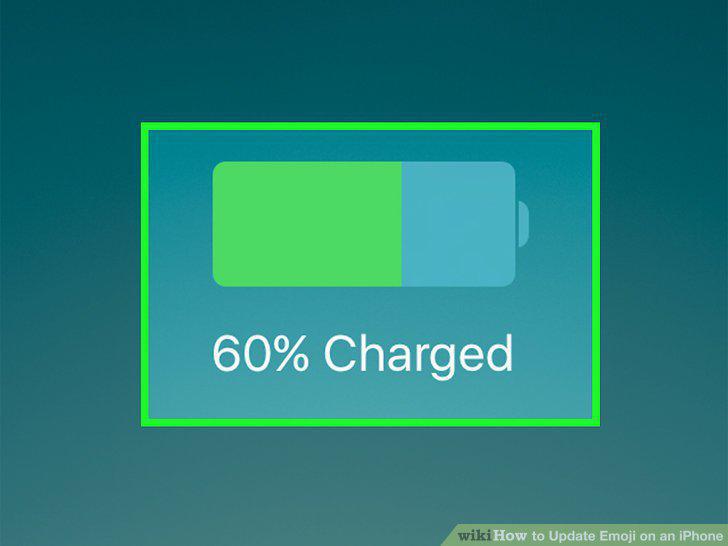
Plug your iPhone into a charger.
2
Connect to a wireless network.
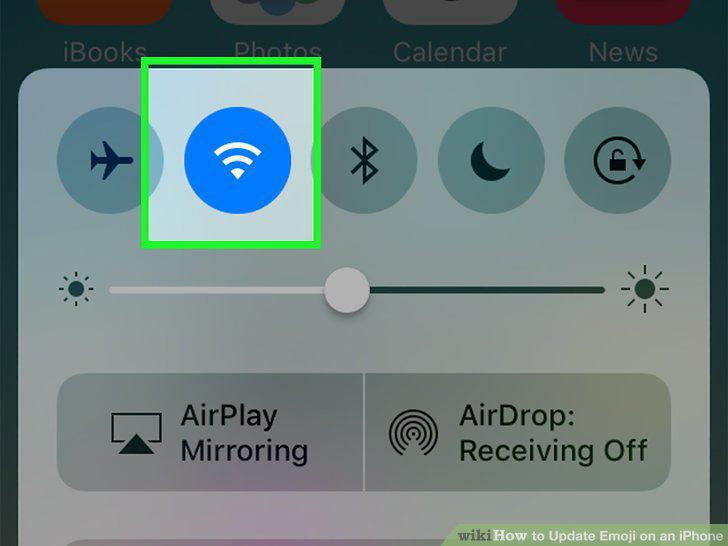
Connect to a wireless network.
3
Open your iPhone's Settings.
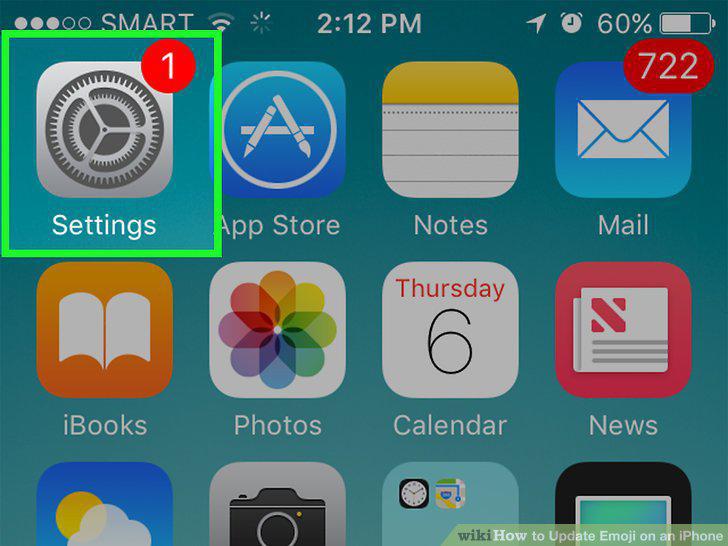
Open your iPhone's Settings.
4
Scroll down and tap General.
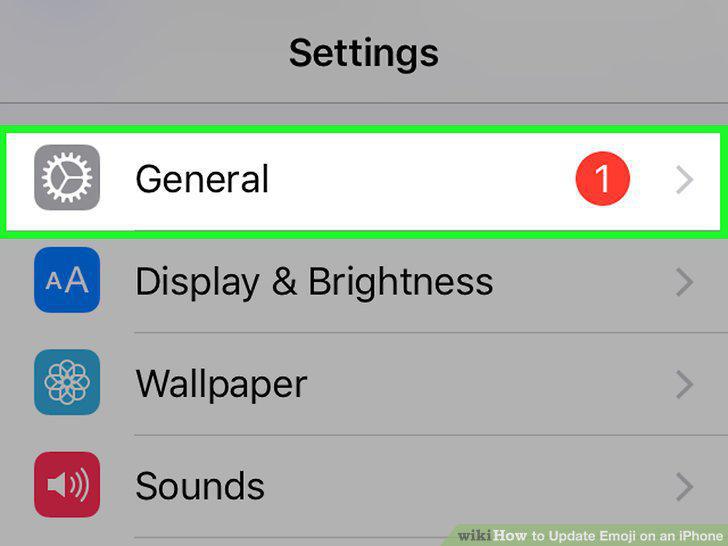
Scroll down and tap General.
5
Tap Software Update.
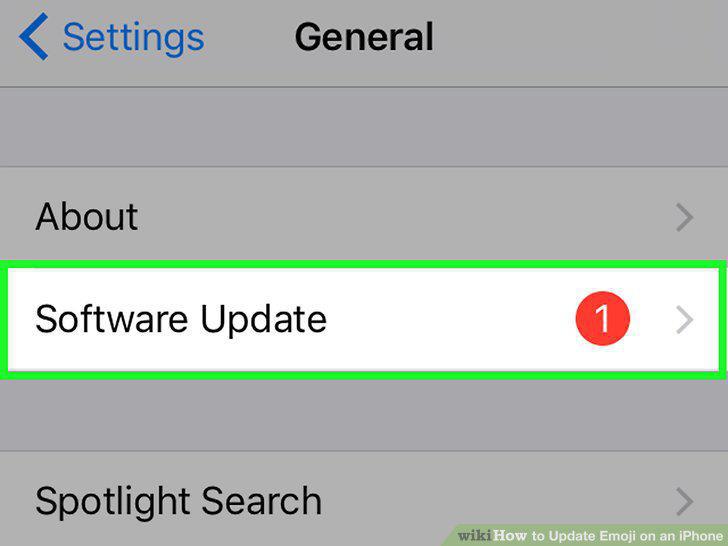
Tap Software Update.
6
Tap Download and Install if an update is available.
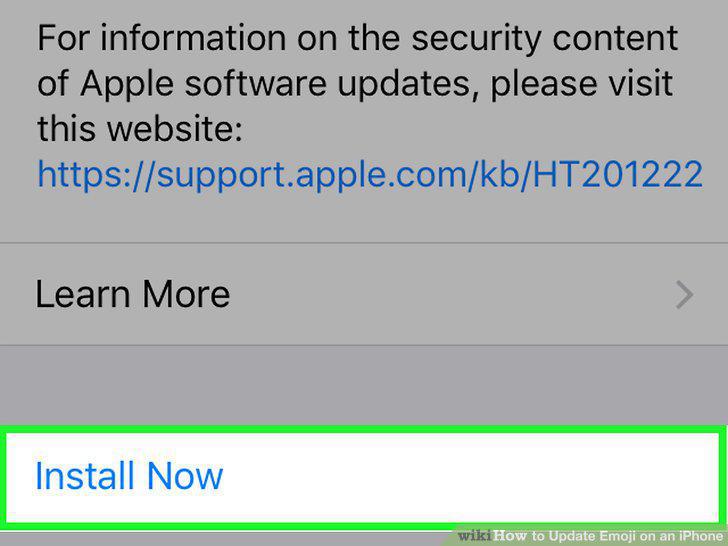
Tap Download and Install if an update is available.
7
Wait for your update to download and install.
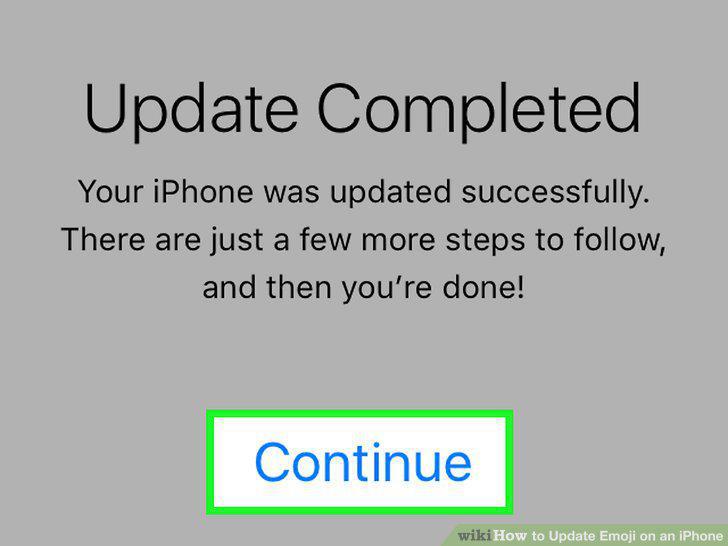
Wait for your update to download and install.
8
Open an app that uses your keyboard.
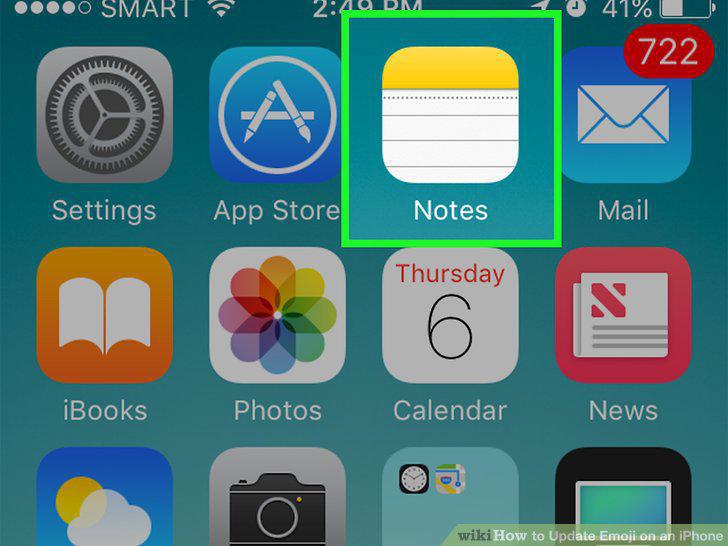
Open an app that uses your keyboard.
9
Tap the emoji button.
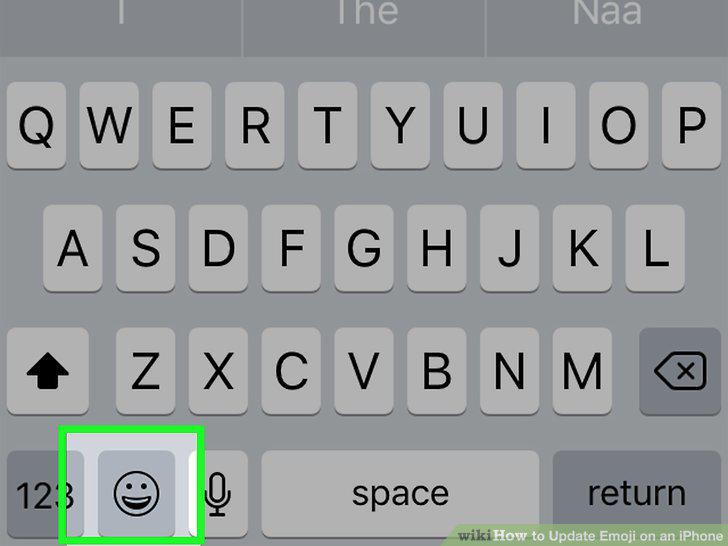
Tap the emoji button.
10
Find your new characters.
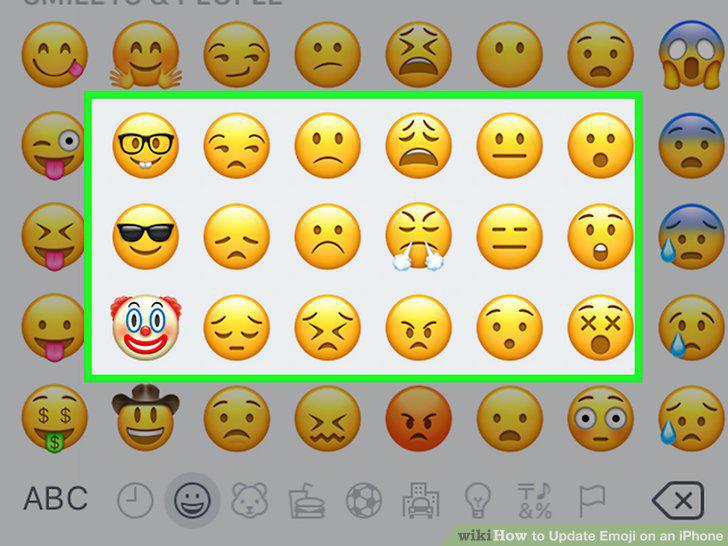
Find your new characters.
Comments (0)
No comments yet. Be the first to share your thoughts!