How to Install vShare
Launch the Safari browser on your iOS device.. Navigate to the official vShare website.. Tap on "Download (Unjailbroken)," then tap on "Install.
Steps
Launch the Safari browser on your iOS device.
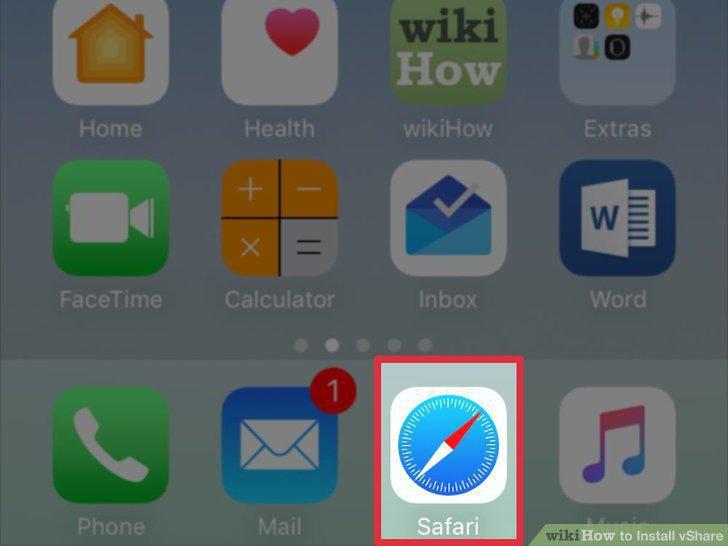
Launch the Safari browser on your iOS device.
Navigate to the official vShare website.
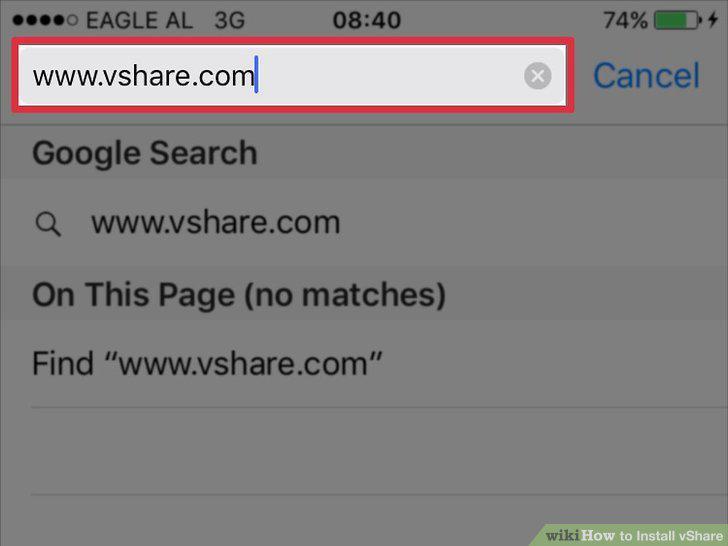
Navigate to the official vShare website.
Tap on "Download (Unjailbroken)," then tap on "Install.
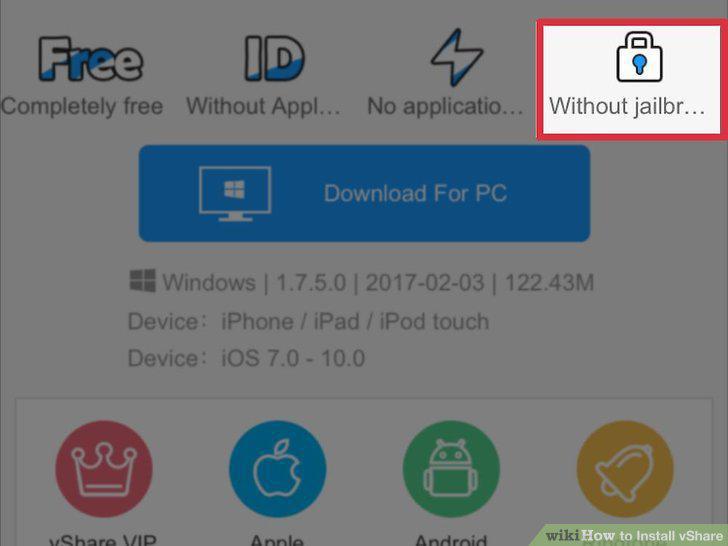
Tap on "Download (Unjailbroken)," then tap on "Install.
Press the Home button, and wait for vShare to complete installation.
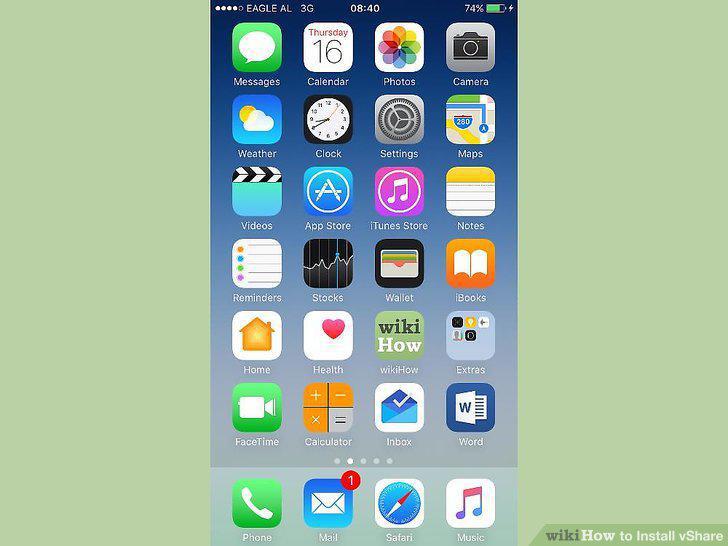
Press the Home button, and wait for vShare to complete installation.
Tap on "vShare" when installation is complete, then tap on "Trust" to launch vSh
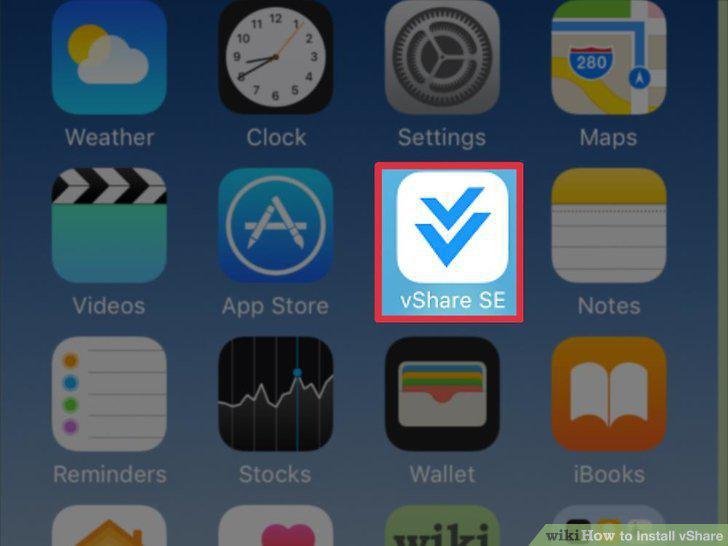
Tap on "vShare" when installation is complete, then tap on "Trust" to launch vShare.
Launch Cydia on your jailbroken iOS device and tap on "Manage" near the bottom o
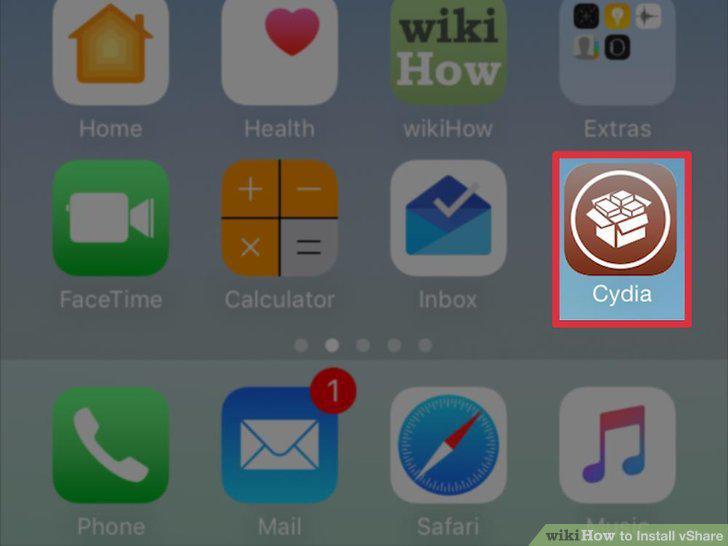
Launch Cydia on your jailbroken iOS device and tap on "Manage" near the bottom of your session.
Tap on "Sources," then tap on "Edit" at the top right corner.
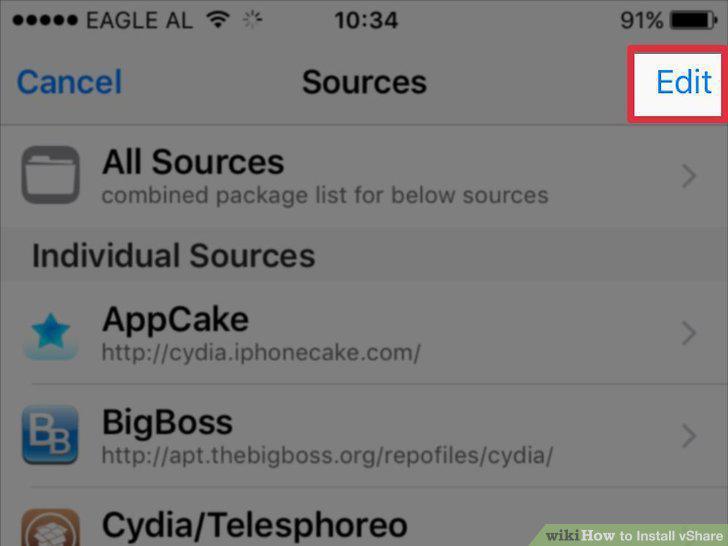
Tap on "Sources," then tap on "Edit" at the top right corner.
Tap on "Add," then enter the following URL into the field provided:
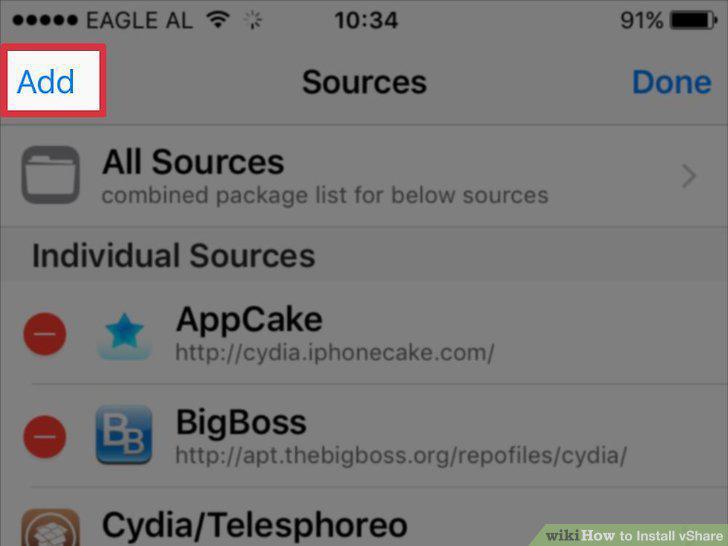
Tap on "Add," then enter the following URL into the field provided:
Tap on "Add Source.
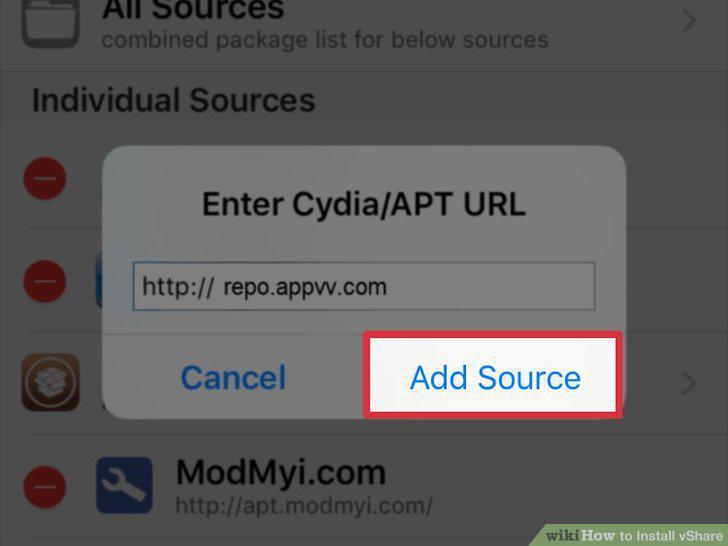
Tap on "Add Source.
Tap on "Add Anyway" at the Source Warning pop-up.
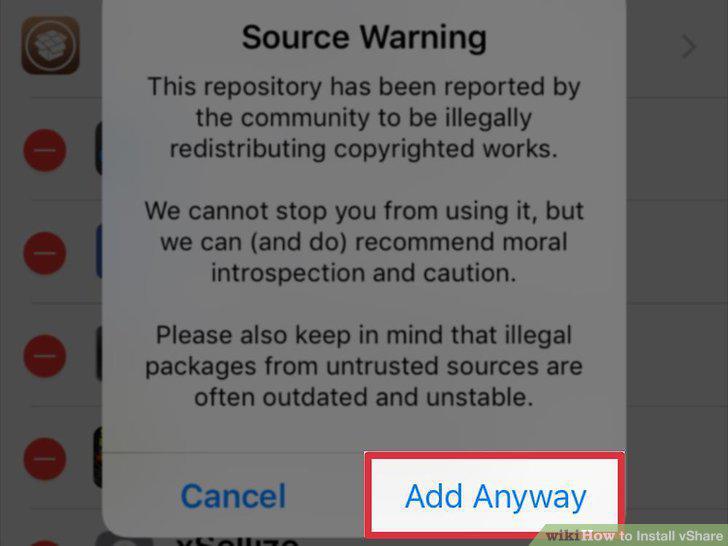
Tap on "Add Anyway" at the Source Warning pop-up.
Tap on "Search" at the bottom of your Cydia session and type "AppSync 7.0 (IPA C
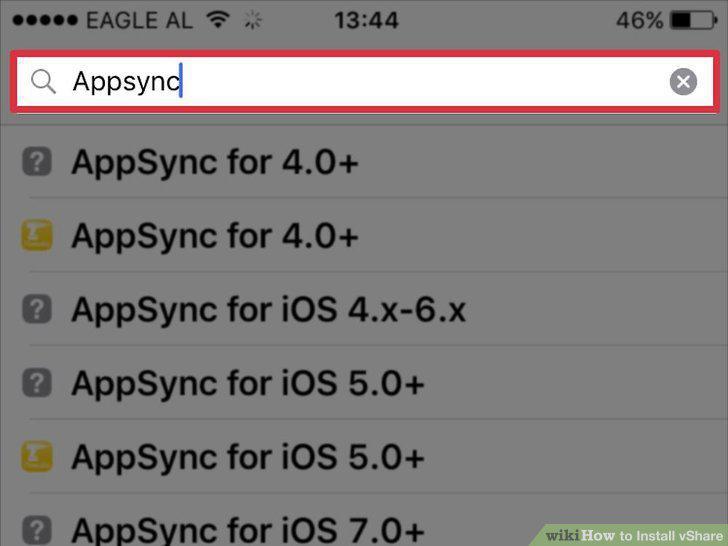
Tap on "Search" at the bottom of your Cydia session and type "AppSync 7.0 (IPA Crack)" into the search field.
Tap on the AppSync app when it displays in search results, then select the optio
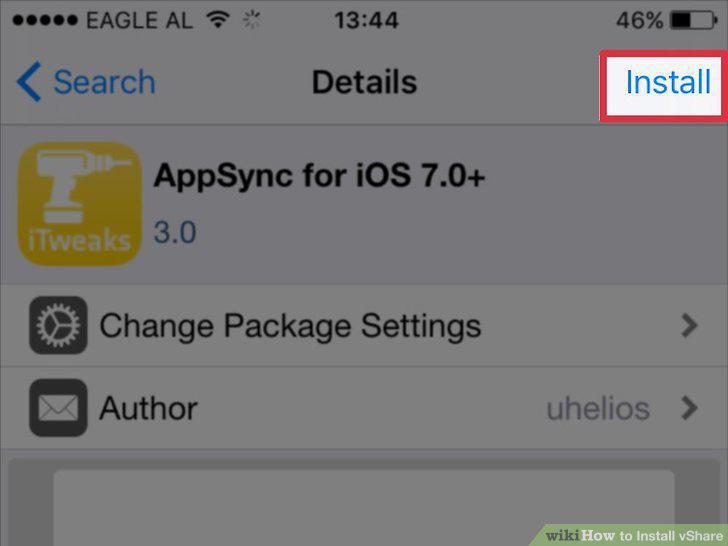
Tap on the AppSync app when it displays in search results, then select the option to install the app on your device.
Tap on "Search" at the bottom of your Cydia session and type "vShare" into the s
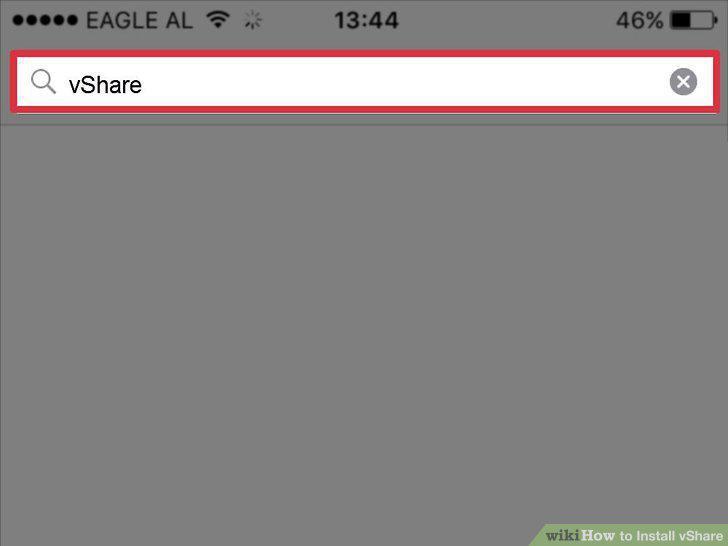
Tap on "Search" at the bottom of your Cydia session and type "vShare" into the search field.
Tap on vShare when it displays in search results, then select the option to inst
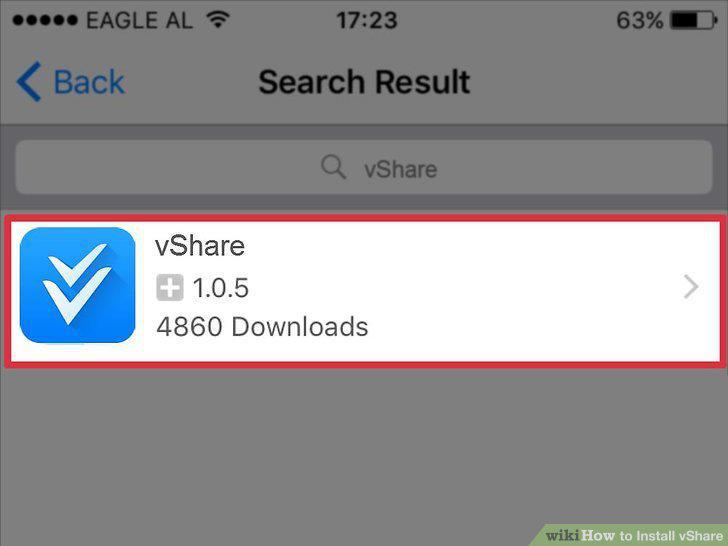
Tap on vShare when it displays in search results, then select the option to install the app on your device.
Comments (0)
No comments yet. Be the first to share your thoughts!