How to Open a TSV File on iPhone or iPad
Download and install Numbers.. Open Files .. Tap Browse.
Steps
1
Download and install Numbers.
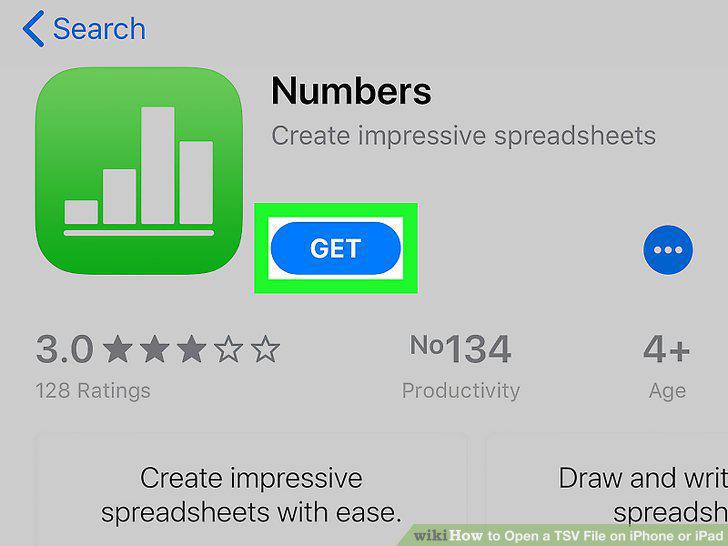
Download and install Numbers.
2
Open Files .
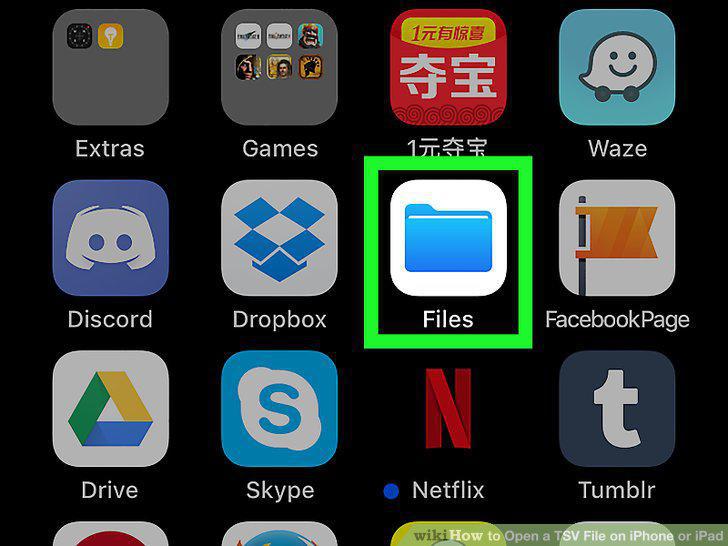
Open Files .
3
Tap Browse.
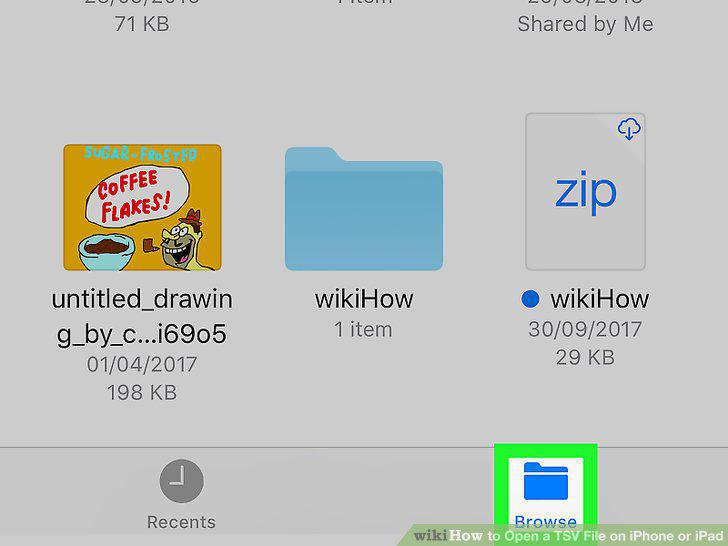
Tap Browse.
4
Tap the Location the TSV file is saved to.
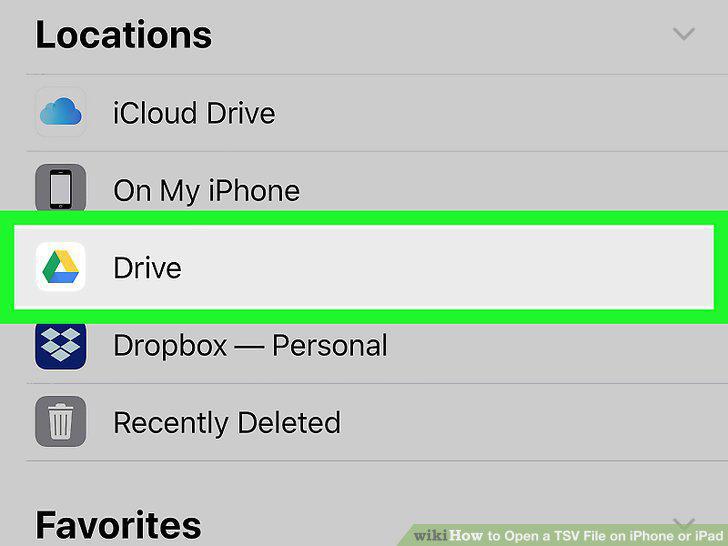
Tap the Location the TSV file is saved to.
5
Navigate to the TSV file.
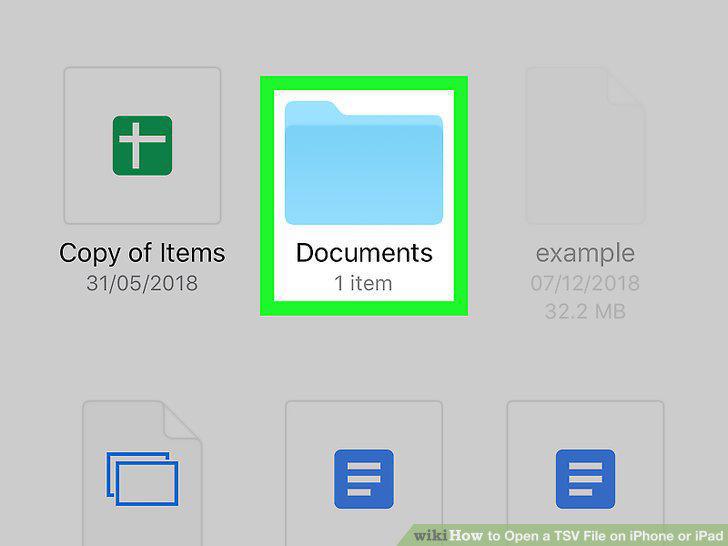
Navigate to the TSV file.
6
Tap and hold the TSV file.
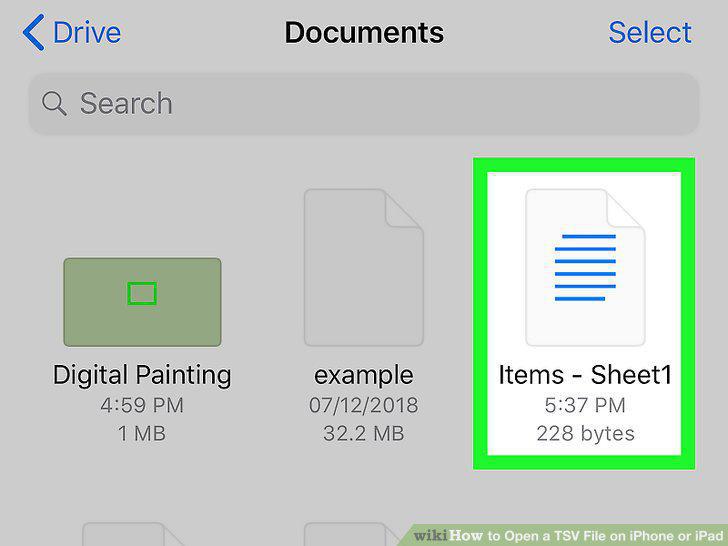
Tap and hold the TSV file.
7
Tap Share.
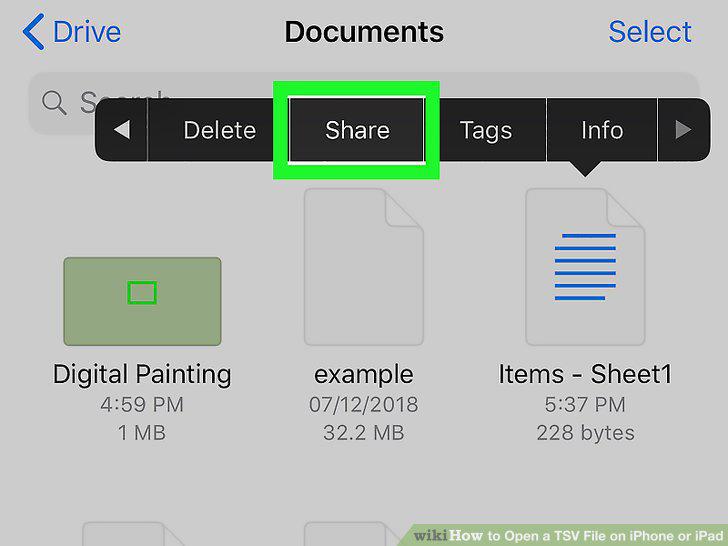
Tap Share.
8
Tap Open in Numbers.
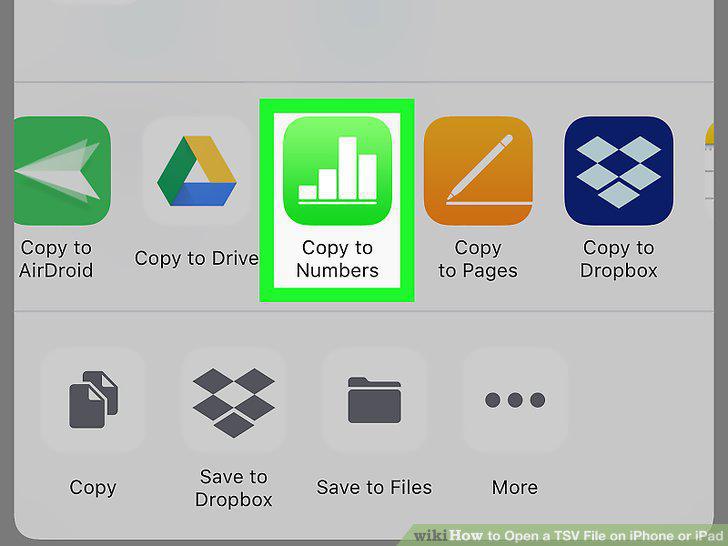
Tap Open in Numbers.
Comments (0)
No comments yet. Be the first to share your thoughts!