How to Use Sign in with Apple
Enable Two-Factor Authentication for your Apple ID.. Click or tap Sign in with Apple on a participating app or website.. Enter any details requested by the site or app.
Steps
1
Enable Two-Factor Authentication for your Apple ID.
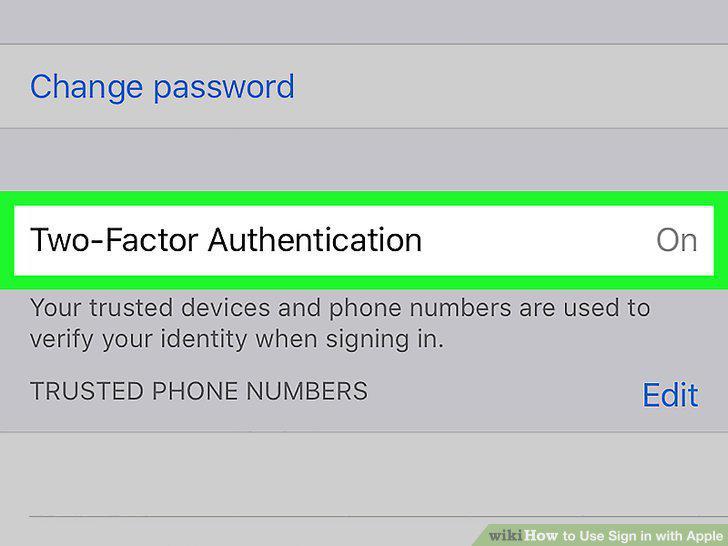
Enable Two-Factor Authentication for your Apple ID.
2
Click or tap Sign in with Apple on a participating app or website.
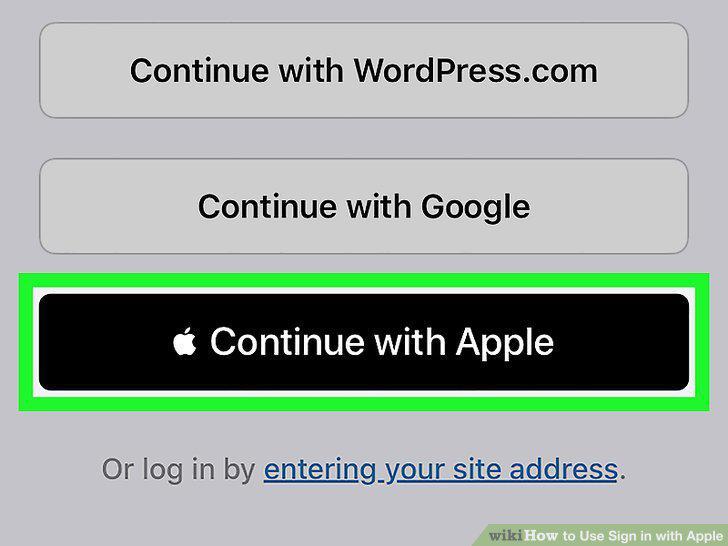
Click or tap Sign in with Apple on a participating app or website.
3
Enter any details requested by the site or app.
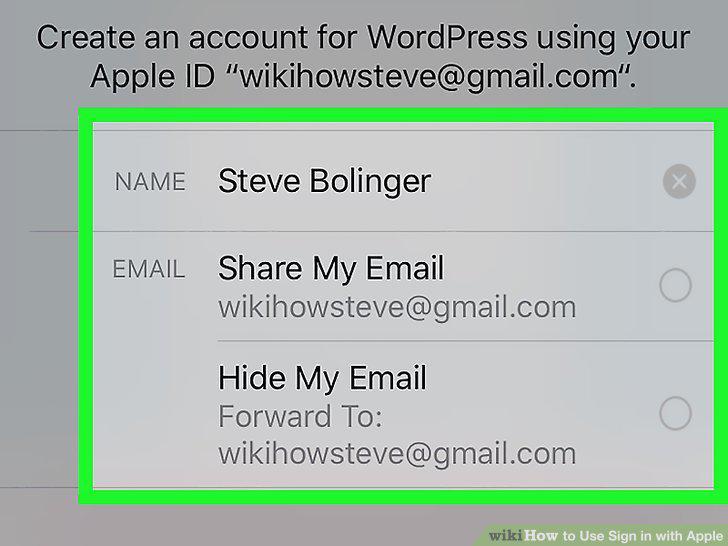
Enter any details requested by the site or app.
4
Tap the blue Continue button.
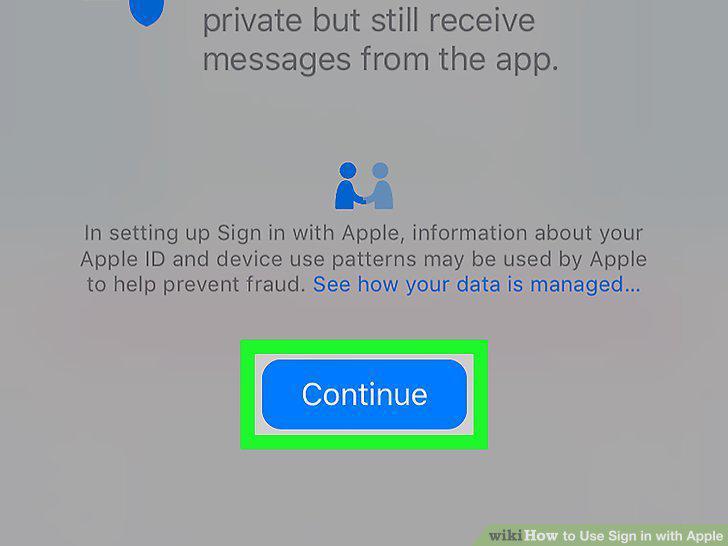
Tap the blue Continue button.
5
Confirm your identity.
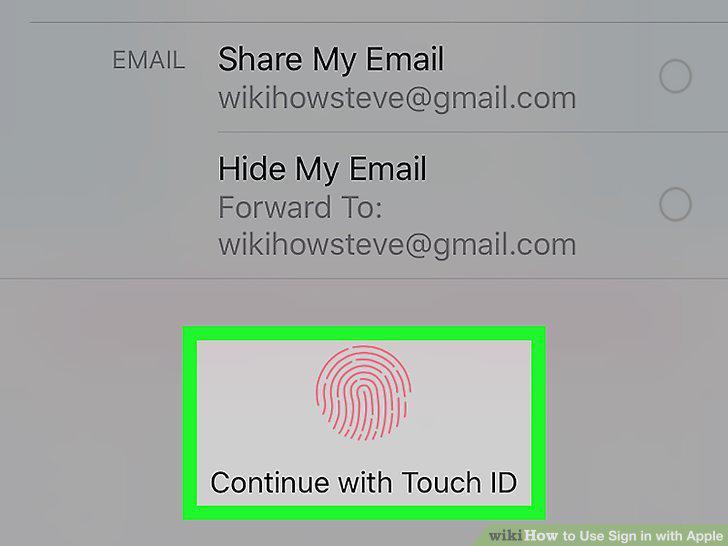
Confirm your identity.
6
Click or tap Sign in with Apple on a participating app or website.
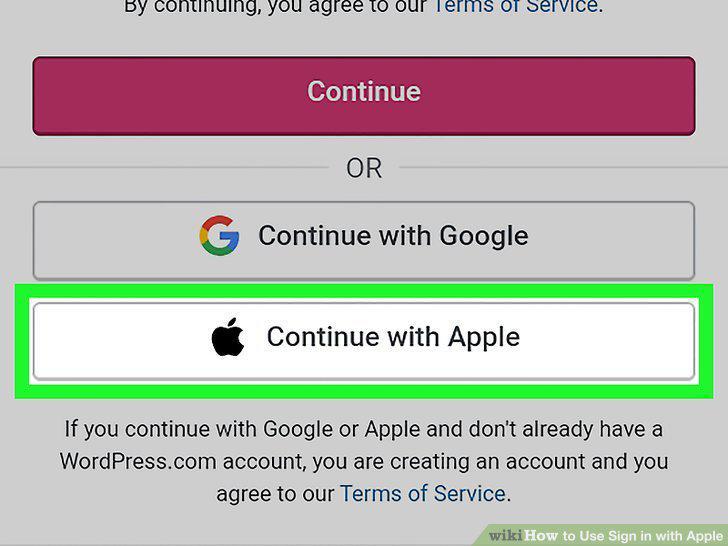
Click or tap Sign in with Apple on a participating app or website.
7
Enter your Apple ID and password to sign in.
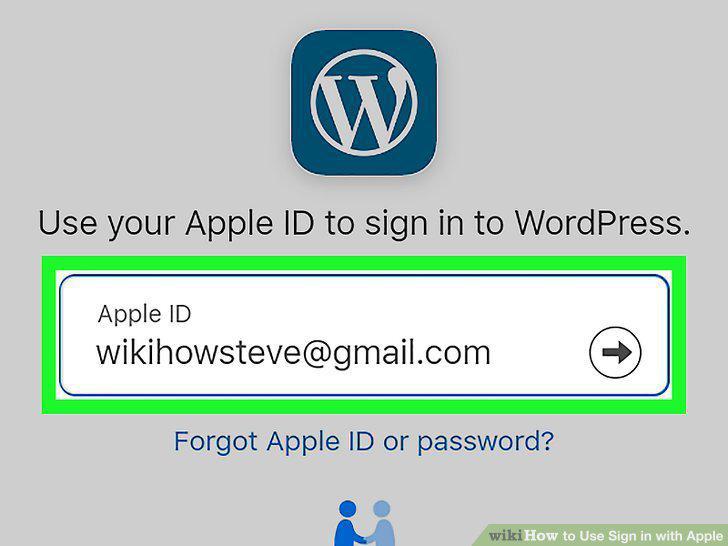
Enter your Apple ID and password to sign in.
8
Enter the verification code to complete the sign-in.
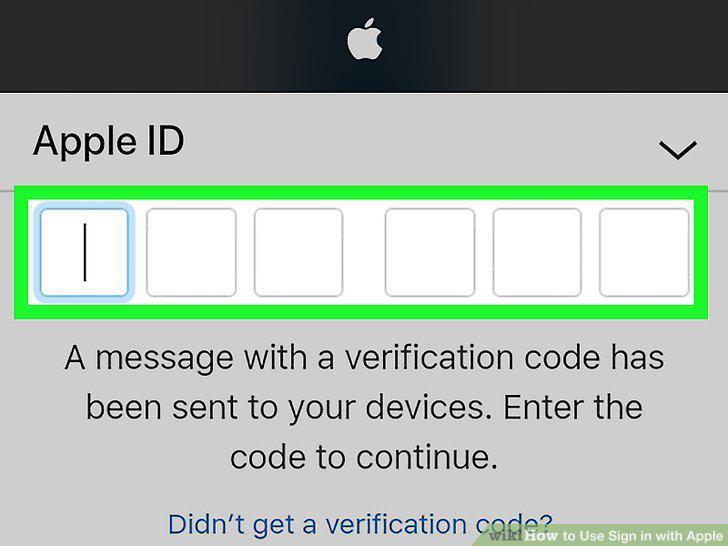
Enter the verification code to complete the sign-in.
9
Enter any details requested by the site or app.
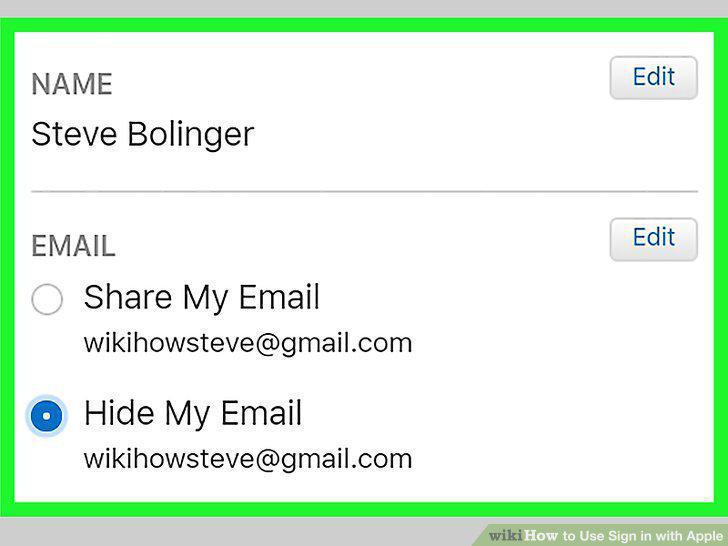
Enter any details requested by the site or app.
10
Click or tap Continue.

Click or tap Continue.
Comments (0)
No comments yet. Be the first to share your thoughts!