How to Send an iMessage to Japan
Open the Messages app.. Tap the new message button.. Type in "+.
Steps
1
Open the Messages app.
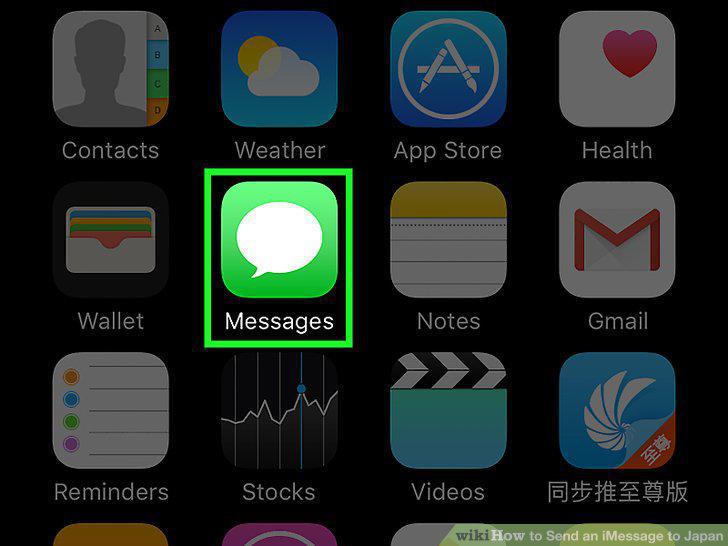
Open the Messages app.
2
Tap the new message button.
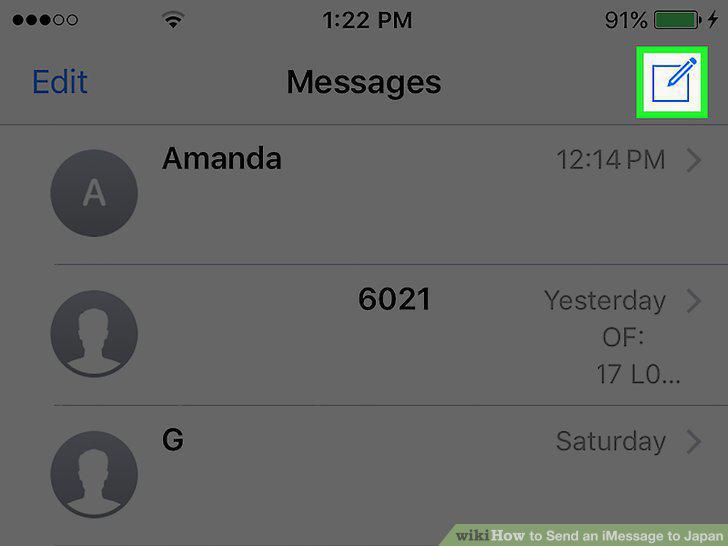
Tap the new message button.
3
Type in "+.
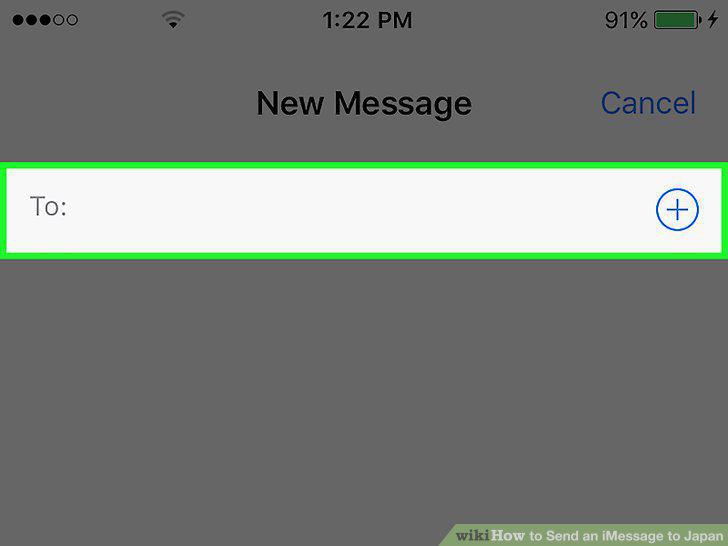
Type in "+.
4
Type in "81.
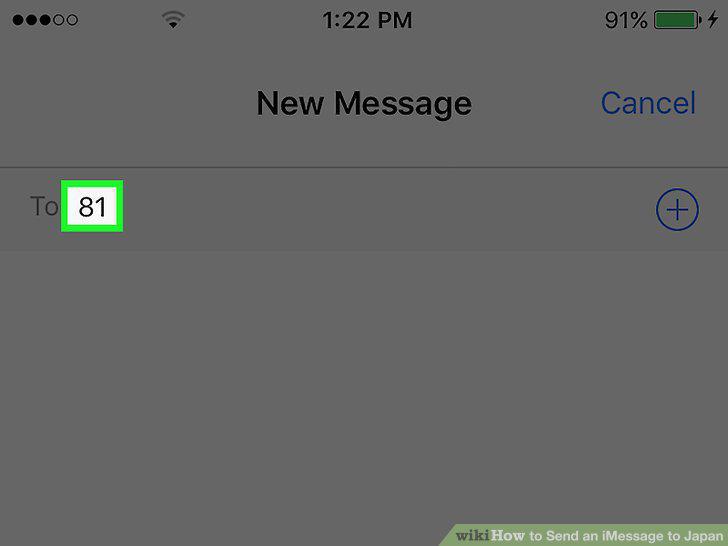
Type in "81.
5
Type in a person's phone number.
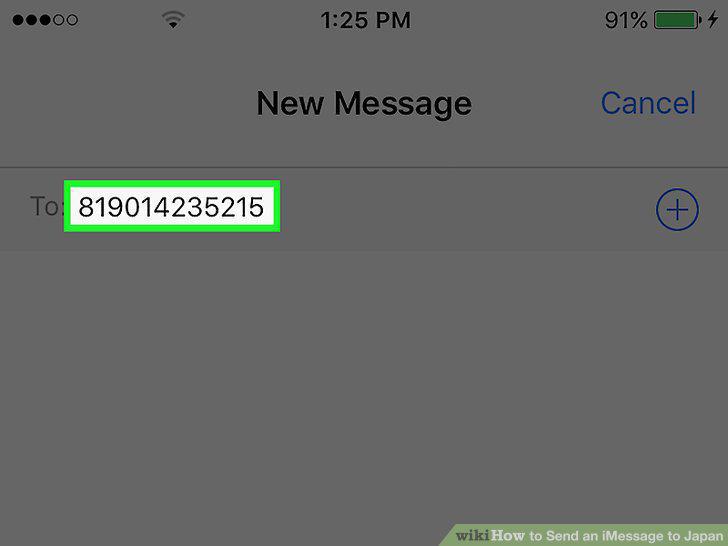
Type in a person's phone number.
6
Tap the message field.
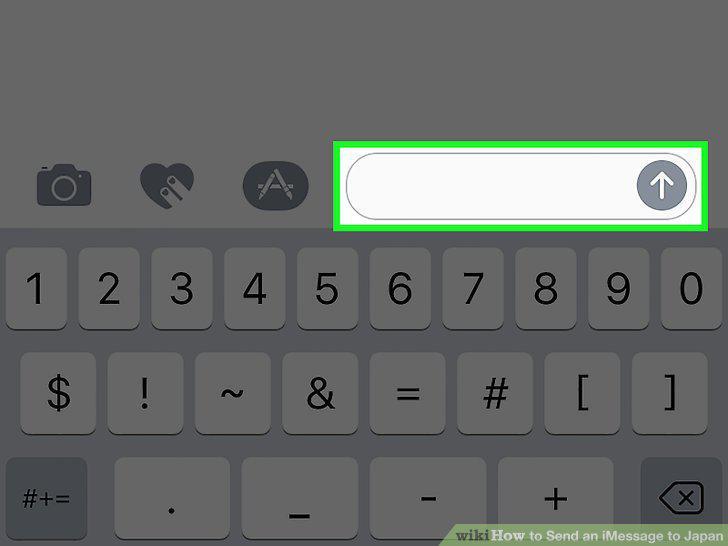
Tap the message field.
7
Type in your message.
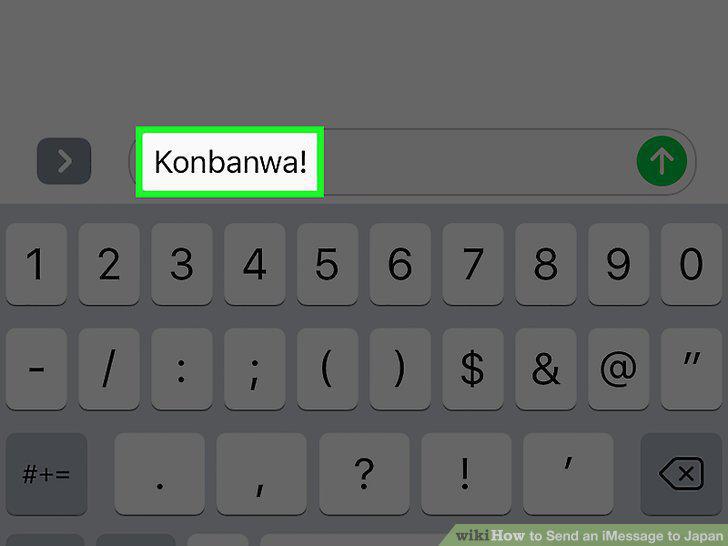
Type in your message.
8
Tap the blue up arrow to send.
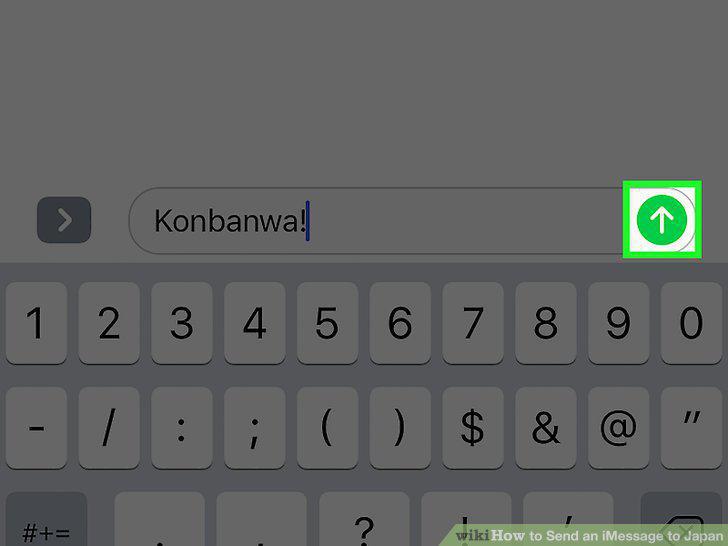
Tap the blue up arrow to send.
Comments (0)
No comments yet. Be the first to share your thoughts!