How to See Your Account Name in Steam
Open your Steam client.. Click the View menu.. Click Settings.
Steps
1
Open your Steam client.
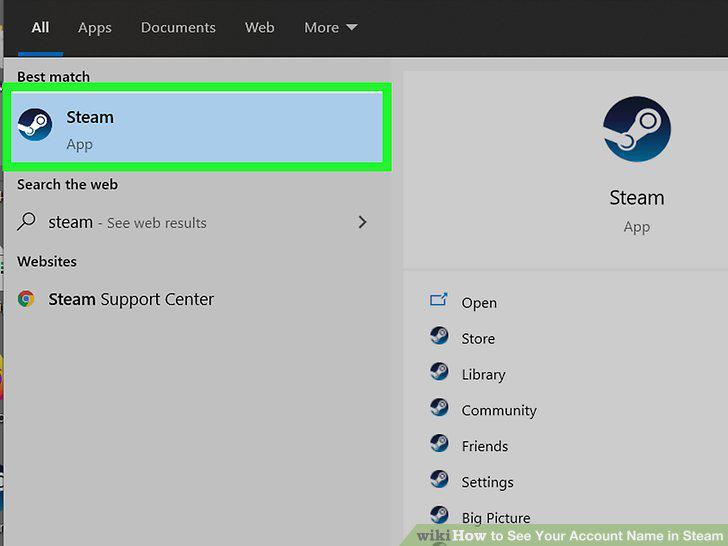
Open your Steam client.
2
Click the View menu.

Click the View menu.
3
Click Settings.
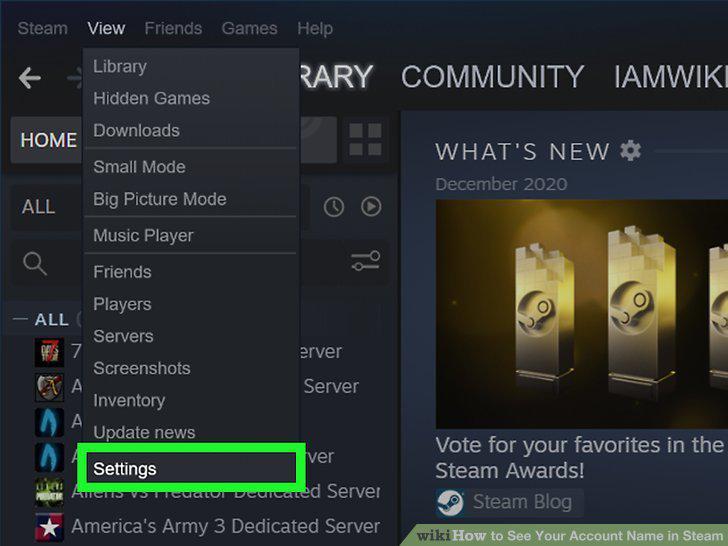
Click Settings.
4
Click Interface.
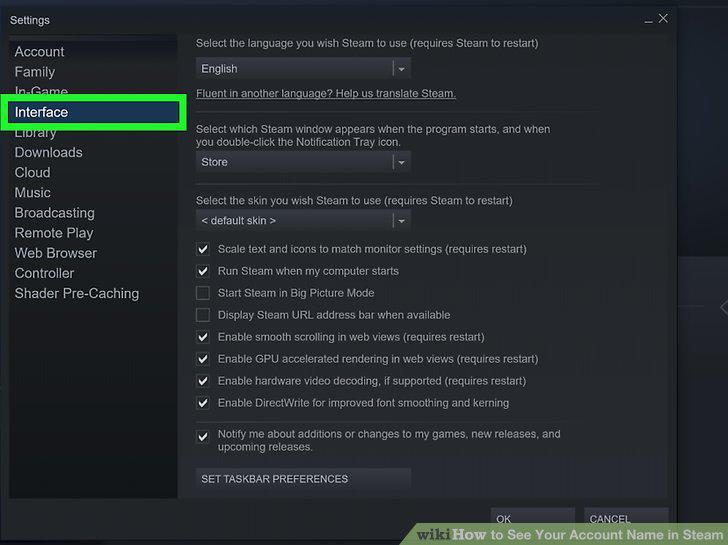
Click Interface.
5
Check the box next to "Display Steam URL address bar when available.
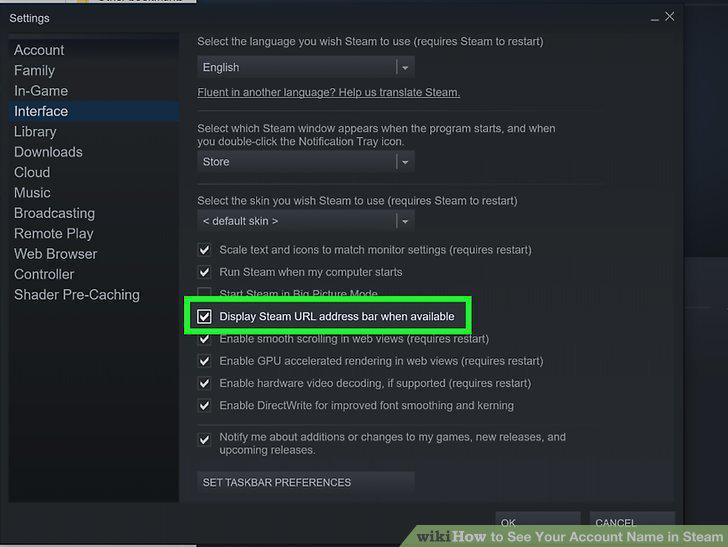
Check the box next to "Display Steam URL address bar when available.
6
Click OK to save your settings.
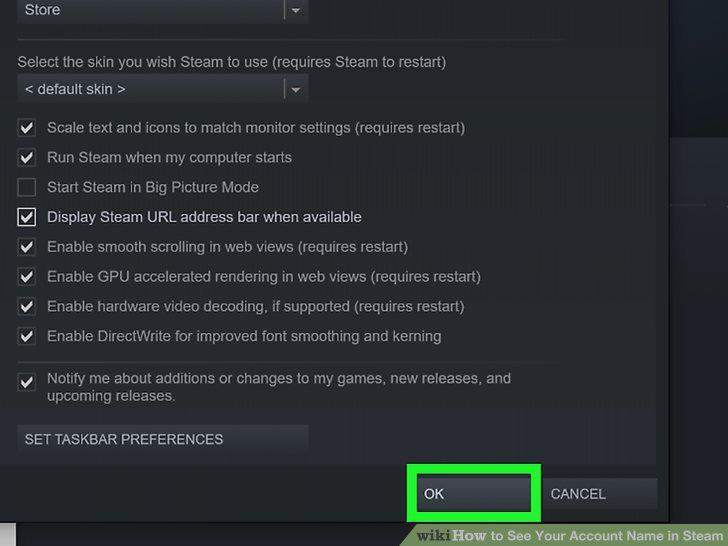
Click OK to save your settings.
7
Click your profile name.
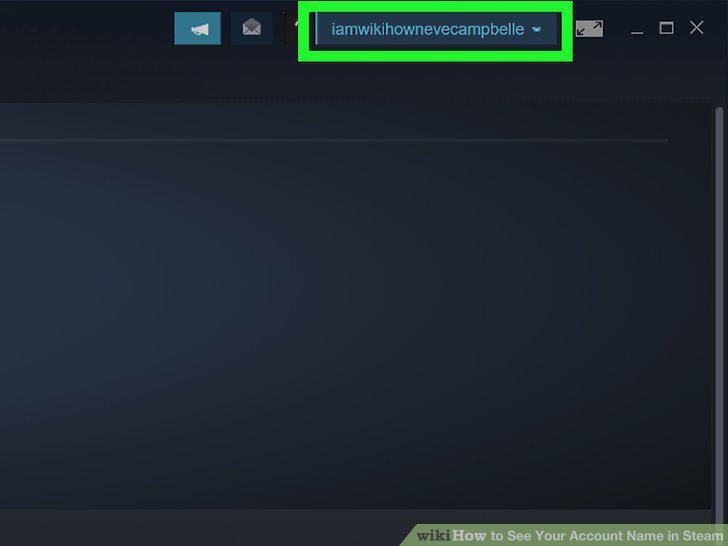
Click your profile name.
8
Hover the mouse cursor over your profile name and click Profile.
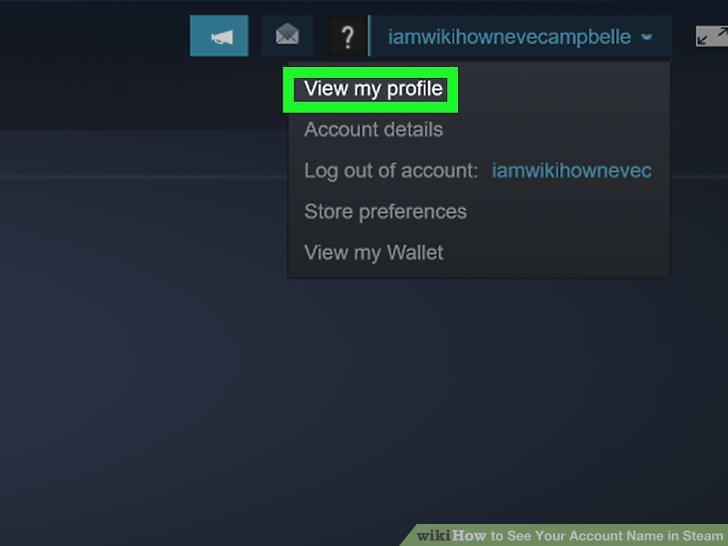
Hover the mouse cursor over your profile name and click Profile.
9
Click Edit Profile.
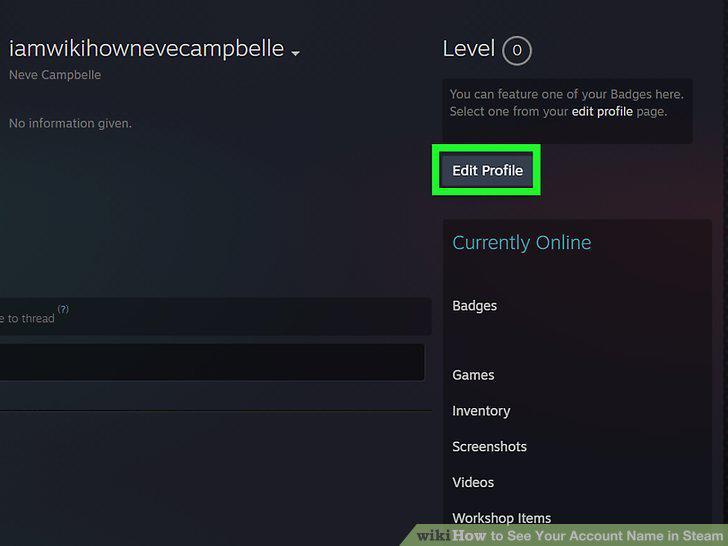
Click Edit Profile.
10
Erase the contents of "Custom URL" and click Save.
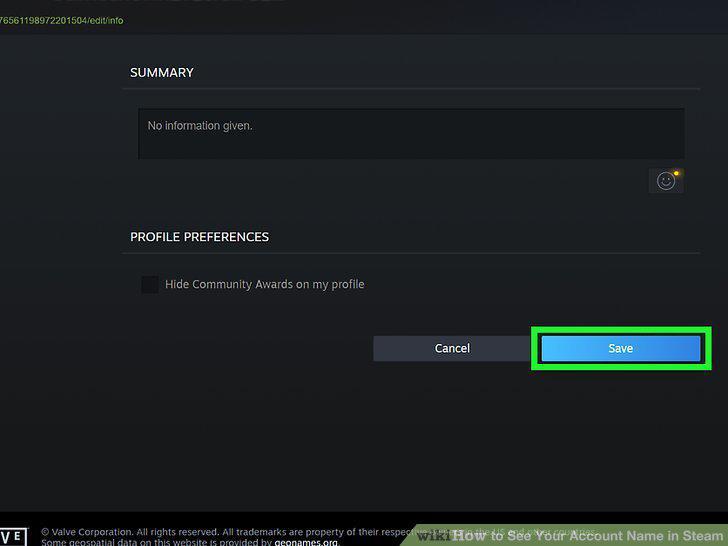
Erase the contents of "Custom URL" and click Save.
Comments (0)
No comments yet. Be the first to share your thoughts!