How to Protect Sensitive iCloud Notes on iPhone or iPad
Open your iPhone or iPad's Settings app.. Scroll down and tap Notes.. Tap Password under the VIEWING heading.
Steps
1
Open your iPhone or iPad's Settings app.
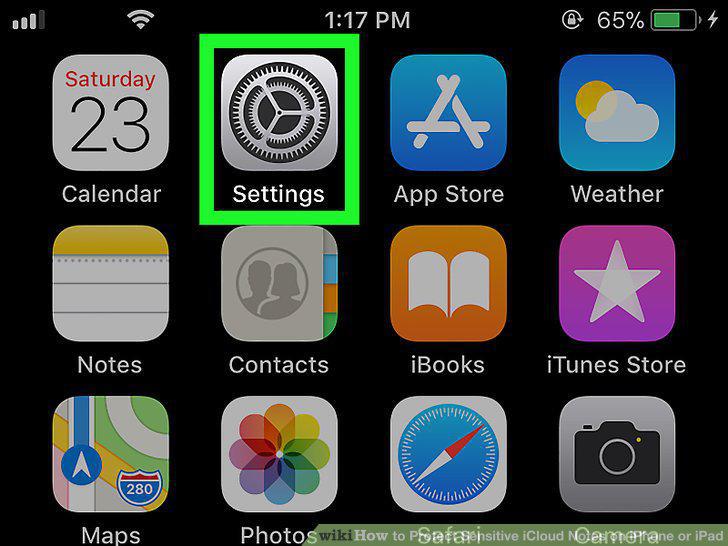
Open your iPhone or iPad's Settings app.
2
Scroll down and tap Notes.
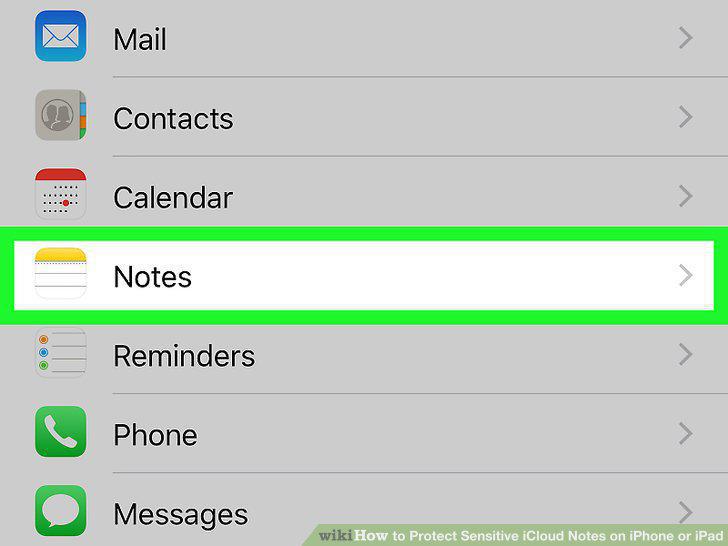
Scroll down and tap Notes.
3
Tap Password under the VIEWING heading.
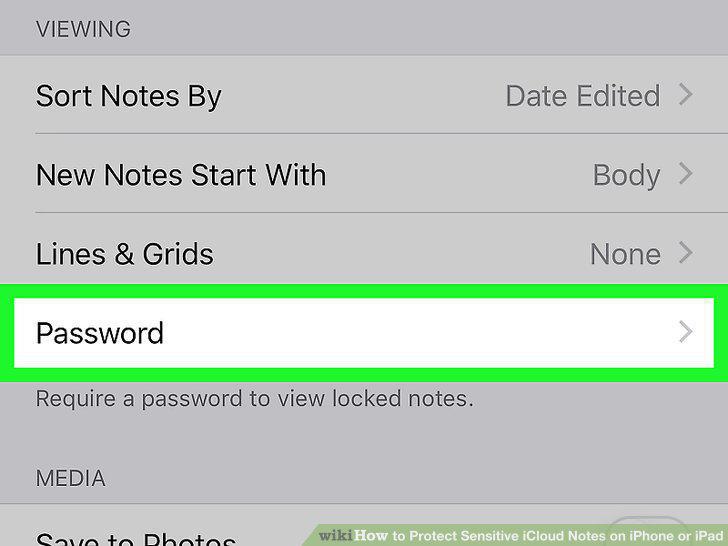
Tap Password under the VIEWING heading.
4
Enter a new password in the Password field.
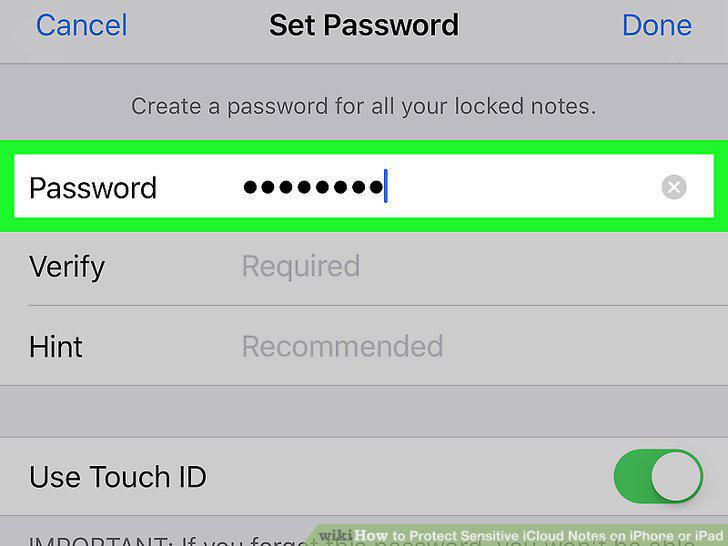
Enter a new password in the Password field.
5
Re-enter the same password into the Verify field.
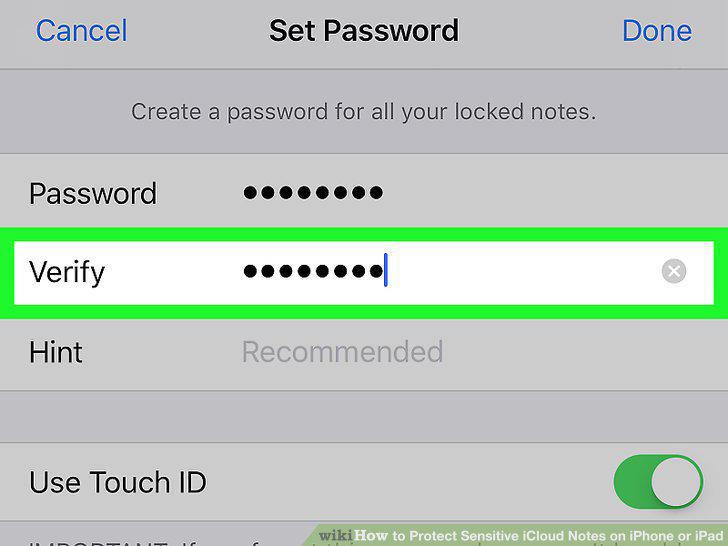
Re-enter the same password into the Verify field.
6
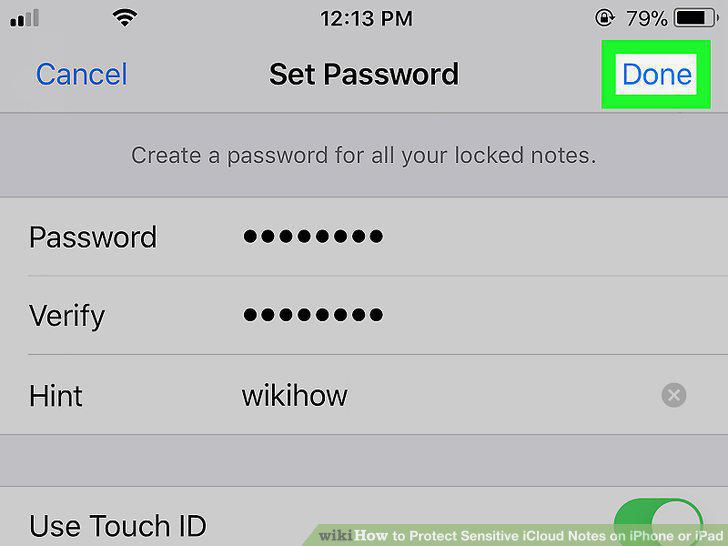
Enter a password hint in the Hint field.
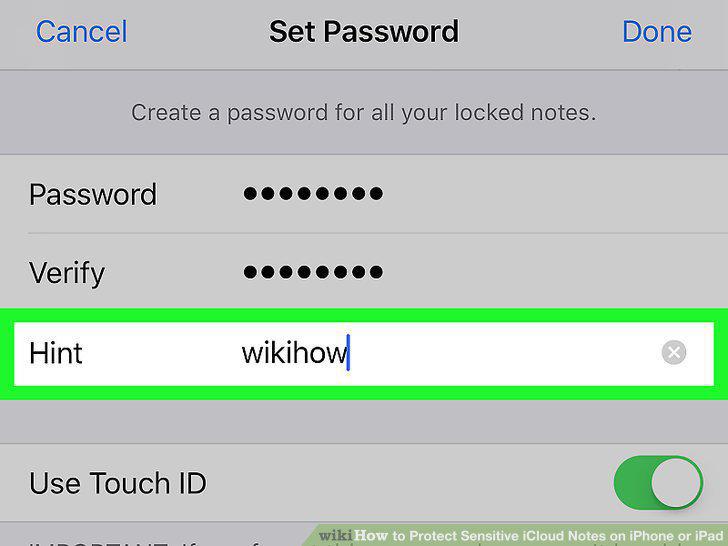
Enter a password hint in the Hint field.
7
Tap Done.
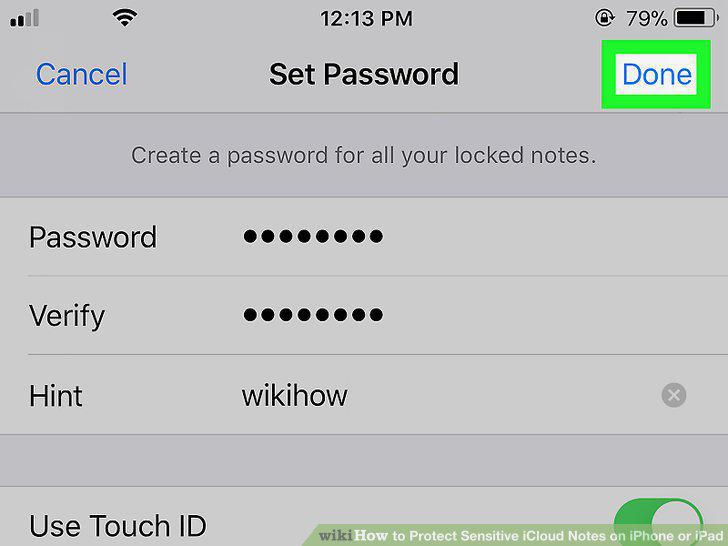
Tap Done.
8
Open the Notes app on your iPhone or iPad.
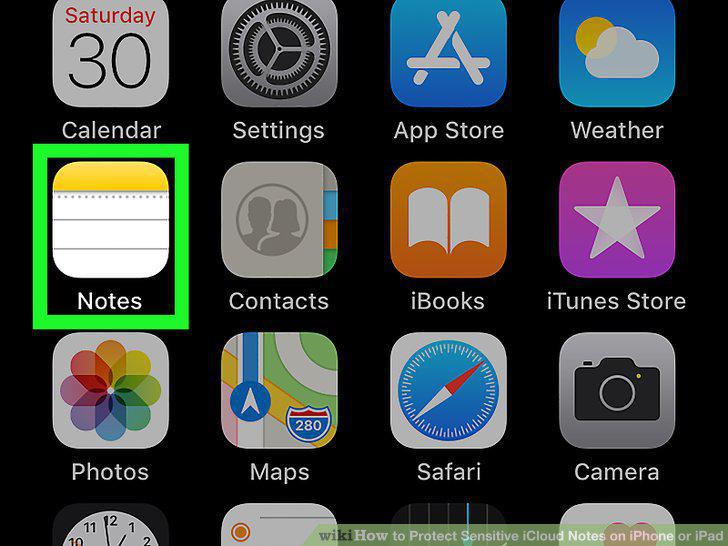
Open the Notes app on your iPhone or iPad.
9
Tap the note you want to lock.
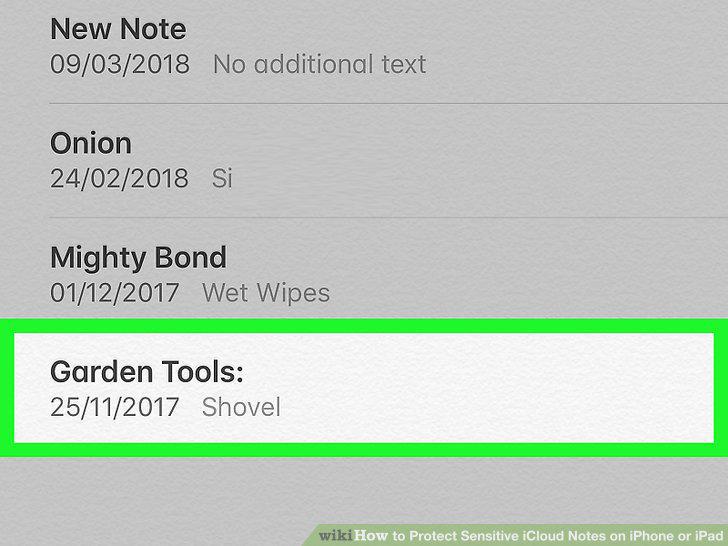
Tap the note you want to lock.
10
Tap the icon.
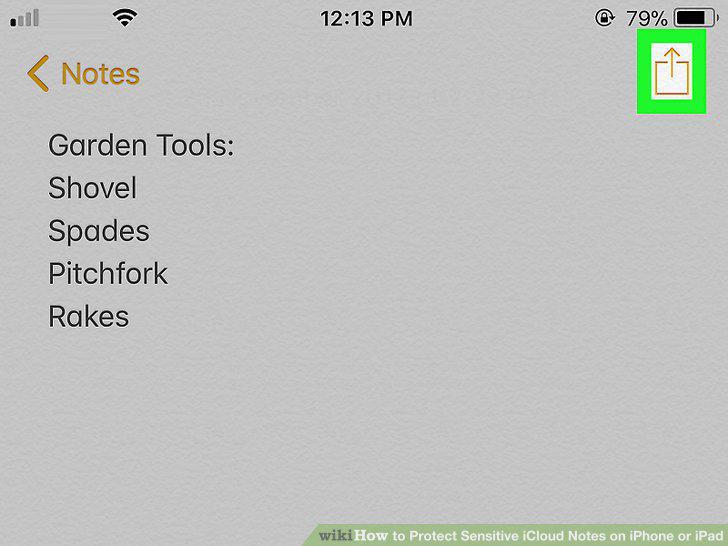
Tap the icon.
11
Tap Lock Note on the pop-up menu.
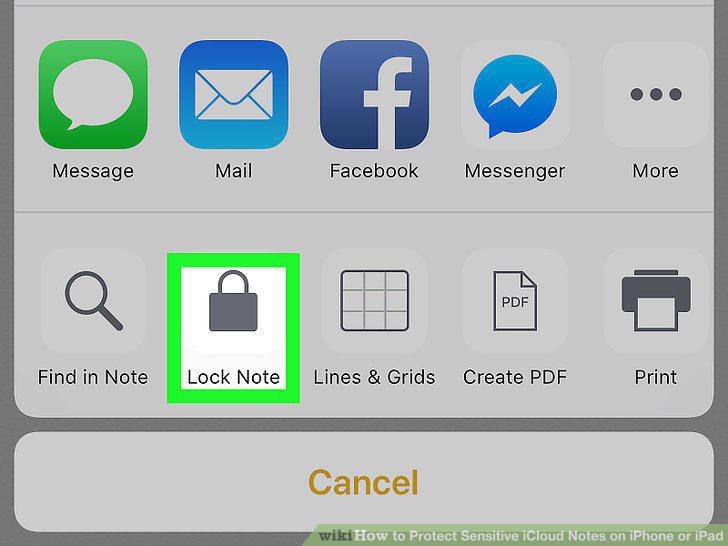
Tap Lock Note on the pop-up menu.
12
Enter your Notes password.
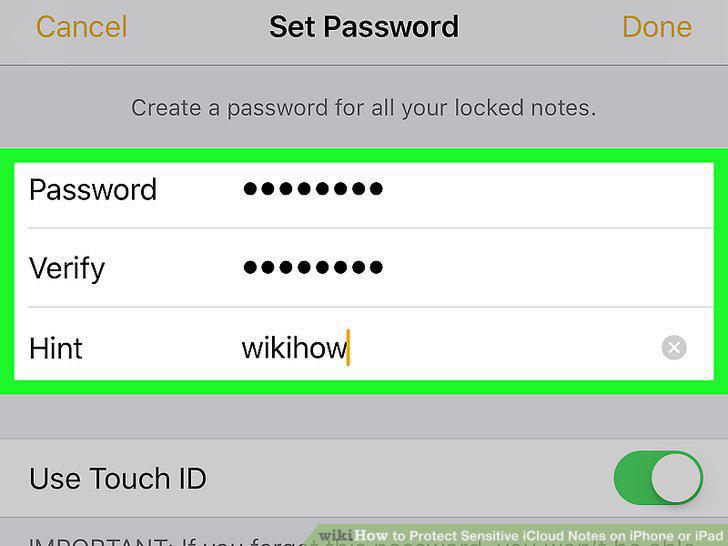
Enter your Notes password.
13
Tap the OK button.
Tap the OK button.
Comments (0)
No comments yet. Be the first to share your thoughts!