How to Install a Graphics Card
Open your case.. Ensure that your power supply is up to the task.. Ensure that your motherboard supports the card.
Steps
1
Open your case.
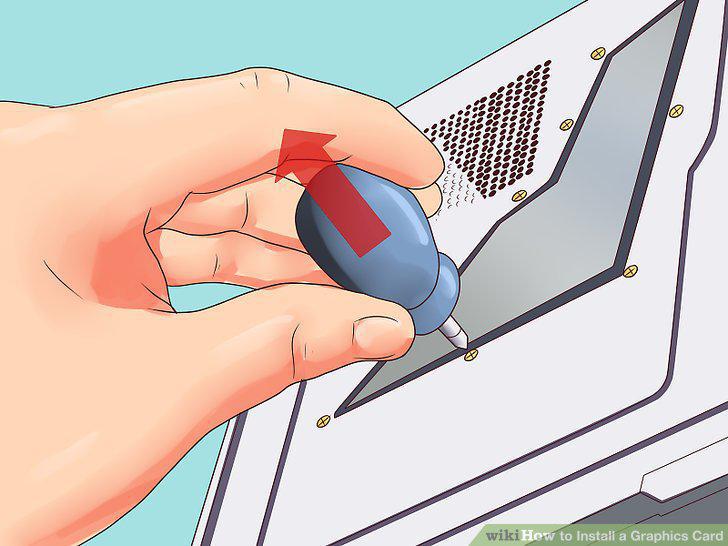
Open your case.
2
Ensure that your power supply is up to the task.
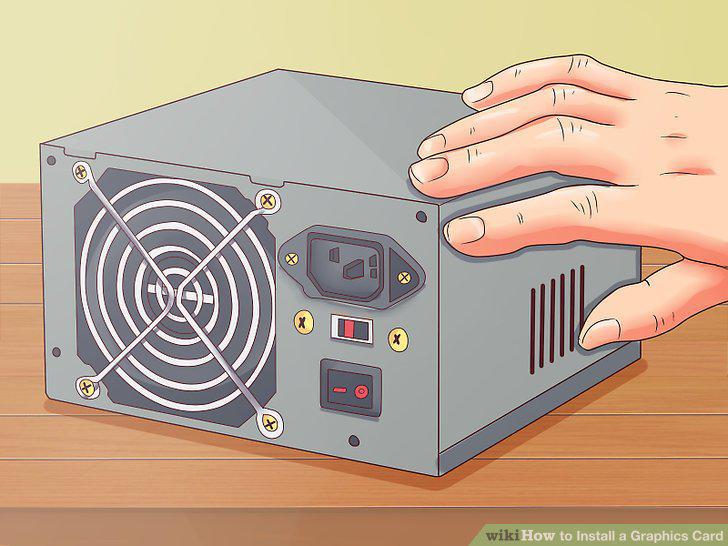
Ensure that your power supply is up to the task.
3
Ensure that your motherboard supports the card.
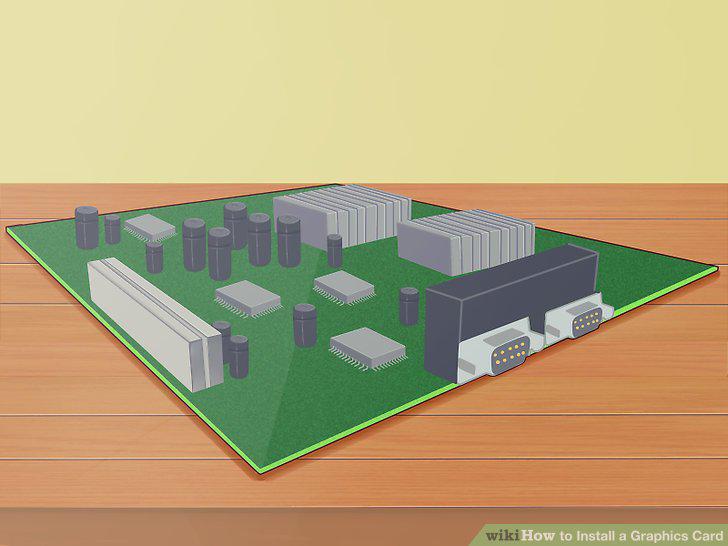
Ensure that your motherboard supports the card.
4
Make sure that the card will fit.
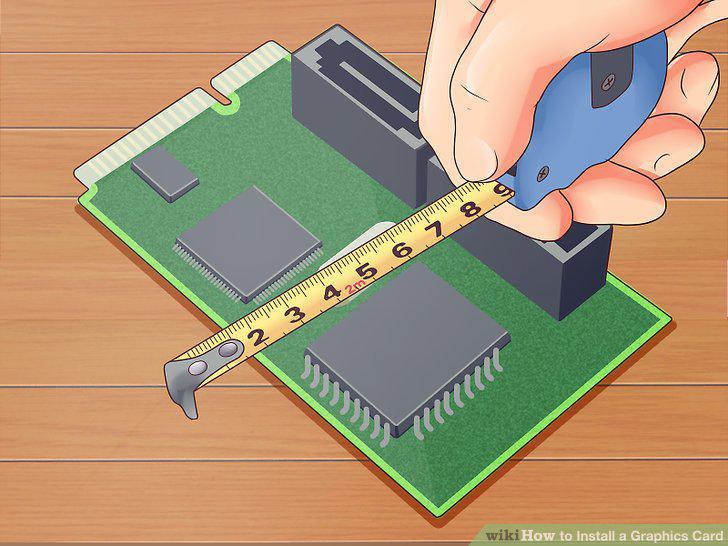
Make sure that the card will fit.
5
Strike a balance between price and power.
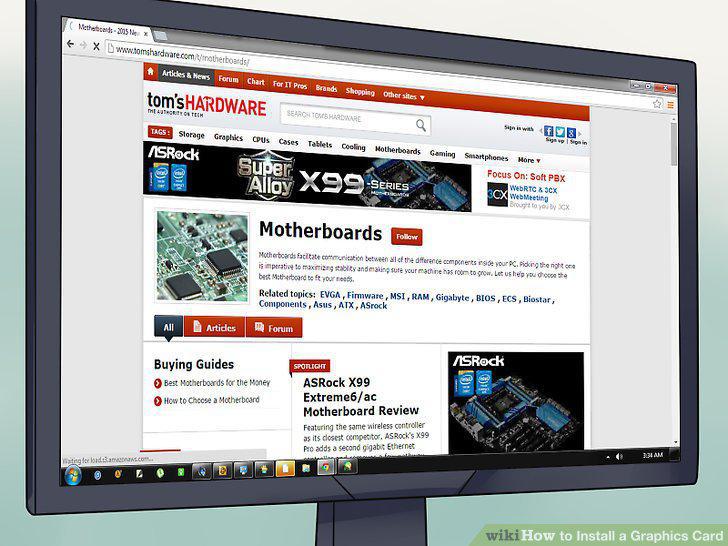
Strike a balance between price and power.
6
Find cards that are recommended for your interests.
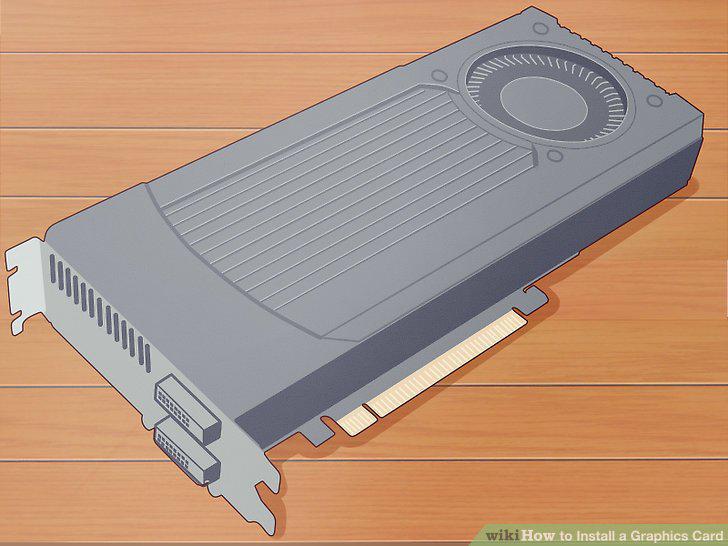
Find cards that are recommended for your interests.
7
Look at the display capabilities of the card.
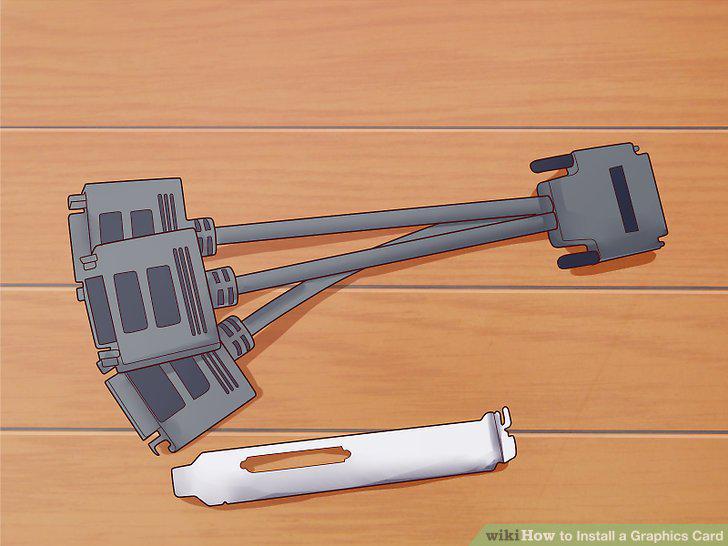
Look at the display capabilities of the card.
8
Uninstall your old drivers.
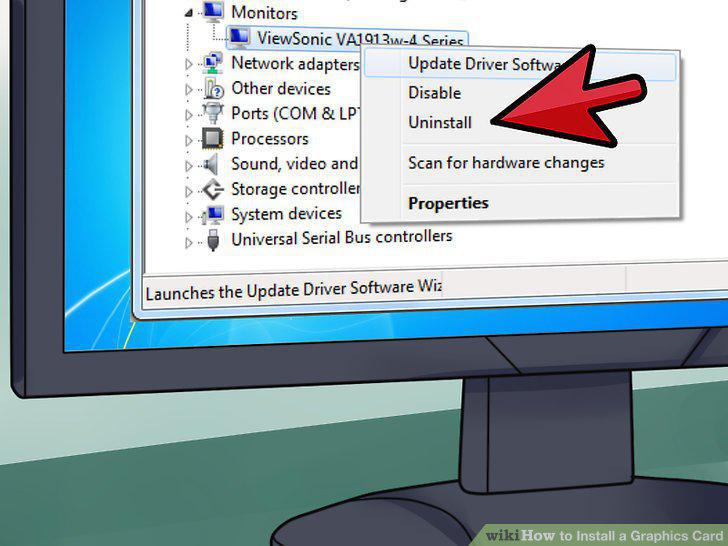
Uninstall your old drivers.
9
Ground yourself.
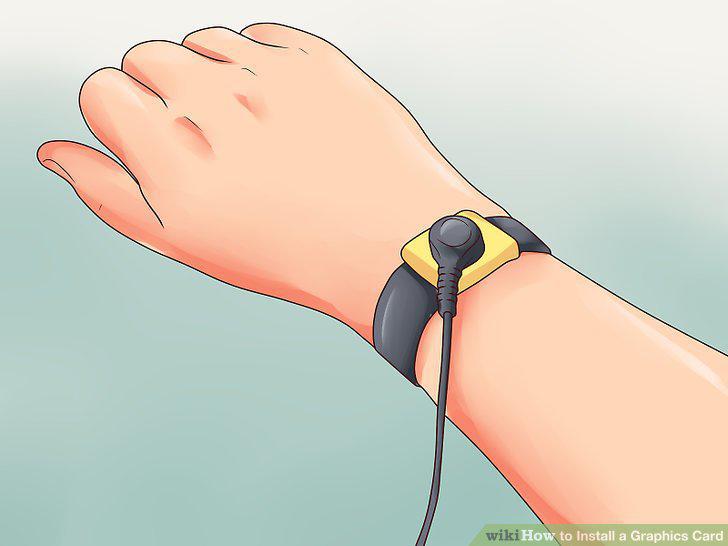
Ground yourself.
10
Identify the old card.
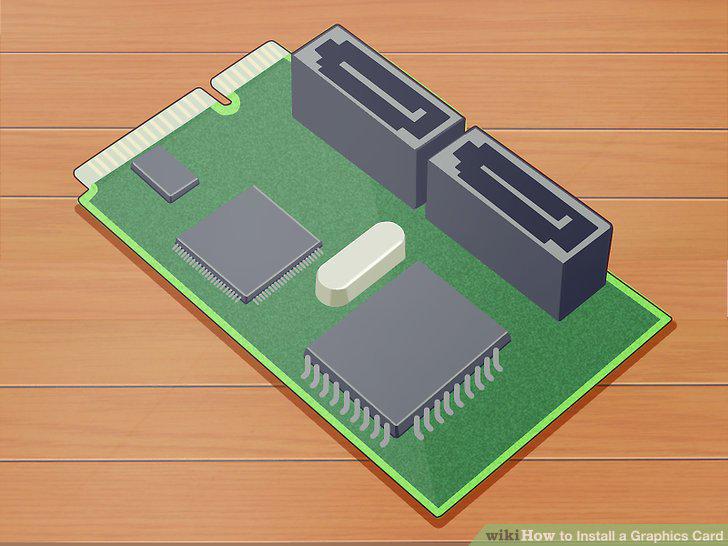
Identify the old card.
11
Remove your existing card.
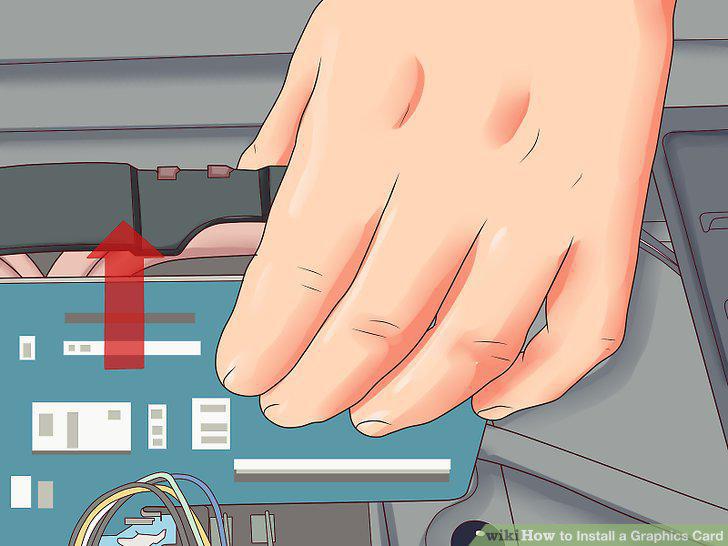
Remove your existing card.
12
Clean out any dust.
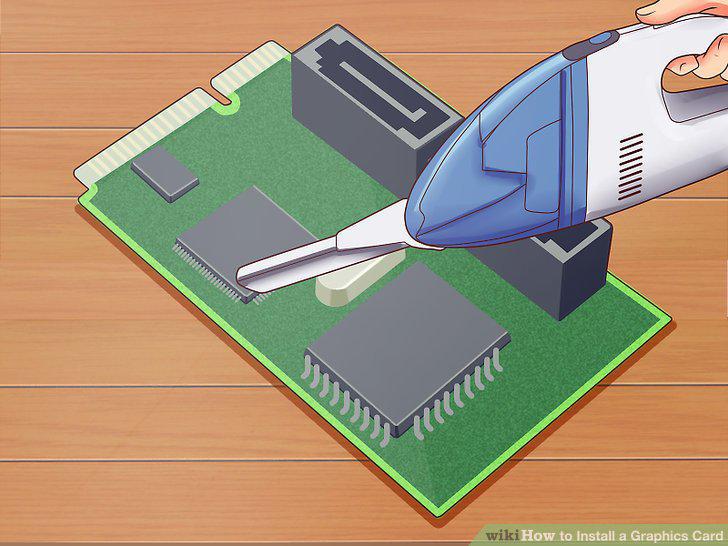
Clean out any dust.
13
Insert the new card.
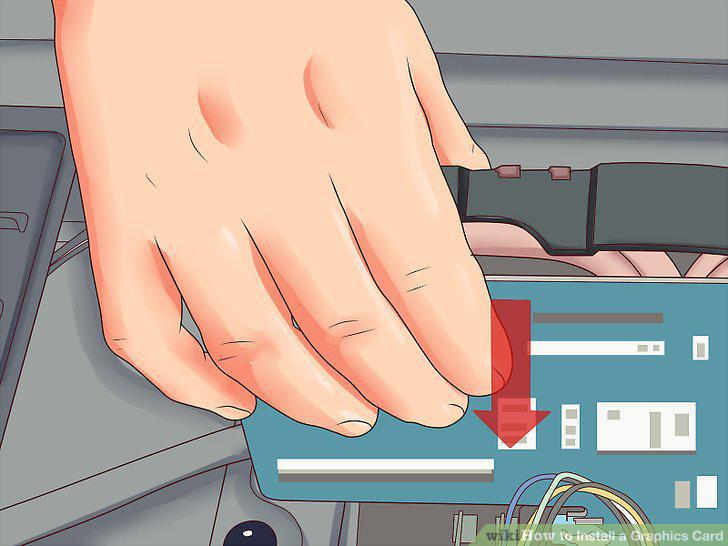
Insert the new card.
14
Secure the card.
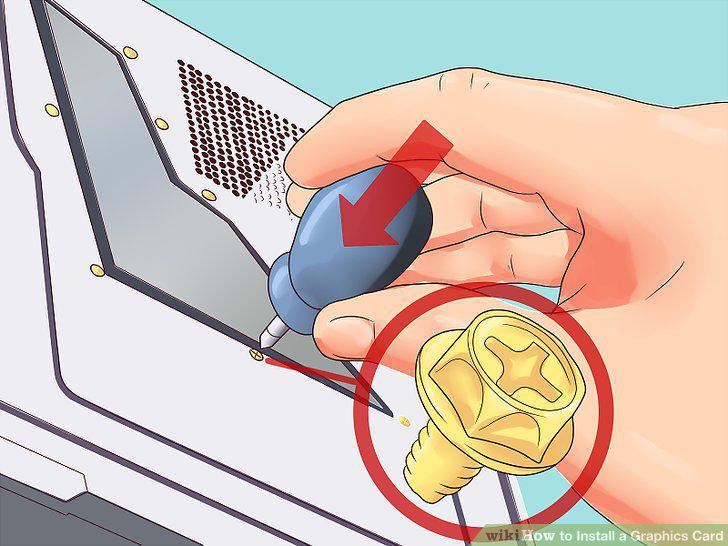
Secure the card.
15
Connect the power supply.
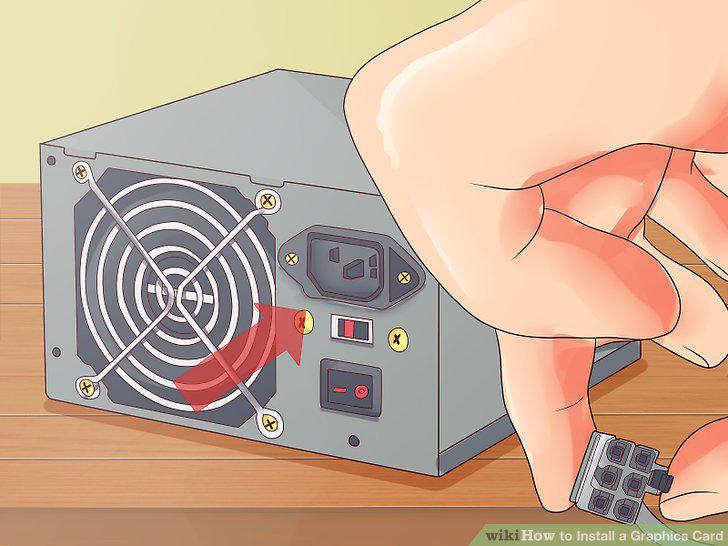
Connect the power supply.
16
Close up your computer.
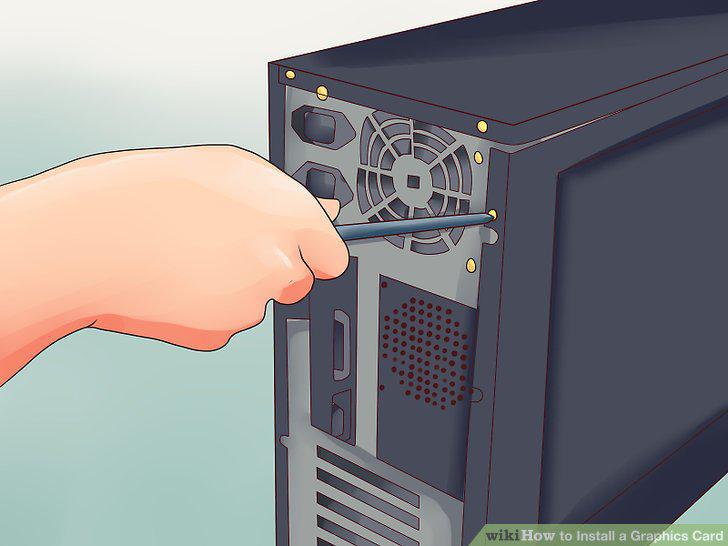
Close up your computer.
17
Power on your computer.
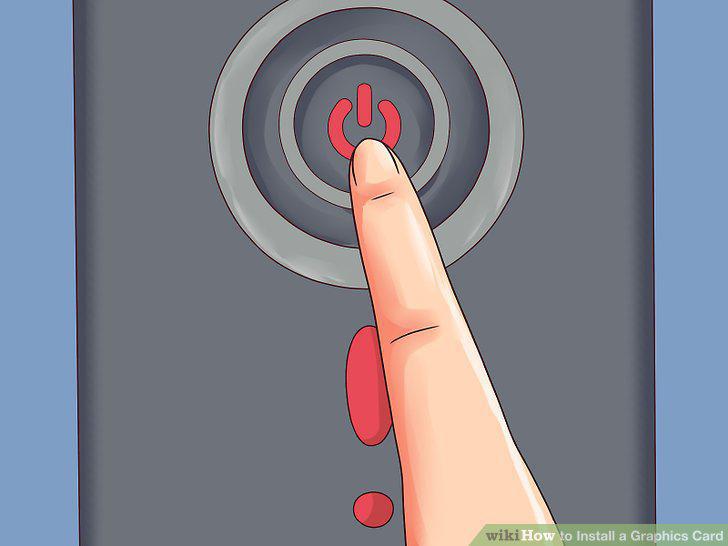
Power on your computer.
18
Insert your driver disc or download the drivers.
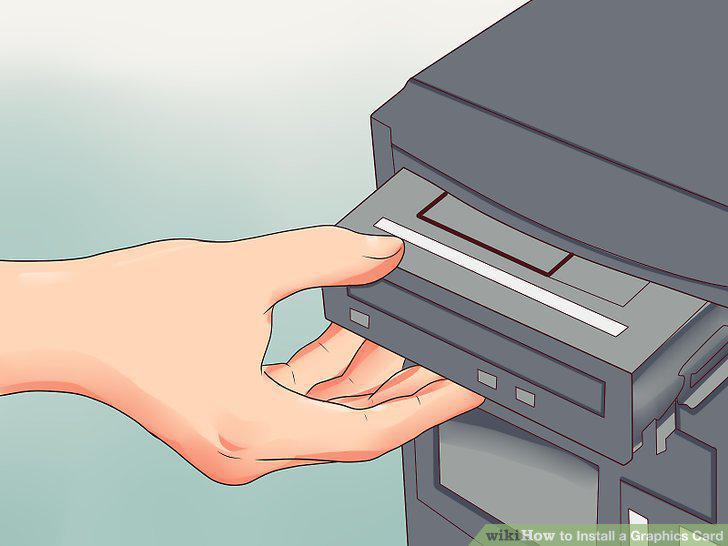
Insert your driver disc or download the drivers.
19
Install the drivers.
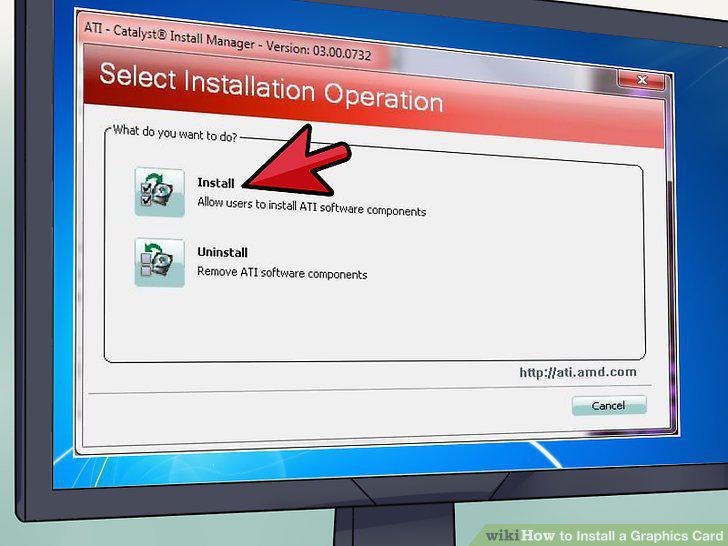
Install the drivers.
20
Start up a game.
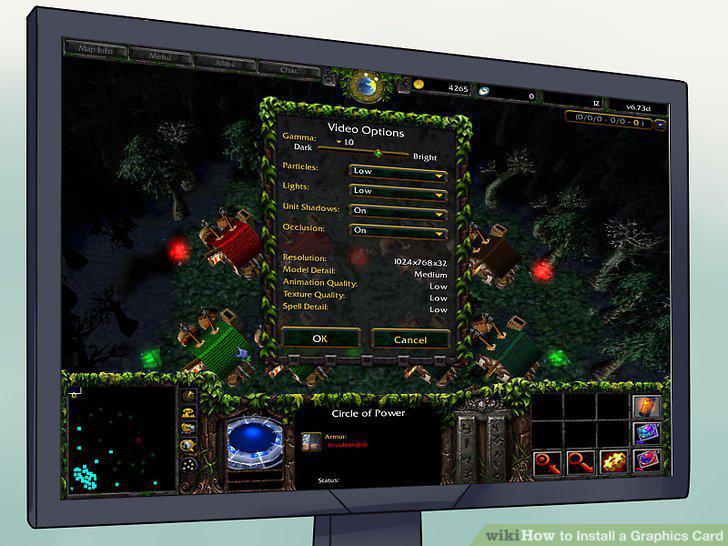
Start up a game.
Comments (0)
No comments yet. Be the first to share your thoughts!