How to Disable Siri
Use this method to prevent pocket dials.. Ensure Siri is enabled.. Return to the Settings app and select "Passcode."
Steps
1
Use this method to prevent pocket dials.
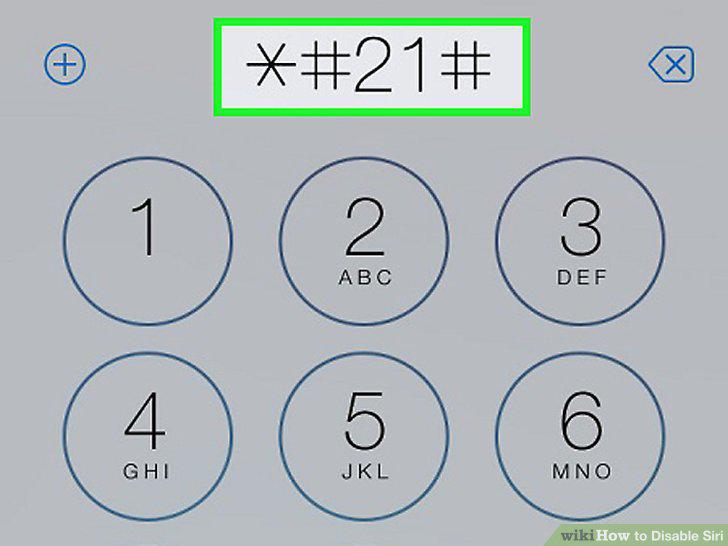
Use this method to prevent pocket dials.
2
Ensure Siri is enabled.
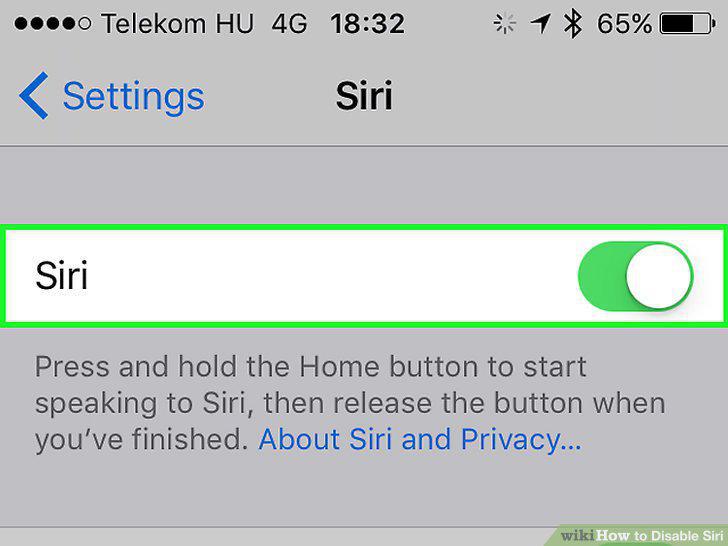
Ensure Siri is enabled.
3
Return to the Settings app and select "Passcode."
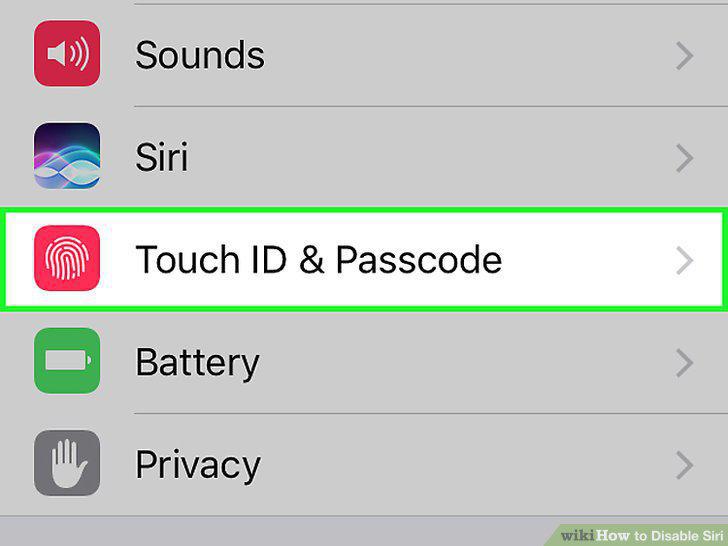
Return to the Settings app and select "Passcode."
4
Tap "Turn Passcode On" if it isn't enabled.
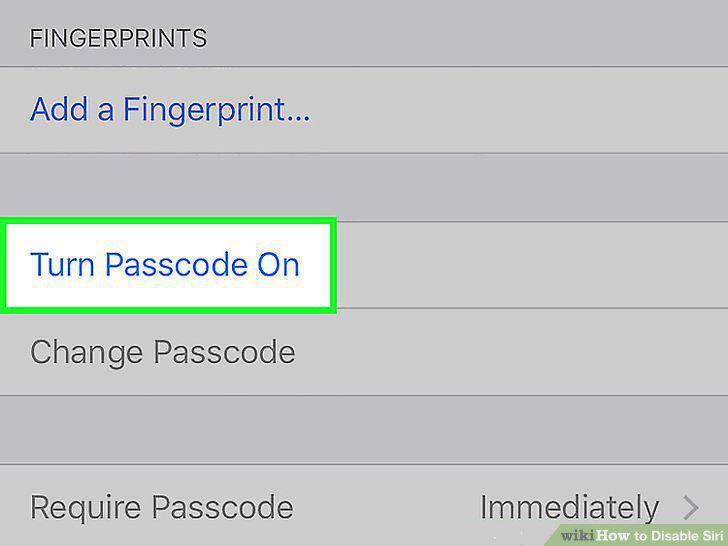
Tap "Turn Passcode On" if it isn't enabled.
5
Toggle "Siri" OFF in the Passcode menu.
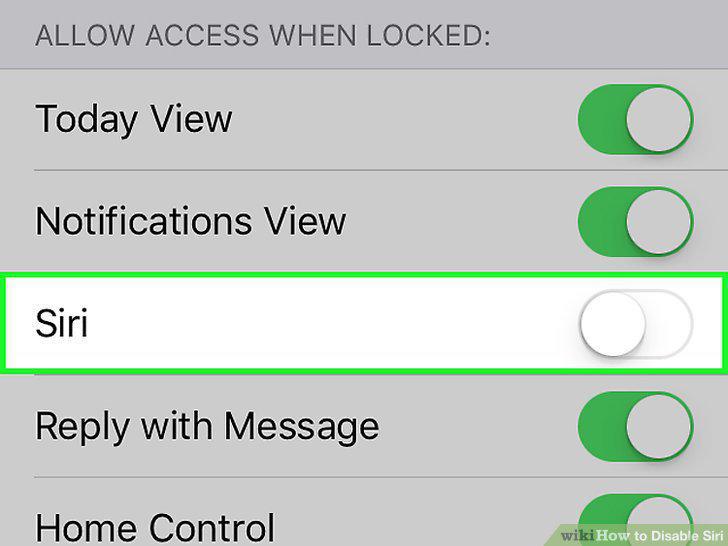
Toggle "Siri" OFF in the Passcode menu.
6
Open the Settings app.
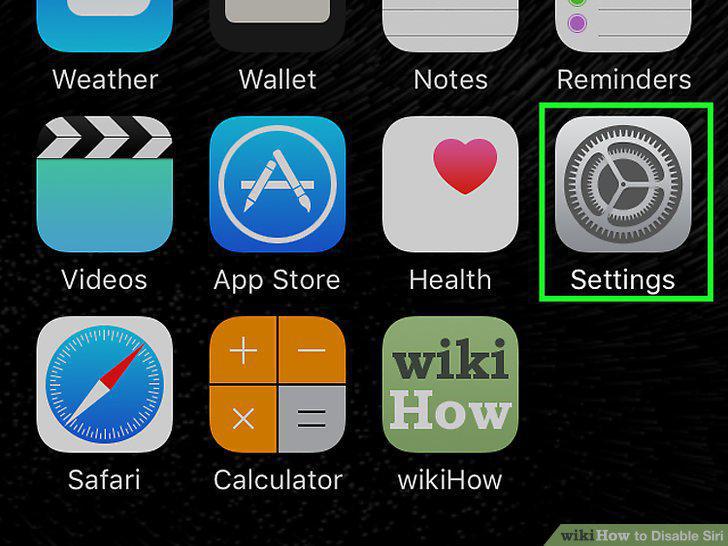
Open the Settings app.
7
Select "General" and then "Siri."
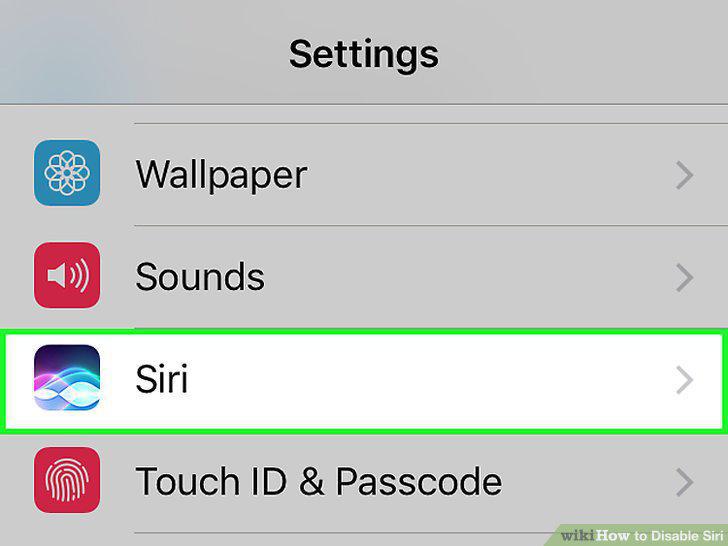
Select "General" and then "Siri."
8
Toggle Siri OFF at the top of the menu.
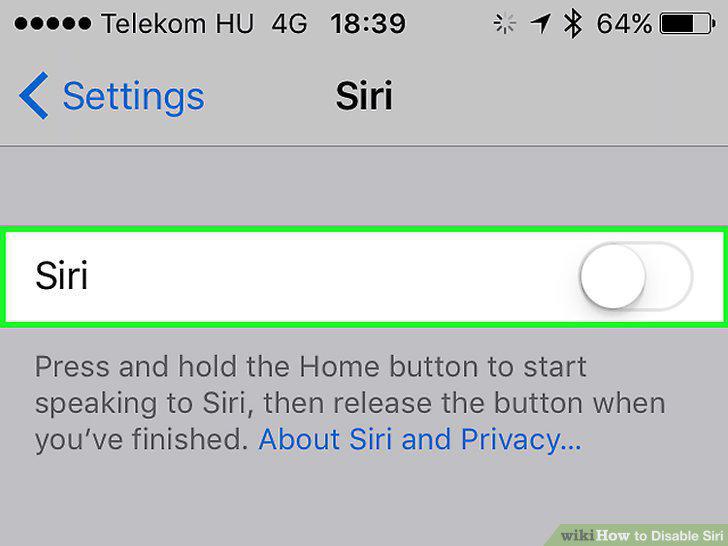
Toggle Siri OFF at the top of the menu.
9
Turn off Dictation if you want to remove your data from Apple's servers.
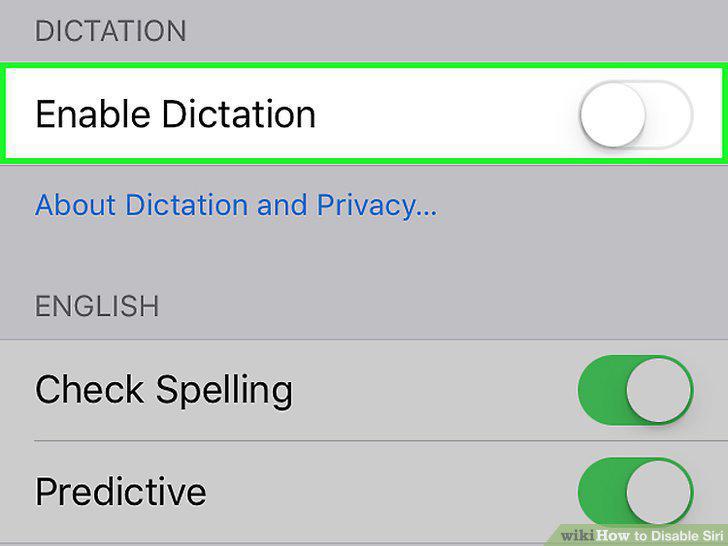
Turn off Dictation if you want to remove your data from Apple's servers.
10
Disable "Hey Siri" if you like using Siri but it's activating on its own.
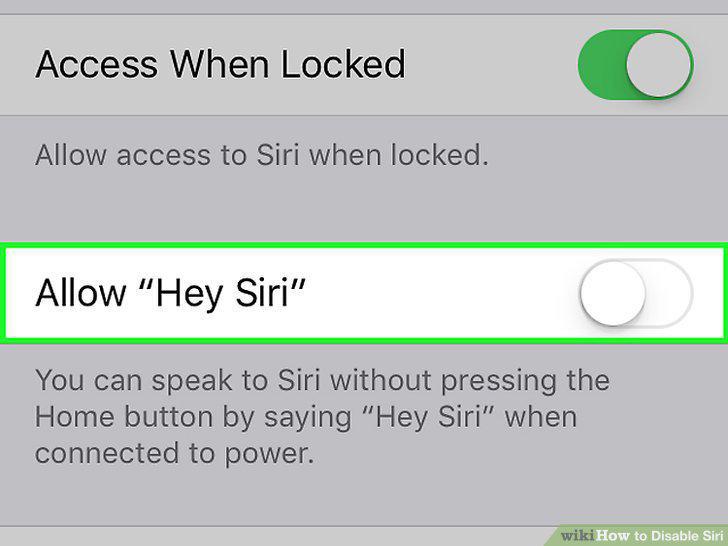
Disable "Hey Siri" if you like using Siri but it's activating on its own.
11
Open the Settings app and tap "General."
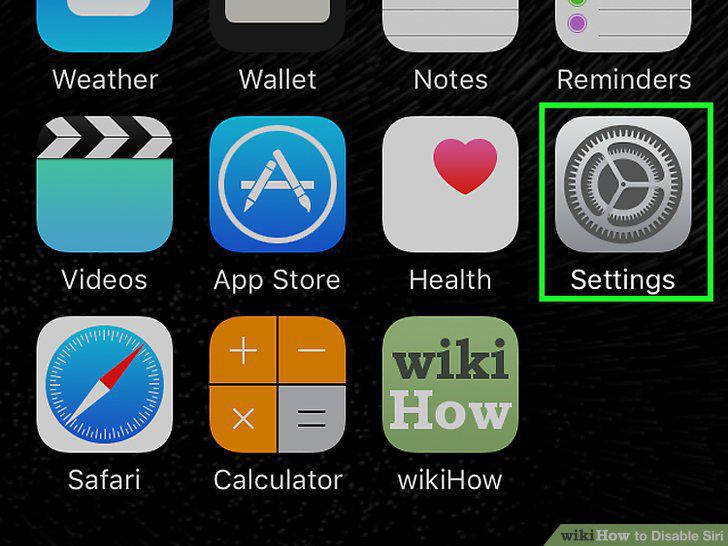
Open the Settings app and tap "General."
12
Select "Siri."
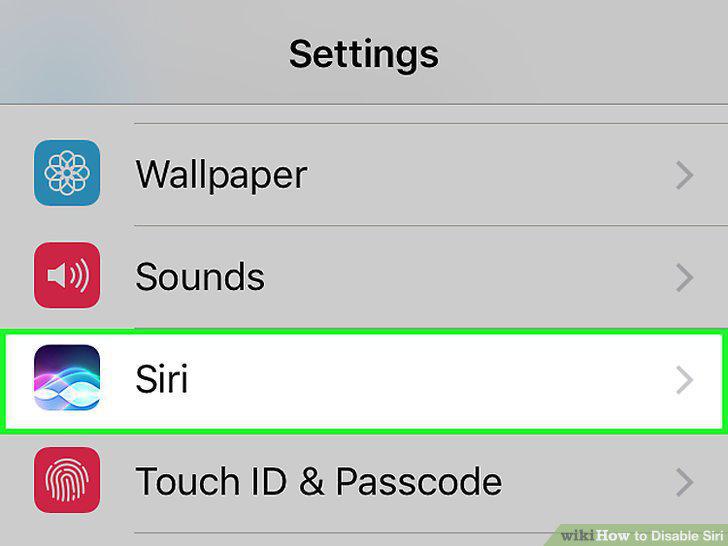
Select "Siri."
13
Toggle the Allow "Hey Siri" option OFF.
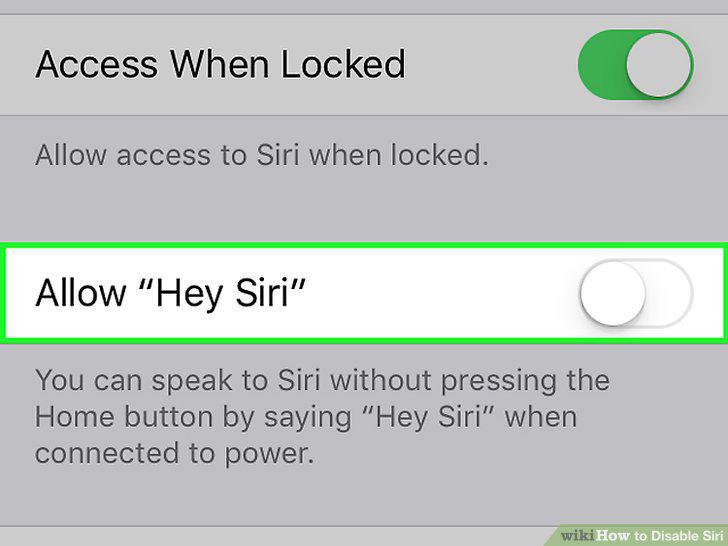
Toggle the Allow "Hey Siri" option OFF.
Comments (0)
No comments yet. Be the first to share your thoughts!