How to Activate Power Query in Excel 2016
Open Excel.. Open a new document.. Click the Data tab.
Steps
1
Open Excel.
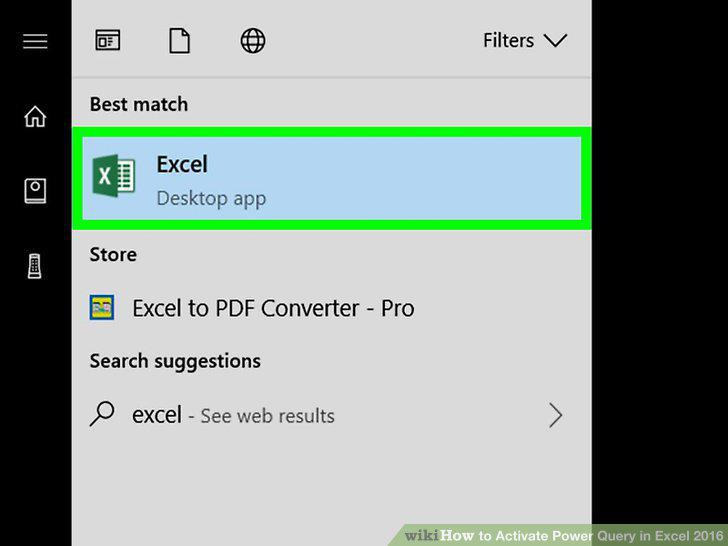
Open Excel.
2
Open a new document.
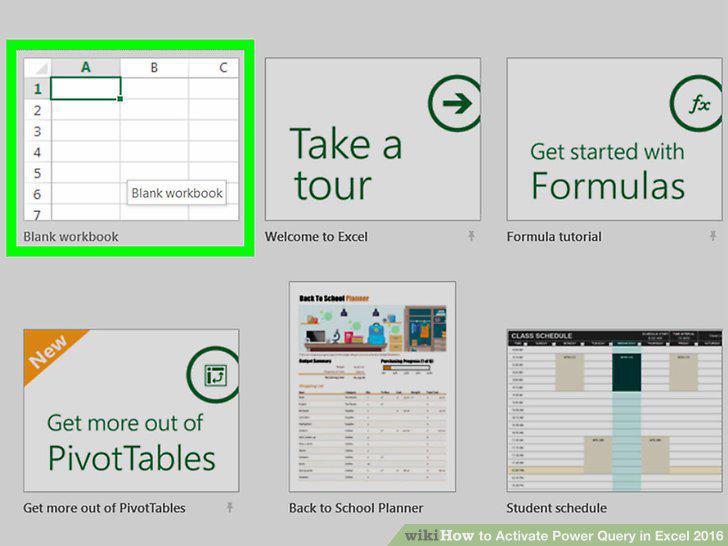
Open a new document.
3
Click the Data tab.
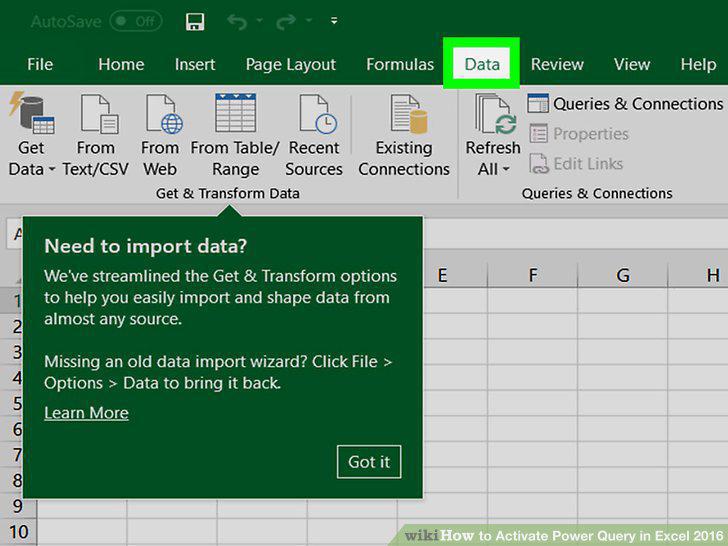
Click the Data tab.
4
Click Get Data.
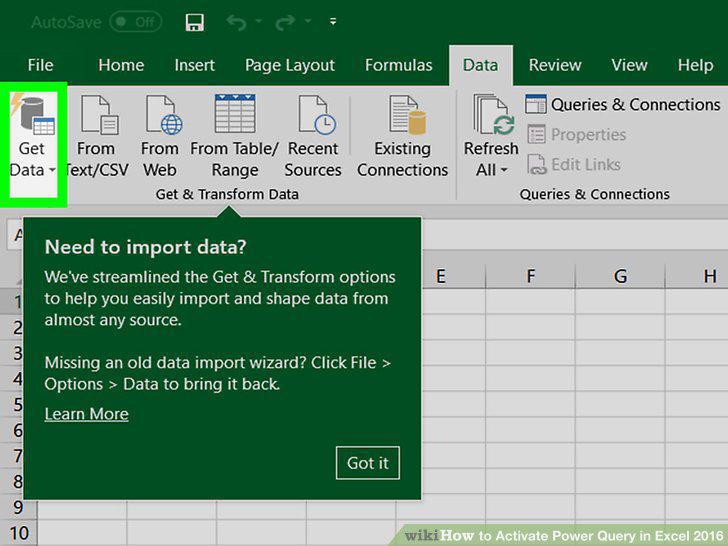
Click Get Data.
5
Select a data source.
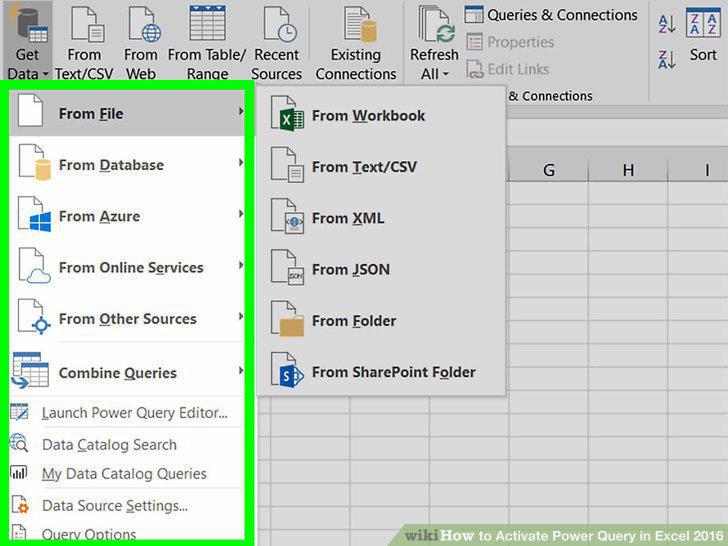
Select a data source.
6
Select the data you want to import.
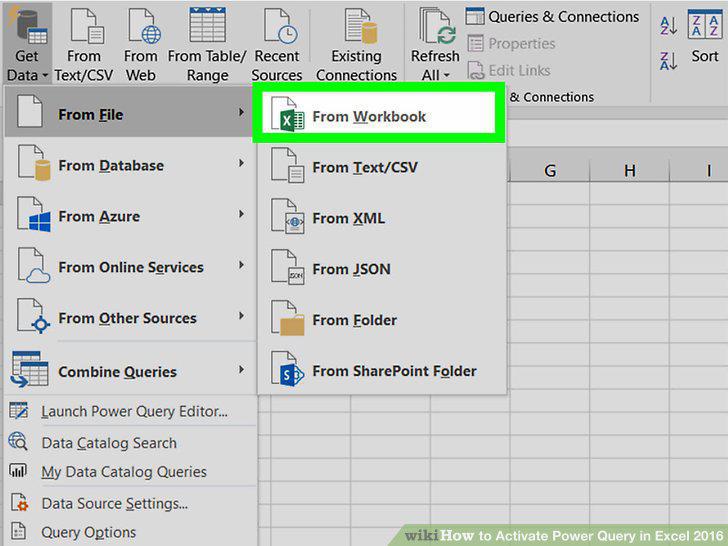
Select the data you want to import.
7
Double-click a query to edit it.
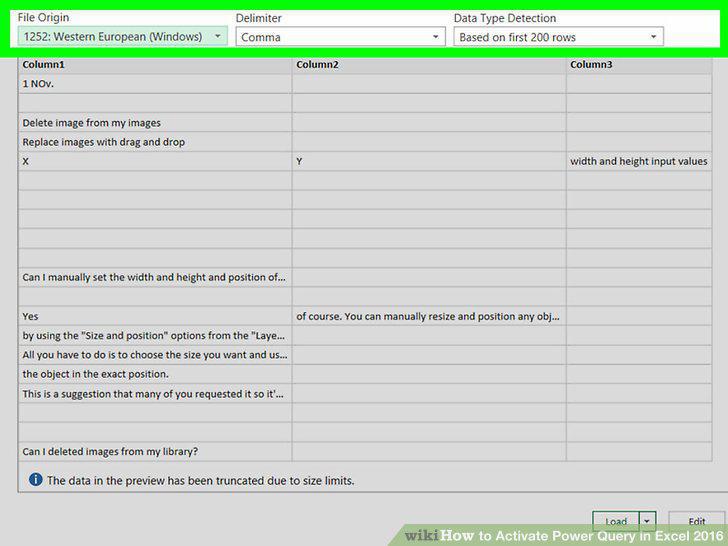
Double-click a query to edit it.
8
Edit and transform your data.
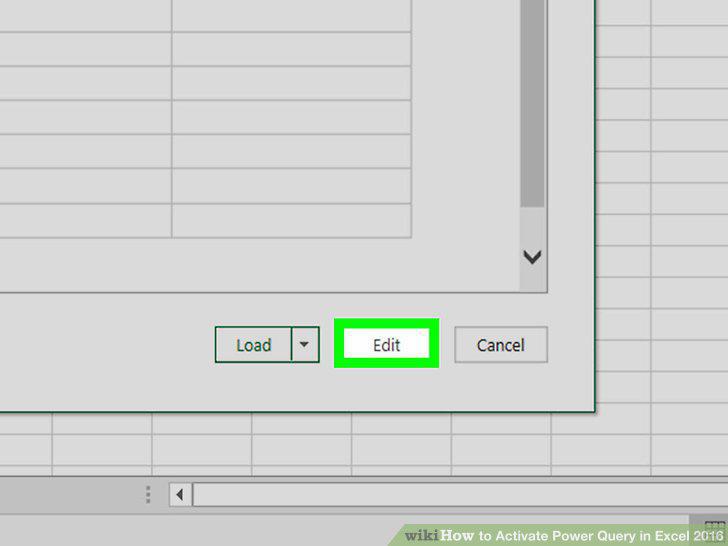
Edit and transform your data.
9
In the Query Editor, click Close and Load.
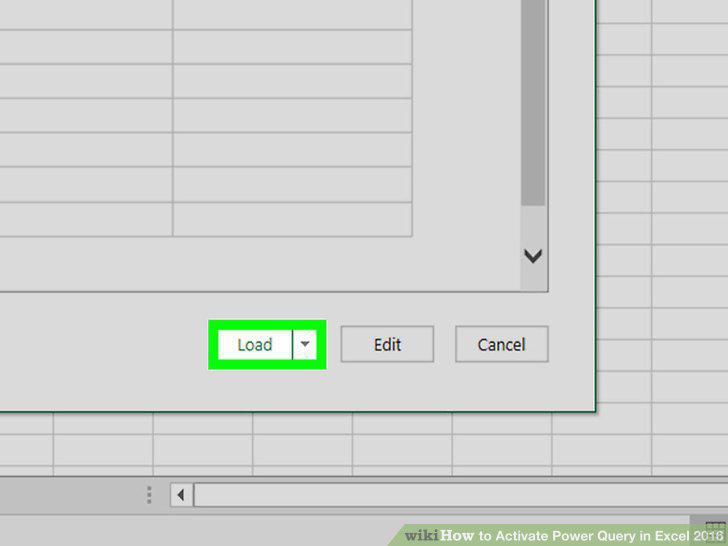
In the Query Editor, click Close and Load.
Comments (0)
No comments yet. Be the first to share your thoughts!