How to Recover Backup Files on iPhone or iPad
Open your iPhone or iPad's Settings.. Tap your name at the top.. Tap iCloud on the Apple ID menu.
Steps
1
Open your iPhone or iPad's Settings.
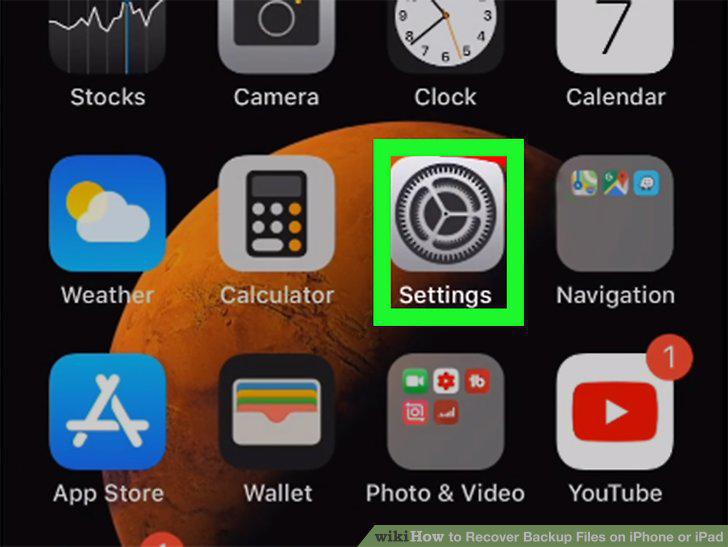
Open your iPhone or iPad's Settings.
2
Tap your name at the top.
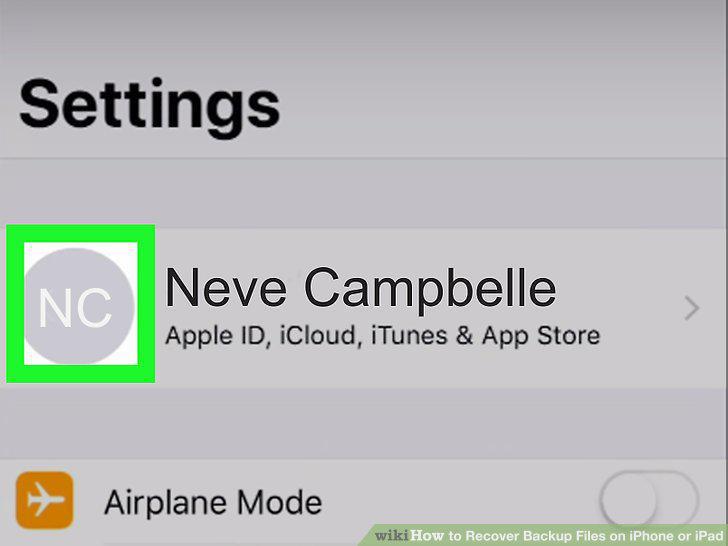
Tap your name at the top.
3
Tap iCloud on the Apple ID menu.
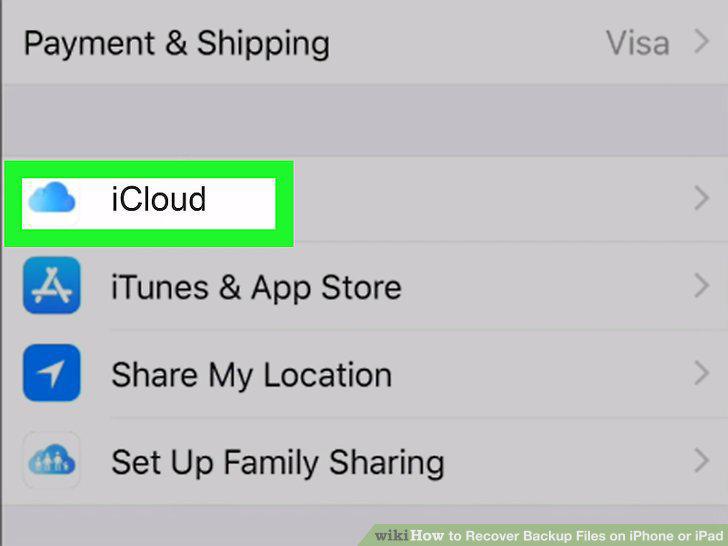
Tap iCloud on the Apple ID menu.
4
Tap Manage Storage below the Storage graph.
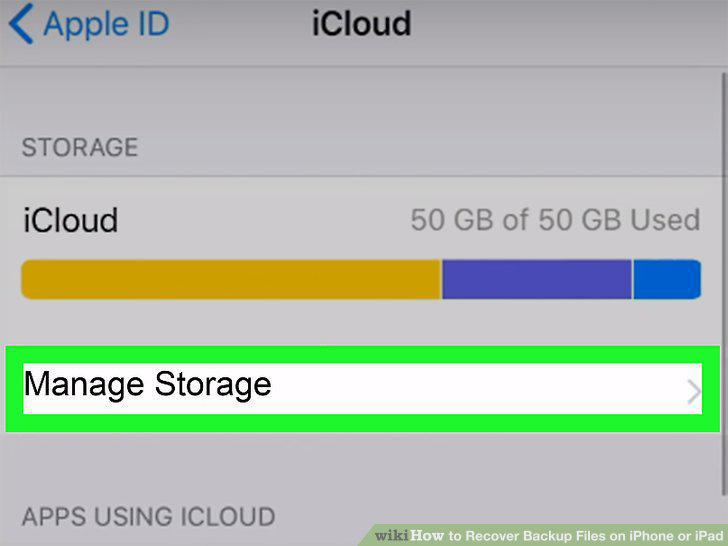
Tap Manage Storage below the Storage graph.
5
Tap Backups.
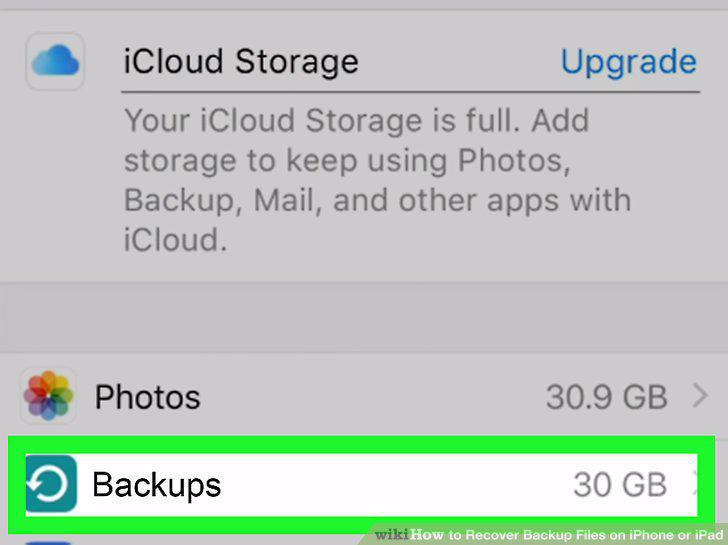
Tap Backups.
6
Find the backup file you want to recover under "BACKUPS.
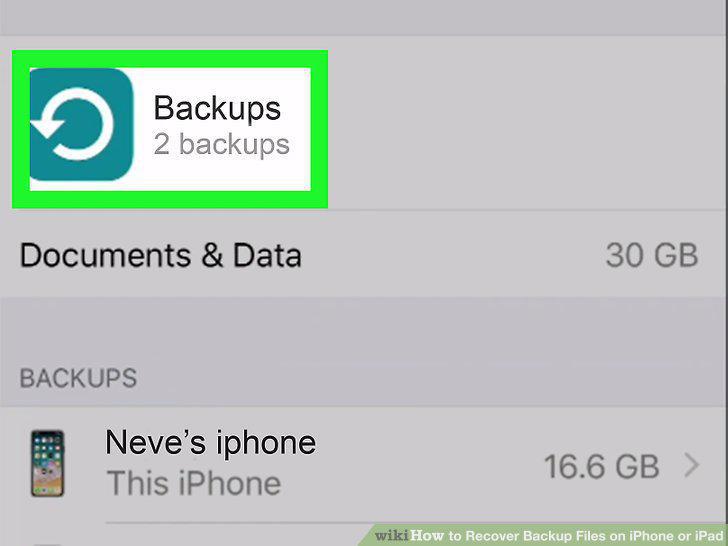
Find the backup file you want to recover under "BACKUPS.
7
Tap a backup file under "BACKUPS.
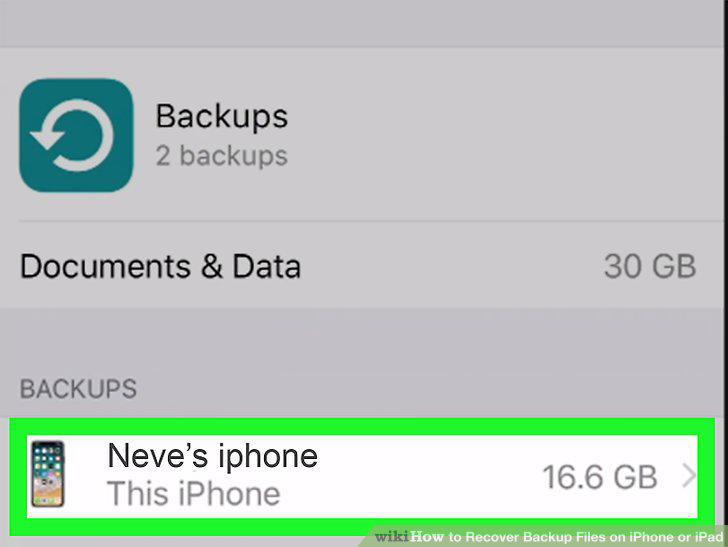
Tap a backup file under "BACKUPS.
8
Tap Delete Backup at the bottom (optional).
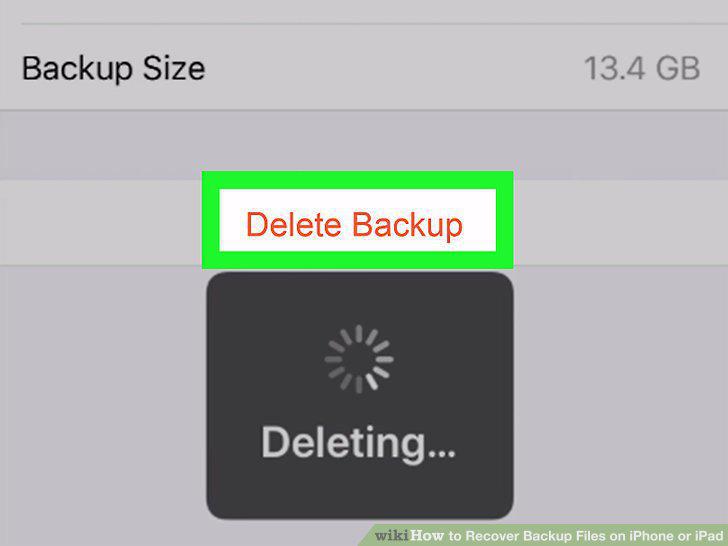
Tap Delete Backup at the bottom (optional).
Comments (0)
No comments yet. Be the first to share your thoughts!