How to Take Photos on FaceTime
Open the FaceTime app on your iPhone or iPad.. Search for a contact to FaceTime.. Tap the camcorder icon next to their name.
Steps
Open the FaceTime app on your iPhone or iPad.

Open the FaceTime app on your iPhone or iPad.
Search for a contact to FaceTime.

Search for a contact to FaceTime.
Tap the camcorder icon next to their name.
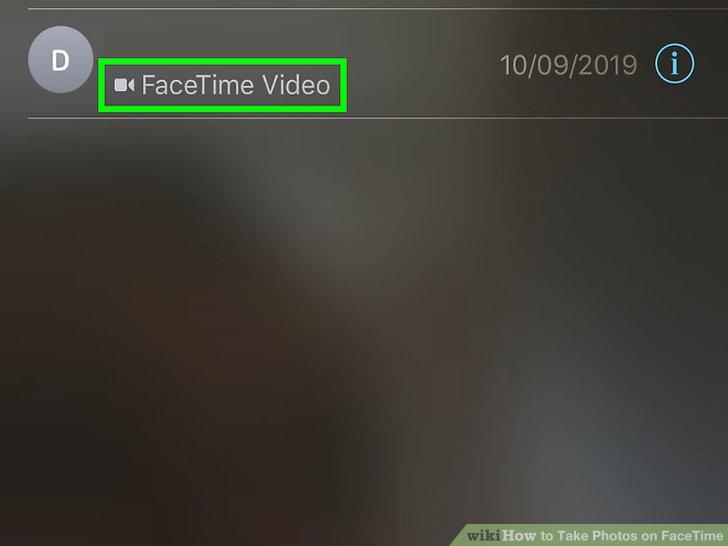
Tap the camcorder icon next to their name.
Hold down the Power button and the Home button at the same time to take a photo.
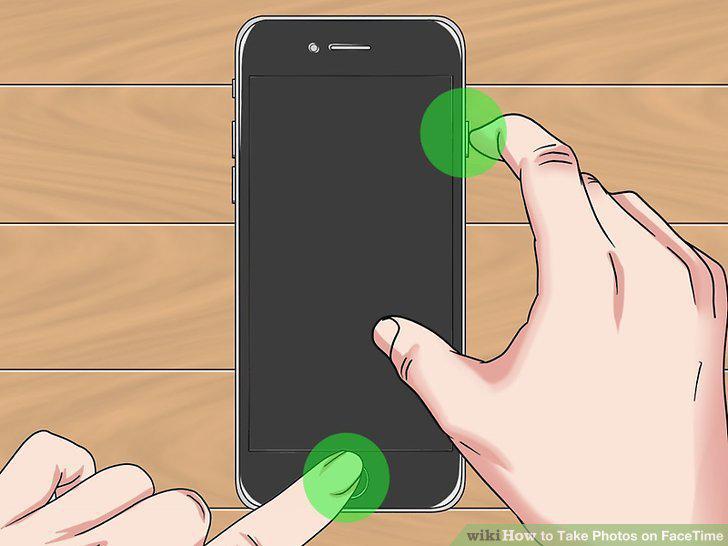
Hold down the Power button and the Home button at the same time to take a photo.
Open the Settings app on your iPhone or iPad.
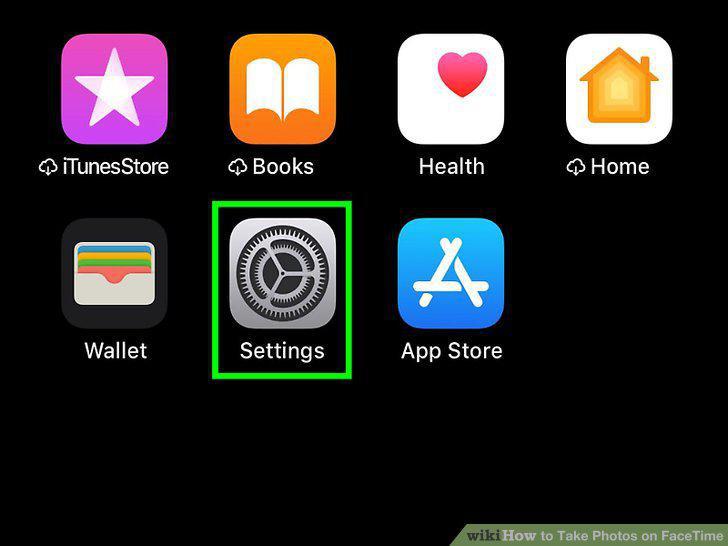
Open the Settings app on your iPhone or iPad.
Tap on FaceTime.
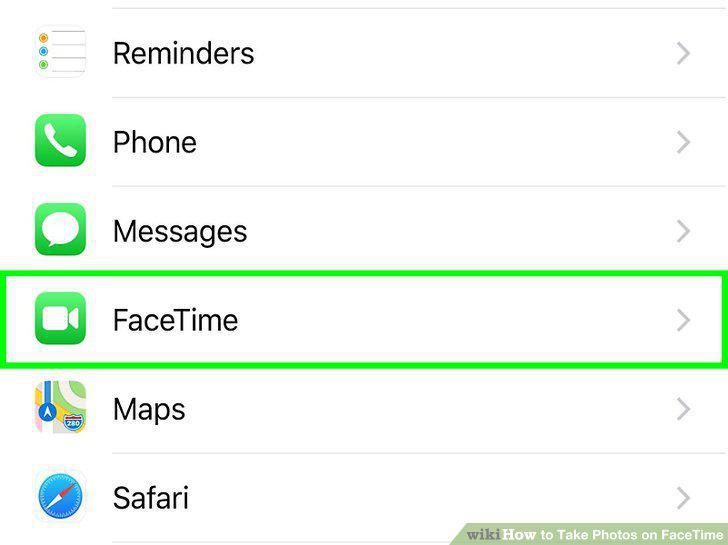
Tap on FaceTime.
Make sure the FaceTime Live Photos toggle is on .
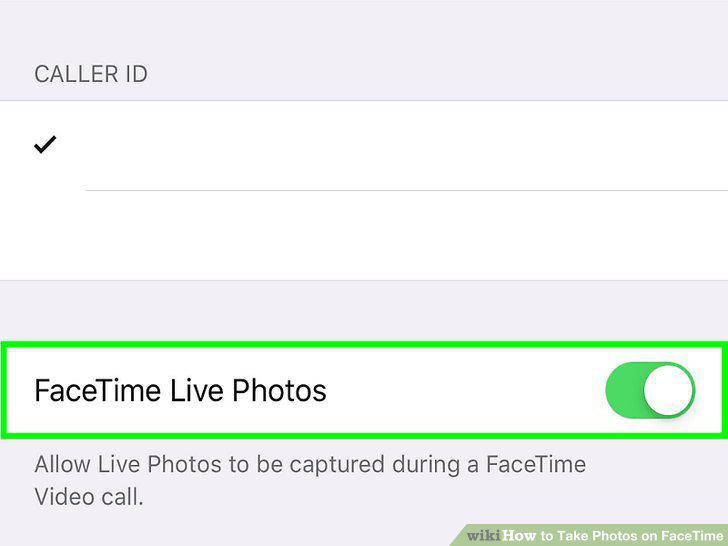
Make sure the FaceTime Live Photos toggle is on .
Open the FaceTime app on your iPhone or iPad.

Open the FaceTime app on your iPhone or iPad.
Search for a contact to FaceTime.

Search for a contact to FaceTime.
Tap their name, then tap FaceTime.
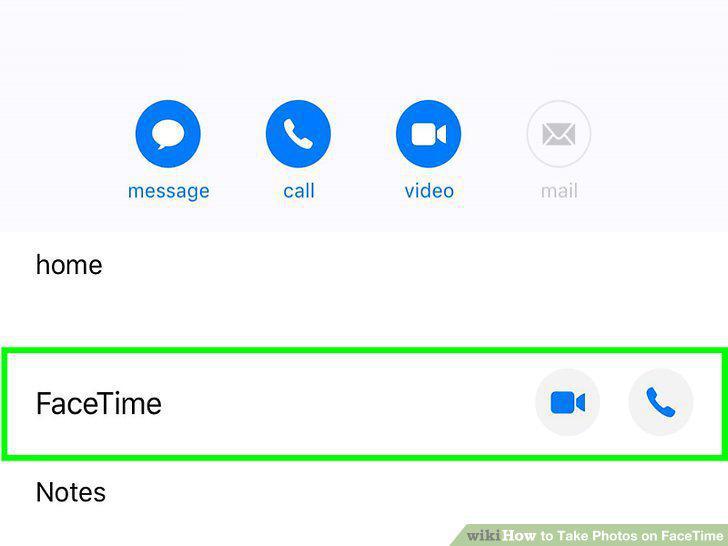
Tap their name, then tap FaceTime.
Tap the white circle in the bottom left corner of the screen when you want a Liv

Tap the white circle in the bottom left corner of the screen when you want a Live Photo.
Open the FaceTime app on your Mac.
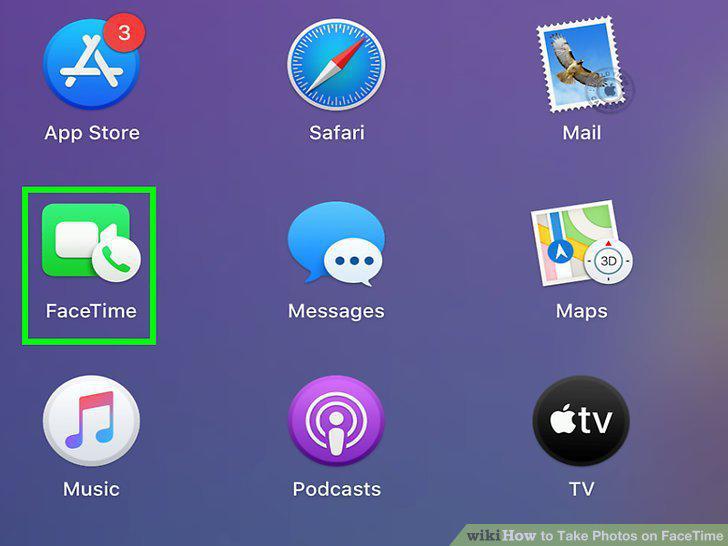
Open the FaceTime app on your Mac.
Click FaceTime.
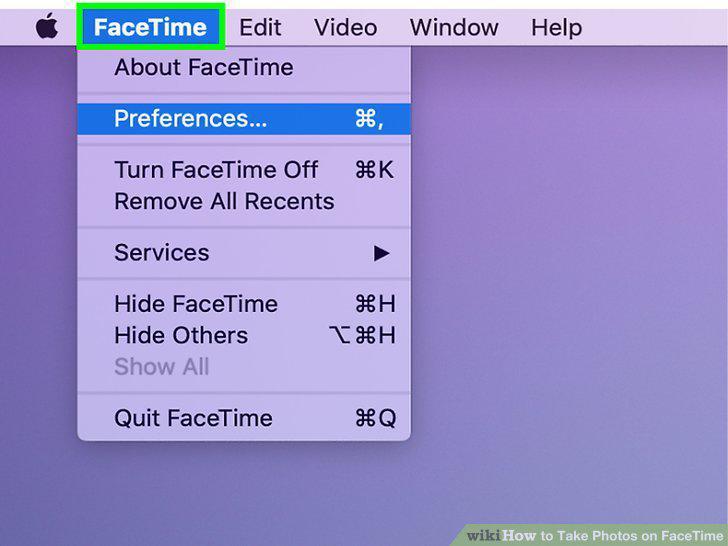
Click FaceTime.
Select Preferences, then Settings.
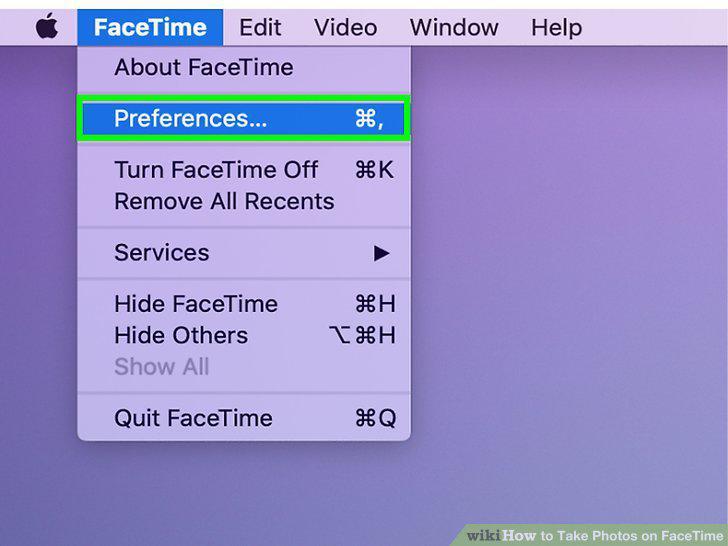
Select Preferences, then Settings.
Tick the box that says "Allow Live Photos to be captured during Video calls".
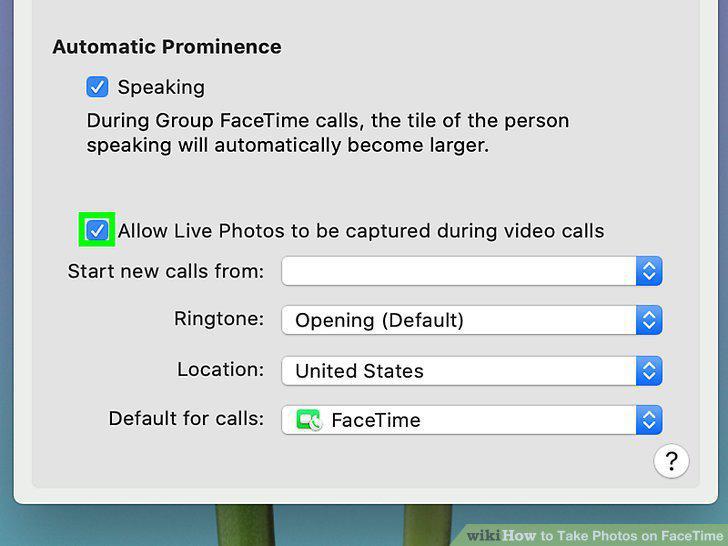
Tick the box that says "Allow Live Photos to be captured during Video calls".
Search for a contact to FaceTime.
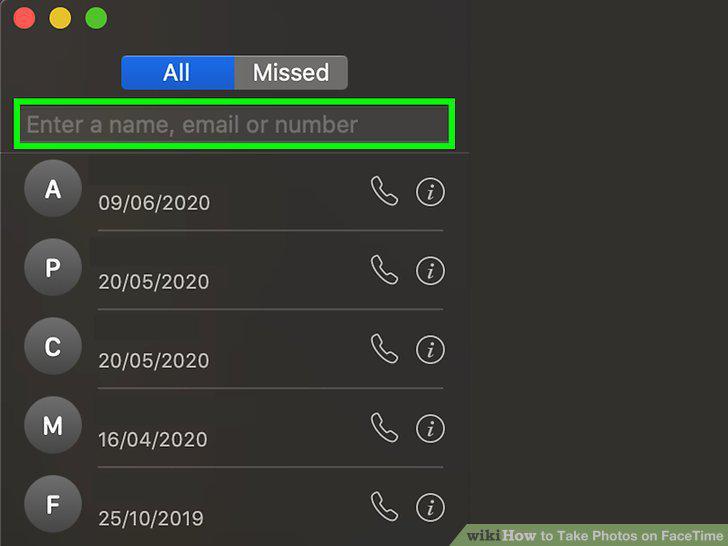
Search for a contact to FaceTime.
Click Video at the bottom.
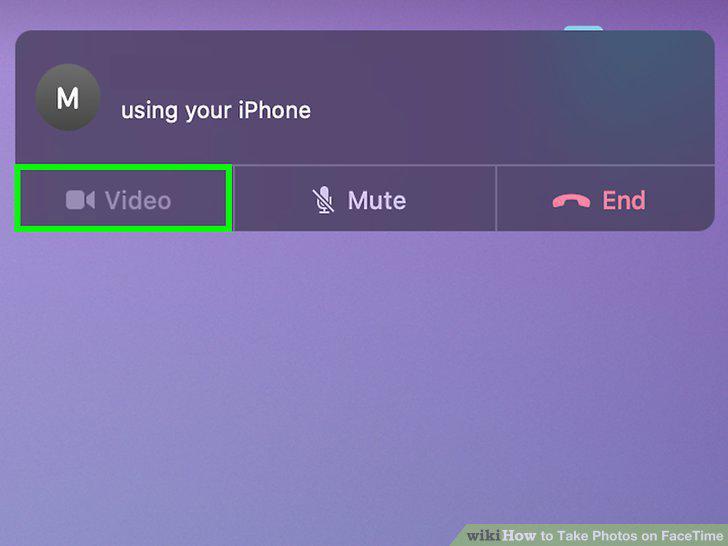
Click Video at the bottom.
Select the FaceTime window, then click the white circle to take a Live Photo.

Select the FaceTime window, then click the white circle to take a Live Photo.
Comments (0)
No comments yet. Be the first to share your thoughts!