How to Play MP4 Files
Double-click the file to open it.. Open VLC Media Player.. Click the Media tab.
Steps
1
Double-click the file to open it.
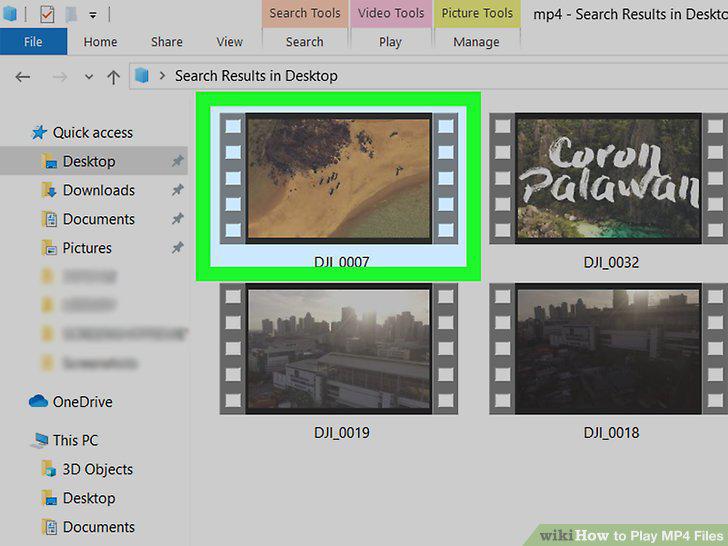
Double-click the file to open it.
2
Open VLC Media Player.
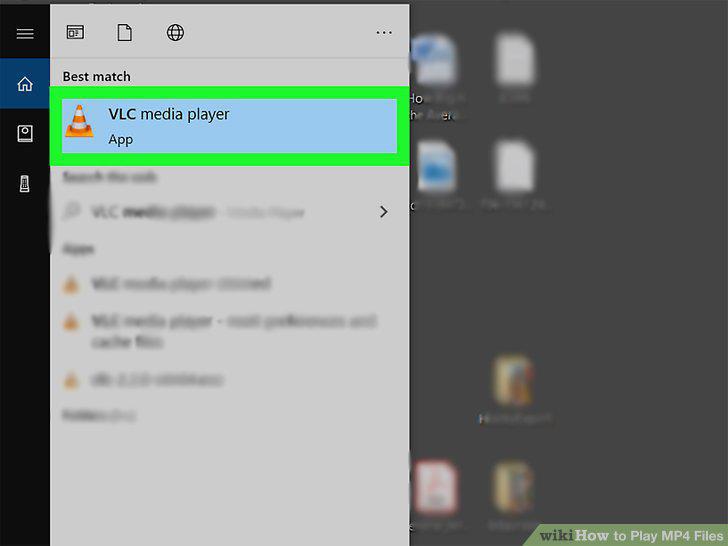
Open VLC Media Player.
3
Click the Media tab.
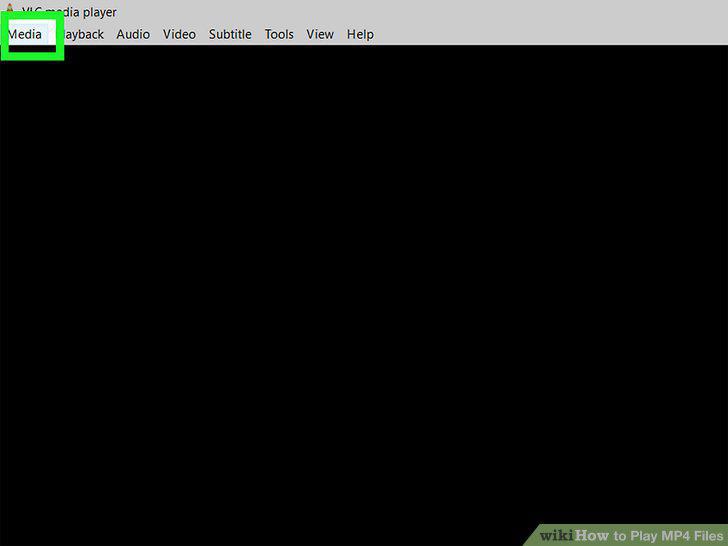
Click the Media tab.
4
Click Open File.
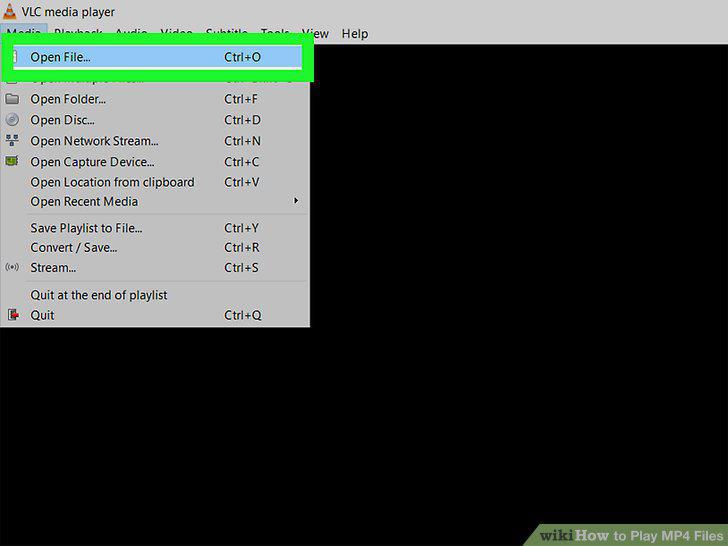
Click Open File.
5
Navigate to and open the MP4 file.
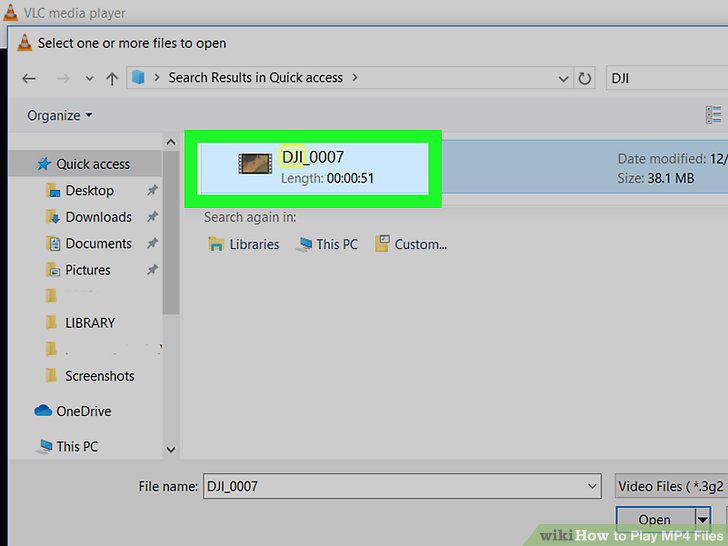
Navigate to and open the MP4 file.
6
Use the control buttons to manage playback.
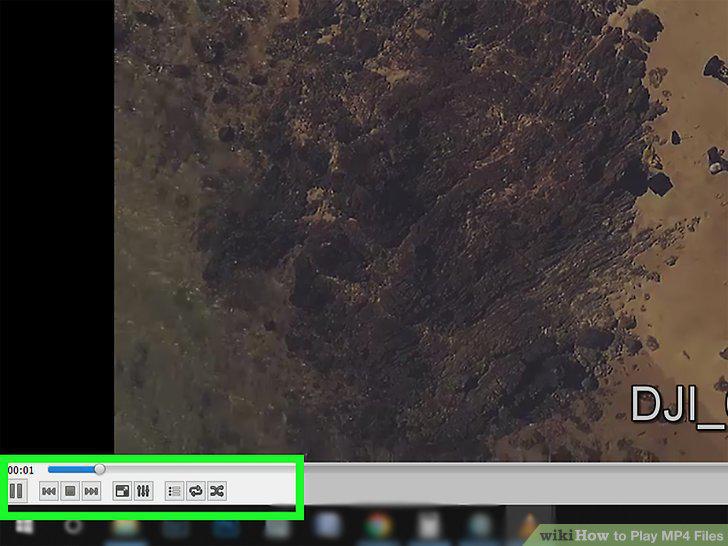
Use the control buttons to manage playback.
7
Tap the MP4 file on your phone or tablet.

Tap the MP4 file on your phone or tablet.
8
Open VLC.
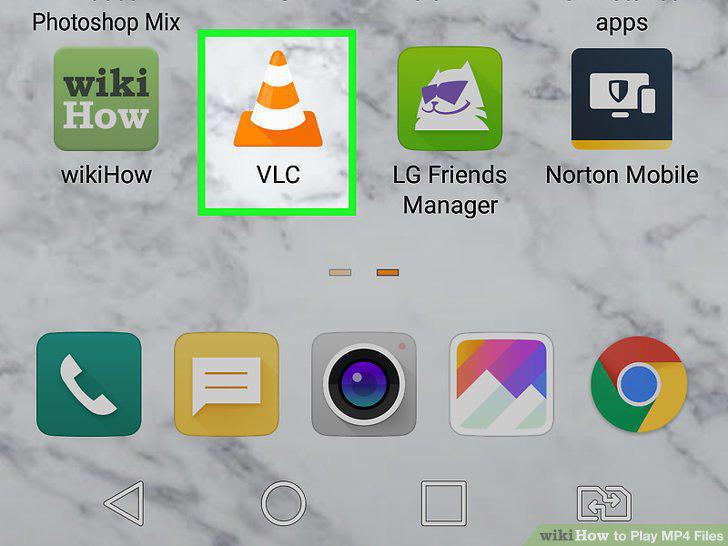
Open VLC.
9
Tap the MP4 video you want to watch.
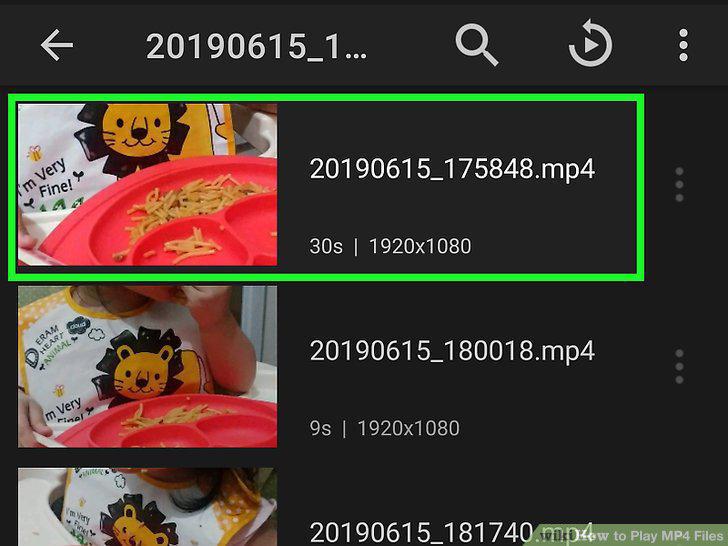
Tap the MP4 video you want to watch.
10
Use the control buttons to manage playback.
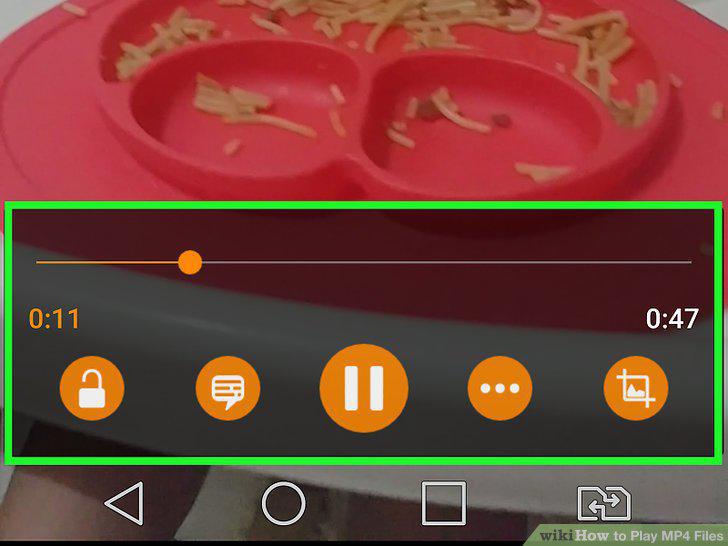
Use the control buttons to manage playback.
Comments (0)
No comments yet. Be the first to share your thoughts!