How to Hide Photos
Open the Photos app and click on the picture you want to hide.. Locate the Share icon and press it.. Scroll to the right until you see the Hide option.
Steps
Open the Photos app and click on the picture you want to hide.
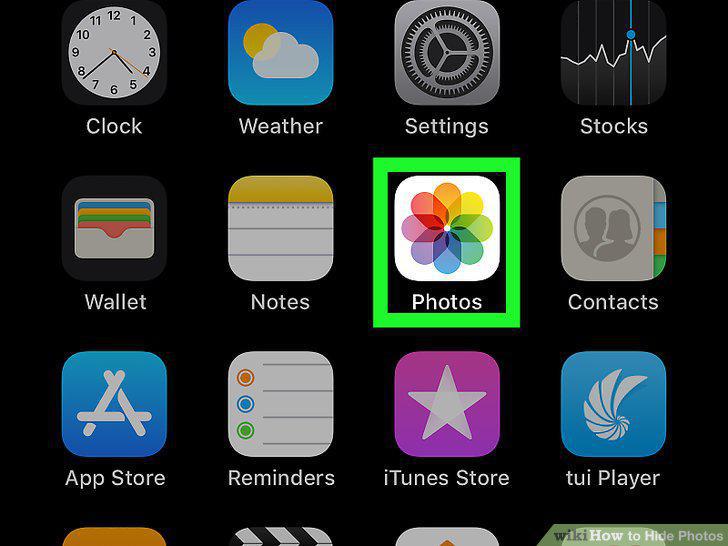
Open the Photos app and click on the picture you want to hide.
Locate the Share icon and press it.
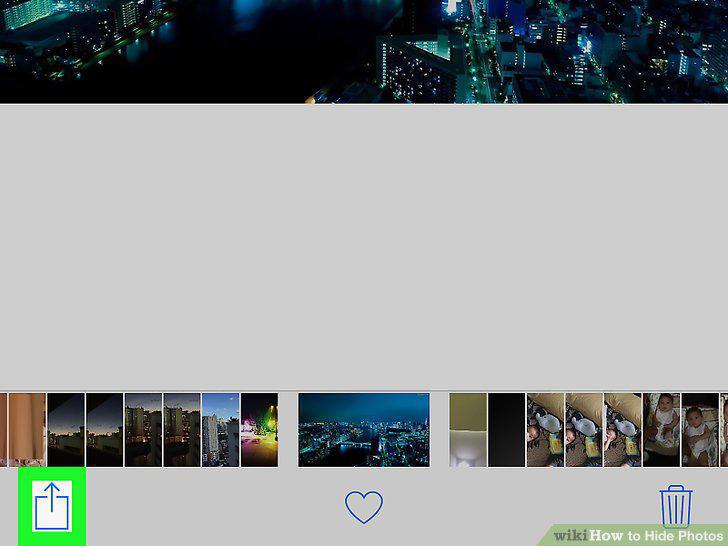
Locate the Share icon and press it.
Scroll to the right until you see the Hide option.
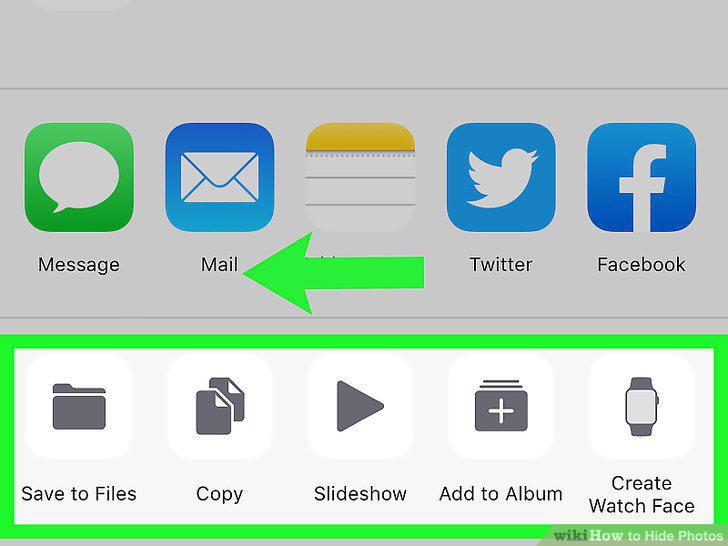
Scroll to the right until you see the Hide option.
Click Hide to remove the photo from the main album.
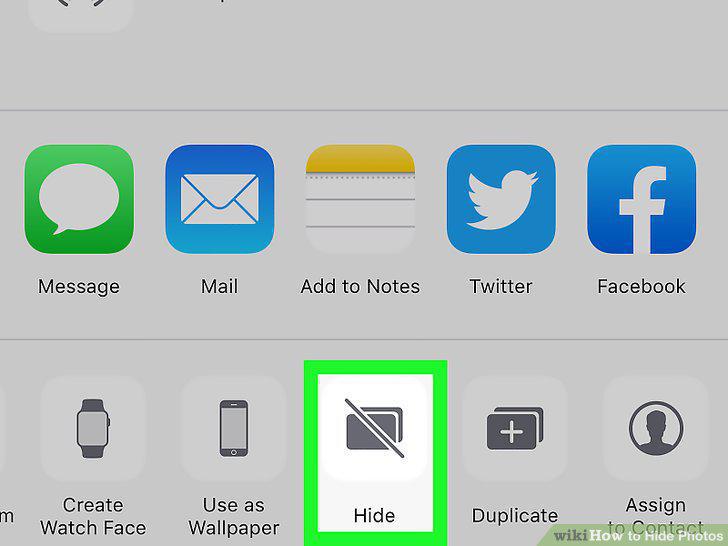
Click Hide to remove the photo from the main album.
Find your hidden photos in an album called "Hidden.
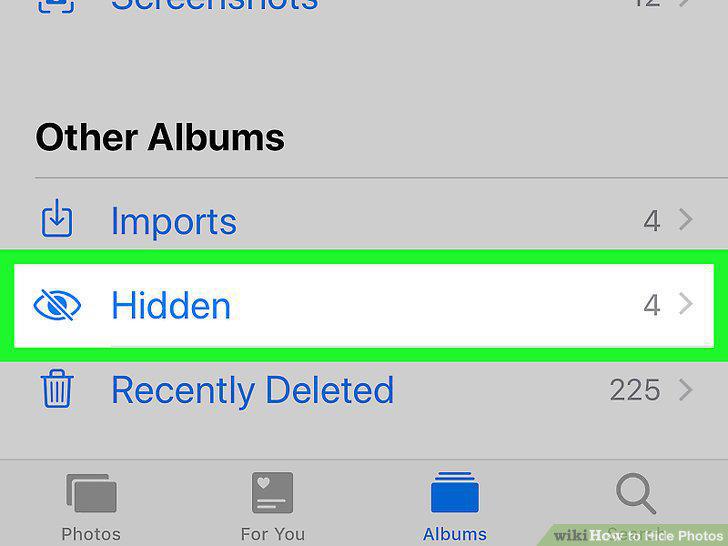
Find your hidden photos in an album called "Hidden.
Install a file manager on your phone.

Install a file manager on your phone.
Open the file manager and create a new folder.
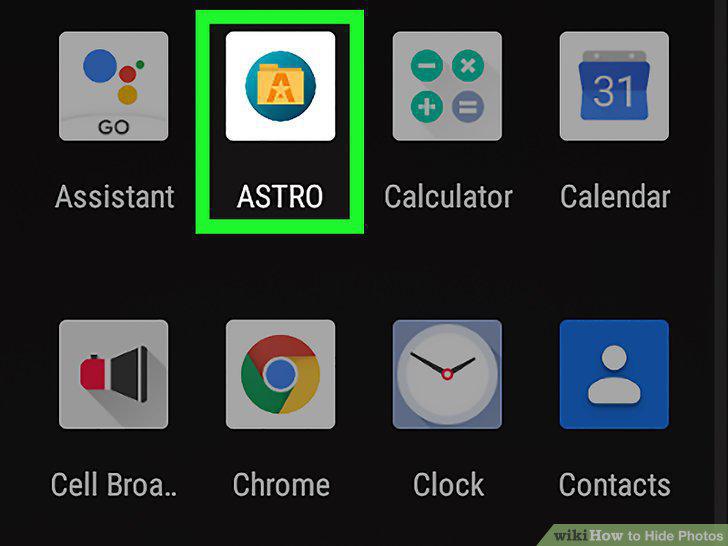
Open the file manager and create a new folder.
Begin the folder's name with a period.
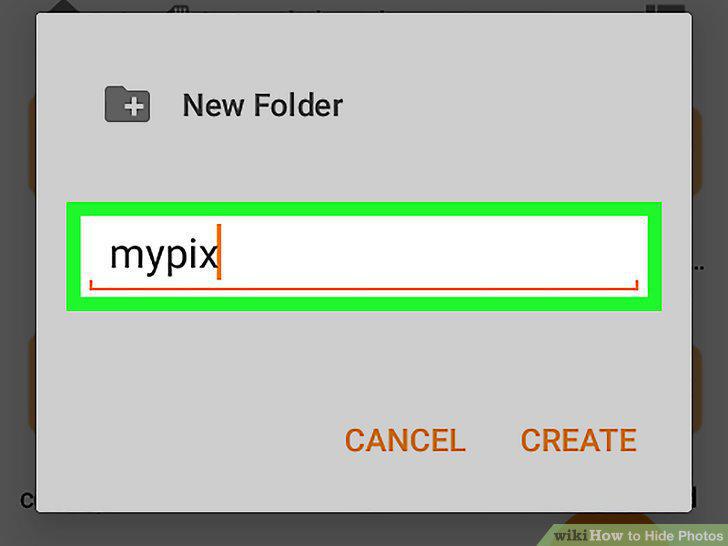
Begin the folder's name with a period.
Move the photos you want hidden into the folder.
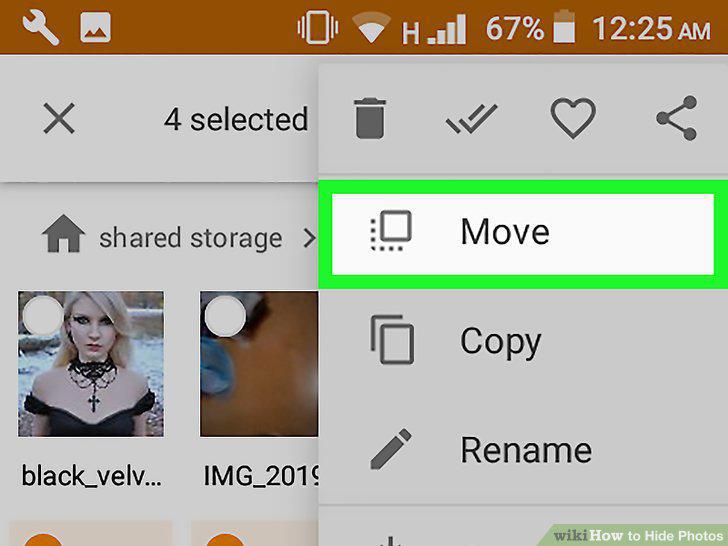
Move the photos you want hidden into the folder.
Click on your app store to find a photo privacy app.

Click on your app store to find a photo privacy app.
Open the app and create a password.
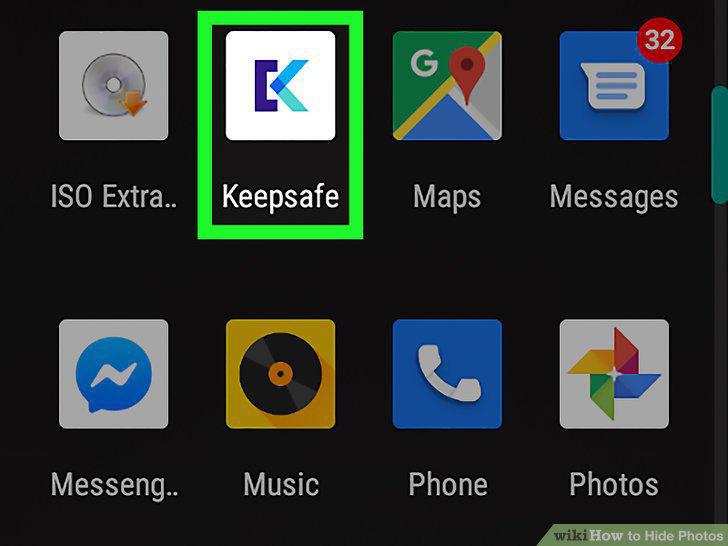
Open the app and create a password.
Import photos into the app to hide them.
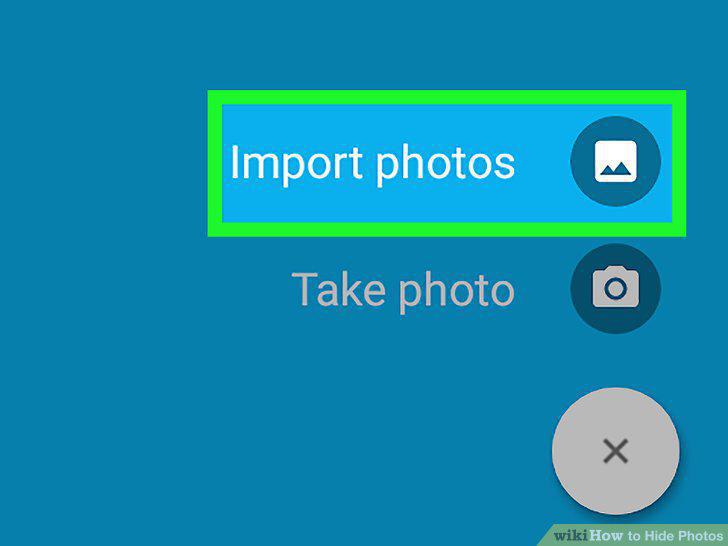
Import photos into the app to hide them.
Delete the photos you hid from your camera roll.
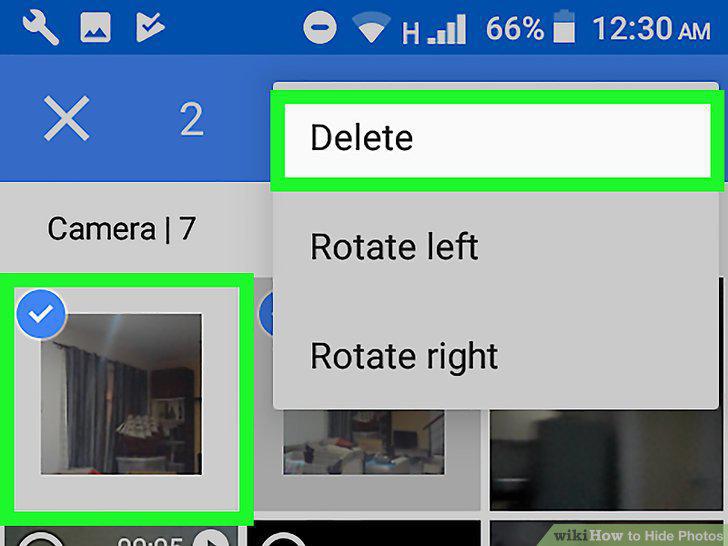
Delete the photos you hid from your camera roll.
Open the image you wish to hide.
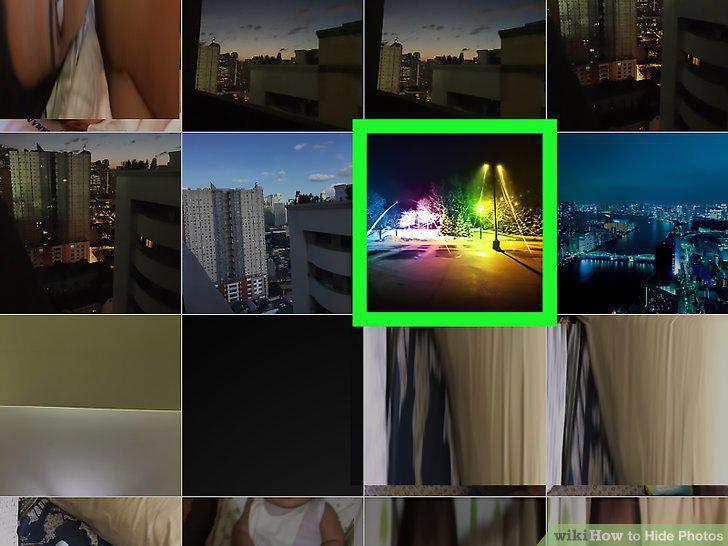
Open the image you wish to hide.
Tap the Share icon and then click Add to Notes.
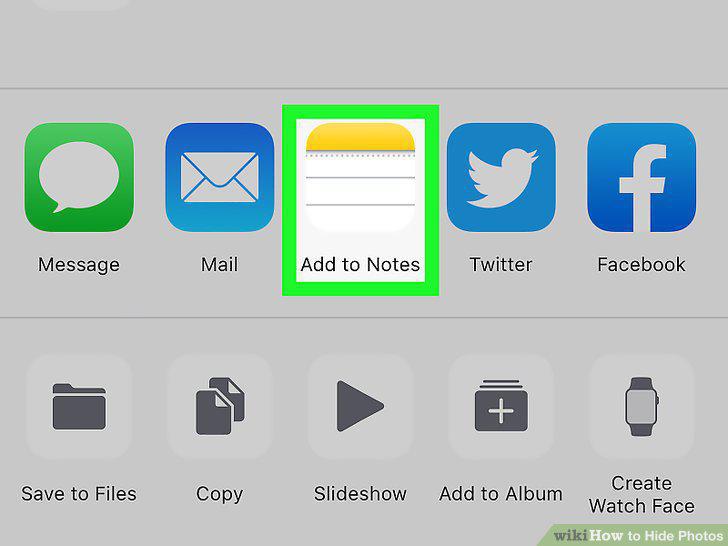
Tap the Share icon and then click Add to Notes.
Visit the Notes app and find the image you saved.
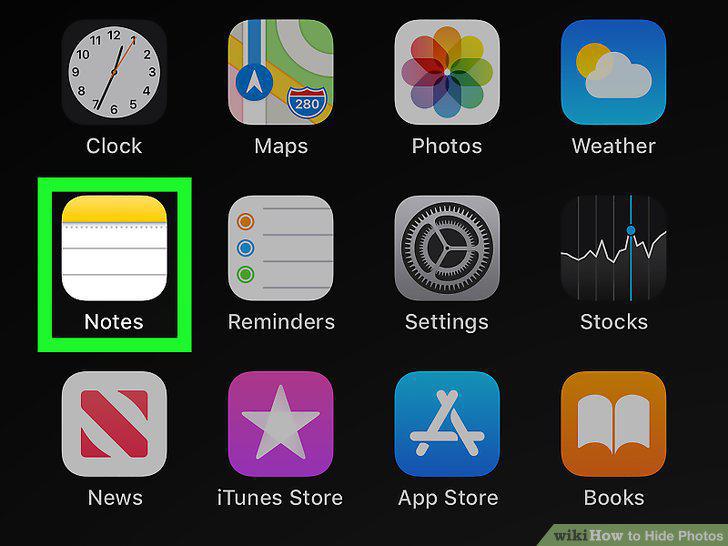
Visit the Notes app and find the image you saved.
Click the share icon and then Lock Note.
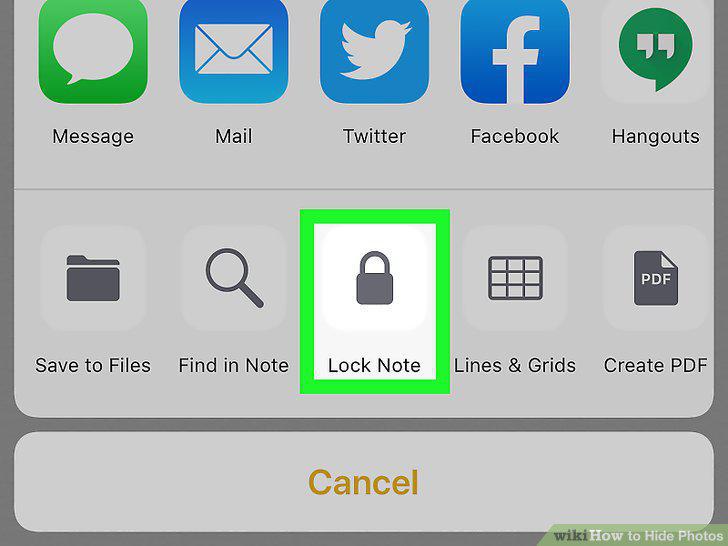
Click the share icon and then Lock Note.
Set the password and hint for your protected photos.
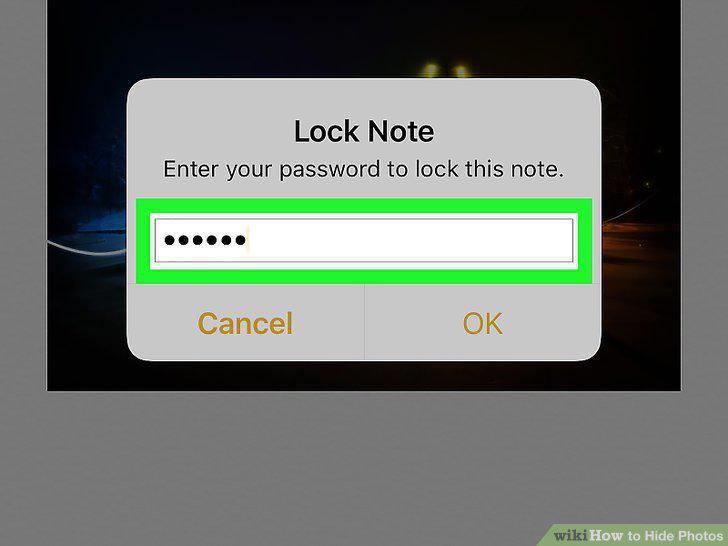
Set the password and hint for your protected photos.
Tap the lock icon to hide the note.
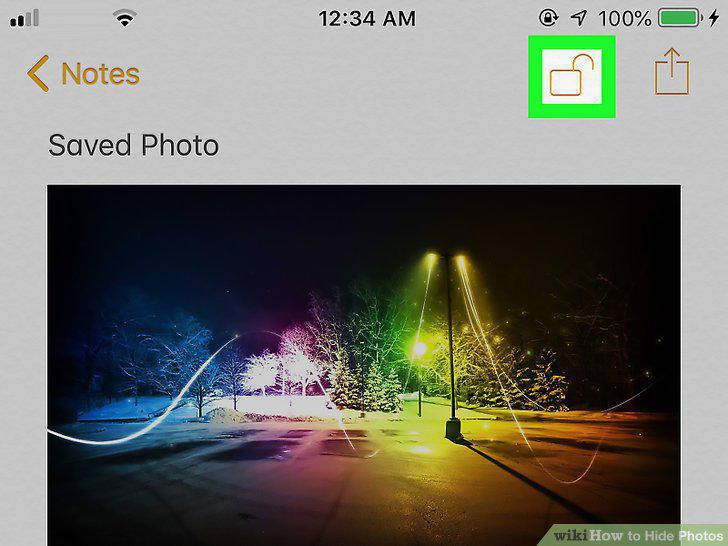
Tap the lock icon to hide the note.
Comments (0)
No comments yet. Be the first to share your thoughts!