How to Use Birthday Lenses on Snapchat
Update Snapchat.. Enter your birthday in the Snapchat settings.. Check the "Birthday Party" box.
Steps
1
Update Snapchat.
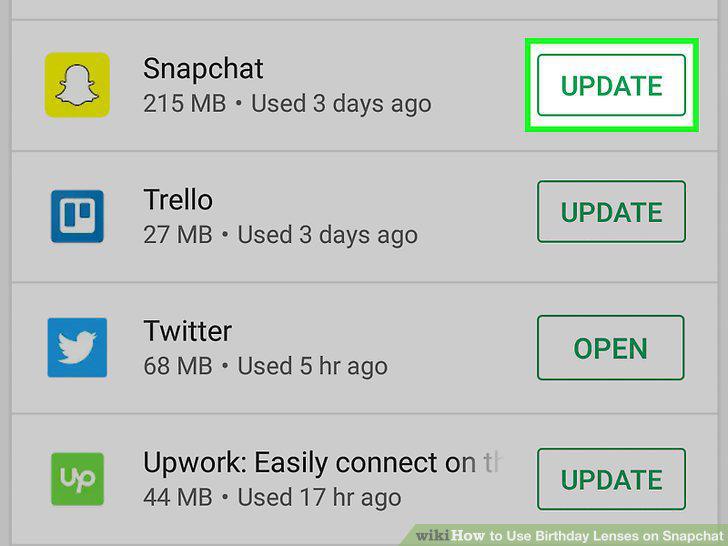
Update Snapchat.
2
Enter your birthday in the Snapchat settings.
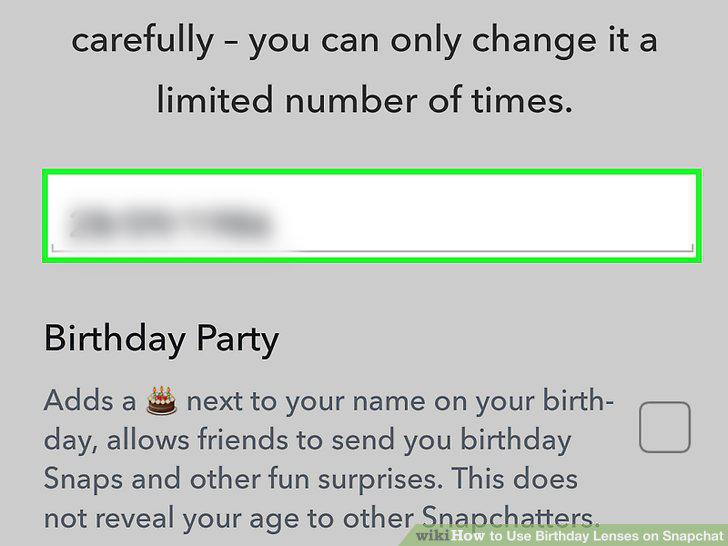
Enter your birthday in the Snapchat settings.
3
Check the "Birthday Party" box.
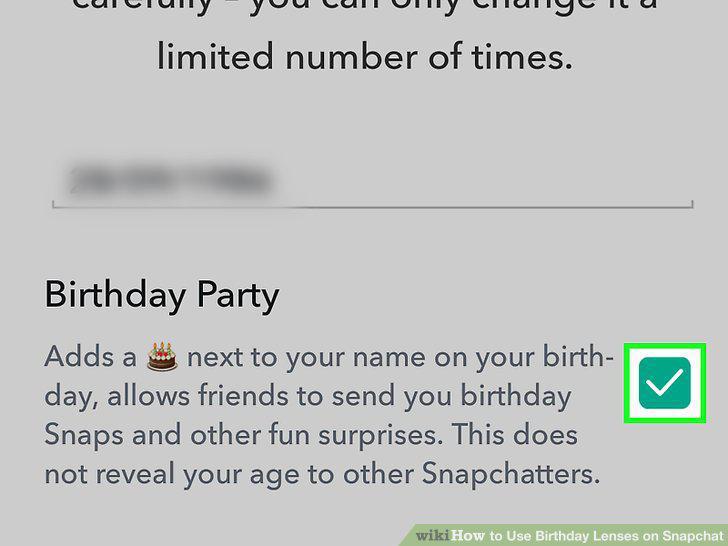
Check the "Birthday Party" box.
4
Press and hold on your face in the Snapchat camera.
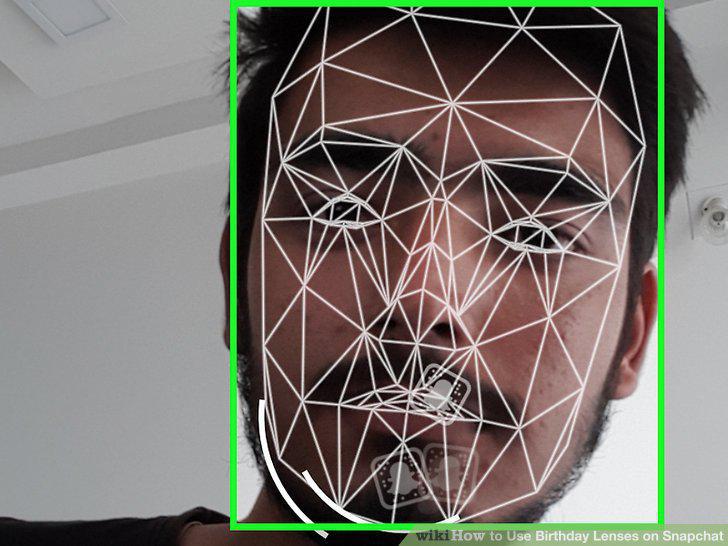
Press and hold on your face in the Snapchat camera.
5
Select the Birthday Lens.
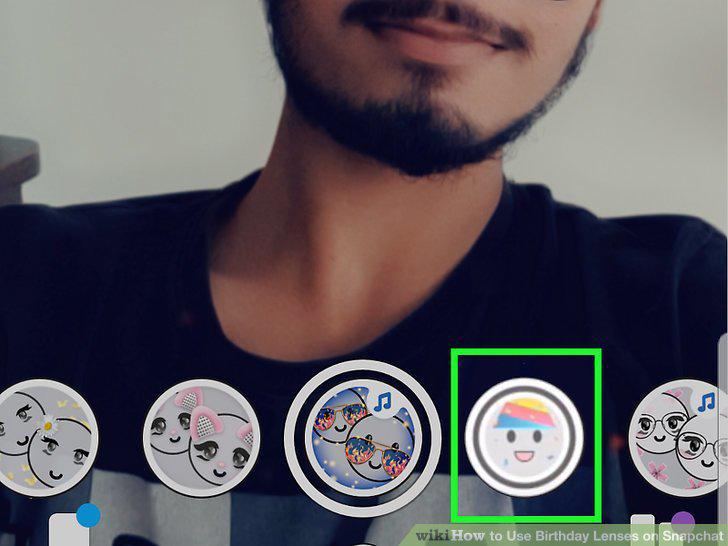
Select the Birthday Lens.
6
Take a Snap with the Birthday Lens active.
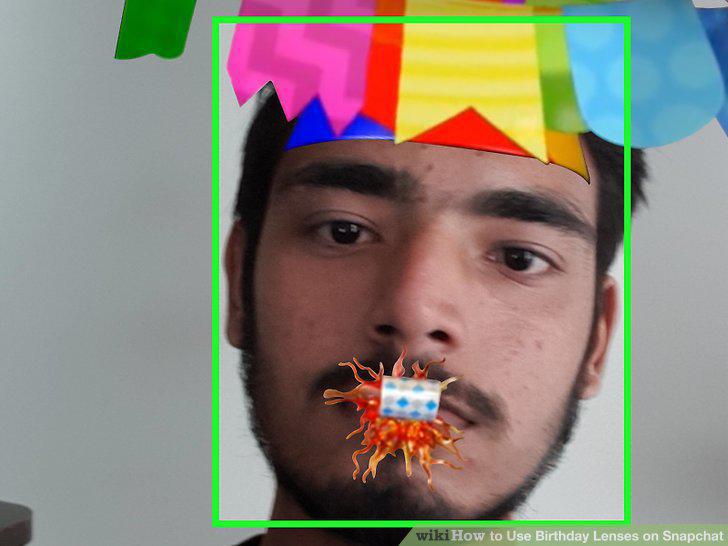
Take a Snap with the Birthday Lens active.
7
Open your My Friends list in Snapchat.
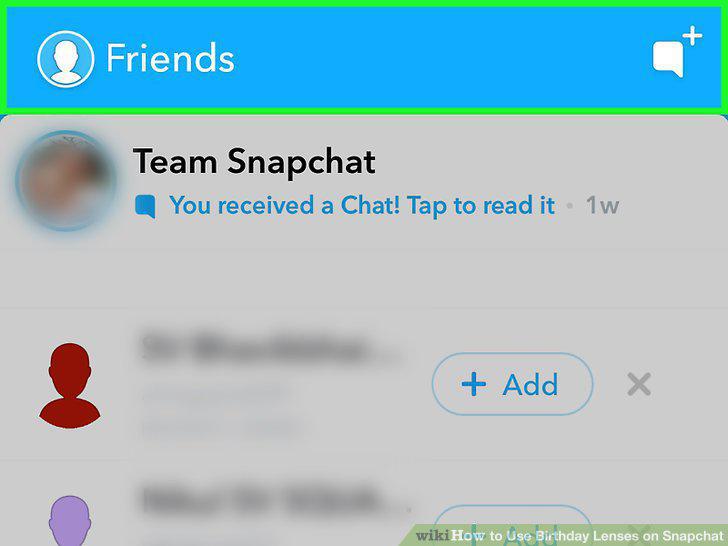
Open your My Friends list in Snapchat.
8
Find a friend with a birthday cake emoji.
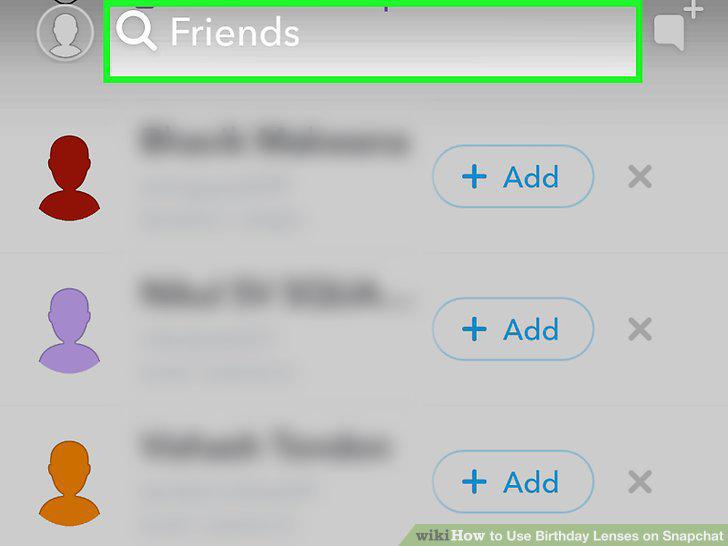
Find a friend with a birthday cake emoji.
9
Double-tap the user to send a birthday Snap.
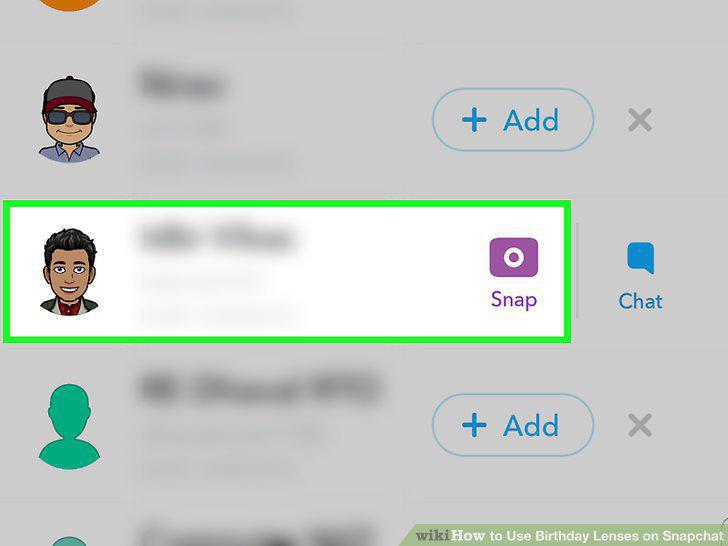
Double-tap the user to send a birthday Snap.
10
Take the Snap and send it off.
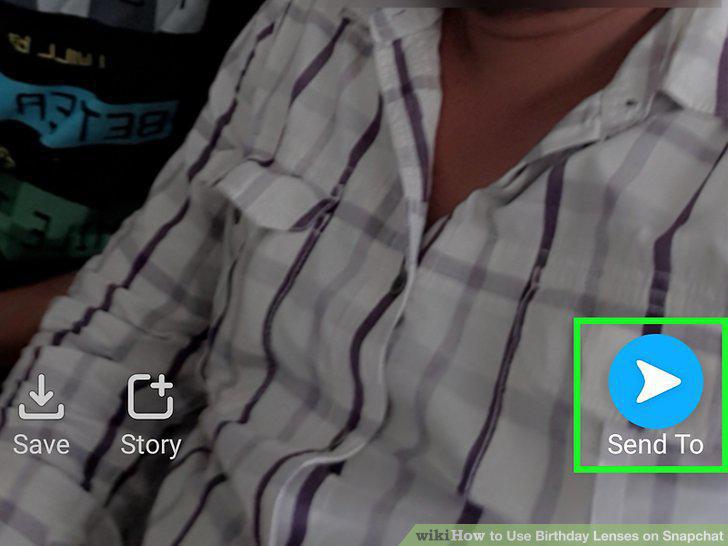
Take the Snap and send it off.
Comments (0)
No comments yet. Be the first to share your thoughts!