How to Change Your Phone Number on Groupme
Go to the GroupMe website.. Enter your login details.. Click on "Log In".
Steps
1
Go to the GroupMe website.
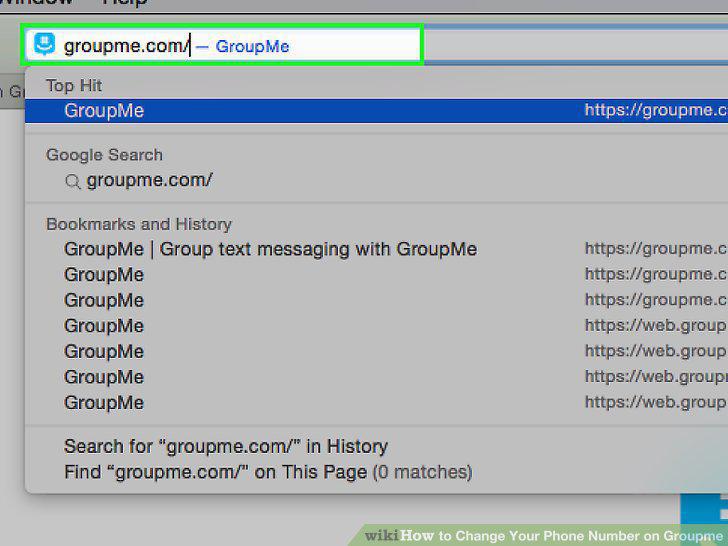
Go to the GroupMe website.
2
Enter your login details.
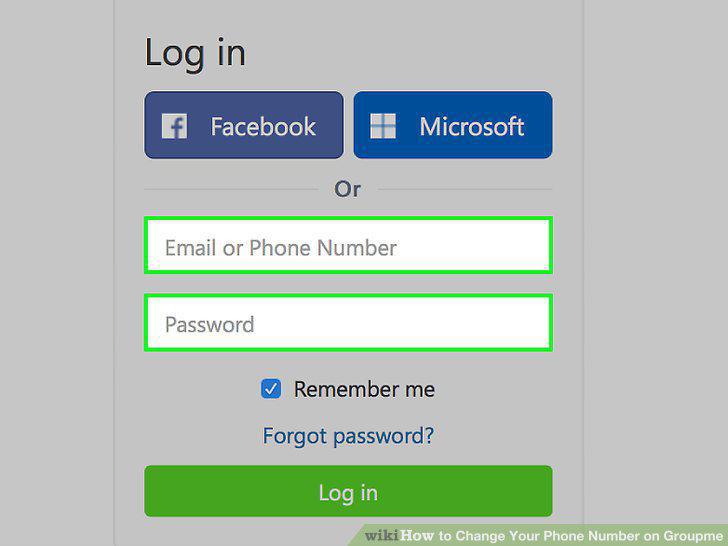
Enter your login details.
3
Click on "Log In".
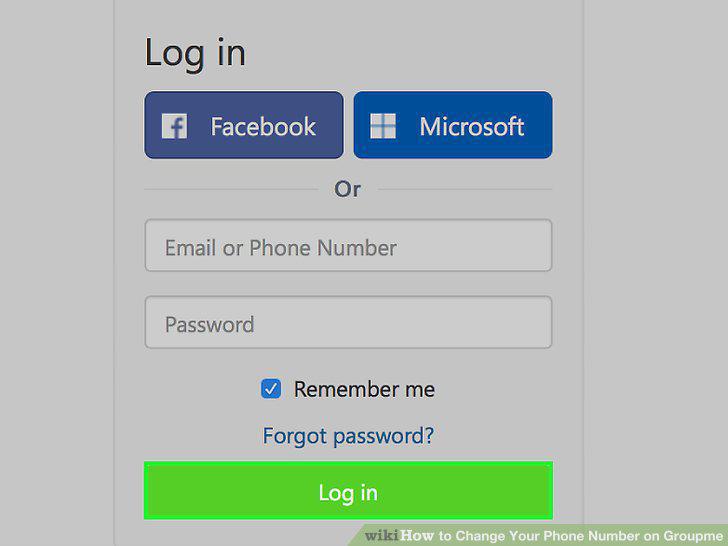
Click on "Log In".
4
Click on your avatar.
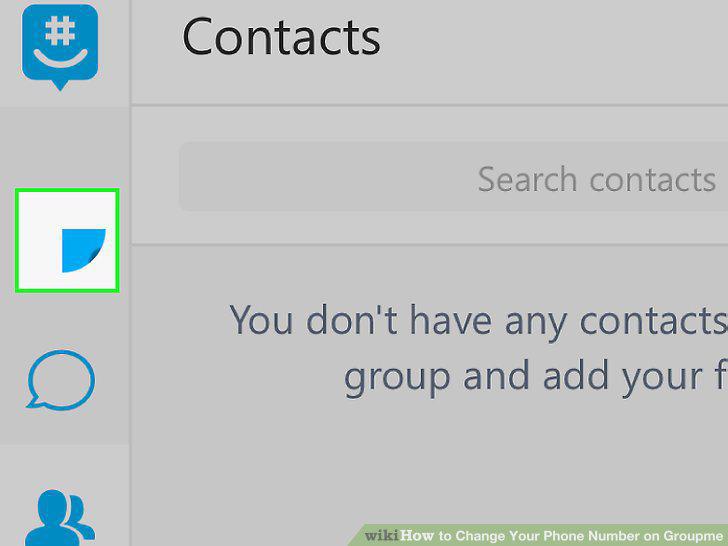
Click on your avatar.
5
Click "Edit" next to your phone number.
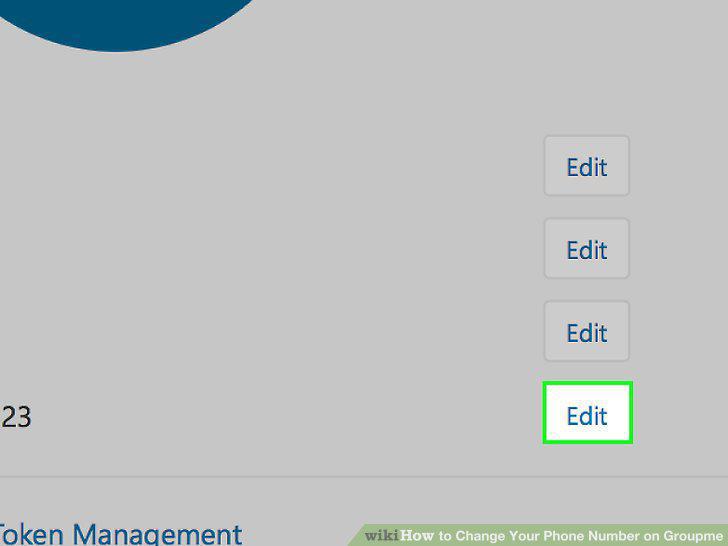
Click "Edit" next to your phone number.
6
Enter your new phone number.
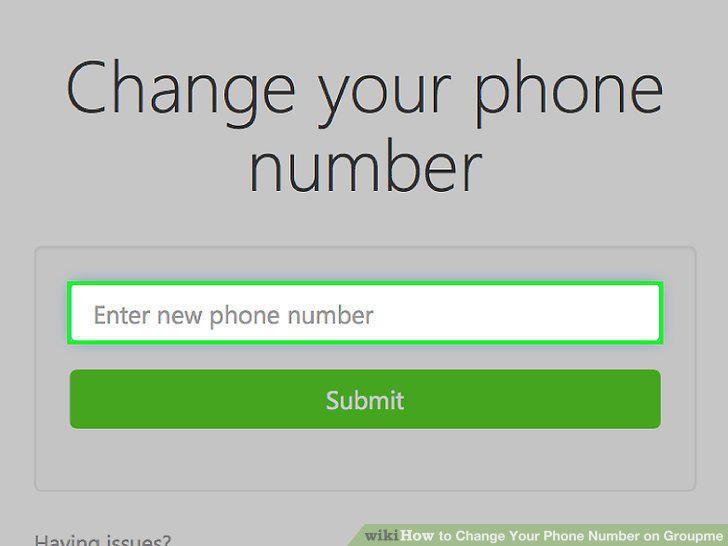
Enter your new phone number.
7
Tap "Submit".
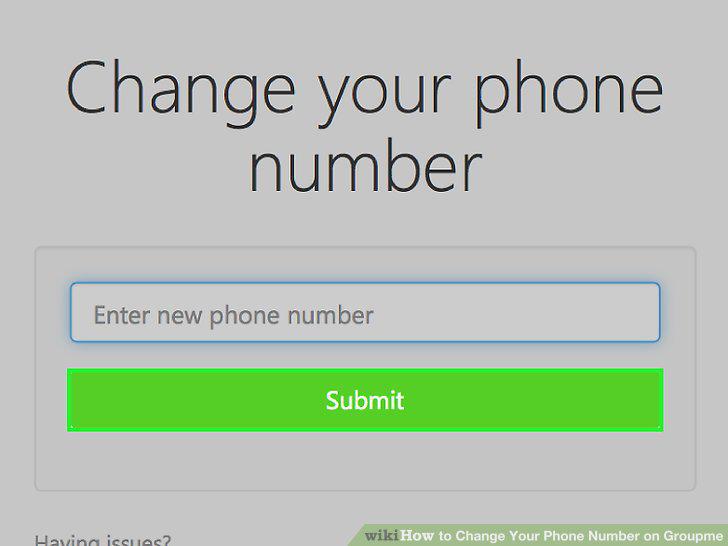
Tap "Submit".
8
Navigate to your settings.

Navigate to your settings.
9
Turn on/off SMS messages.
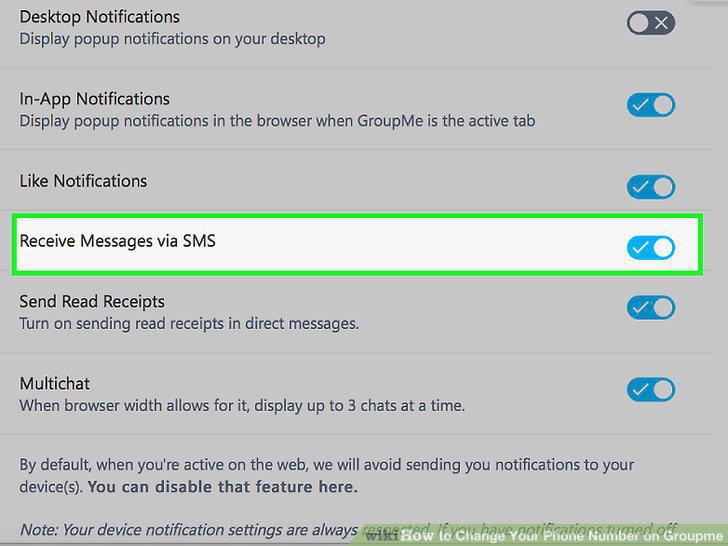
Turn on/off SMS messages.
10
Turn on/off Like Notifications.
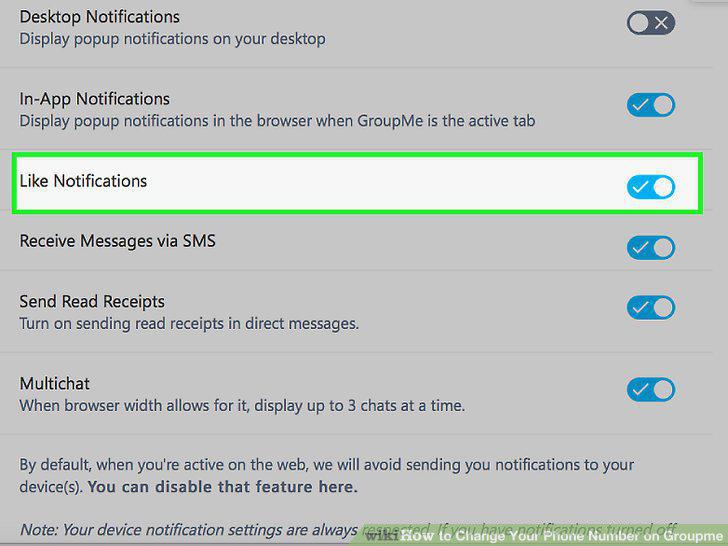
Turn on/off Like Notifications.
11
Send Read Receipts.
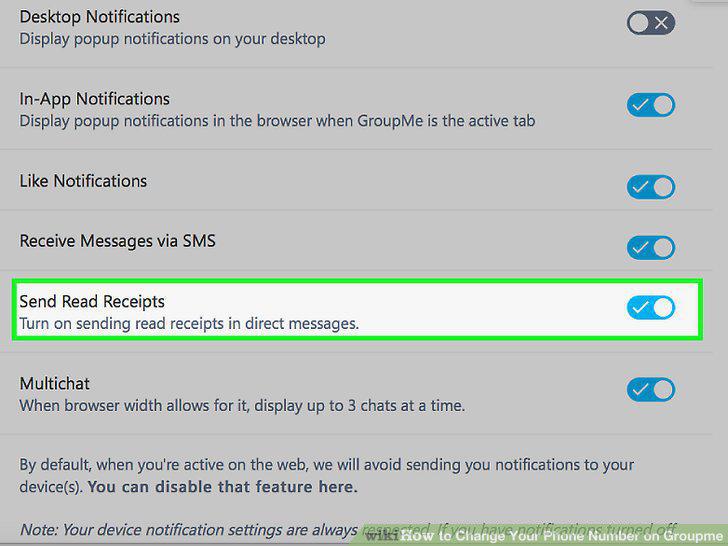
Send Read Receipts.
Comments (0)
No comments yet. Be the first to share your thoughts!