How to Insert the Current Date in Word
Open your Word document.. Move your cursor where you want to insert the date.. Click the Insert tab.
Steps
1
Open your Word document.
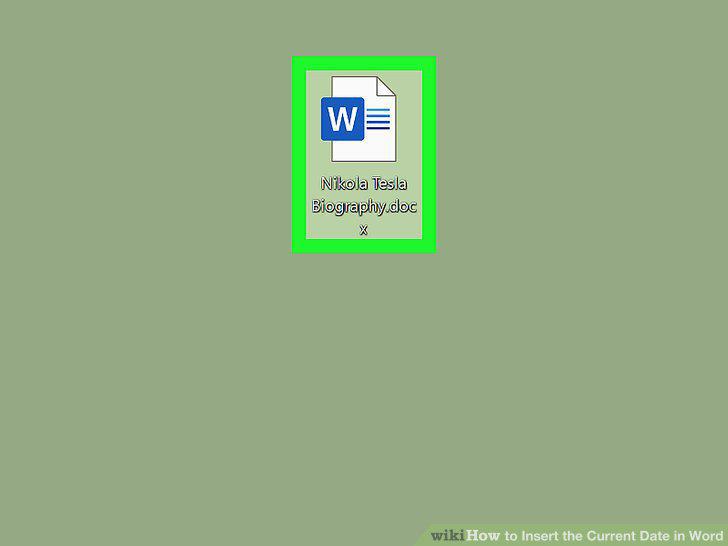
Open your Word document.
2
Move your cursor where you want to insert the date.
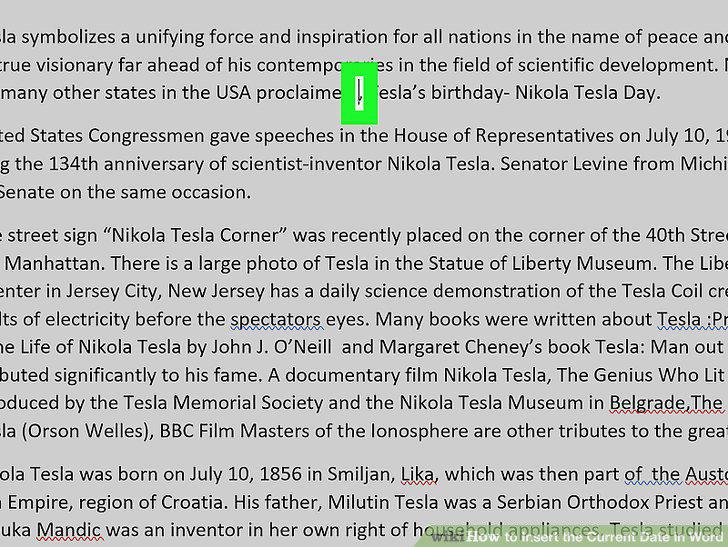
Move your cursor where you want to insert the date.
3
Click the Insert tab.
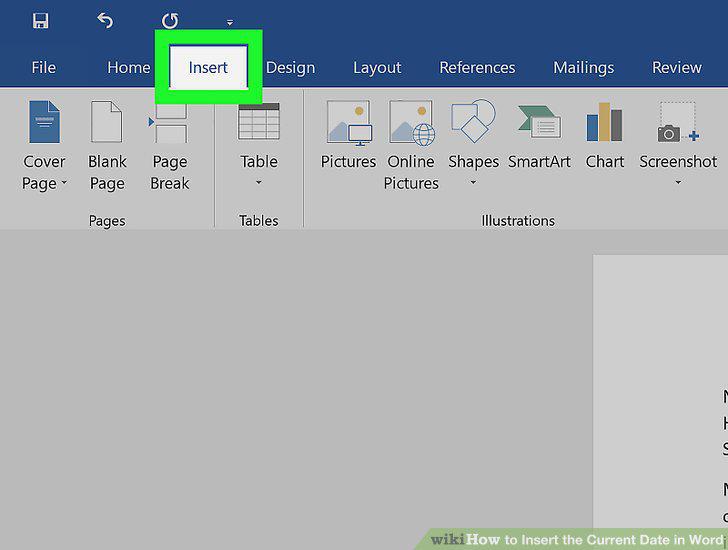
Click the Insert tab.
4
Click the calendar and clock icon.
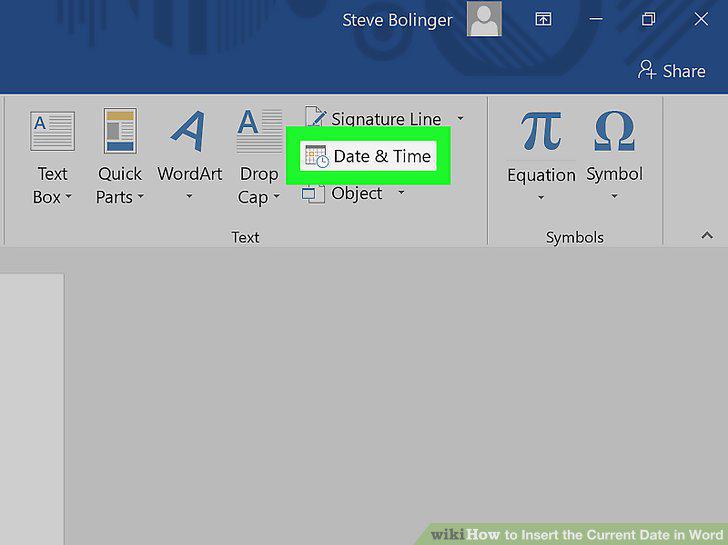
Click the calendar and clock icon.
5
Click to select the date and time format you want.
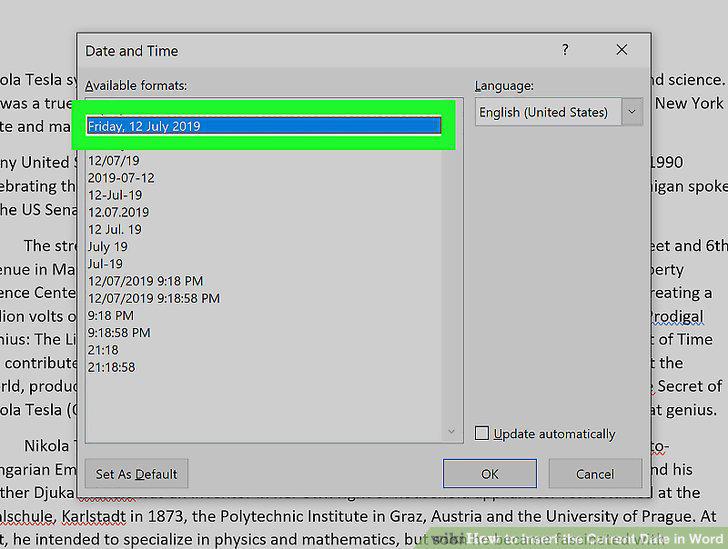
Click to select the date and time format you want.
6
Click to check the box next to "Update automatically.
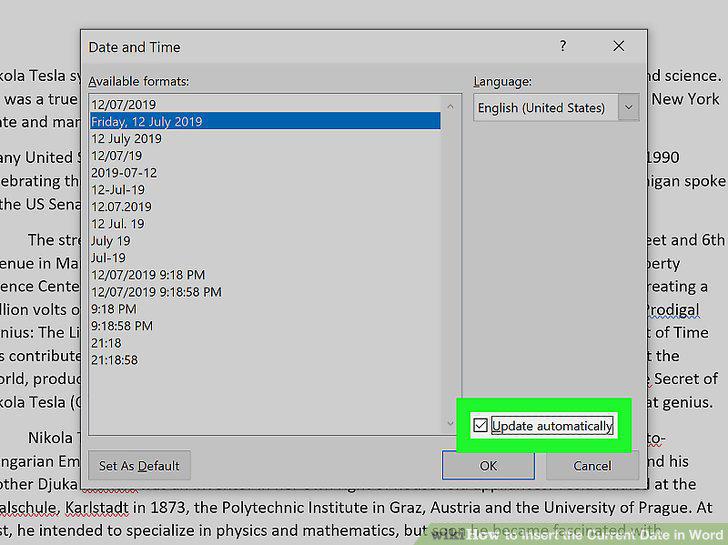
Click to check the box next to "Update automatically.
7
Click Ok.
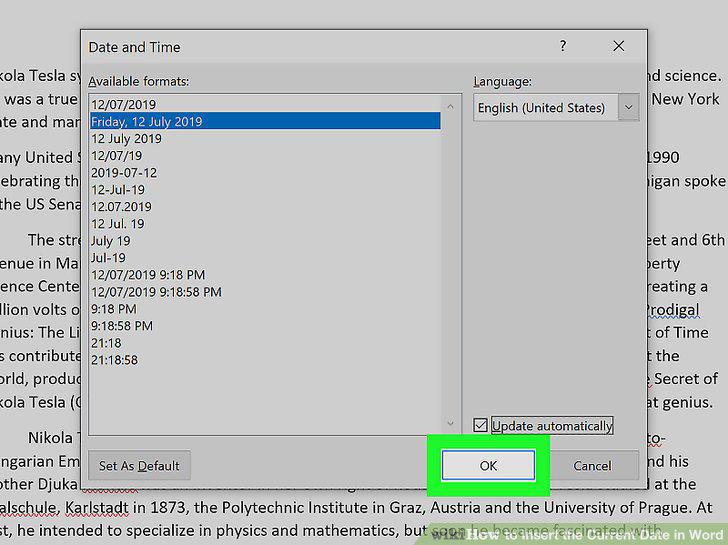
Click Ok.
Comments (0)
No comments yet. Be the first to share your thoughts!