How to Zoom the Camera on Skype on iPhone or iPad
Open Skype on your iPhone or iPad.. Tap a chat on your Chats list.. Tap the icon.
Steps
1
Open Skype on your iPhone or iPad.
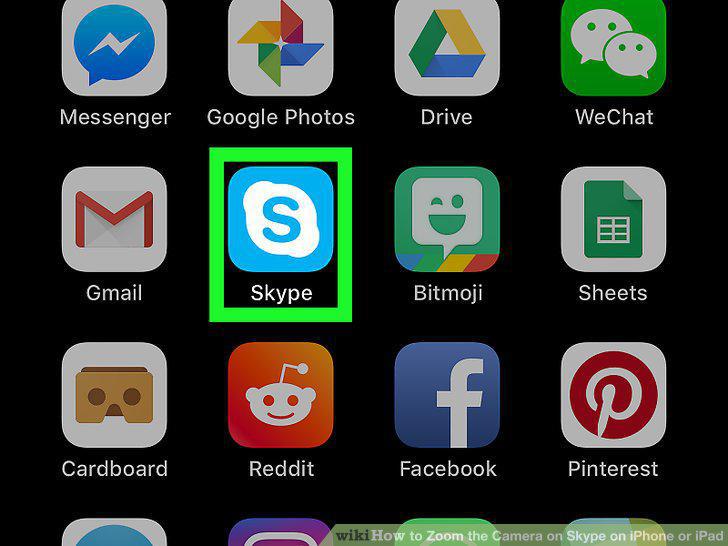
Open Skype on your iPhone or iPad.
2
Tap a chat on your Chats list.

Tap a chat on your Chats list.
3
Tap the icon.

Tap the icon.
4
Pinch out on your screen with two fingers to zoom in.
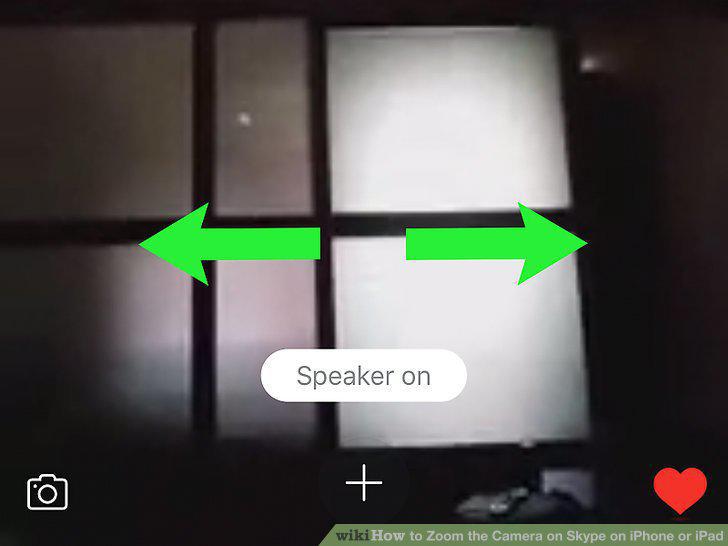
Pinch out on your screen with two fingers to zoom in.
5
Pinch in with two fingers to zoom out.
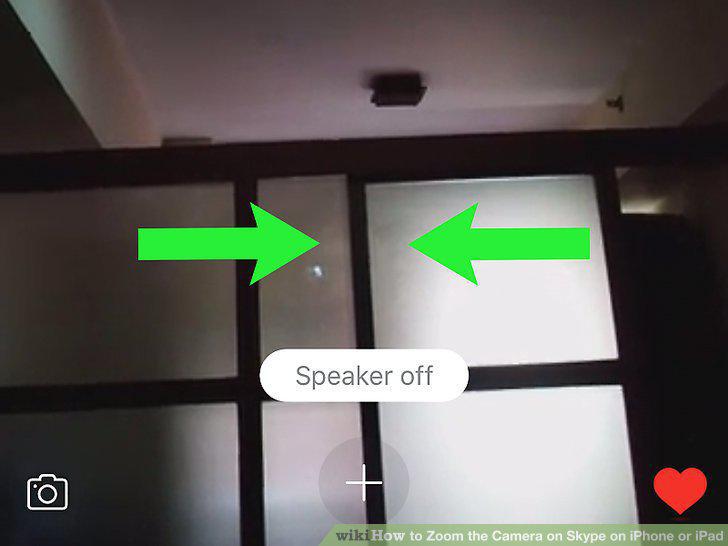
Pinch in with two fingers to zoom out.
Comments (0)
No comments yet. Be the first to share your thoughts!