How to Attach a File to a PDF Document
Open a PDF document in Adobe Reader.. Click on Tools.. Click on Comment.
Steps
1
Open a PDF document in Adobe Reader.
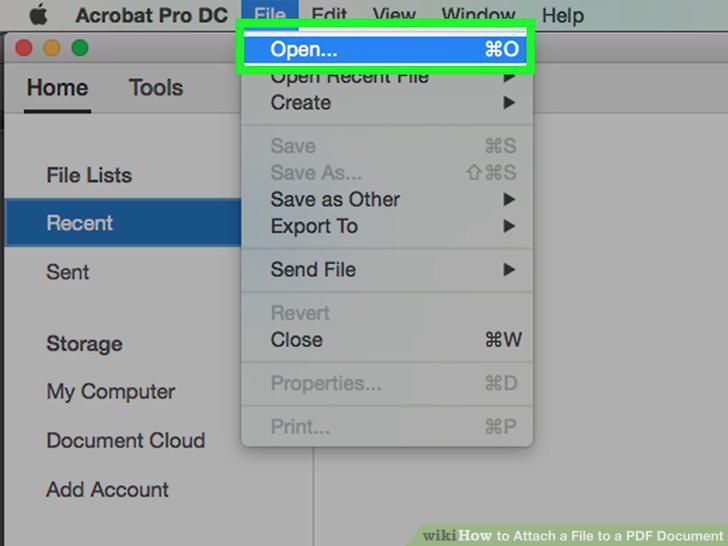
Open a PDF document in Adobe Reader.
2
Click on Tools.
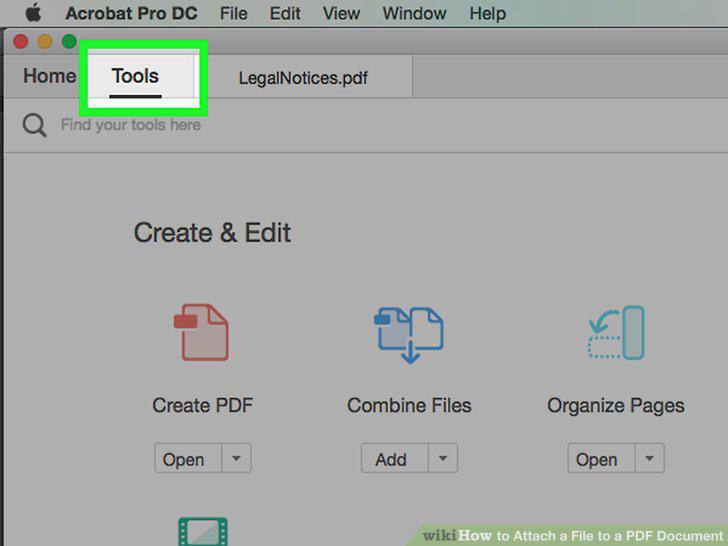
Click on Tools.
3
Click on Comment.
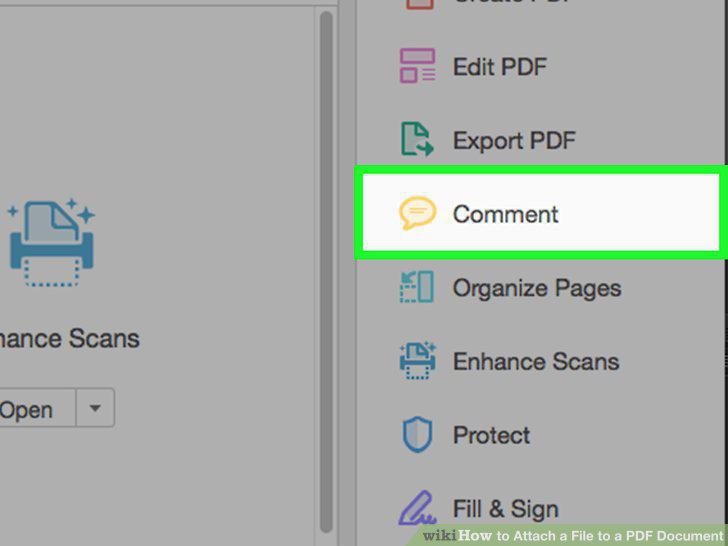
Click on Comment.
4
Click on the paper clip icon next to a "+" in the toolbar at the top of the wind
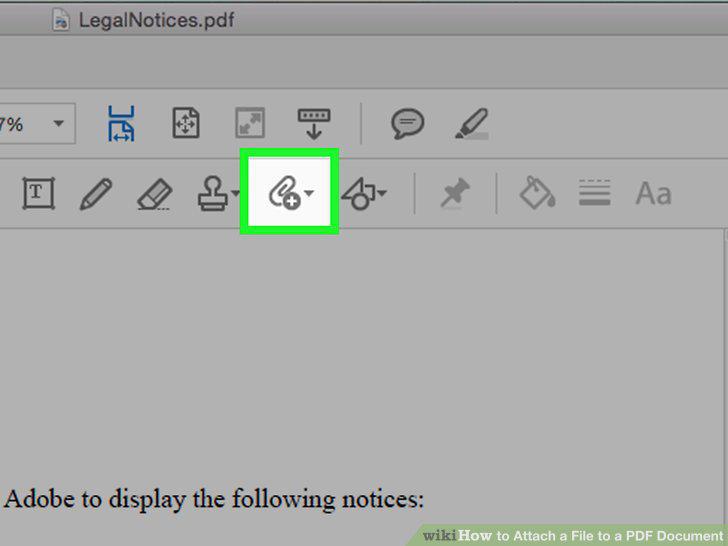
Click on the paper clip icon next to a "+" in the toolbar at the top of the window.
5
Click on Attach File.
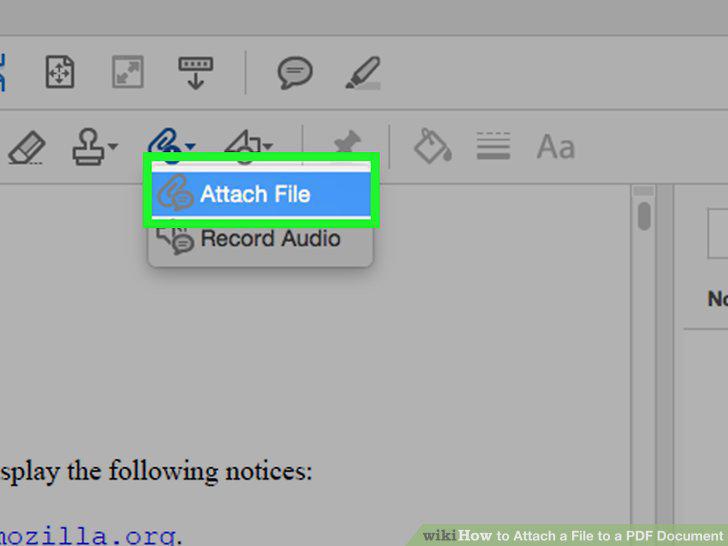
Click on Attach File.
6
Click on the location in the PDF where you'd like to attach the file.
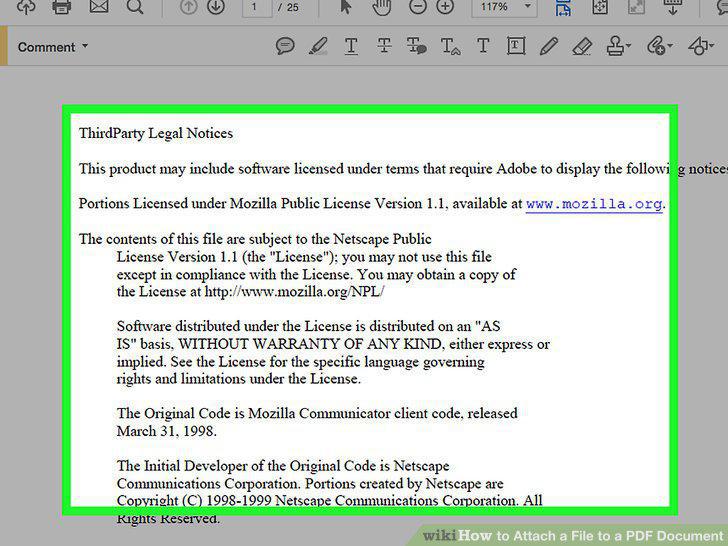
Click on the location in the PDF where you'd like to attach the file.
7
Locate the file you want to attach and click on Select.
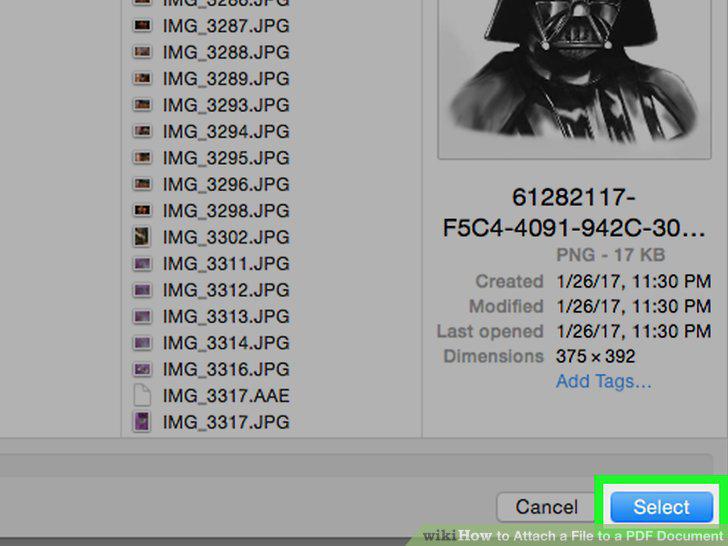
Locate the file you want to attach and click on Select.
8
Customize the appearance of the attachment.
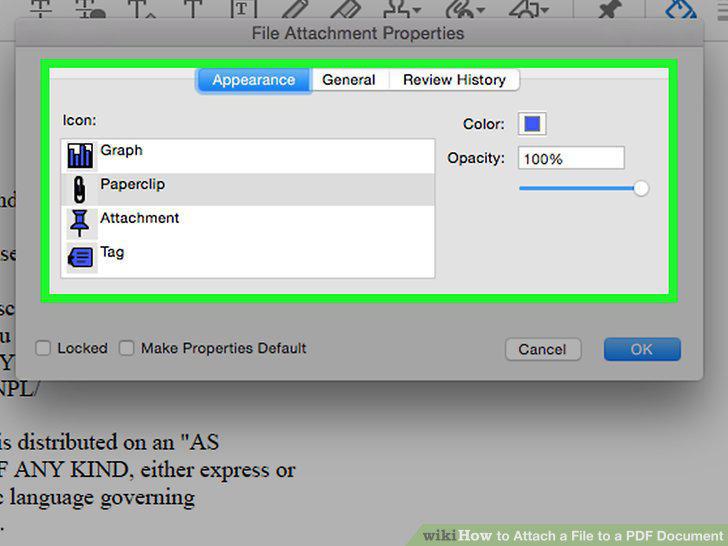
Customize the appearance of the attachment.
9
Click on OK.
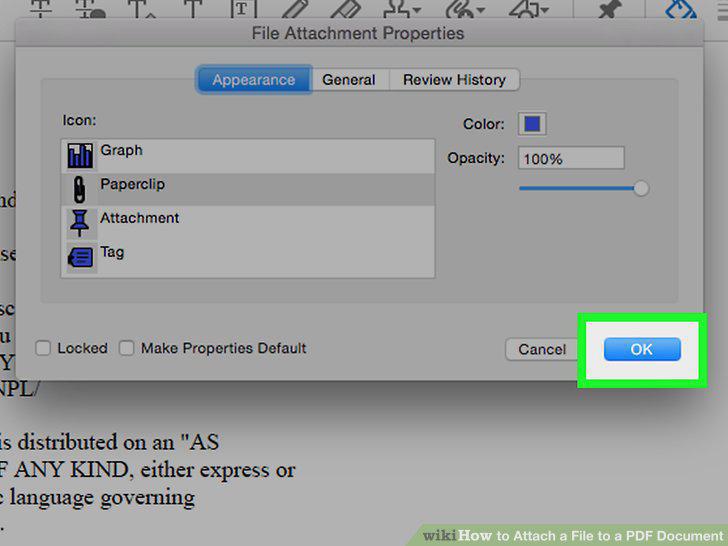
Click on OK.
10
Click on File in the menu bar and Save in the drop-down menu.
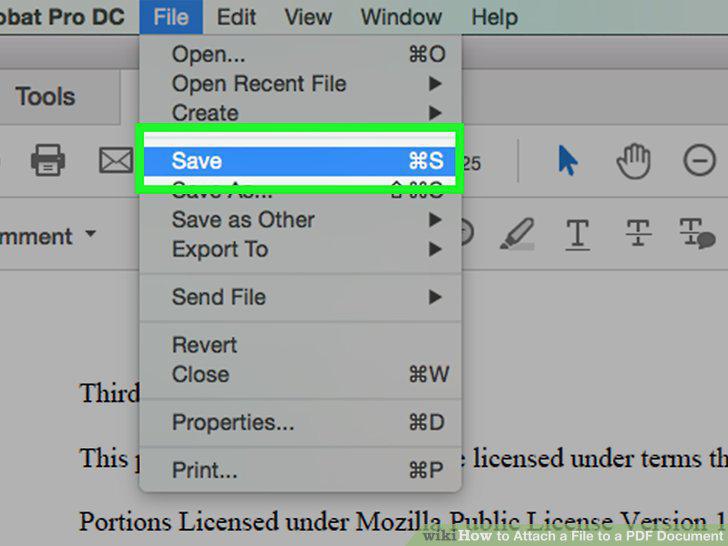
Click on File in the menu bar and Save in the drop-down menu.
Comments (0)
No comments yet. Be the first to share your thoughts!