How to Contact an eBay Seller on PC or Mac
Open eBay in your internet browser.. Find and click the item you want to purchase.. Click Contact seller on the product page.
Steps
1
Open eBay in your internet browser.
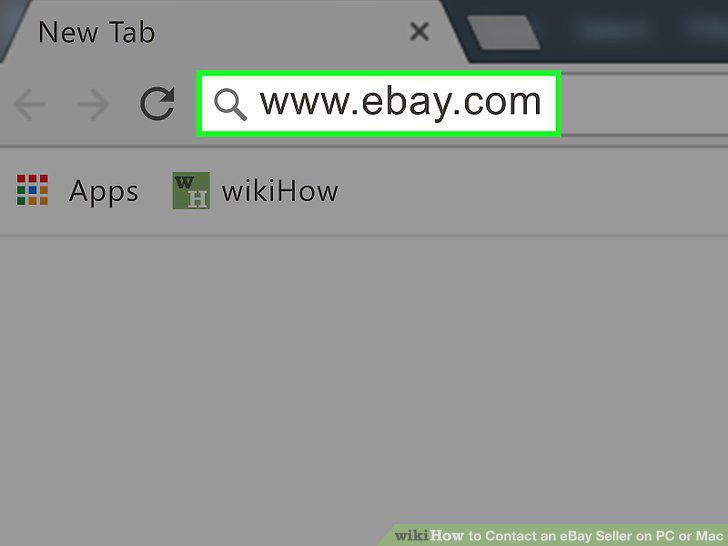
Open eBay in your internet browser.
2
Find and click the item you want to purchase.
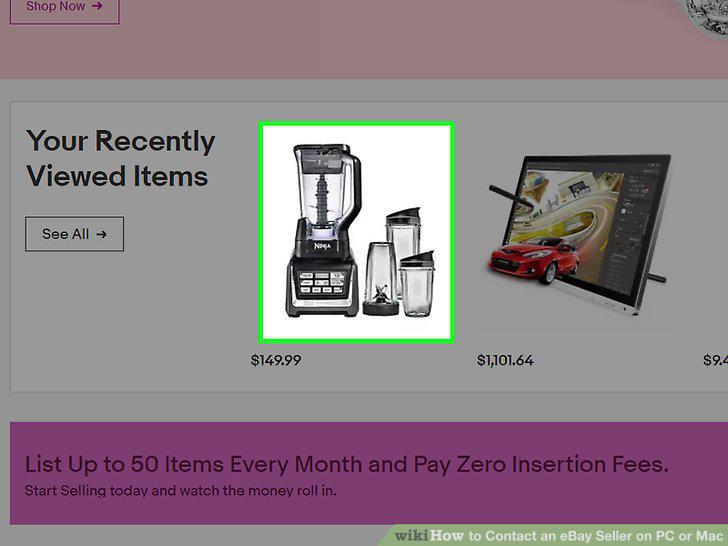
Find and click the item you want to purchase.
3
Click Contact seller on the product page.
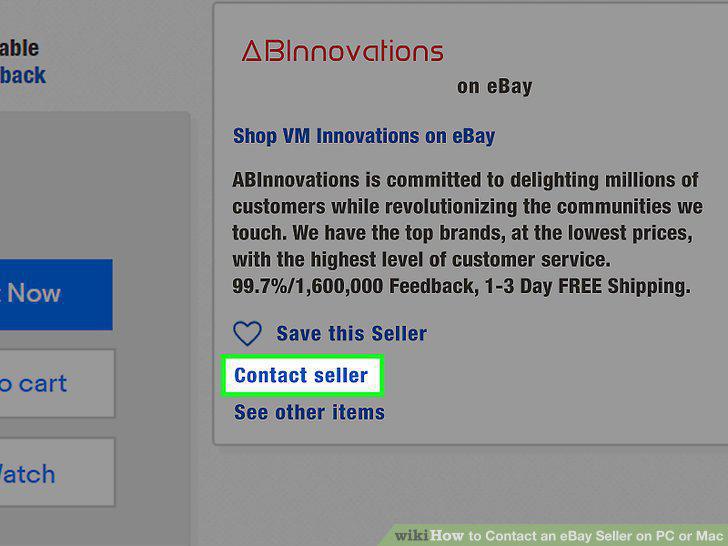
Click Contact seller on the product page.
4
Select Other under the "Select a topic" heading.
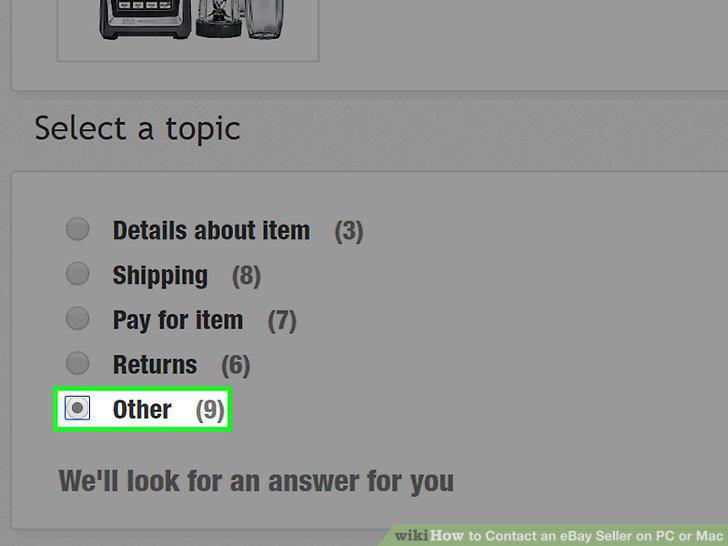
Select Other under the "Select a topic" heading.
5
Click the blue Contact the seller button.
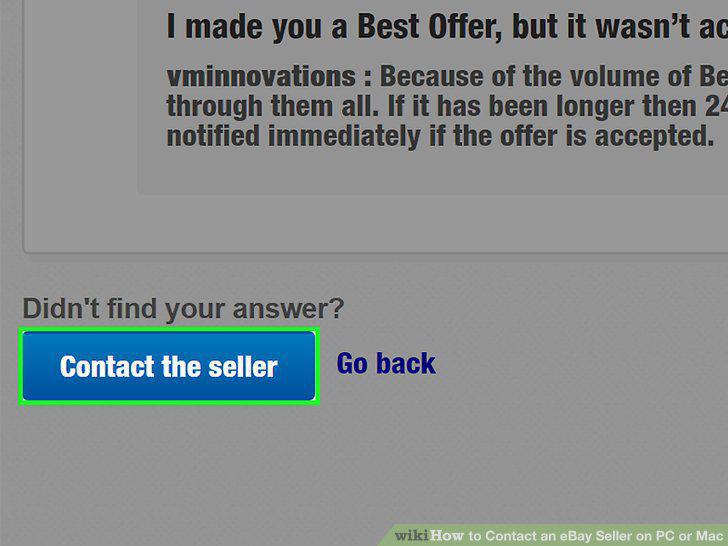
Click the blue Contact the seller button.
6
Write a message to the seller.
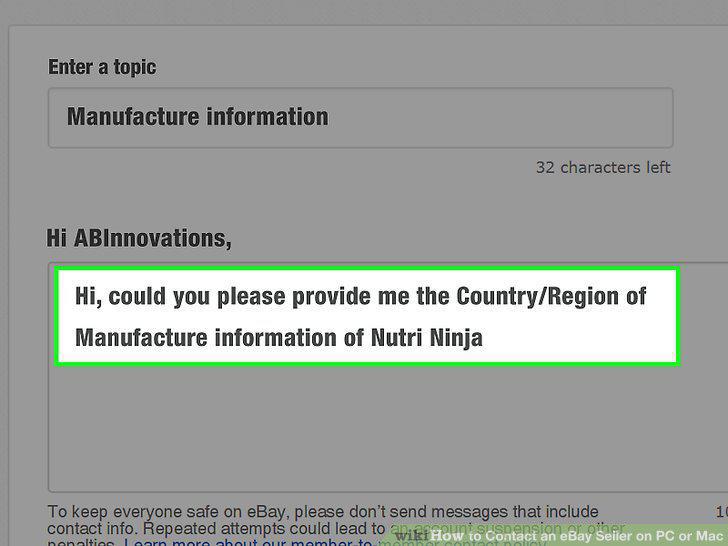
Write a message to the seller.
7
Complete the captcha.
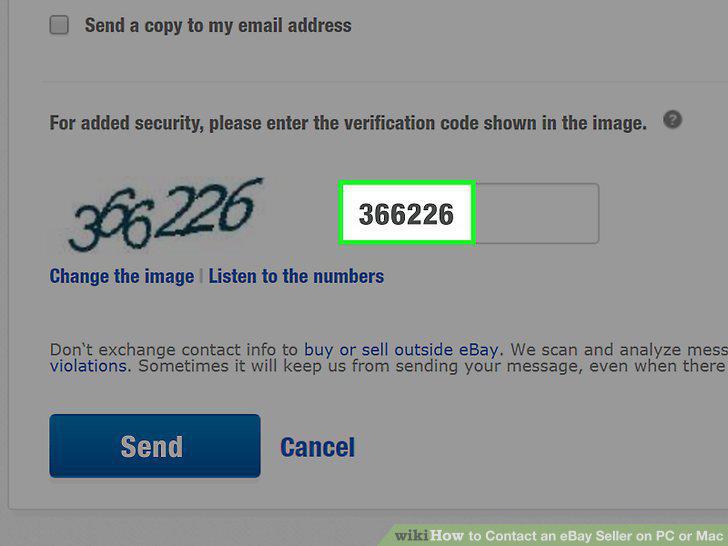
Complete the captcha.
8
Click the blue Send button.
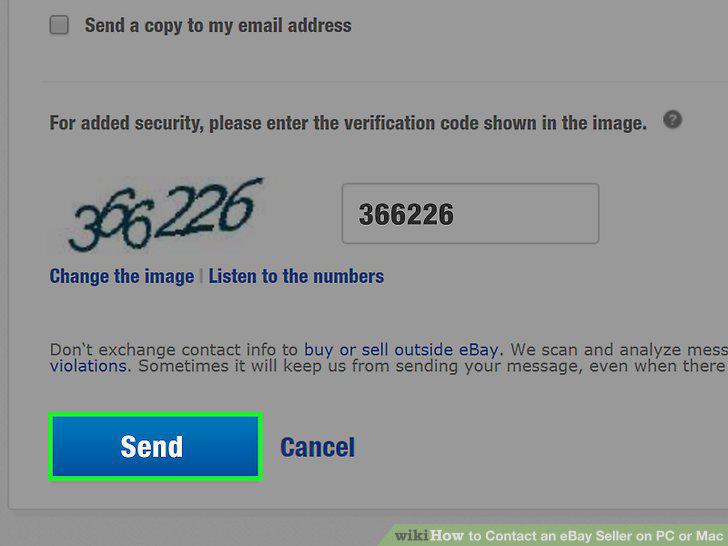
Click the blue Send button.
Comments (0)
No comments yet. Be the first to share your thoughts!