How to Join Twitch on PC or Mac
Go to https://www.twitch.tv/.. Click Sign Up at the top right.. Sign up for an account with your email.
Steps
1
Go to https://www.twitch.tv/.
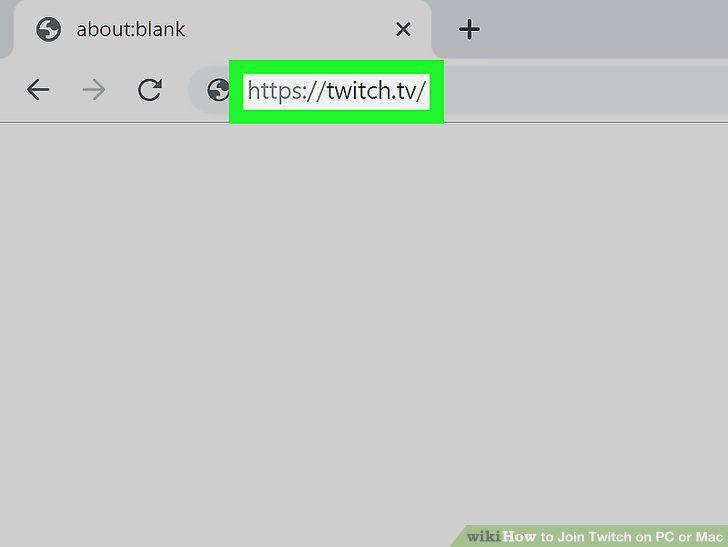
Go to https://www.twitch.tv/.
2
Click Sign Up at the top right.
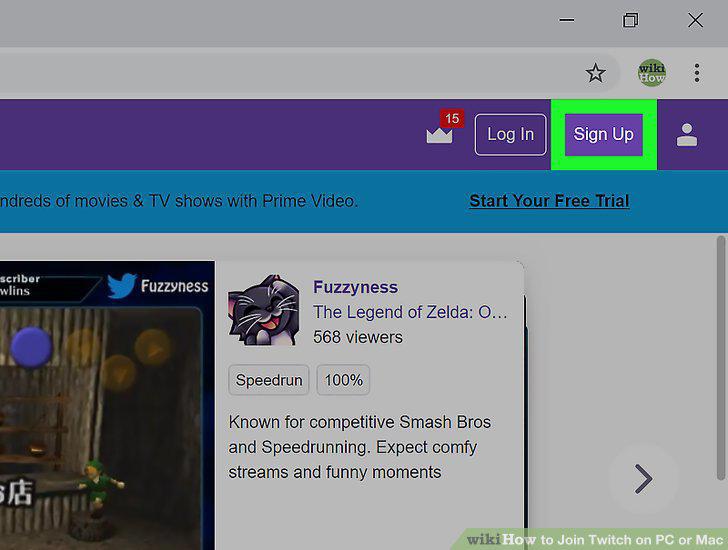
Click Sign Up at the top right.
3
Sign up for an account with your email.
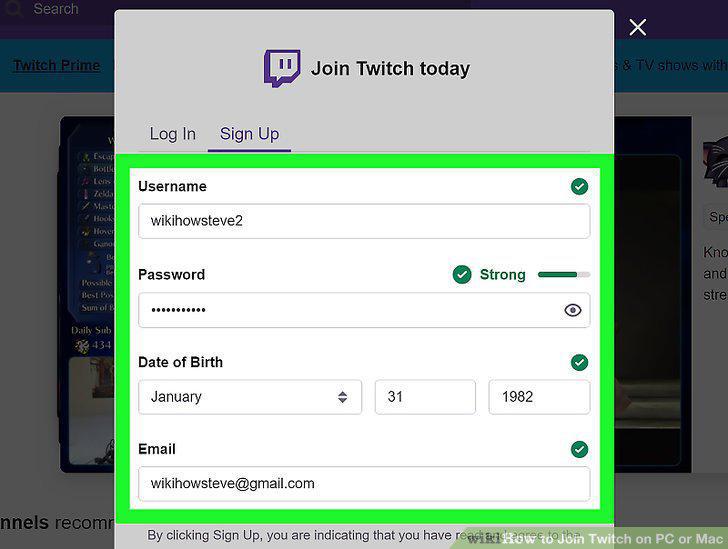
Sign up for an account with your email.
4
Click Sign Up to join Twitch.
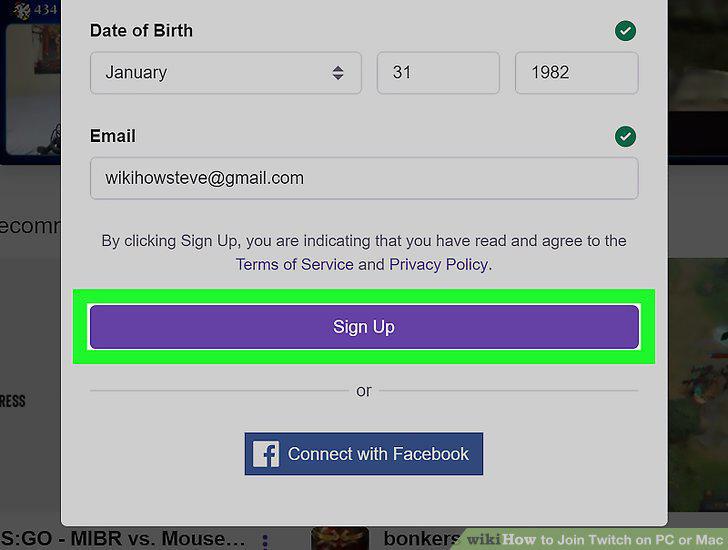
Click Sign Up to join Twitch.
5
Visit https://www.twitch.tv/downloads.
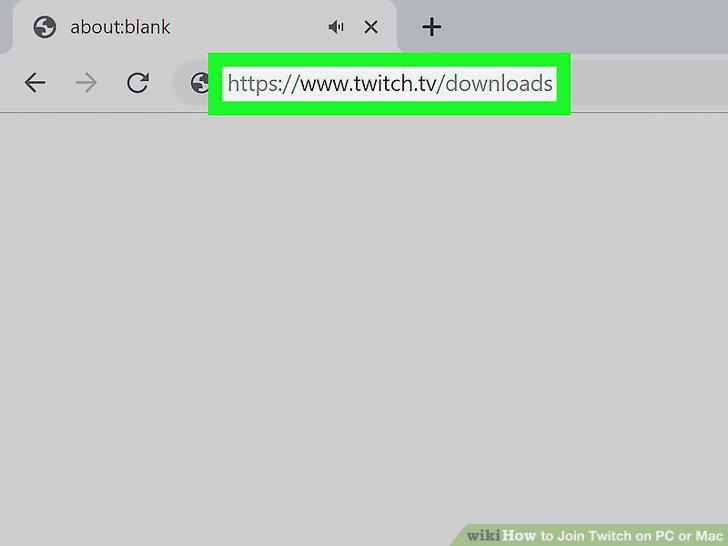
Visit https://www.twitch.tv/downloads.
6
Click the download link for your OS.
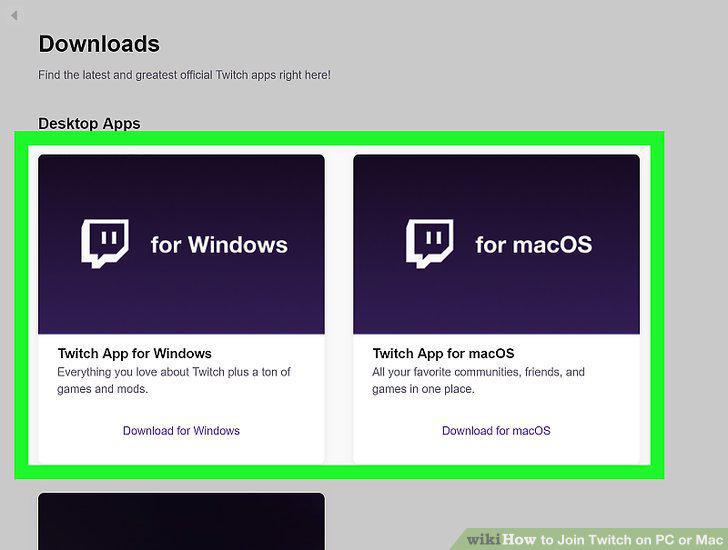
Click the download link for your OS.
7
Double-click the downloaded file to run the install wizard.
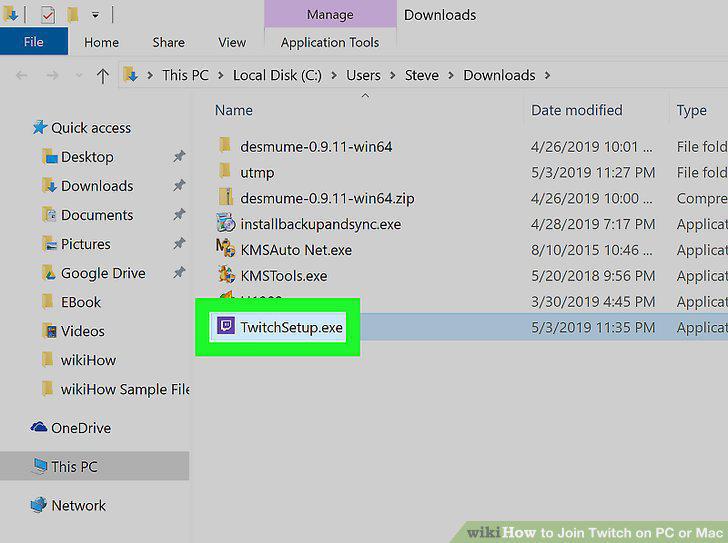
Double-click the downloaded file to run the install wizard.
8
Open the Twitch app on your computer.
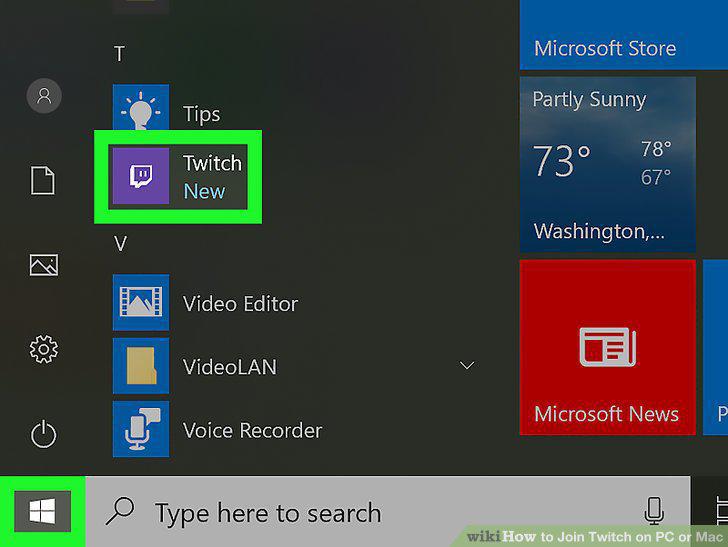
Open the Twitch app on your computer.
9
Create an account by clicking Sign Up on the right.
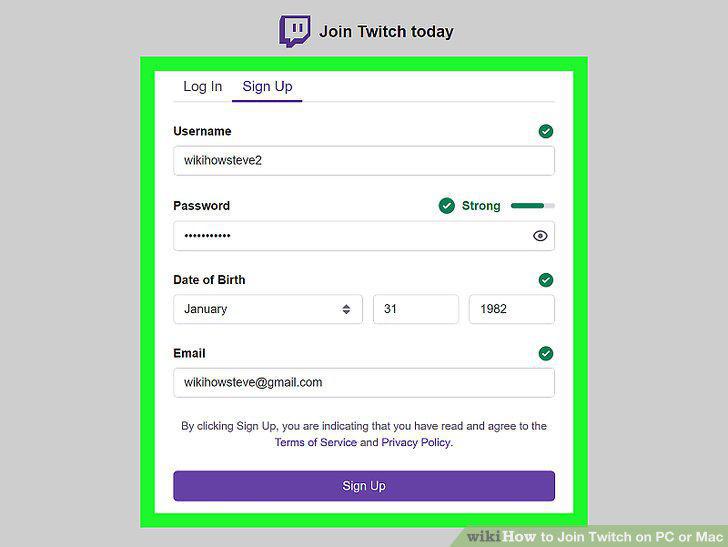
Create an account by clicking Sign Up on the right.
10
Log into Twitch.
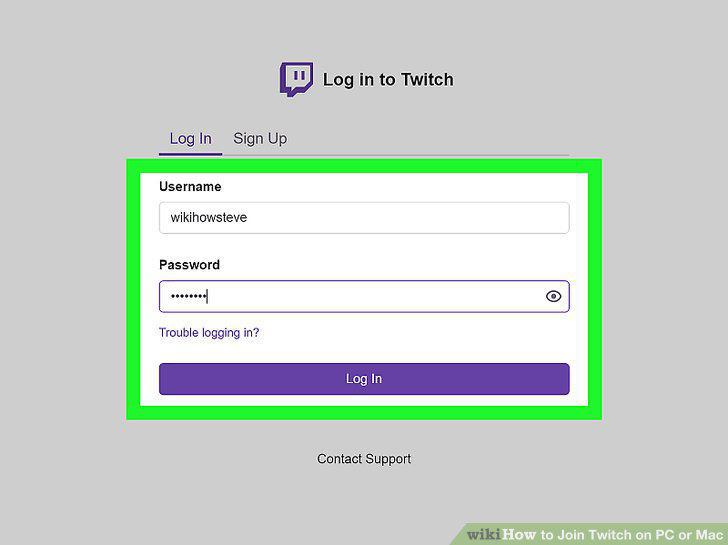
Log into Twitch.
Comments (0)
No comments yet. Be the first to share your thoughts!