How to Post Links on Wechat on an iPhone or iPad
Navigate to the website you want to link in Safari.. Tap the address bar.. Tap and hold the highlighted URL.
Steps
1
Navigate to the website you want to link in Safari.
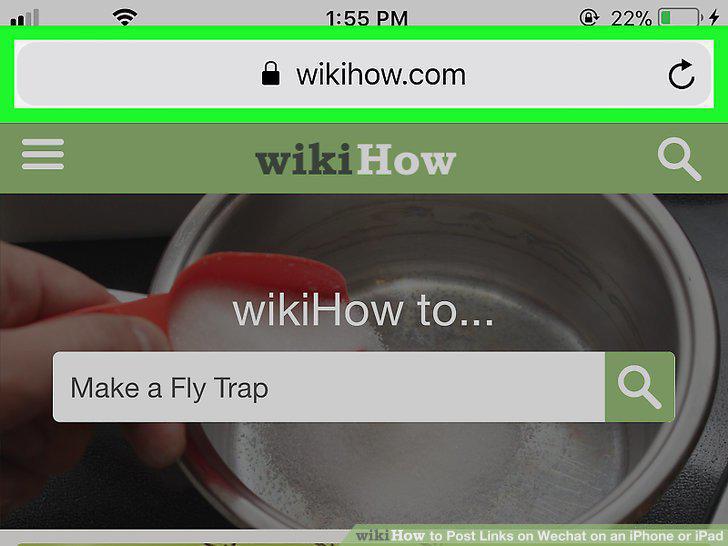
Navigate to the website you want to link in Safari.
2
Tap the address bar.
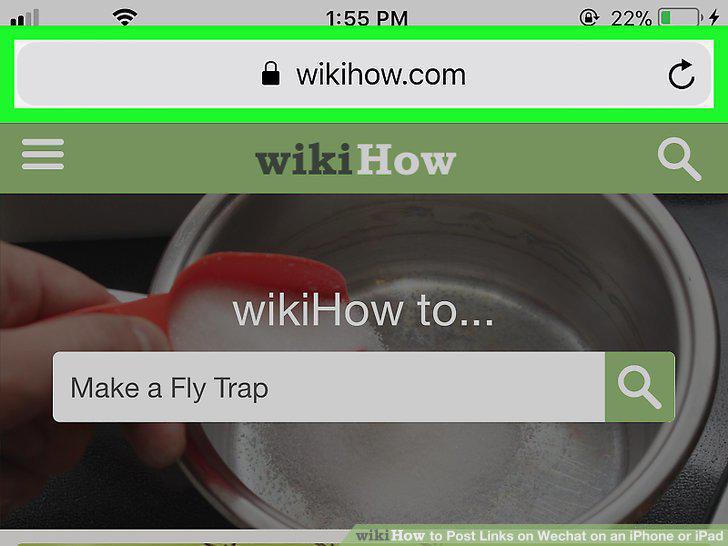
Tap the address bar.
3
Tap and hold the highlighted URL.
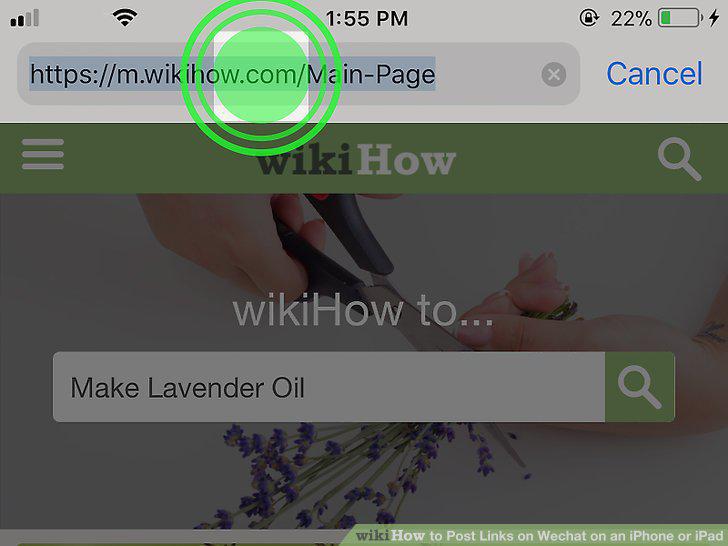
Tap and hold the highlighted URL.
4
Tap Copy.
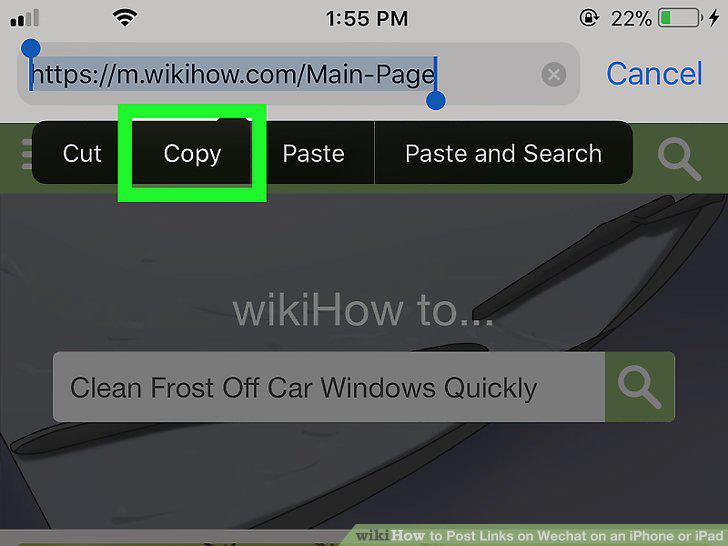
Tap Copy.
5
Open WeChat.

Open WeChat.
6
Tap Chats.

Tap Chats.
7
Tap the chat in which you want to share the link.

Tap the chat in which you want to share the link.
8
Tap and hold the typing area.

Tap and hold the typing area.
9
Tap Paste.

Tap Paste.
10
Tap Send.
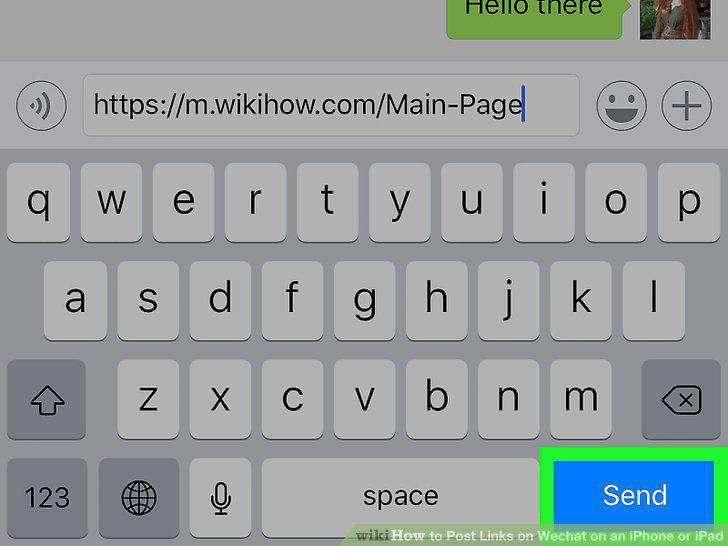
Tap Send.
Comments (0)
No comments yet. Be the first to share your thoughts!