How to Drive for Grubhub
Determine if Grubhub is available in your area.. Meet the minimum requirements.. Decide if working as an independent contractor is right for you.
Steps
1
Determine if Grubhub is available in your area.
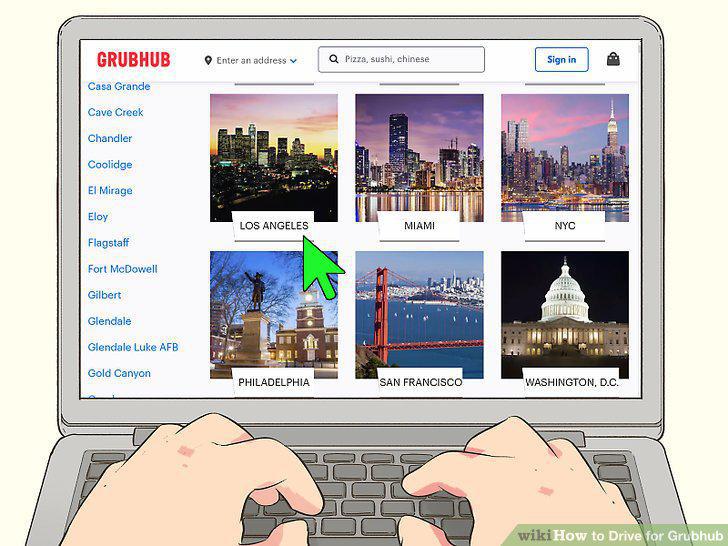
Determine if Grubhub is available in your area.
2
Meet the minimum requirements.
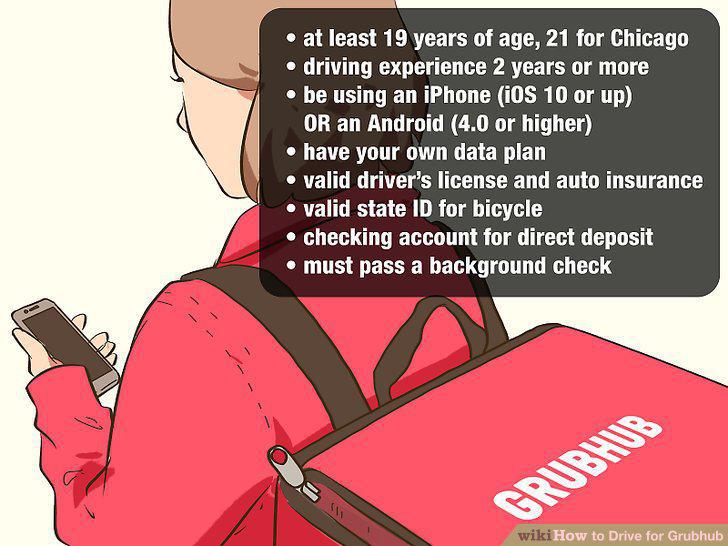
Meet the minimum requirements.
3
Decide if working as an independent contractor is right for you.
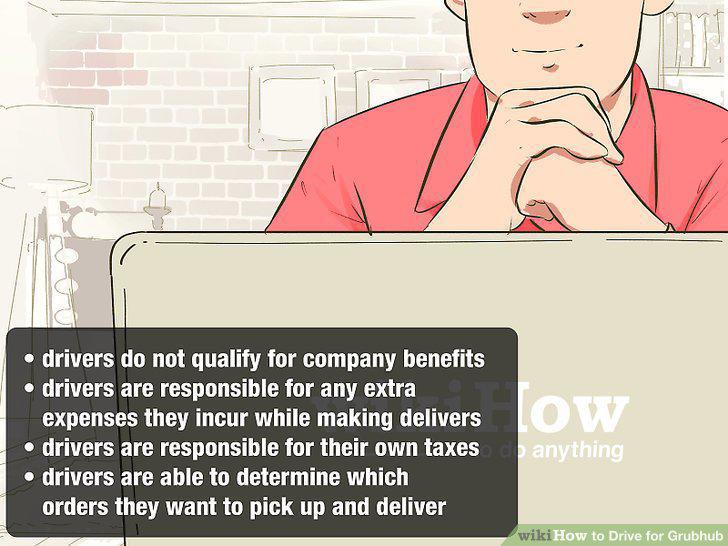
Decide if working as an independent contractor is right for you.
4
Fill out the initial form.
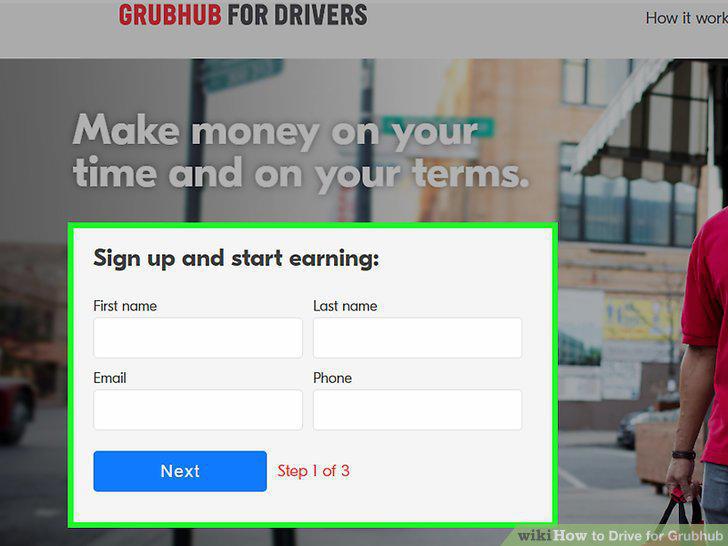
Fill out the initial form.
5
Complete the online application.
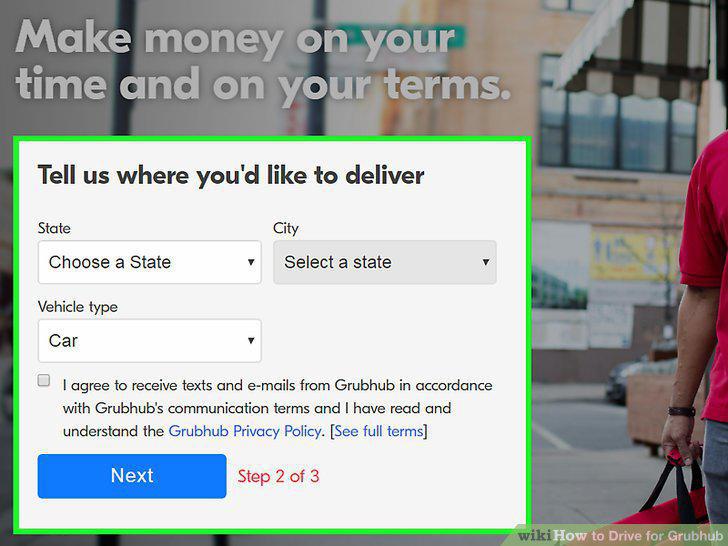
Complete the online application.
6
Go through Grubhub's online on-boarding process.
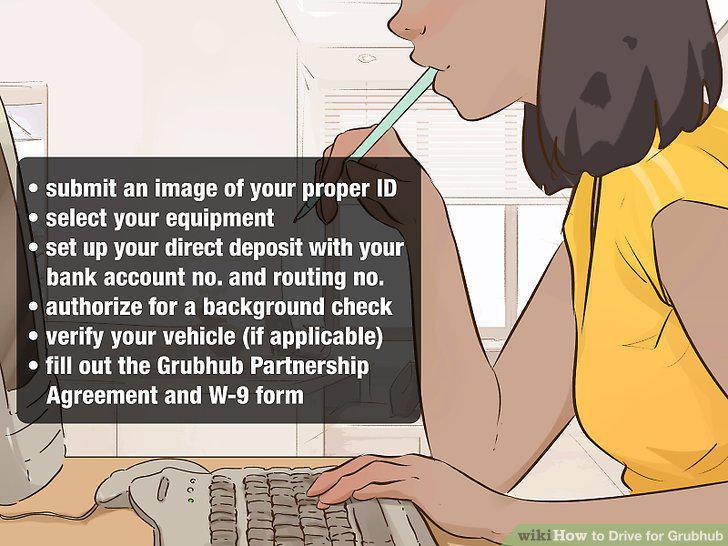
Go through Grubhub's online on-boarding process.
7
Attend online info sessions to learn how to drive deliveries.
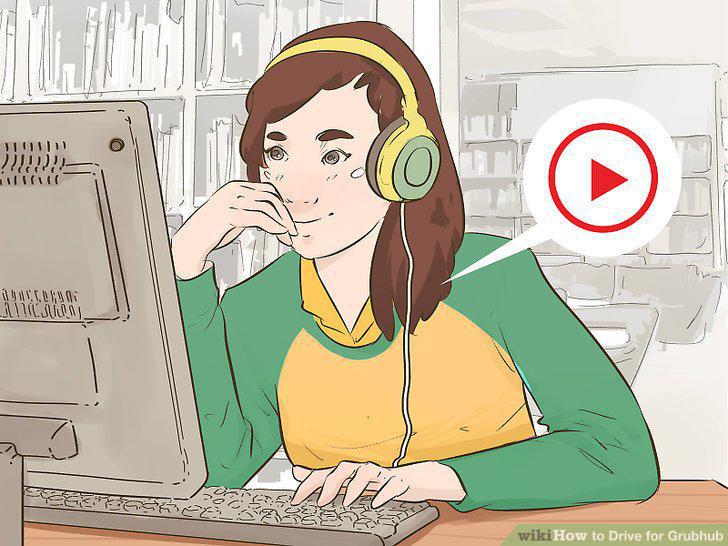
Attend online info sessions to learn how to drive deliveries.
8
Download the Grubhub driver's app.
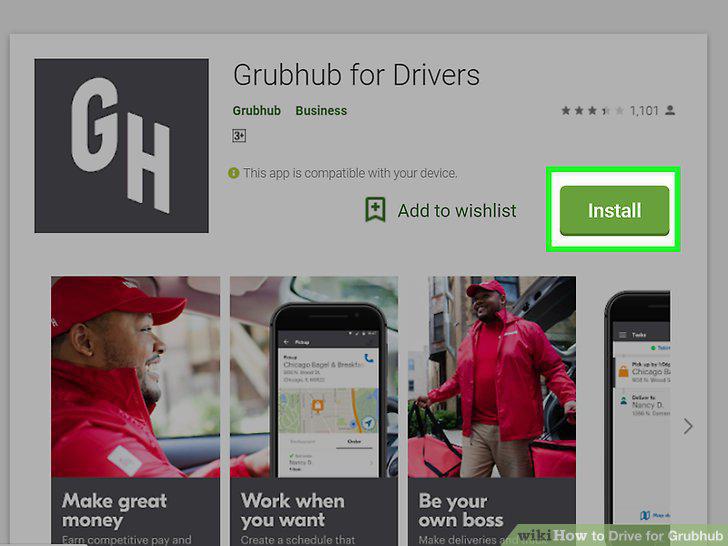
Download the Grubhub driver's app.
9
Set up your account in the Grubhub driver's app.
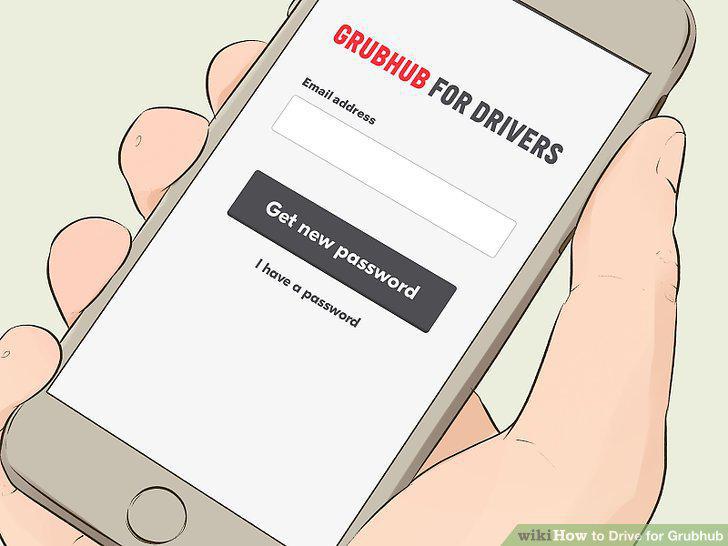
Set up your account in the Grubhub driver's app.
10
Pick up or receive your Grubhub gear in the mail.
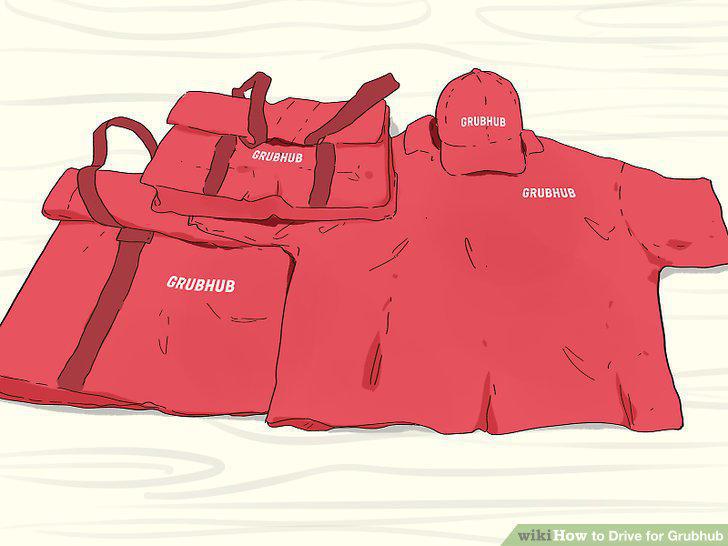
Pick up or receive your Grubhub gear in the mail.
11
Start accepting orders in the Grubhub driver's app.
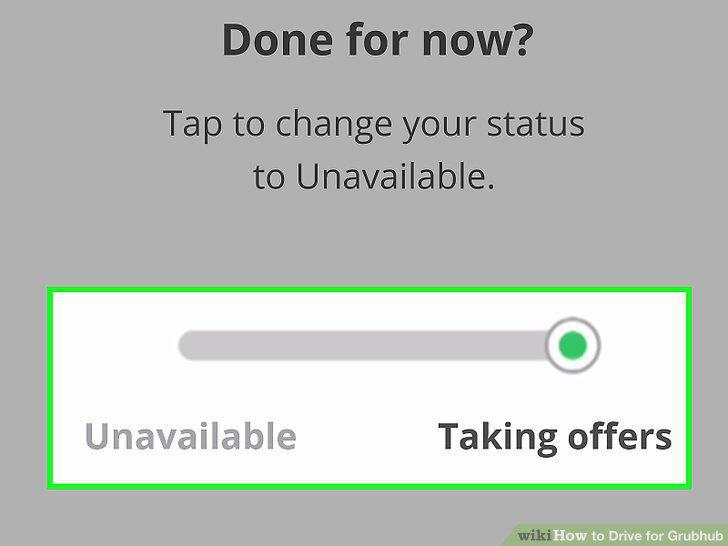
Start accepting orders in the Grubhub driver's app.
12
Make your first delivery for Grubhub.
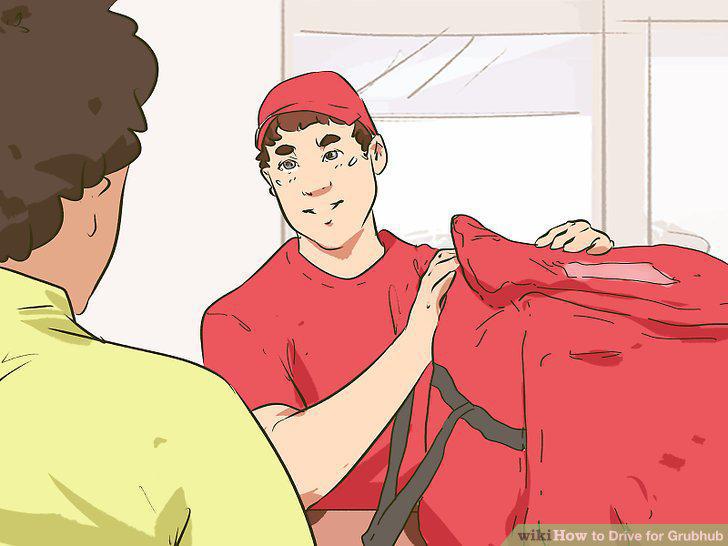
Make your first delivery for Grubhub.
13
Get paid for driving deliveries.
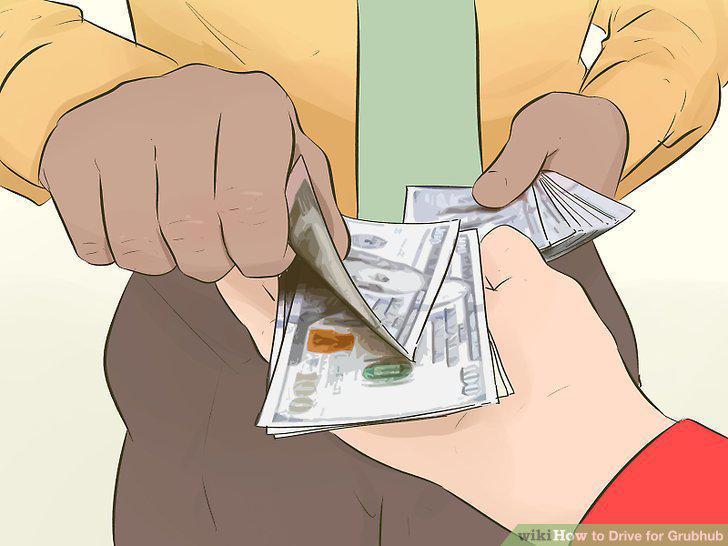
Get paid for driving deliveries.
Comments (0)
No comments yet. Be the first to share your thoughts!